 Streaming AppsStreaming Apps
 Streaming Apps
Streaming Apps Keep Crashing on Smart TV: Why It Happens
 TV Brand vs Brand
TCL vs Hisense TV: Which Brand Is Better for Streaming and Gaming?
 Streaming Apps
Prime Video Keeps Freezing or Buffering on TV: What to Do
 Tech & Specs
Understanding TV Response Times and Input Lag for Gaming
 TV Brand vs Brand
Sony vs Samsung TV: Which One Delivers the Best Motion Handling?
01Smart TV Apps Not Loading but Internet Works: How to Fix ItTV FIX GUIDE • PRACTICAL HELP02Streaming Apps Keep Crashing on Smart TV: Why It HappensTV FIX GUIDE • PRACTICAL HELP03TCL vs Hisense TV: Which Brand Is Better for Streaming and Gaming?TV FIX GUIDE • PRACTICAL HELP04Prime Video Keeps Freezing or Buffering on TV: What to DoTV FIX GUIDE • PRACTICAL HELP05Understanding TV Response Times and Input Lag for GamingTV FIX GUIDE • PRACTICAL HELP06Sony vs Samsung TV: Which One Delivers the Best Motion Handling?TV FIX GUIDE • PRACTICAL HELP
Smart TV Troubleshooting & Repair Guides
TV Fix Guide provides practical help for common Smart TV problems, streaming app errors, Wi-Fi and network issues, remote-control failures, picture and sound problems, setup questions, and model-specific troubleshooting. Browse step-by-step guides for major TV and streaming brands, compare likely causes, and start with low-risk checks before considering service or hardware repair.
Featured Guides
LatestPopular
Skyworth TV Repair
Skyworth TV Factory Reset Without a Remote
Learn how to reset a Skyworth TV without its remote using the TV’s physical controls, a temporary replacement remote, or a connected device.
TV Brand vs Brand
LG vs Sony OLED TV: Which Brand Should You Choose?
Latest Troubleshooting Guides
Streaming Apps
Amazon Prime Video Not Working on Smart TV: Troubleshooting Guide
Is Amazon Prime Video not working on your smart TV? Use these practical steps to fix loading, playback, sign-in, app, network, and sound problems.
Skyworth TV Repair
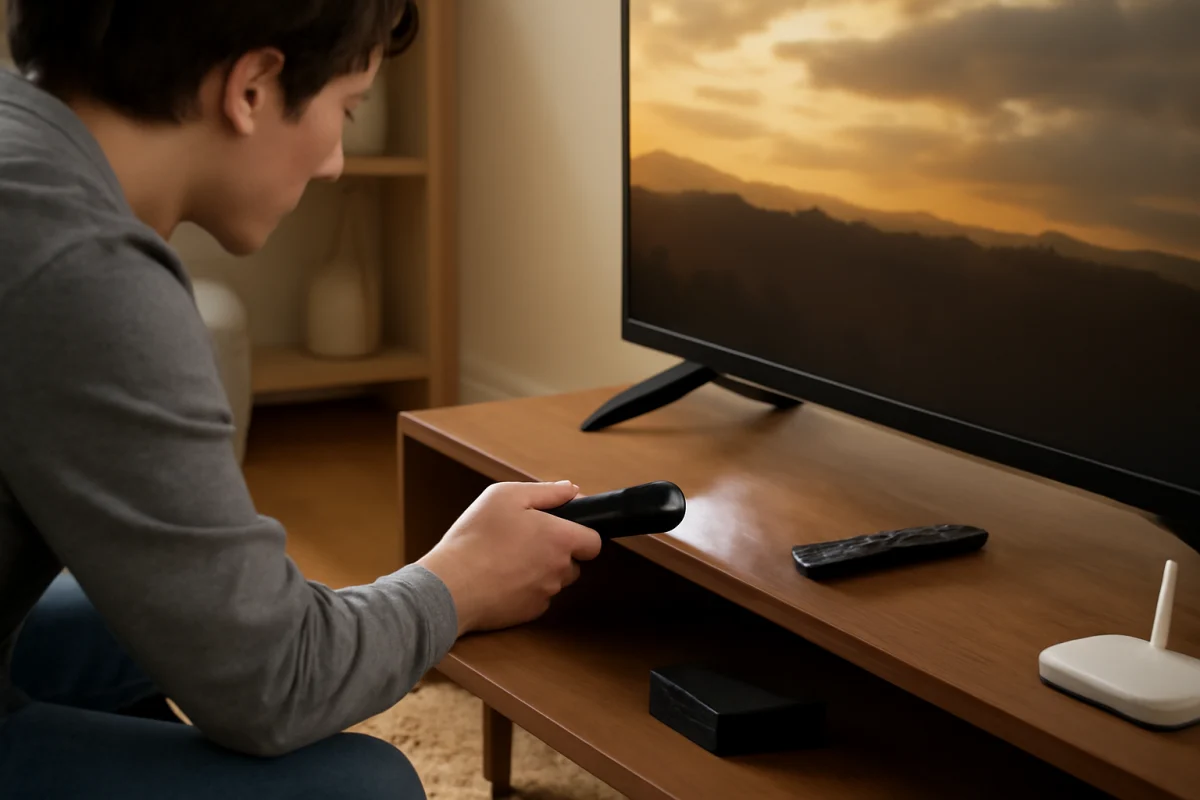
Skyworth TV Manual Buttons: Location and How to Use Them
Find the manual buttons on your Skyworth TV, learn what each control does, and troubleshoot power, input, volume, and menu problems when the remote is unavailable.
TV Brand vs Brand
Samsung vs TCL QLED TV: What Are the Real Differences?
Samsung and TCL both sell QLED TVs, but the label does not tell the whole story. Here is how they differ in picture quality, smart features, gaming, reliability, and value.
Tech & Specs
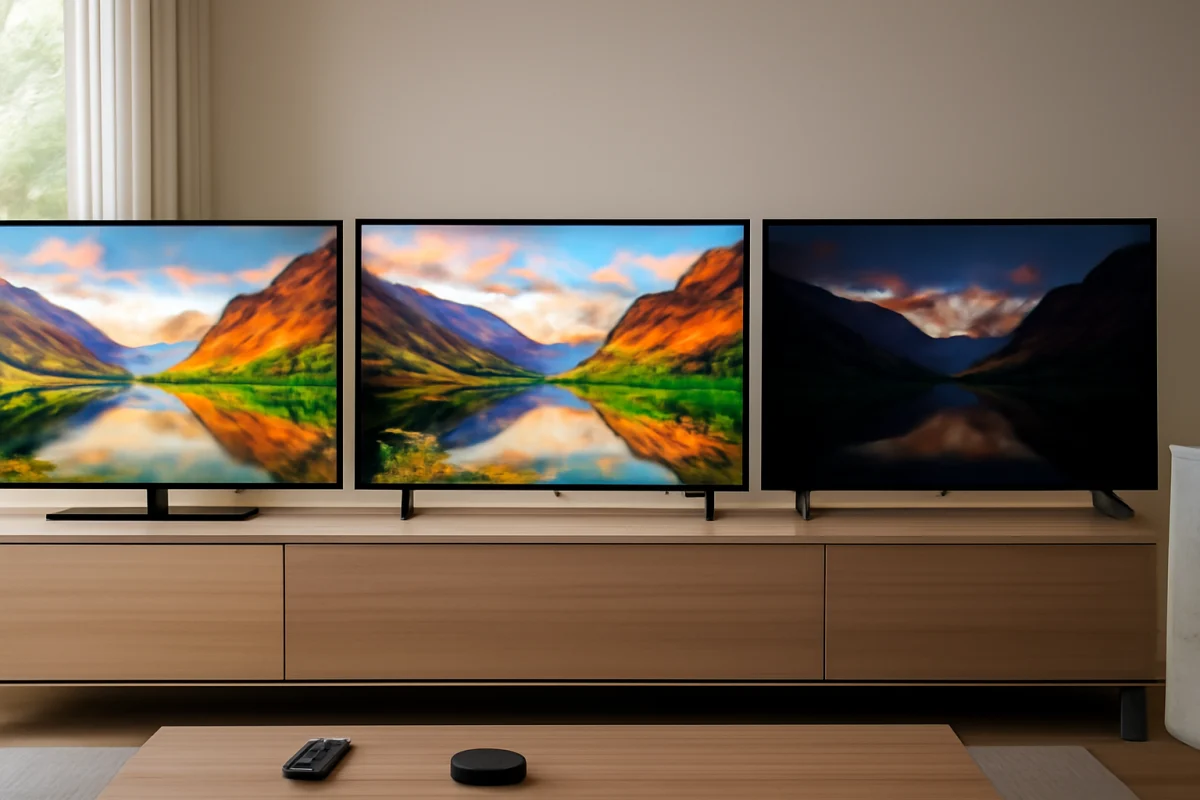
LED vs OLED vs QLED: Which Display Tech Should You Choose?
LED, OLED, and QLED TVs each excel in different situations. Learn how brightness, contrast, viewing habits, room lighting, gaming, and long-term care should guide your choice.
Streaming Apps
Disney Plus Not Working on Smart TV: Common Fixes
Disney Plus can stop working because of a temporary app problem, weak internet connection, outdated software, or account issues. Use these practical steps to restore streaming on your smart TV.
Streaming Apps
Hulu Keeps Buffering on Smart TV: What Causes It?
Hulu buffering on a smart TV is usually caused by an unstable connection, a temporary app problem, or an overloaded TV. Use these low-risk checks to find the cause and restore smooth playback.
Skyworth TV Repair
How to Hard Reset a Skyworth TV
Learn how to hard reset a Skyworth TV safely, including low-risk checks, menu reset steps, remote troubleshooting, and what to do if the screen is frozen.
Tech & Specs
How Peak Brightness Affects HDR Performance on TVs
Peak brightness affects how convincingly a TV displays HDR highlights, but brightness alone does not determine picture quality. Learn what it means and how to troubleshoot weak HDR.
TV Brand vs Brand
Hisense vs TCL TV: Which Brand Offers Better Value for Money?
Hisense and TCL both offer affordable smart TVs, but the better value depends on picture quality, software, gaming features, reliability expectations, and the specific model.
Tech & Specs
What Is Wide Color Gamut and How Does It Enhance TV Colors?
Wide color gamut allows a TV to display a broader range of colors than standard displays. Learn what it means, how it works, and when you can actually see the difference.