TCL TV
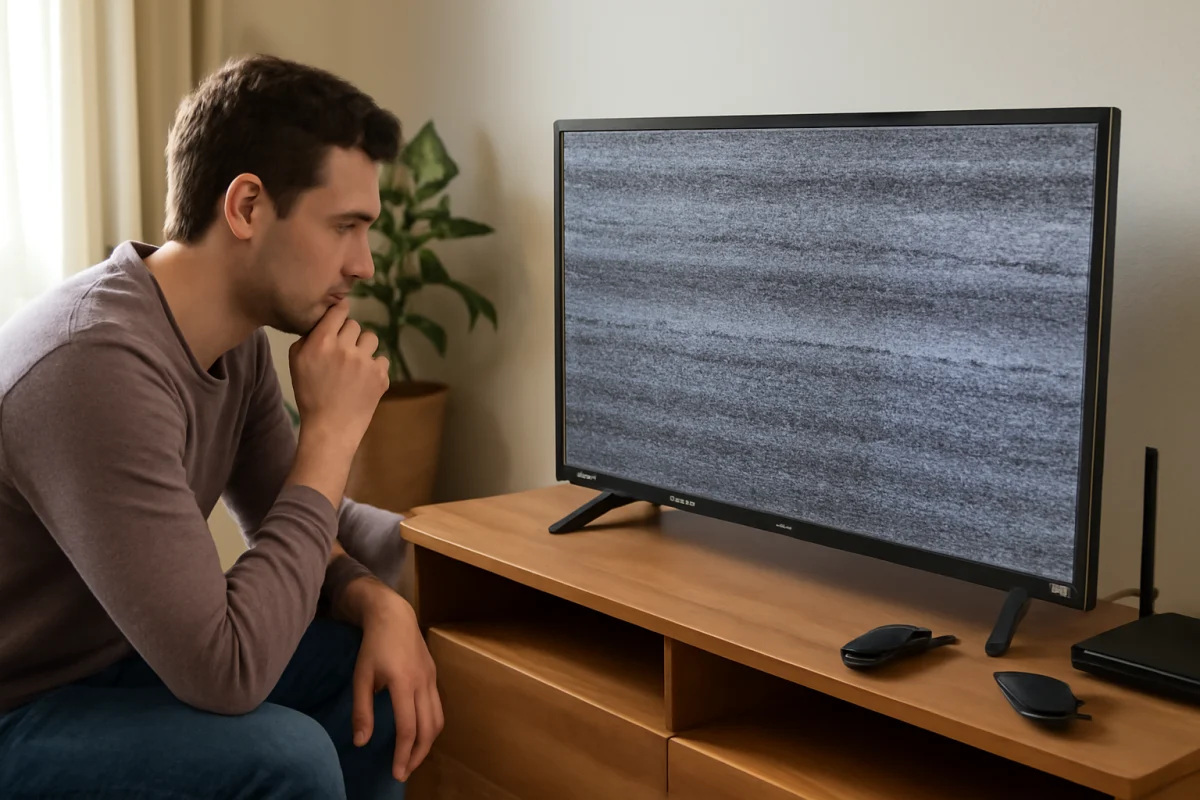
Screen Keeps Flickering While Watching TV
A flickering TCL TV screen can be caused by a loose cable, unstable input, picture setting, software issue, or failing hardware. Follow these checks in order.
Find practical TCL TV troubleshooting guidance for common setup, picture, sound, connectivity, app, and streaming problems. This category brings together clear, step-by-step information to help you understand what may be causing an issue and what to check next on a TCL television. Whether your TCL TV is not turning on, losing its internet connection, showing a blank screen, or having trouble with apps and audio, these guides are designed to make troubleshooting easier to follow. Browse the available TCL TV topics for straightforward explanations, useful checks, and potential solutions you can try at home. The focus is on helping you identify the problem and work through the relevant steps without unnecessary technical jargon.
Type the symptom, error message or feature that is not working. Results stay inside this category.
A flickering TCL TV screen can be caused by a loose cable, unstable input, picture setting, software issue, or failing hardware. Follow these checks in order.
A TCL TV that keeps restarting may have a power, remote, overheating, software, app, or connected-device problem. Follow these safe checks to find the cause.
A slow TCL TV is usually caused by temporary software issues, a crowded app cache, weak Wi-Fi, or limited available storage. Try these low-risk fixes first.
A TCL TV stuck on its startup logo may be caused by a temporary software freeze, a connected device, power instability, or a deeper hardware problem. Try these low-risk fixes first.
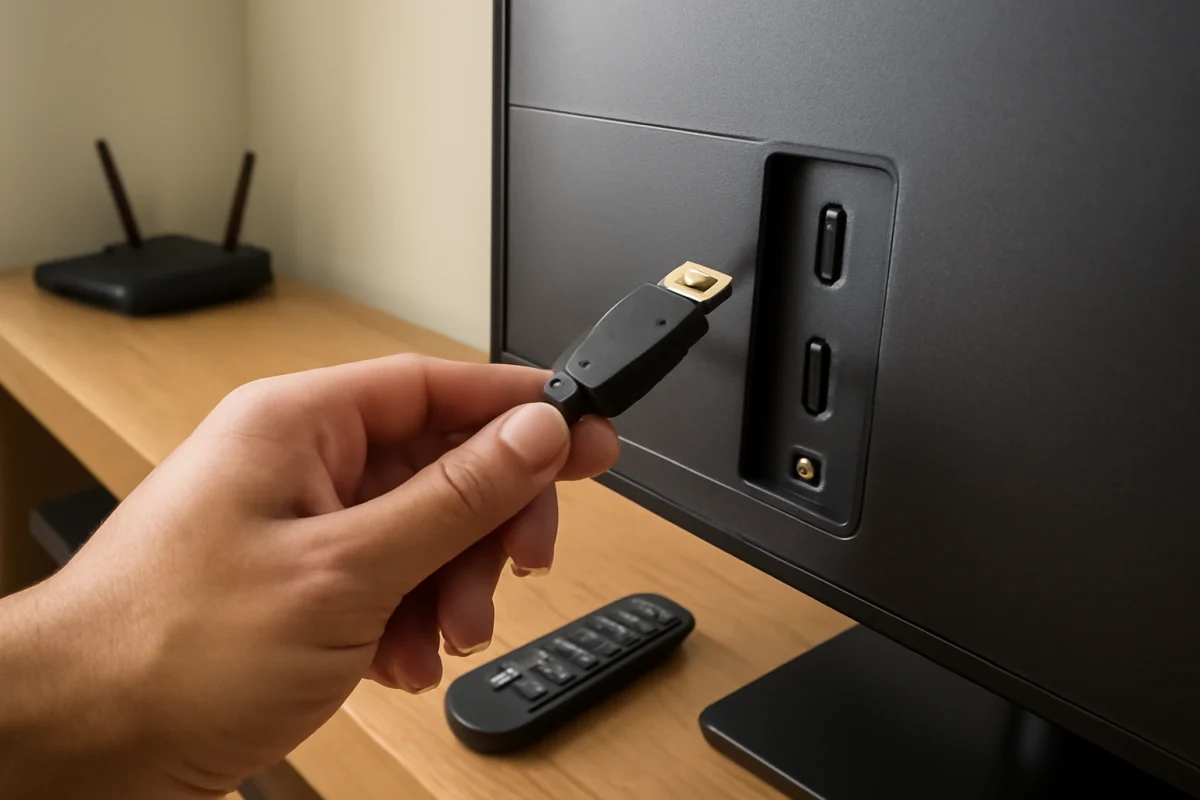
A TCL TV that says “No Signal” on an HDMI input usually has a source, cable, input-selection, or power issue. Follow these practical checks before resetting the TV.
A TCL TV black screen can come from a power problem, input issue, software glitch, backlight failure, or a connected device. Use these safe checks to find the cause.
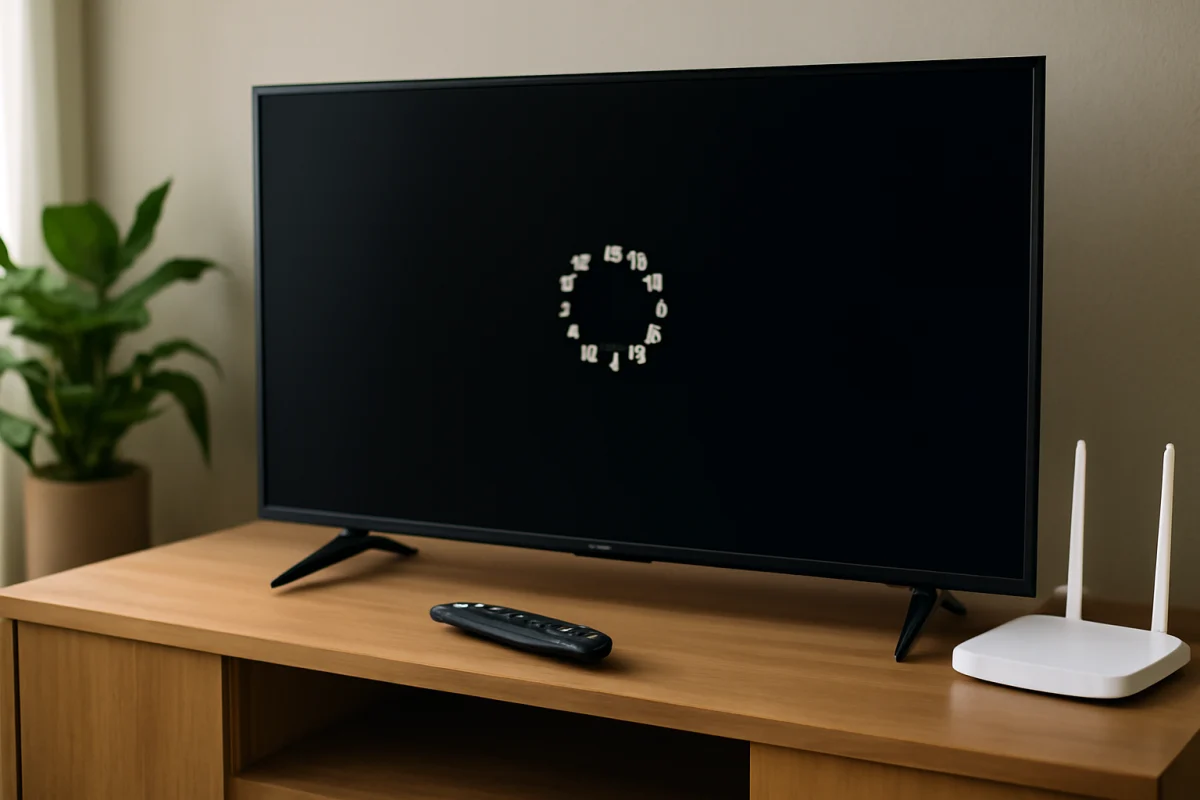
When apps will not open, freeze, or close on your TCL TV, the cause is usually a temporary software, network, storage, or app problem. Start with these low-risk fixes before resetting the TV.
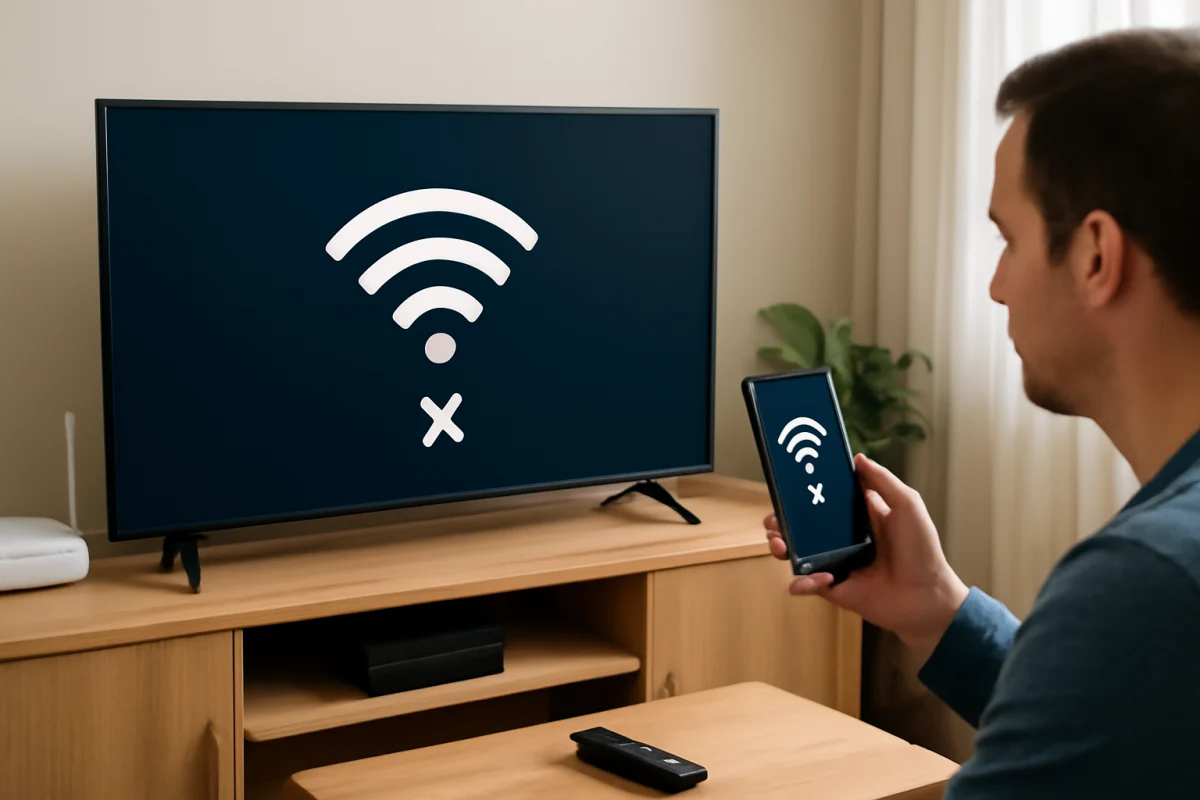
If your TCL TV keeps losing its Wi-Fi connection, use these practical steps to identify whether the problem is your network, TV settings, router, or streaming service.
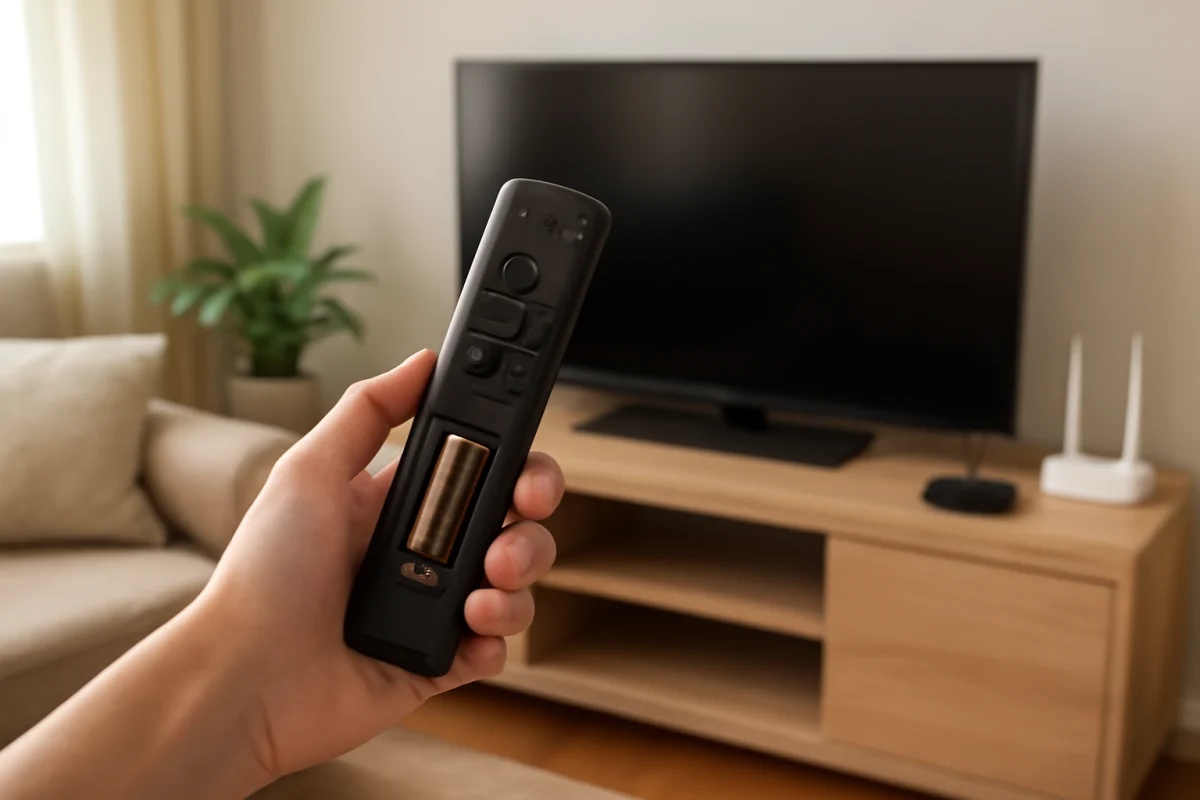
Is your TCL TV remote no longer responding? Follow these practical steps to check the batteries, pairing, signal path, TV software, and possible remote failure.
If your TCL TV displays a picture but produces no sound, check mute settings, audio output, connected devices, apps, and cables before trying a reset.