Sony TV
Why Does My Sony TV Keep Restarting?
A Sony TV that keeps restarting may have a power, overheating, connected-device, software, or hardware problem. These practical steps help identify the cause safely.
Find practical Sony TV troubleshooting guides for common smart TV and streaming problems. This category covers helpful steps for issues involving picture quality, sound, power, remote controls, Wi-Fi connections, apps, streaming features, settings, and everyday TV use. Whether your Sony TV is not responding, an app is having trouble, or a feature is not working as expected, these guides can help you identify possible causes and work through straightforward solutions. Each article is written for viewers who want clear instructions without unnecessary technical language. Use the Sony TV guides on TV Fix Guide to check settings, restart features, troubleshoot connected devices, and better understand common problems across different Sony TV experiences. The advice is intended for general troubleshooting and may vary depending on your TV model, software version, connected equipment, and home network. Refer to your model-specific documentation when a step differs from the instructions shown here.
Type the symptom, error message or feature that is not working. Results stay inside this category.
A Sony TV that keeps restarting may have a power, overheating, connected-device, software, or hardware problem. These practical steps help identify the cause safely.
If your Sony TV remote stopped working, start with the batteries, sensor, pairing, and input controls before trying a reset. These steps help identify the cause safely.
Fix streaming apps that freeze, buffer, crash, or close on a Sony TV with a practical sequence of network, app, software, and reset checks.
Is your Sony TV constantly losing its Wi-Fi connection? Follow these practical steps to identify whether the problem is your TV, router, network signal, or streaming service.
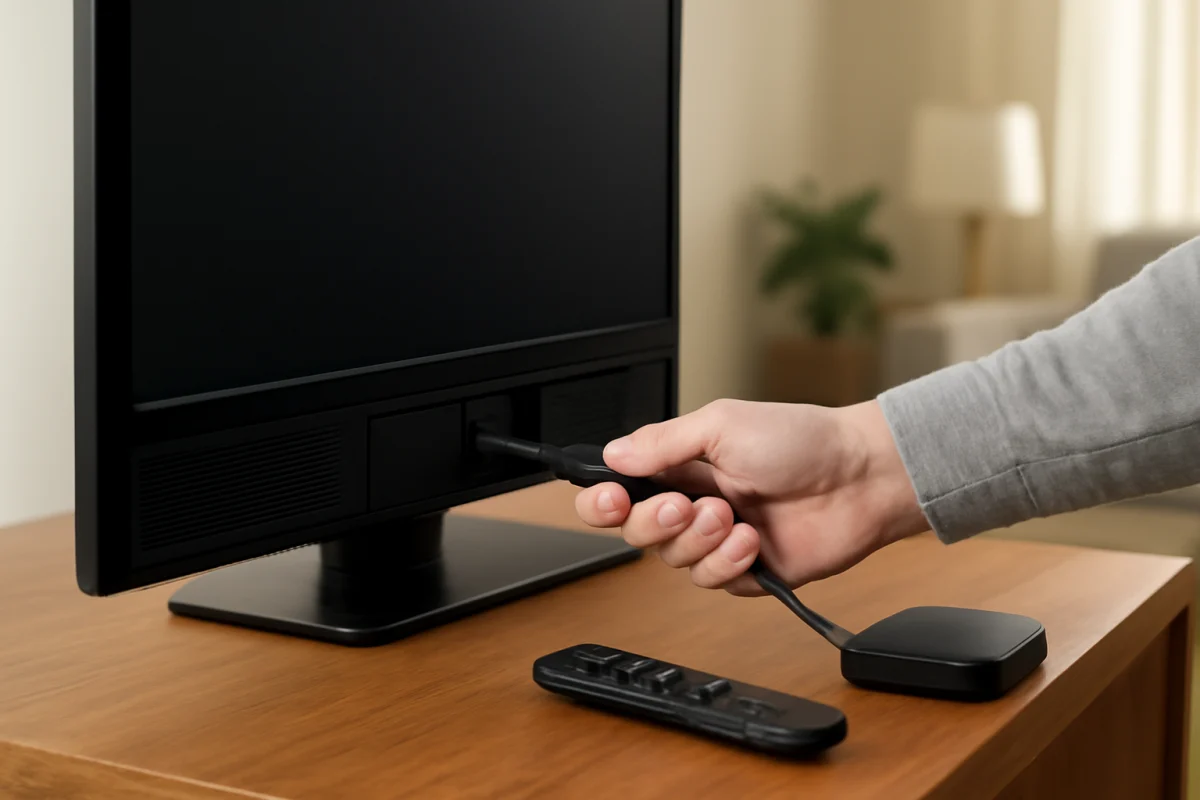
A Sony TV showing “No Signal” on HDMI usually has a source, cable, port, or power-state problem. Follow these safe checks to find the cause.
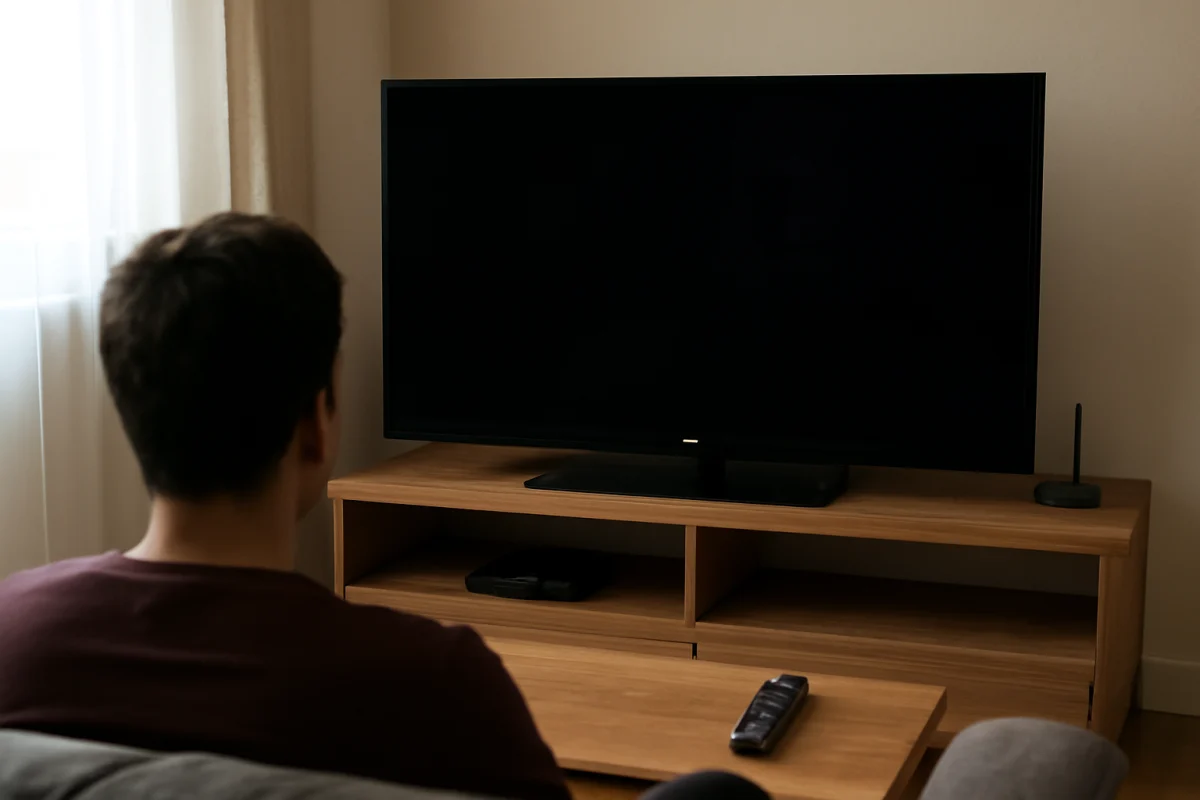
A Sony TV may look too dark because of picture settings, power-saving features, the source device, or a developing hardware problem. Use these checks to find the cause safely.
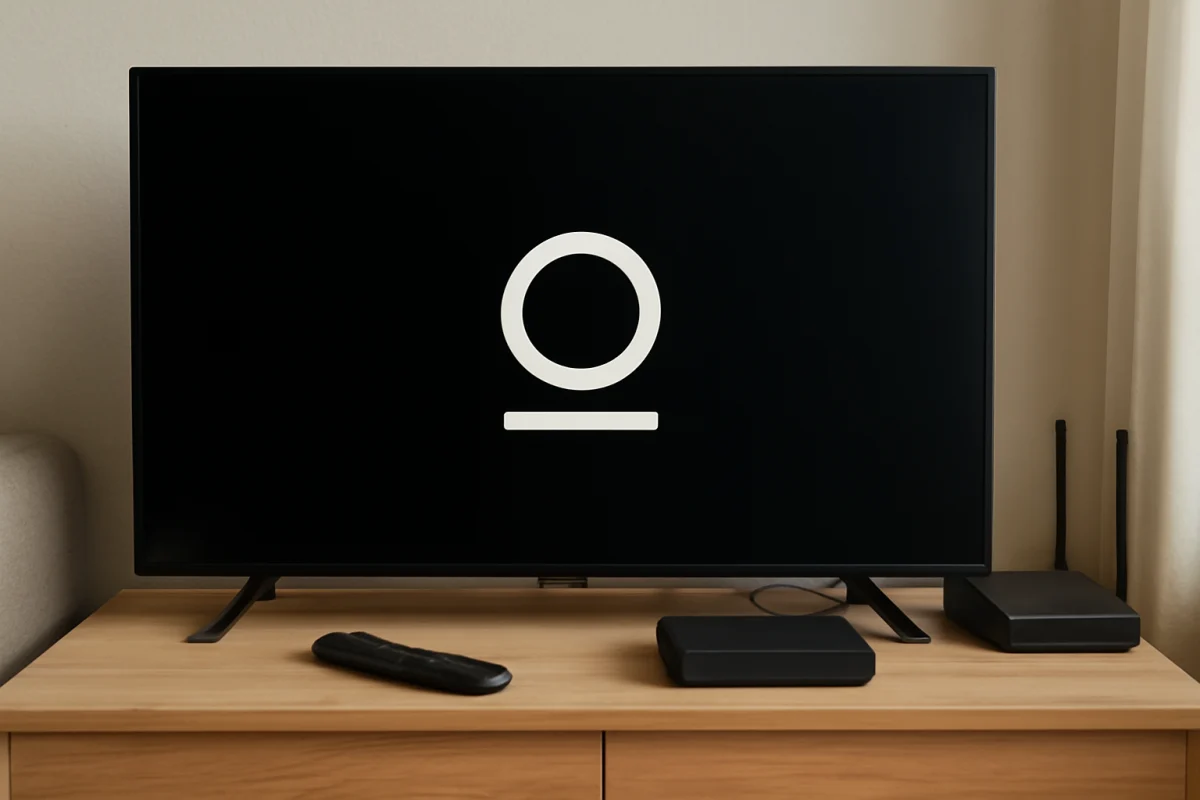
Is your Sony TV stuck on the startup screen? Follow these safe troubleshooting steps to identify whether the problem is caused by the remote, power, connected devices, software, or hardware.
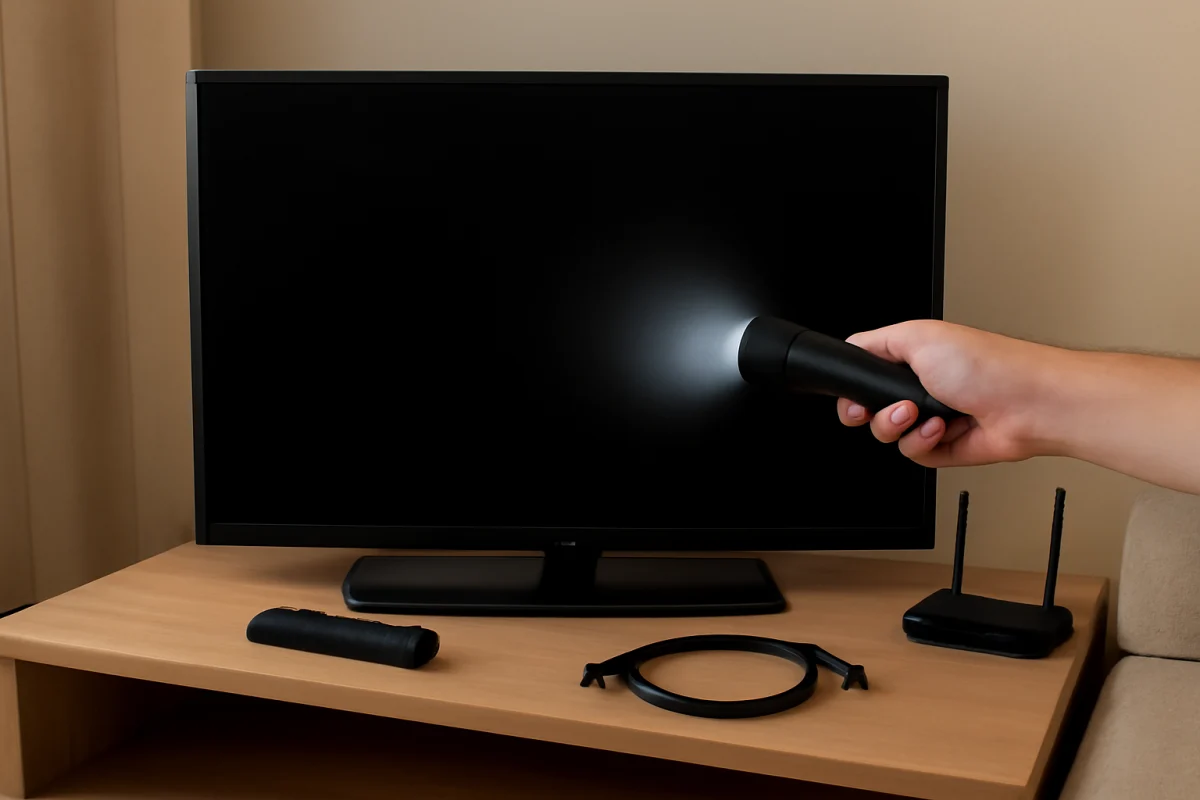
If your Sony TV has sound but no picture, check the input, power-cycle the TV, test the built-in menu, and use a flashlight test to identify the cause.
A blurry Sony TV picture may come from the source, connection, picture settings, or signal quality. Use these practical checks to find the cause without resetting the TV first.
A slow Sony TV is often caused by too many open apps, limited free storage, network delays, outdated software, or a remote-control problem. Try these low-risk fixes first.