Find practical Fire TV troubleshooting guides for common streaming and smart TV problems. This category covers clear steps to help you understand issues with Fire TV devices, apps, connectivity, playback, settings, and everyday use. Whether your Fire TV is not responding, content will not play, or a feature is difficult to locate, these guides are designed to make troubleshooting easier to follow. Each article focuses on a specific question or problem and explains possible solutions in straightforward language, so you can work through the issue at your own pace. Use the Fire TV guides to learn more about device behavior, resolve common interruptions, and get back to watching your preferred content. The information is intended for general troubleshooting and may apply differently depending on your device, app, software version, or home network setup. Browse the latest Fire TV topics for useful guidance when you need help identifying or fixing a problem.
FIND YOUR PROBLEM
Search Fire TV troubleshooting guides
Type the symptom, error message or feature that is not working. Results stay inside this category.
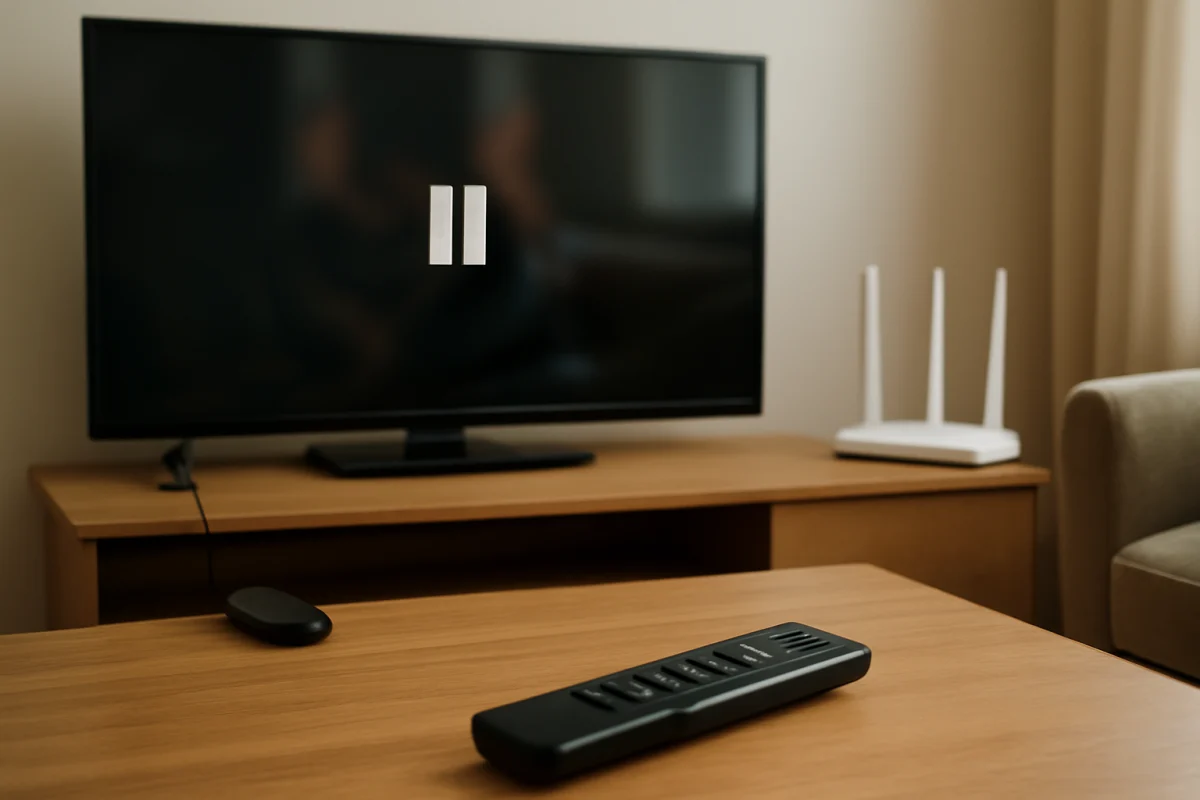
If streaming keeps stopping on your Fire TV, the cause is usually an unstable connection, a busy app, limited device storage, or a temporary software problem. Work through these checks in order.
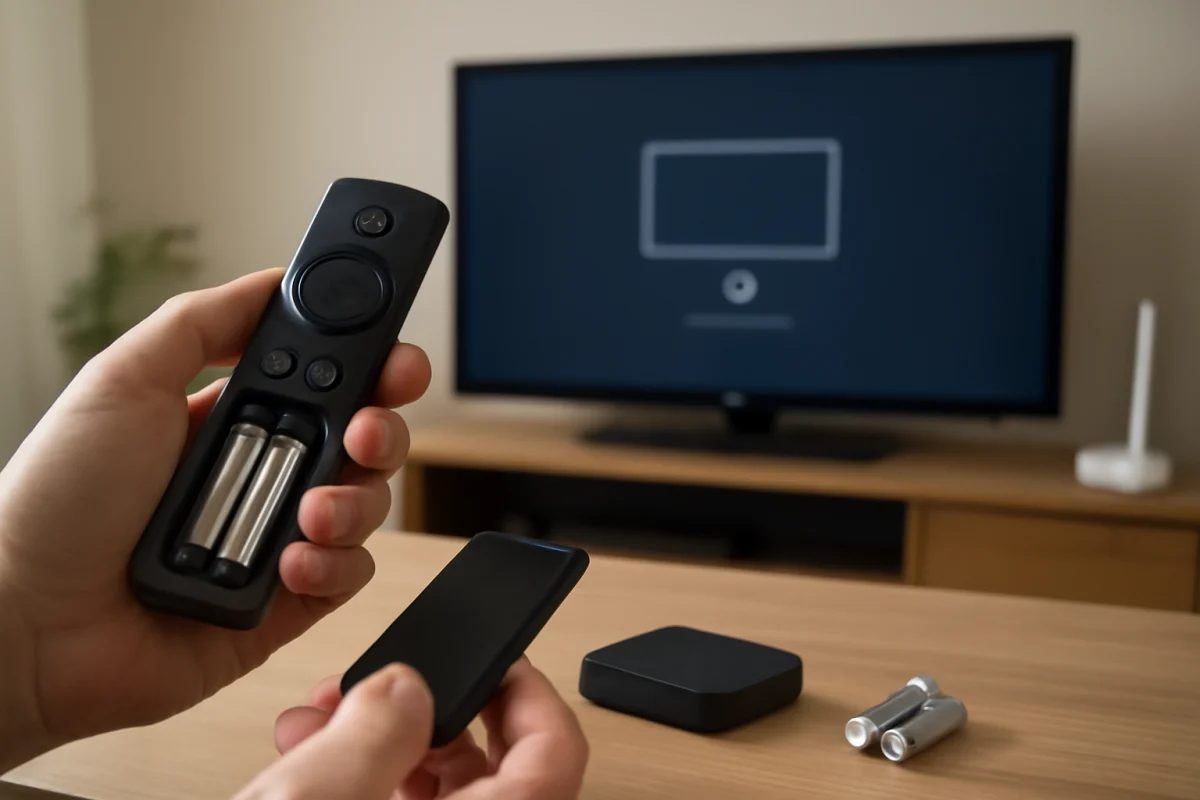
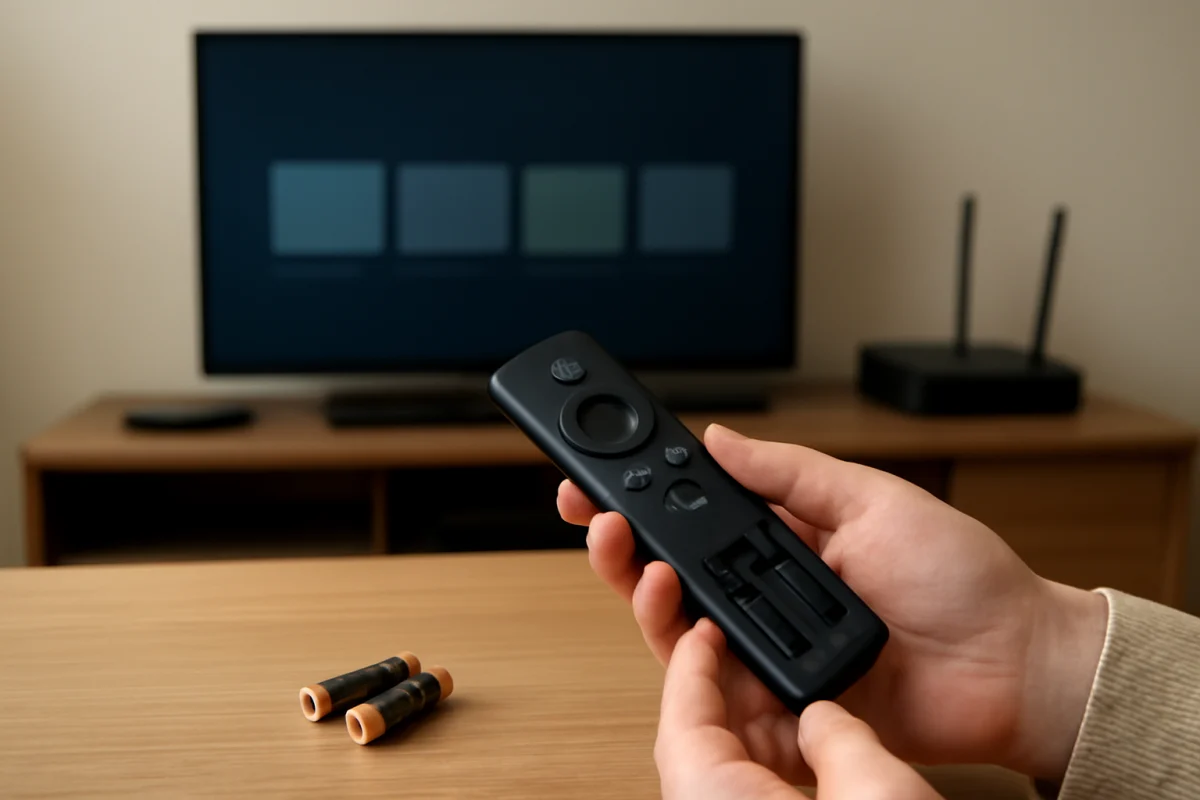
Having trouble pairing a Fire TV remote? Start with fresh batteries and simple power checks, then work through pairing, interference, compatibility, and reset options.
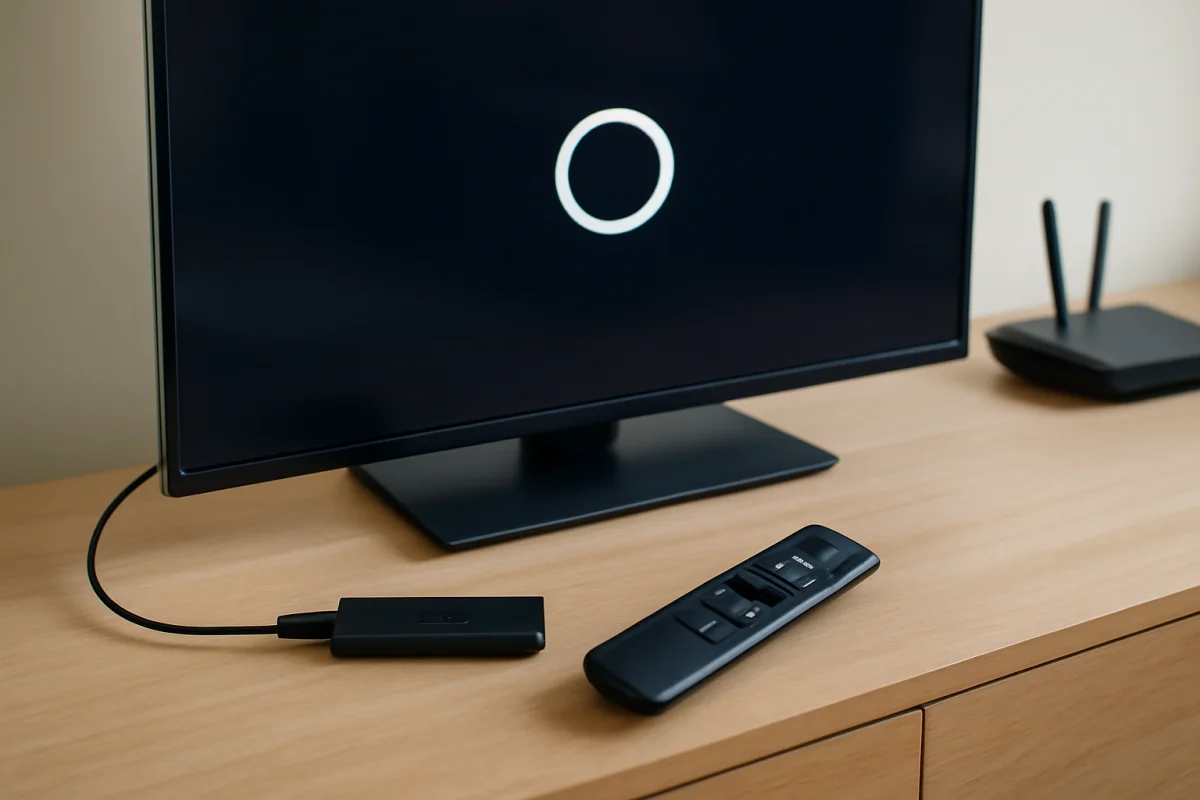
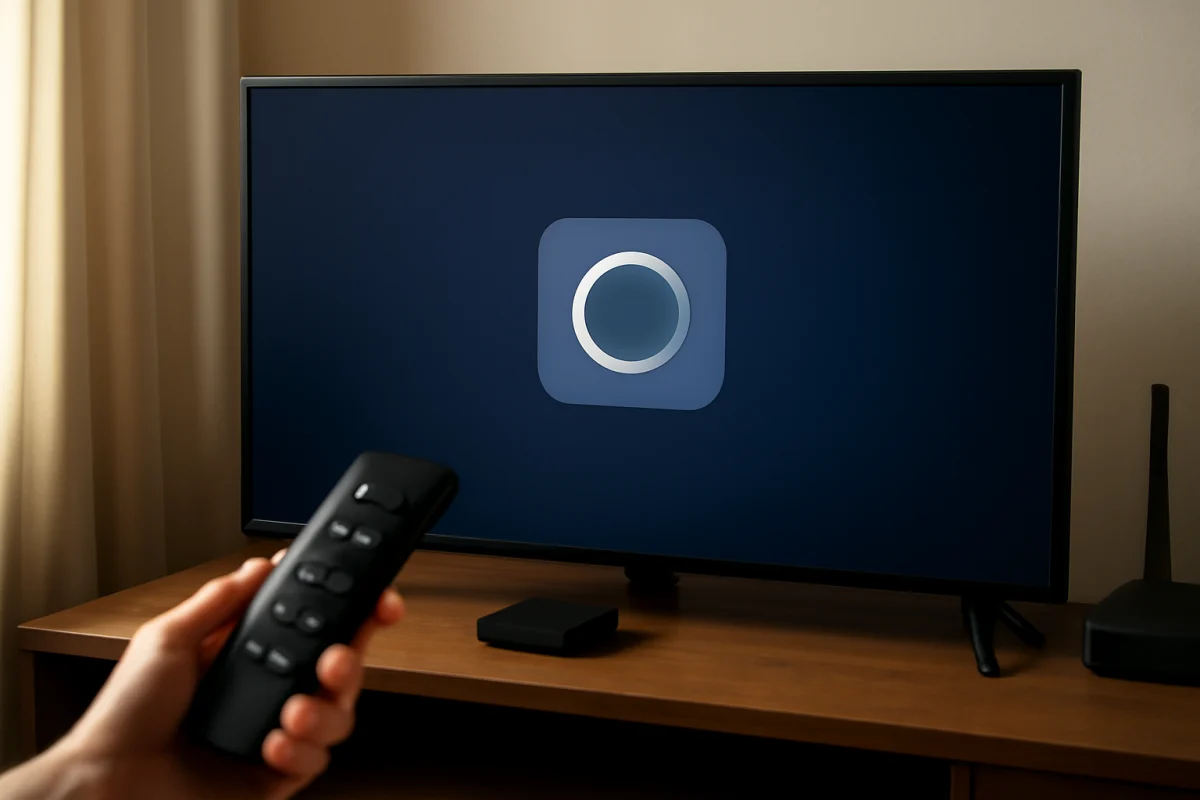
A Fire TV stuck on the logo usually points to a power, HDMI, startup, or software problem. Work through these low-risk fixes before considering a reset.
Is your Fire TV remote suddenly unresponsive? Follow these low-risk checks to identify battery, pairing, interference, software, and hardware problems.
A Fire TV that keeps freezing is usually dealing with a temporary software glitch, weak network connection, limited storage, overheating, or an app problem. Use these low-risk checks to find the cause and restore smoother streaming.
A slow Fire TV is usually caused by limited storage, too many background processes, weak Wi-Fi, or an app problem. Try these safe fixes before resetting it.
If your Fire TV has sound but no picture, use these low-risk checks to identify whether the problem is the TV input, HDMI connection, Fire TV device, app, or display hardware.
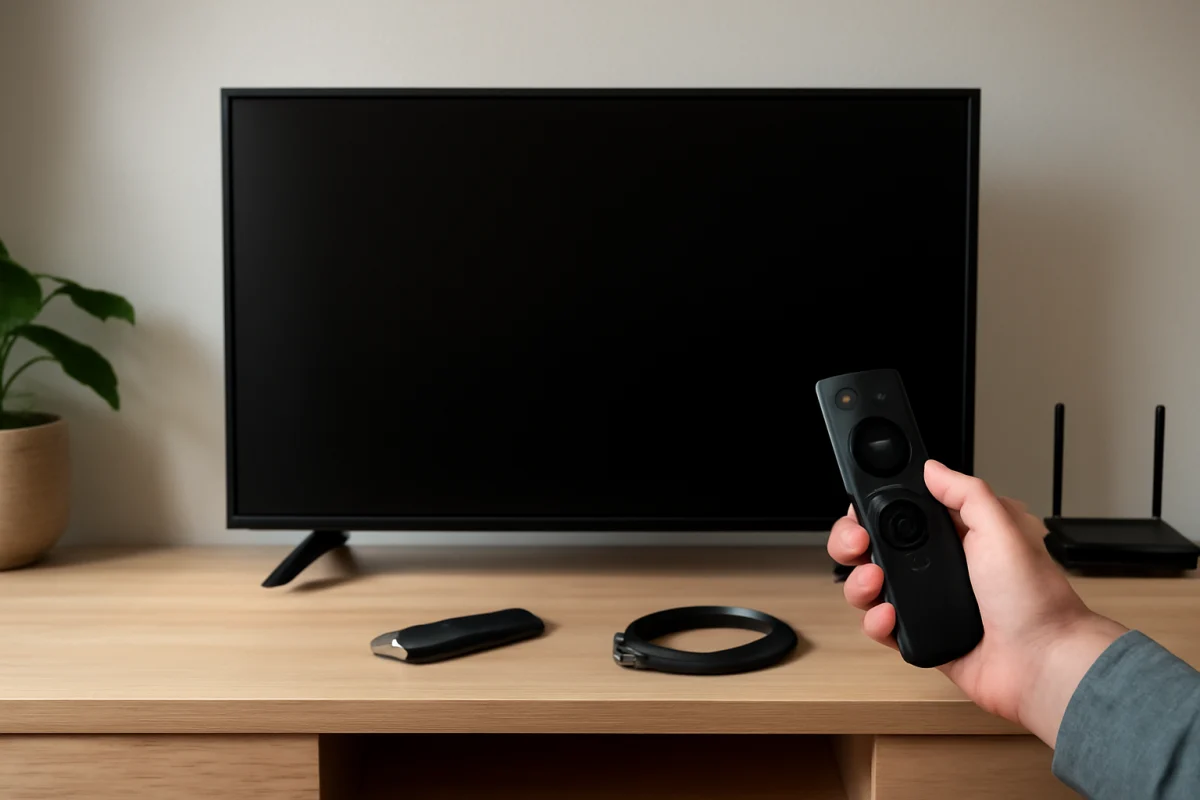
A Fire TV black screen can come from a loose connection, wrong input, power problem, software freeze, or display failure. Use these low-risk checks to find the cause.