Philips TV Repair
How to Reset a Philips TV With the Remote
Learn how to restart, reset picture settings, or perform a full factory reset on a Philips TV using the remote, with model-safe troubleshooting steps.
Expert troubleshooting guides and practical repair solutions for Philips TV issues. Find step-by-step instructions to fix common screen problems, power failures, picture distortion, and sound errors quickly and safely.
Type the symptom, error message or feature that is not working. Results stay inside this category.
Learn how to restart, reset picture settings, or perform a full factory reset on a Philips TV using the remote, with model-safe troubleshooting steps.
Find out which 4-digit code your Philips TV is requesting and where to look for a pairing code, parental PIN, or remote-control setup code.
Forgot the PIN for your Philips TV? Learn which reset options may work, what changes by model, and how to avoid losing settings unnecessarily.
Learn how to reset a Philips TV when the screen is black or unusable, starting with safe power checks and then trying model-dependent button and remote methods.
A black Philips TV screen with working sound is often caused by an input, backlight, cable, or software problem. Use these safe checks to find the cause.
A black screen does not always require a factory reset. Follow these safe power, input, remote, and reset checks to restore your Philips TV or identify a likely hardware fault.
Is your Philips TV playing sound with a black screen? Follow these practical checks to identify an input, settings, backlight, cable, or hardware problem.
Most Philips TVs sold in the United States are not manufactured in the USA. Learn how to check your TV’s country of origin, identify the responsible manufacturer, and understand what the label means.
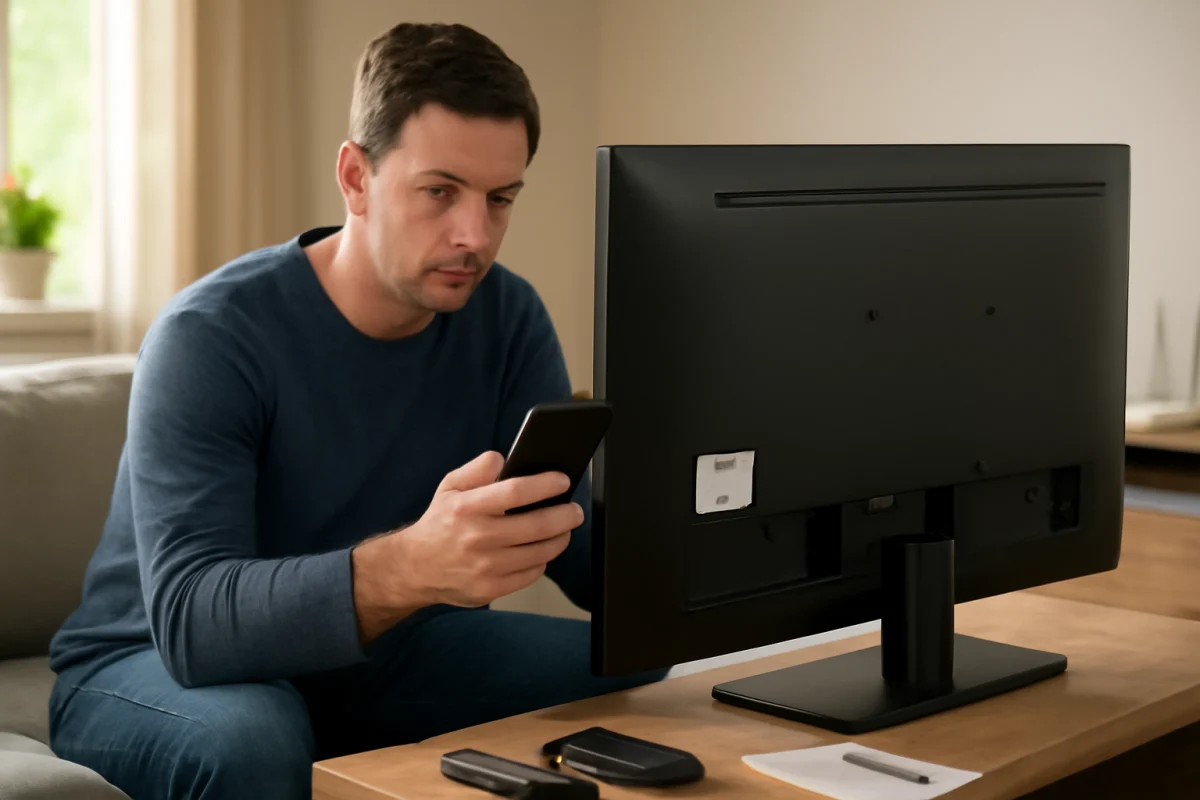
The commonly listed Philips TV customer service number in the USA is 1-866-309-3263. Learn how to verify the number, prepare for support, and troubleshoot safely before calling.
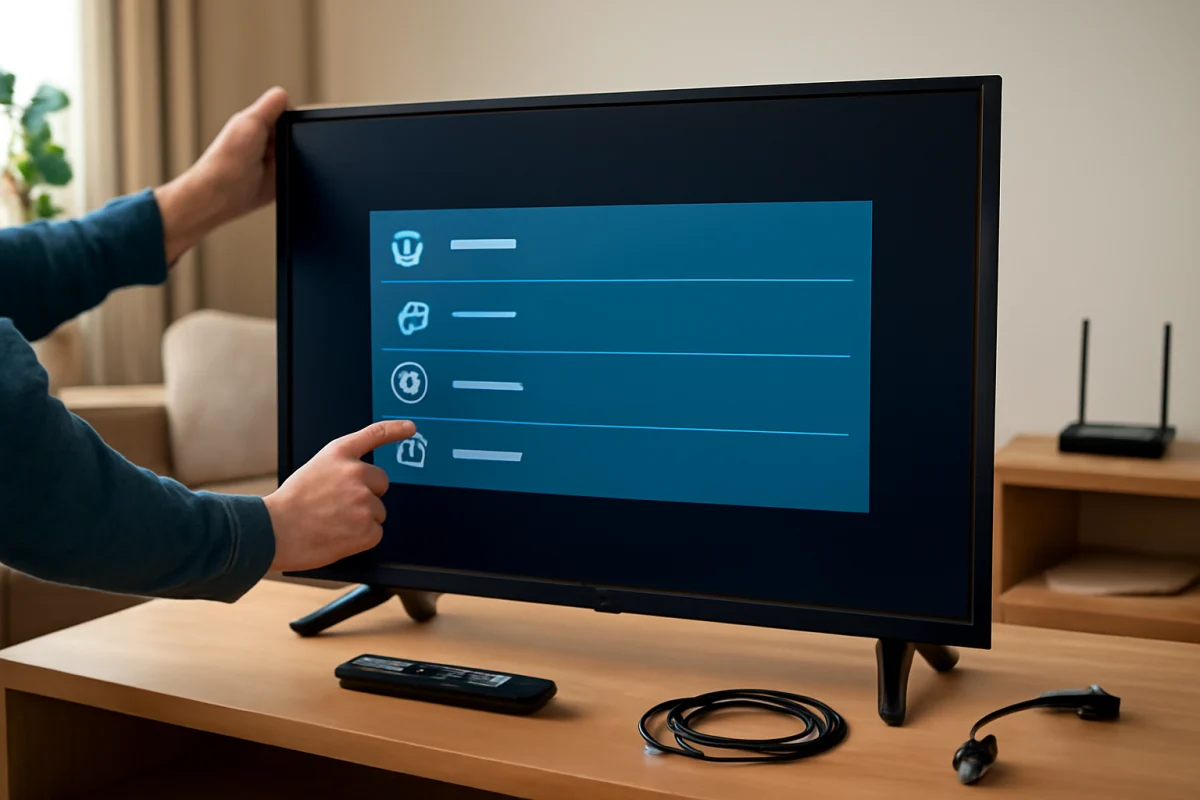
Fix a Philips TV that will not turn on, has no picture or sound, loses Wi-Fi, or responds poorly to the remote with these safe, model-aware troubleshooting steps.