LG TV
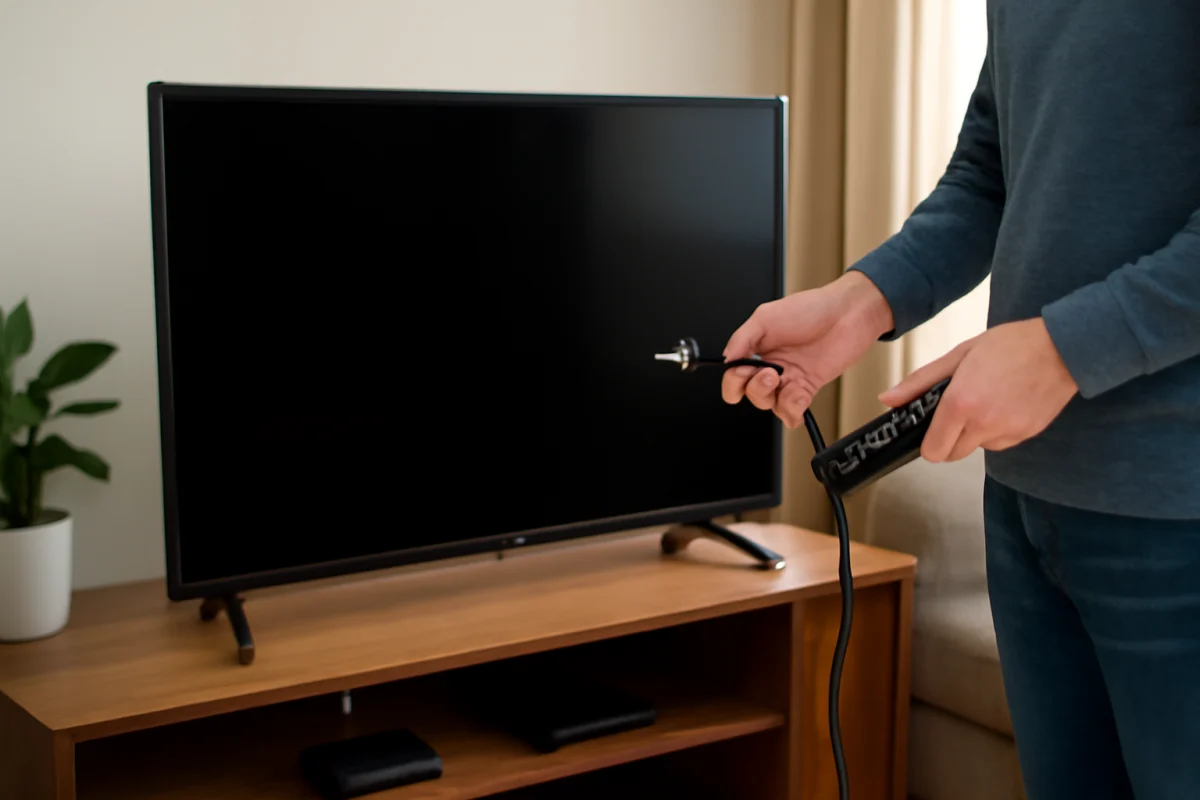
Why Does My LG TV Keep Turning Off?
An LG TV that keeps turning off may have a power, remote, timer, overheating, software, or hardware problem. Use these practical checks to find the cause safely.
Find practical LG TV troubleshooting guides for common picture, sound, connection, app, remote, and smart TV issues. This category is designed to help you understand what may be causing a problem and follow clear steps to check settings, connections, and basic TV functions. Whether your LG TV is not turning on, experiencing display problems, losing access to streaming apps, or behaving unexpectedly, these articles provide focused information for working through the issue at home. Guides may also cover setup questions, error messages, input problems, network connectivity, and other everyday concerns affecting LG televisions. Use the available articles to narrow down the symptoms, try appropriate troubleshooting steps, and determine what to check next. The content is written for LG TV owners and viewers who want straightforward explanations without unnecessary technical language. As with any device troubleshooting, follow the instructions carefully and consult your TV’s documentation when a step depends on a specific model or software version.
Type the symptom, error message or feature that is not working. Results stay inside this category.
An LG TV that keeps turning off may have a power, remote, timer, overheating, software, or hardware problem. Use these practical checks to find the cause safely.
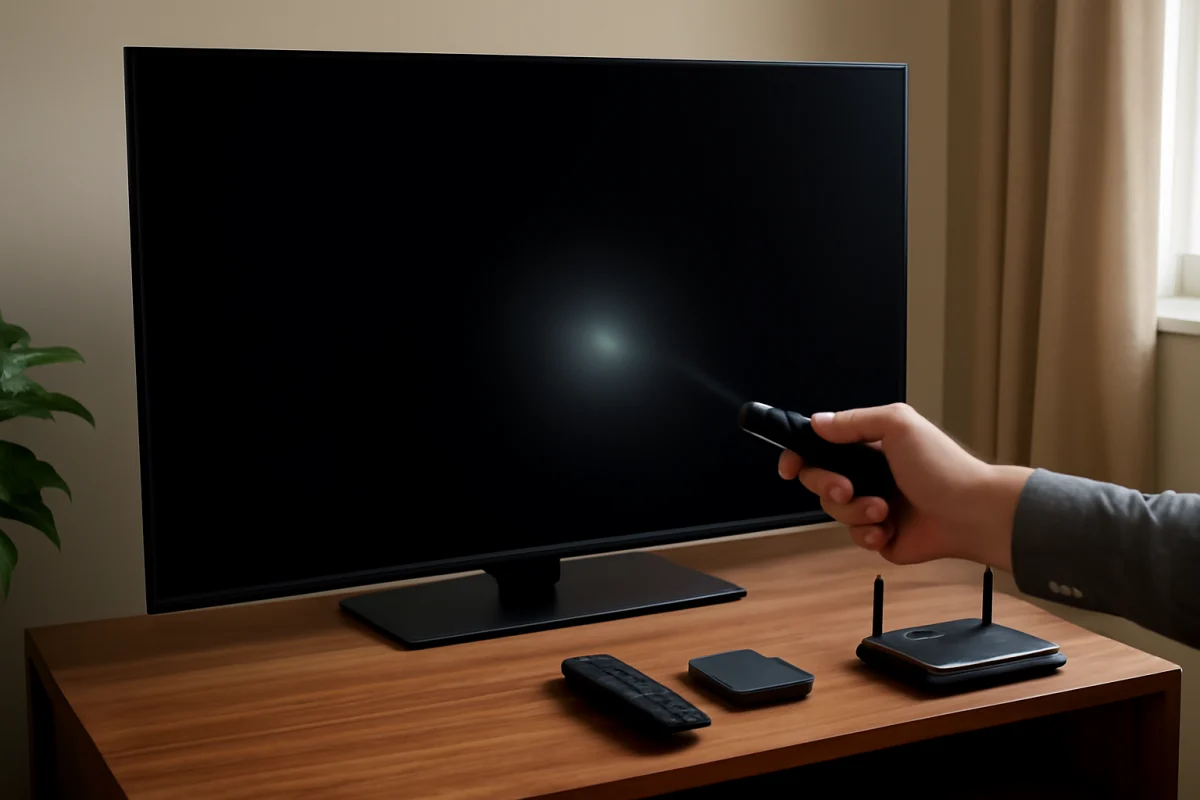
If your LG TV has sound but a black screen, use these step-by-step checks to determine whether the problem is the input, settings, backlight, cable, or internal hardware.
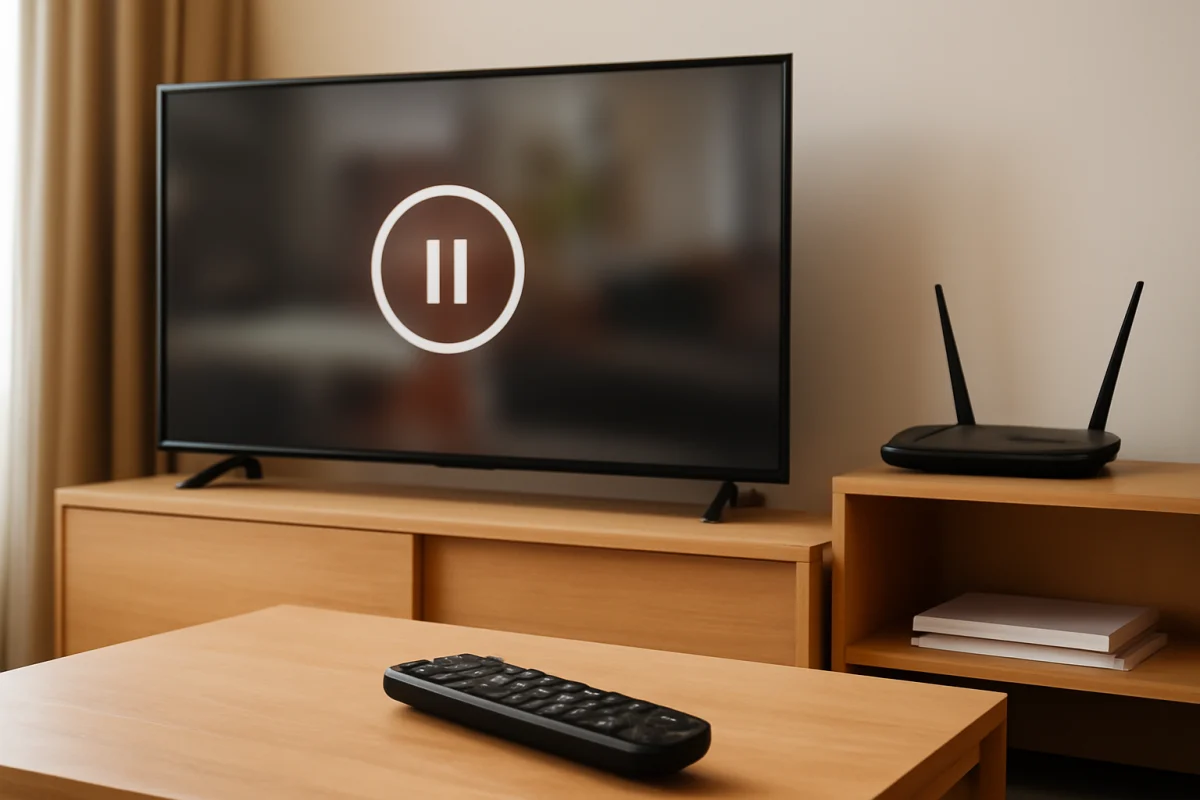
Find out why your LG TV keeps losing Wi-Fi during streaming and work through practical fixes, from router checks to TV network settings and service testing.
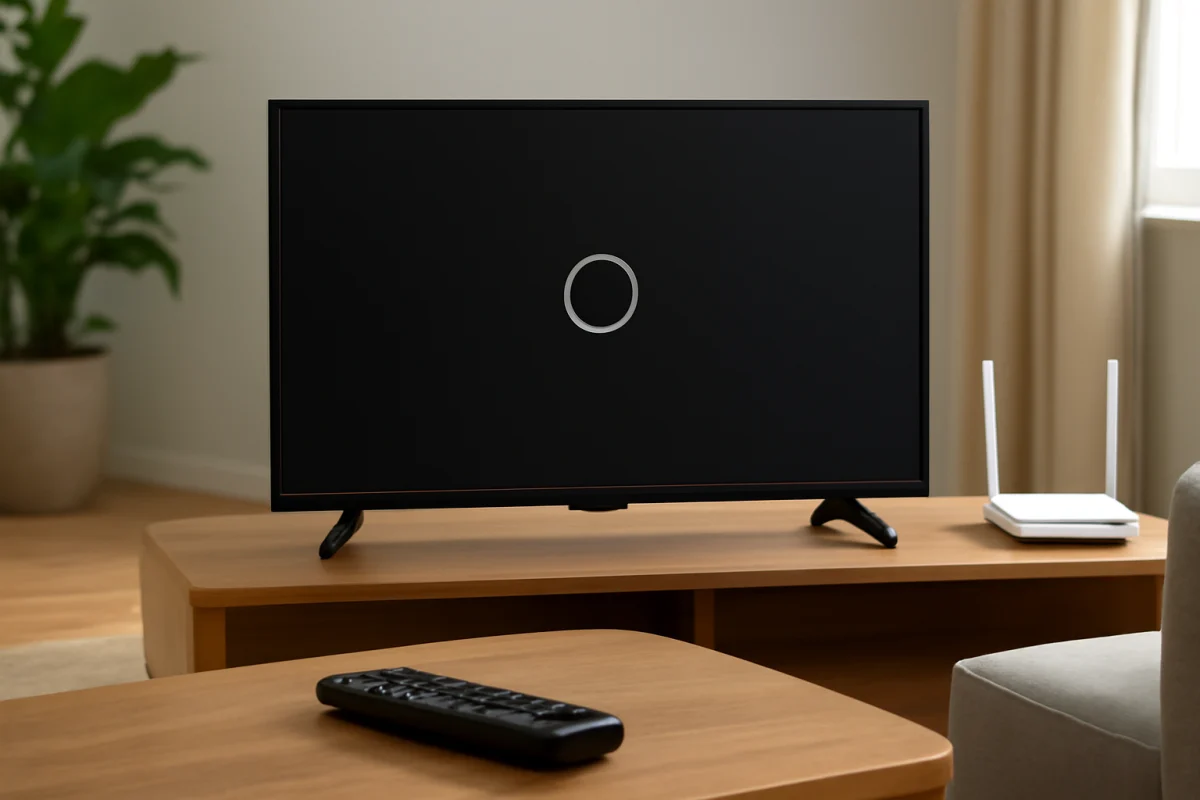
Is an app stuck loading, closing immediately, or refusing to open on your LG TV? Work through these low-risk fixes before resetting the television.
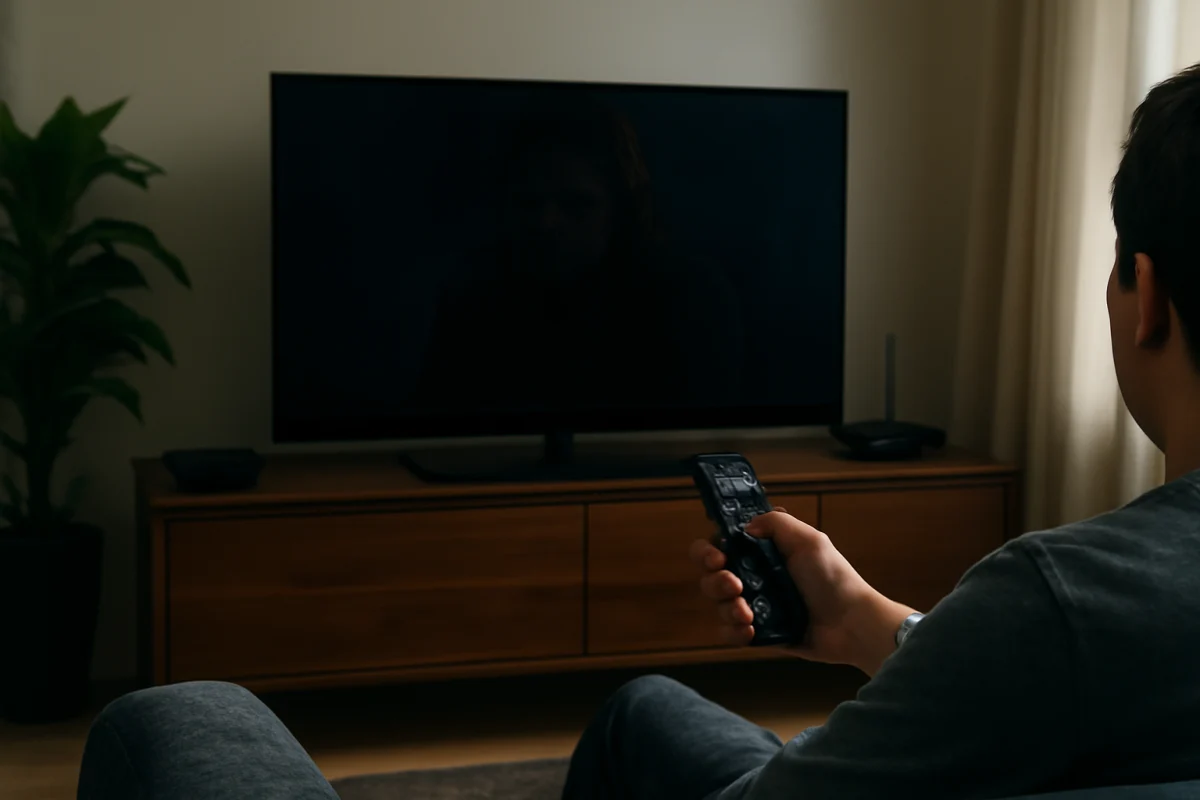
An LG TV screen that looks unusually dark may be affected by picture settings, ambient light controls, an input problem, or a hardware fault. Use these low-risk checks to find the cause.
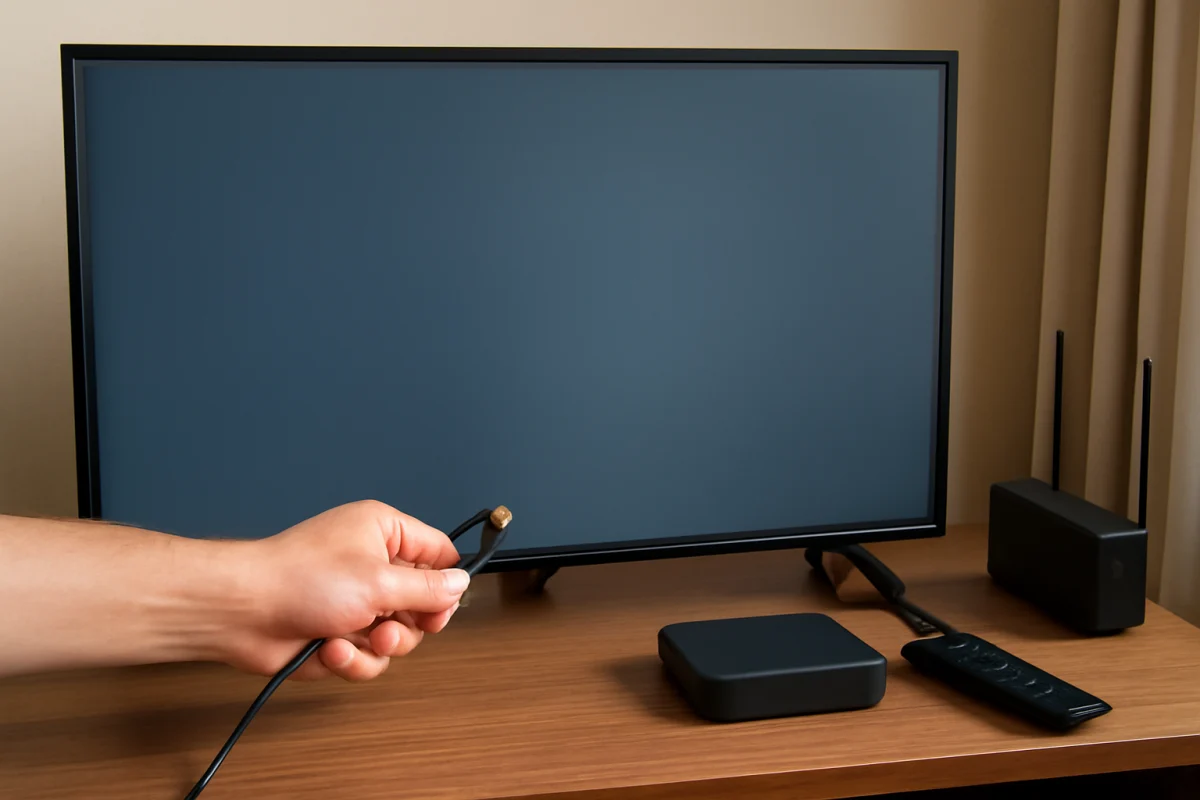
An LG TV showing “No Signal” on an HDMI input usually has a source, cable, input selection, or power-state problem. Follow these safe checks to find the cause.
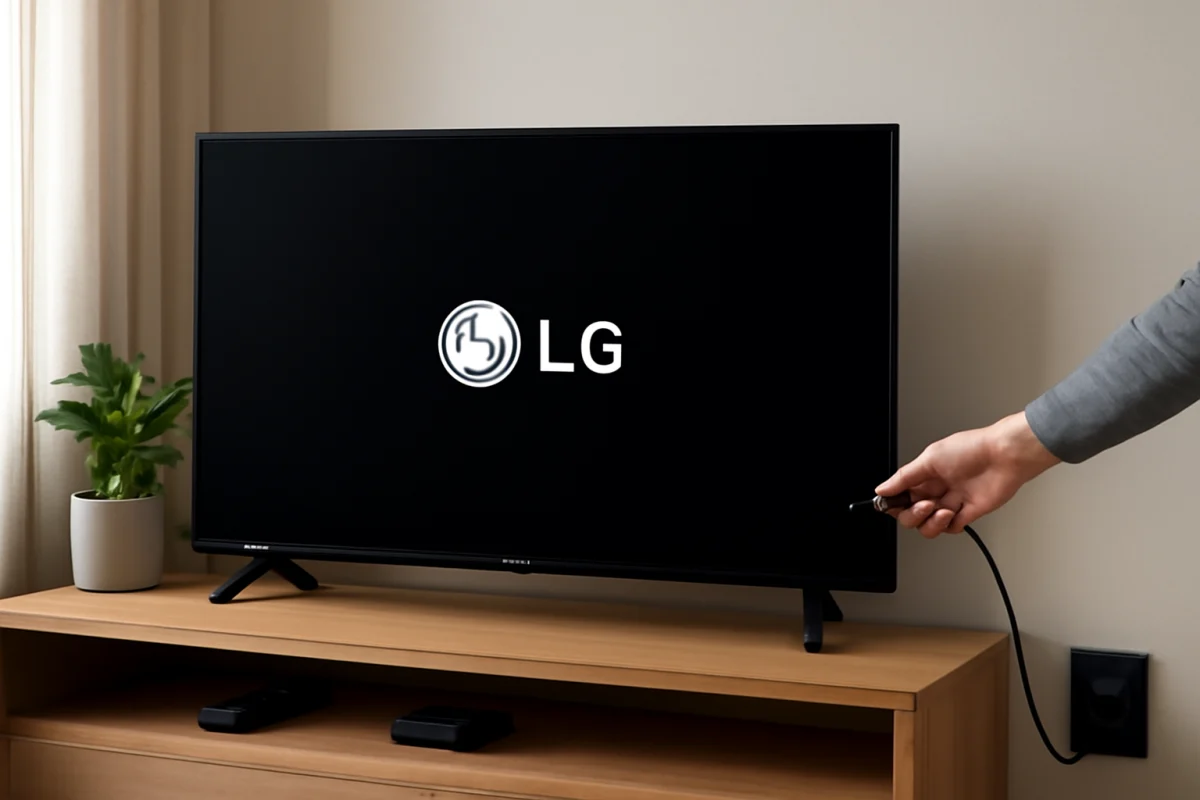
An LG TV that freezes on its logo may have a power, connected-device, software, or hardware problem. Follow these safe checks before attempting a reset or repair.
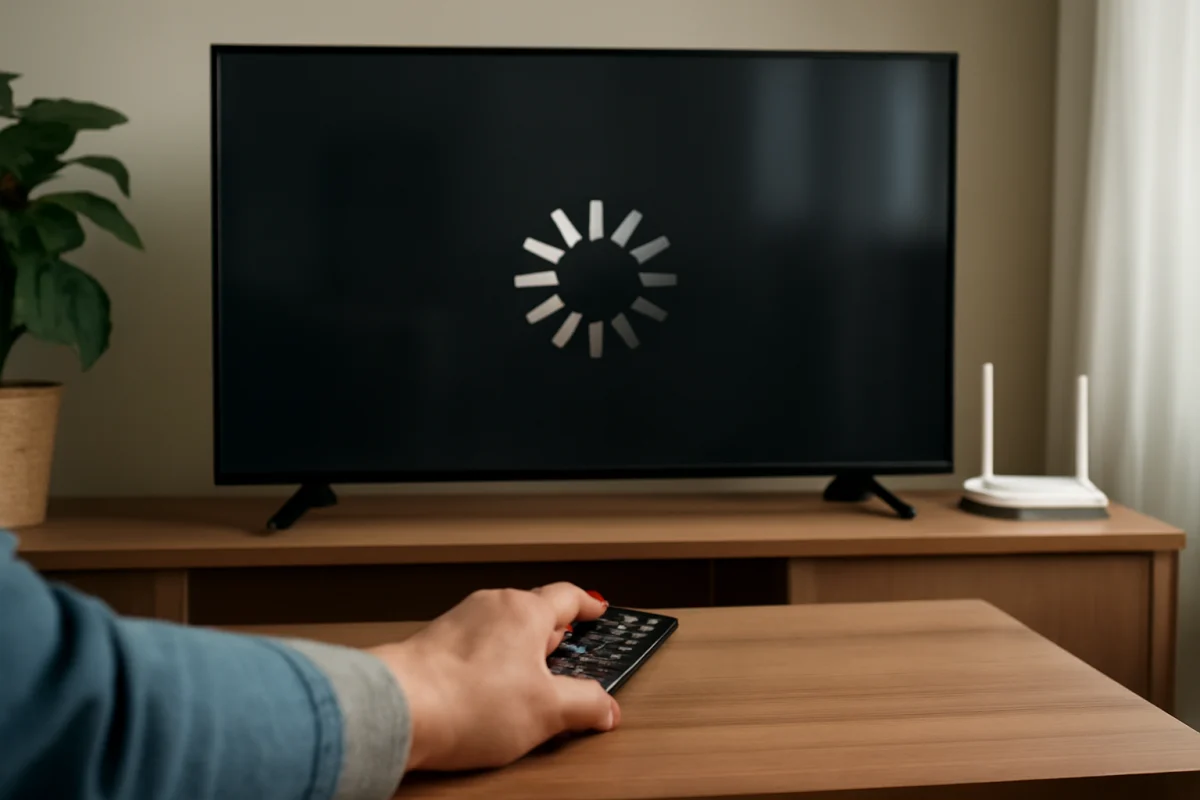
An LG TV that freezes while streaming usually has a network, app, or device issue. Use these low-risk checks to find the cause and restore smooth playback.
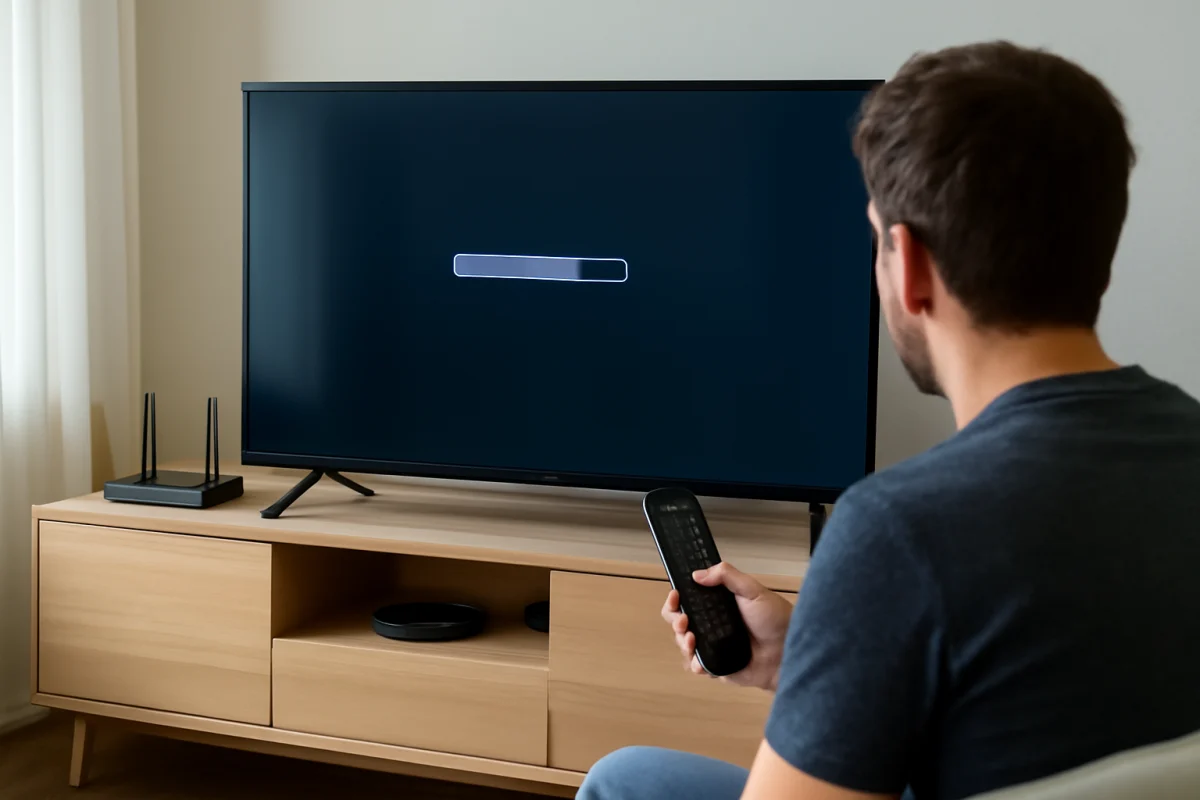
A slow LG TV is often caused by crowded apps, a weak network, outdated software, or a remote issue. Use these low-risk checks to find the cause before resetting your TV.
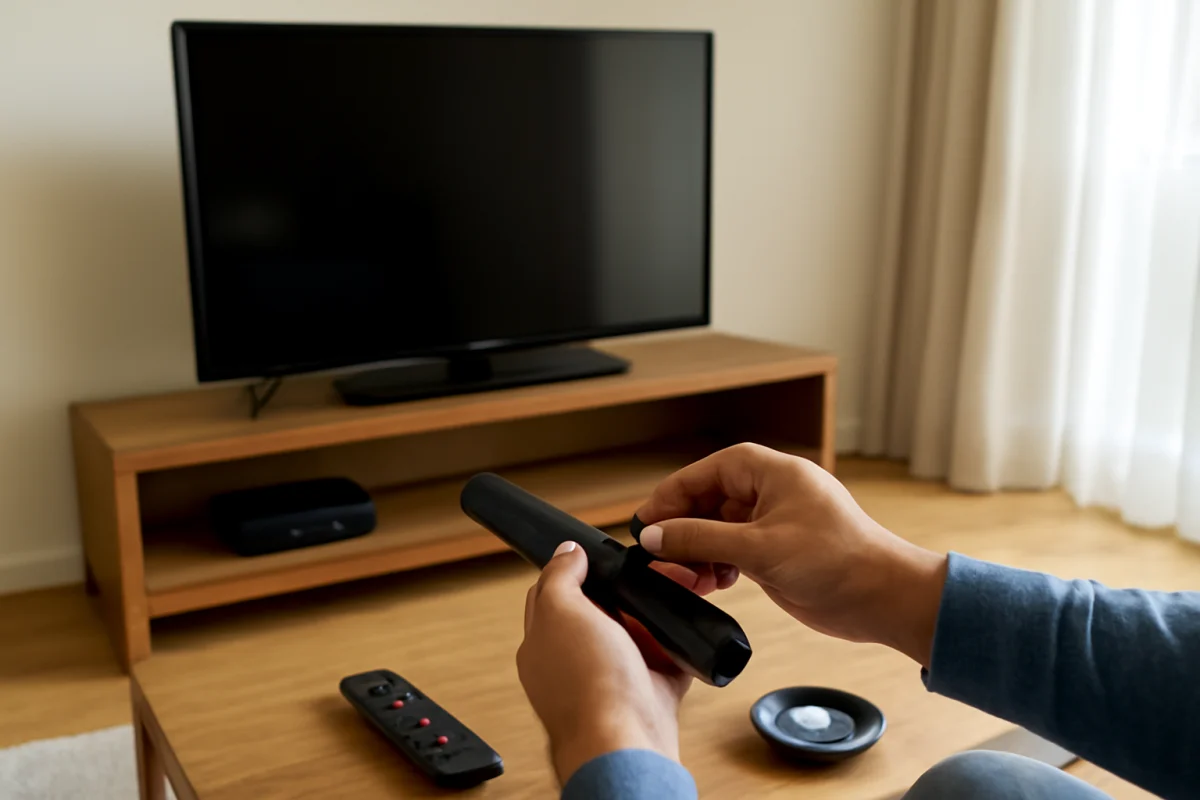
Is your LG TV remote lagging, missing button presses, or stopping altogether? Follow these low-risk checks to restore reliable control before replacing the remote.