Hisense TV
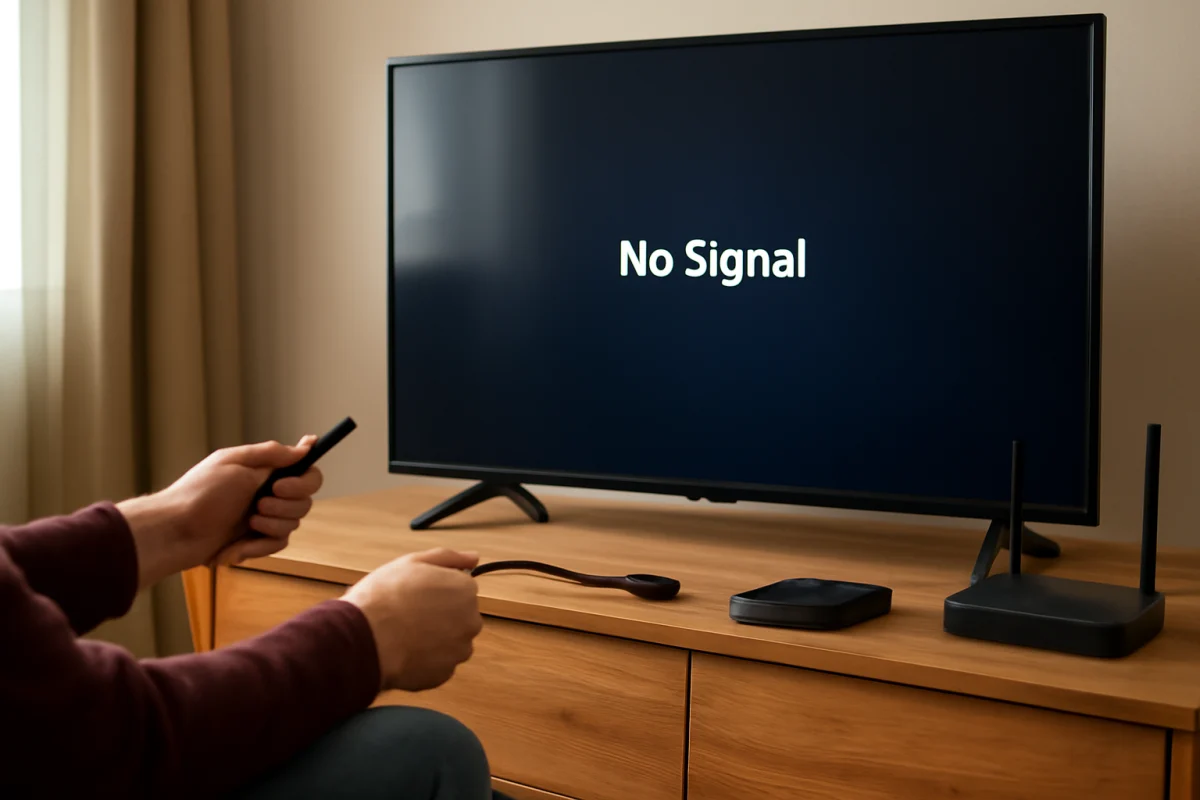
HDMI Says No Signal on Hisense TV
A Hisense TV showing “No Signal” on HDMI usually has an input, cable, power, or source-device problem. Follow these checks before resetting the TV.
Find practical help for Hisense TV problems, from picture and sound issues to app errors, remote control trouble, and connectivity concerns. TV Fix Guide brings together easy-to-follow troubleshooting information designed to help you understand what may be going wrong and identify sensible next steps. Whether your Hisense TV is not turning on, losing its internet connection, displaying an unexpected message, or having trouble with streaming apps, this category covers useful topics in clear, everyday language. Browse the available guides to work through common symptoms, check relevant settings, and narrow down possible causes before deciding what to do next. The goal is to make Hisense TV troubleshooting less confusing, whether you are dealing with a one-time glitch or a problem that keeps returning.
Type the symptom, error message or feature that is not working. Results stay inside this category.
A Hisense TV showing “No Signal” on HDMI usually has an input, cable, power, or source-device problem. Follow these checks before resetting the TV.
A Hisense TV that stays on its logo may have a temporary startup glitch, a connected device problem, or a deeper software or hardware issue. Follow these steps from safest to most advanced.
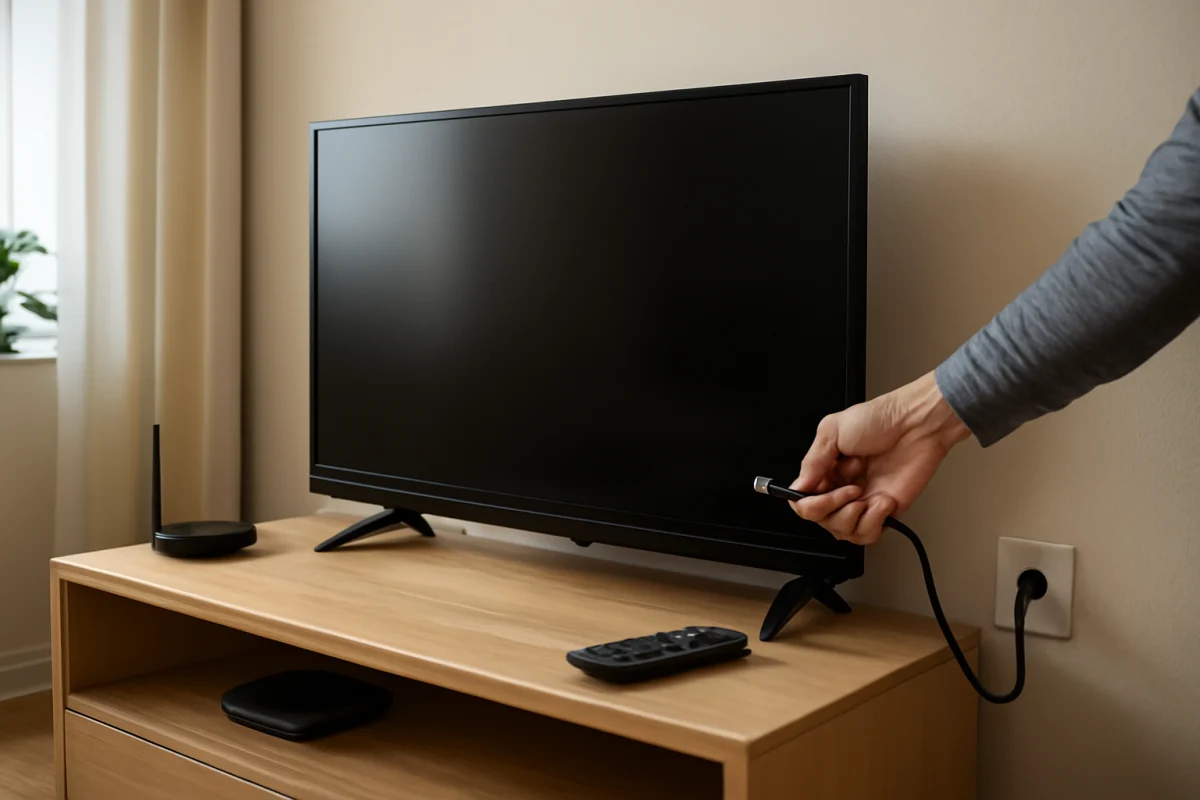
A Hisense TV that keeps turning off may have a power, remote, overheating, timer, software, or connected-device problem. Follow these low-risk checks to find the cause.
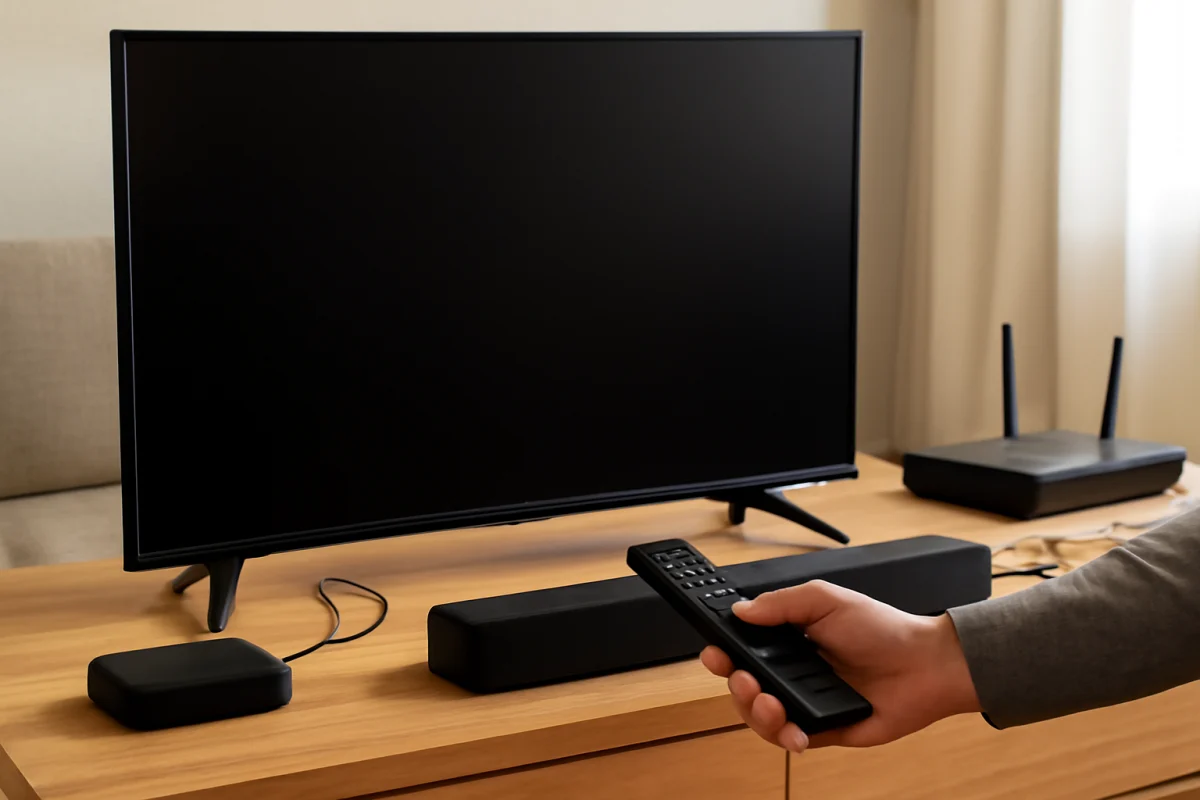
Is your Hisense TV silent after startup? Follow these low-risk checks to restore sound and identify whether the problem is the TV, input device, app, or audio system.
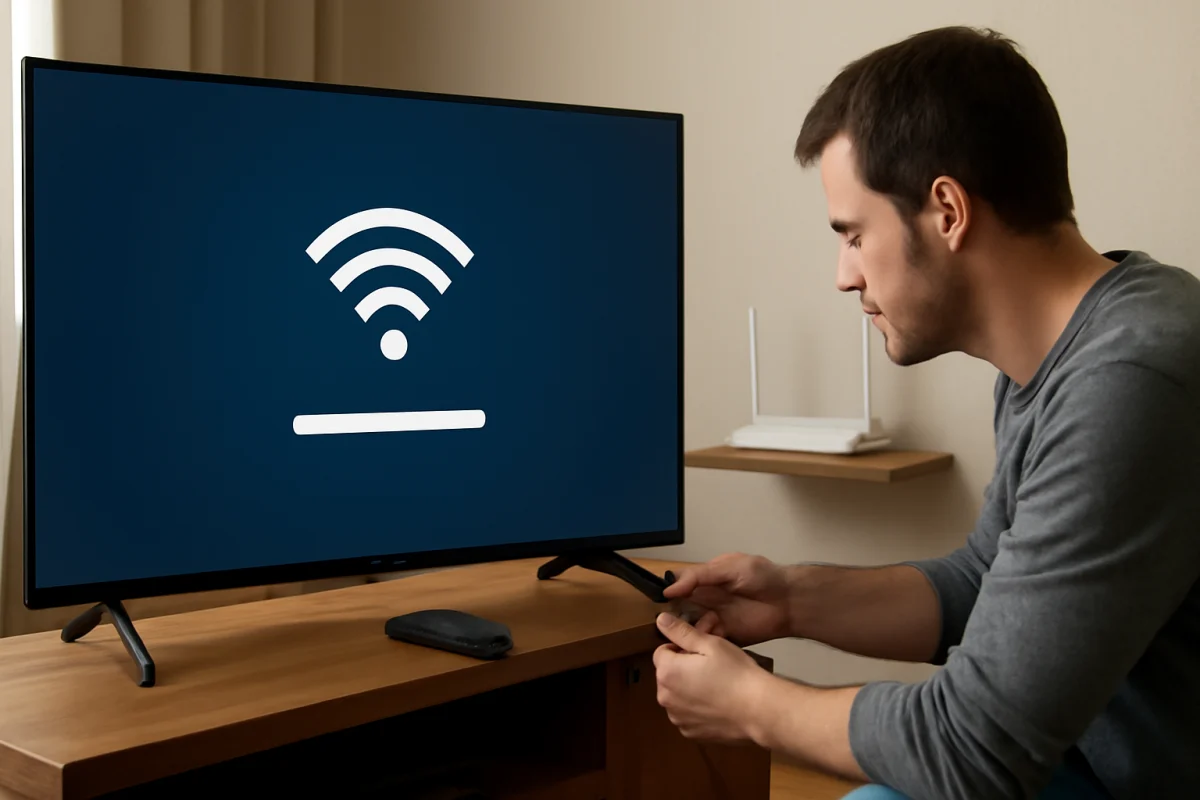
Is your Hisense TV losing its Wi-Fi connection? Follow these practical steps to identify whether the problem is your TV, router, signal, or internet service.
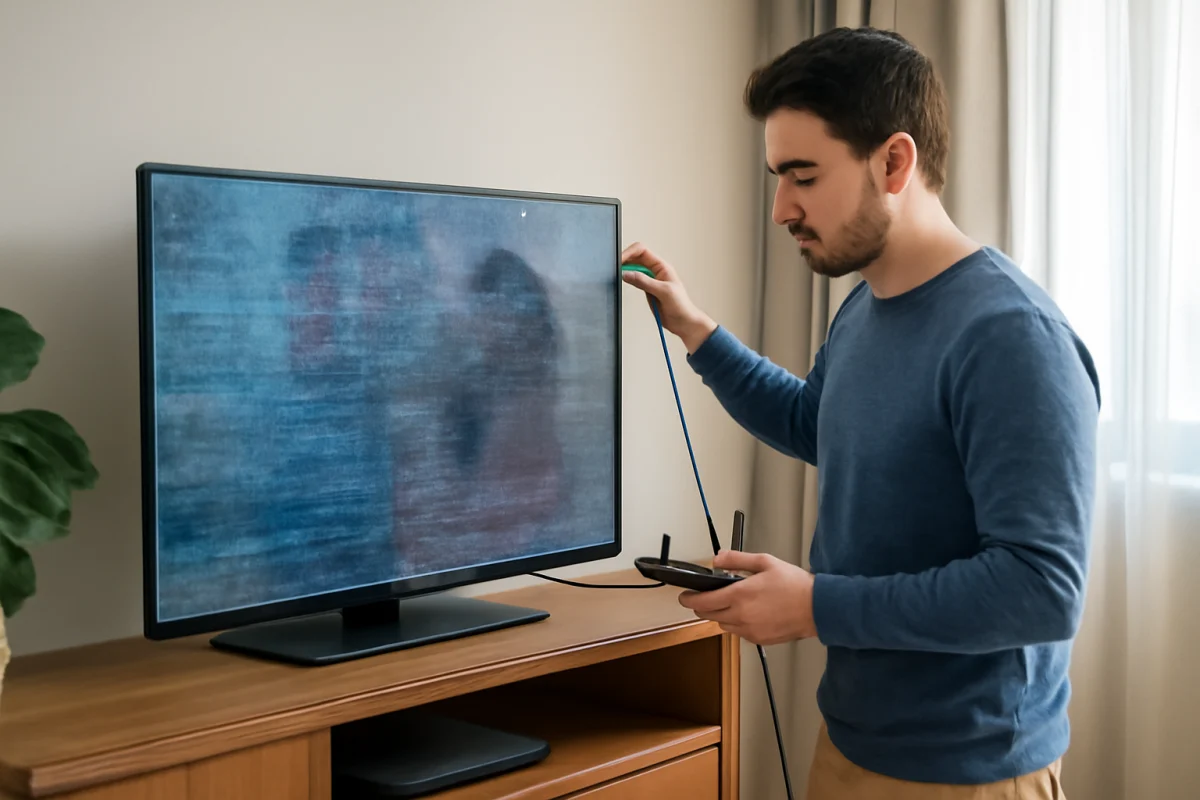
A frozen Hisense TV screen does not always mean the TV has failed. Follow these low-risk steps to identify whether the problem is the remote, an app, an external device, or the TV itself.
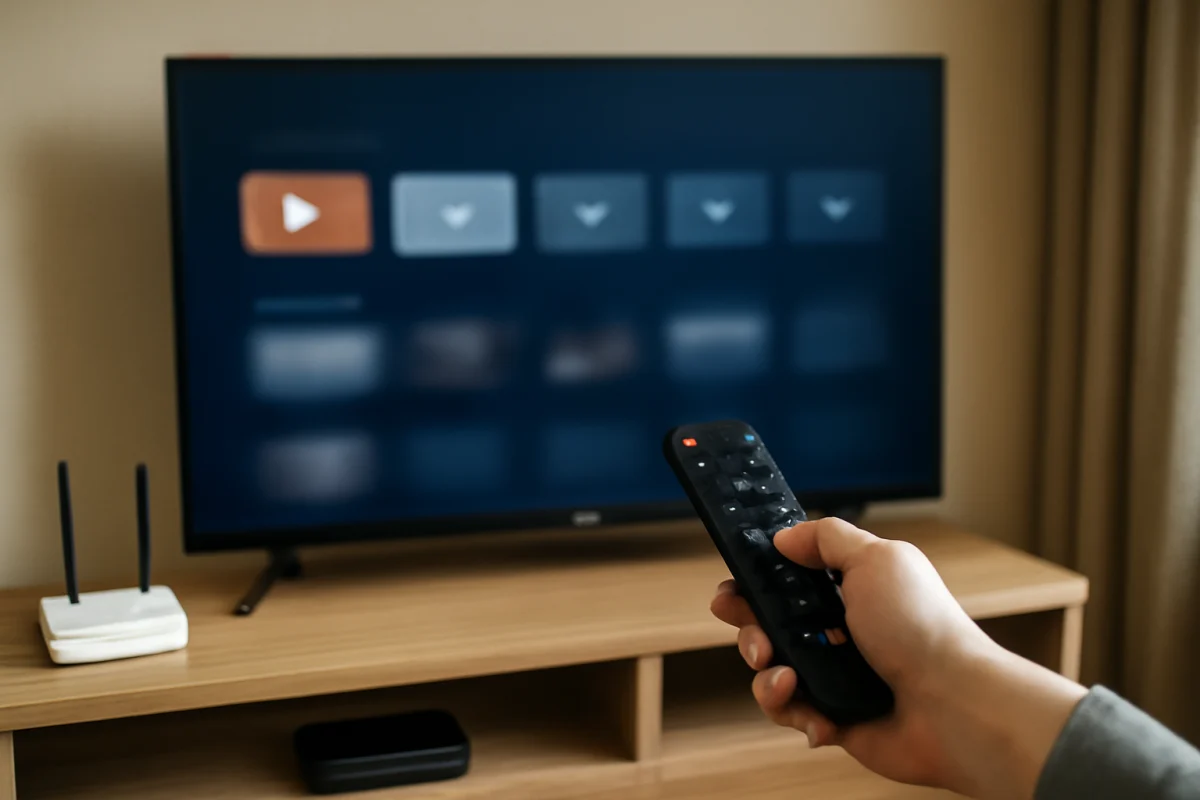
A slow Hisense TV is often caused by overloaded apps, weak Wi-Fi, limited free storage, or outdated software. Use these practical steps to find and fix the problem.
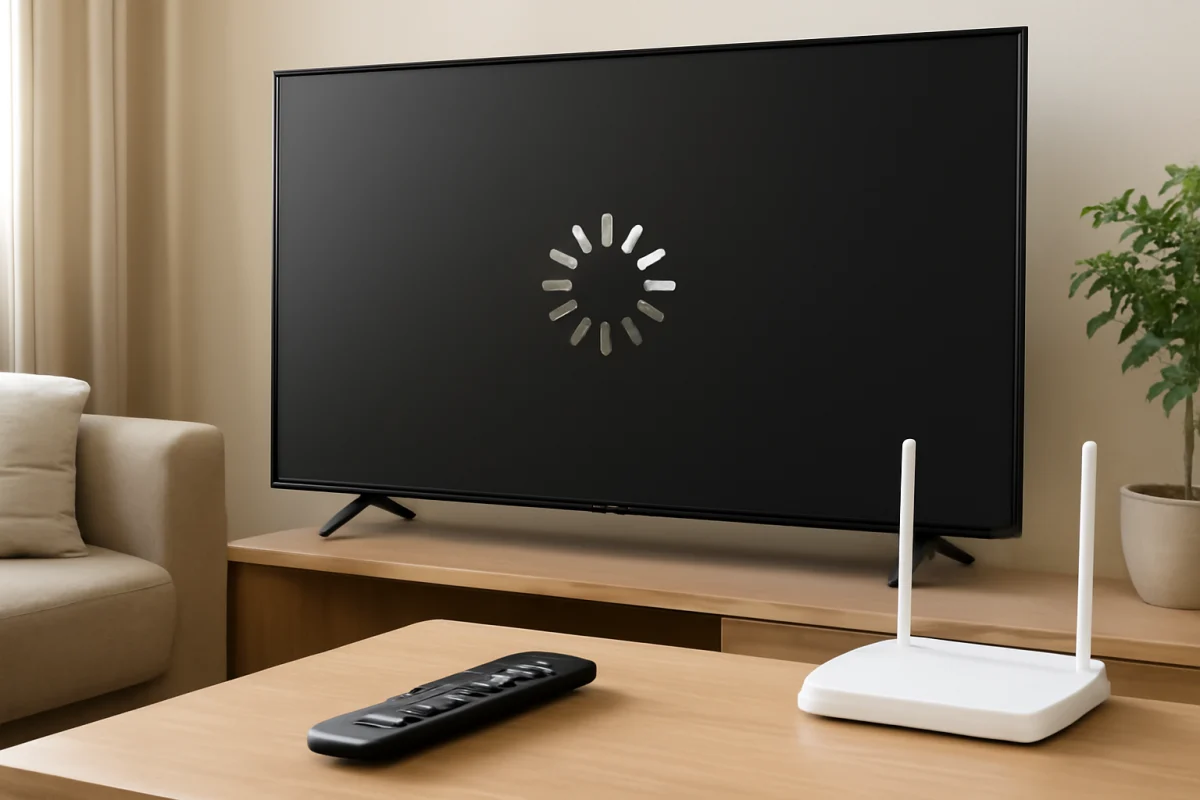
If apps will not open on your Hisense TV, check the internet connection, restart the TV, update the app or system, and clear stored data before considering a reset.
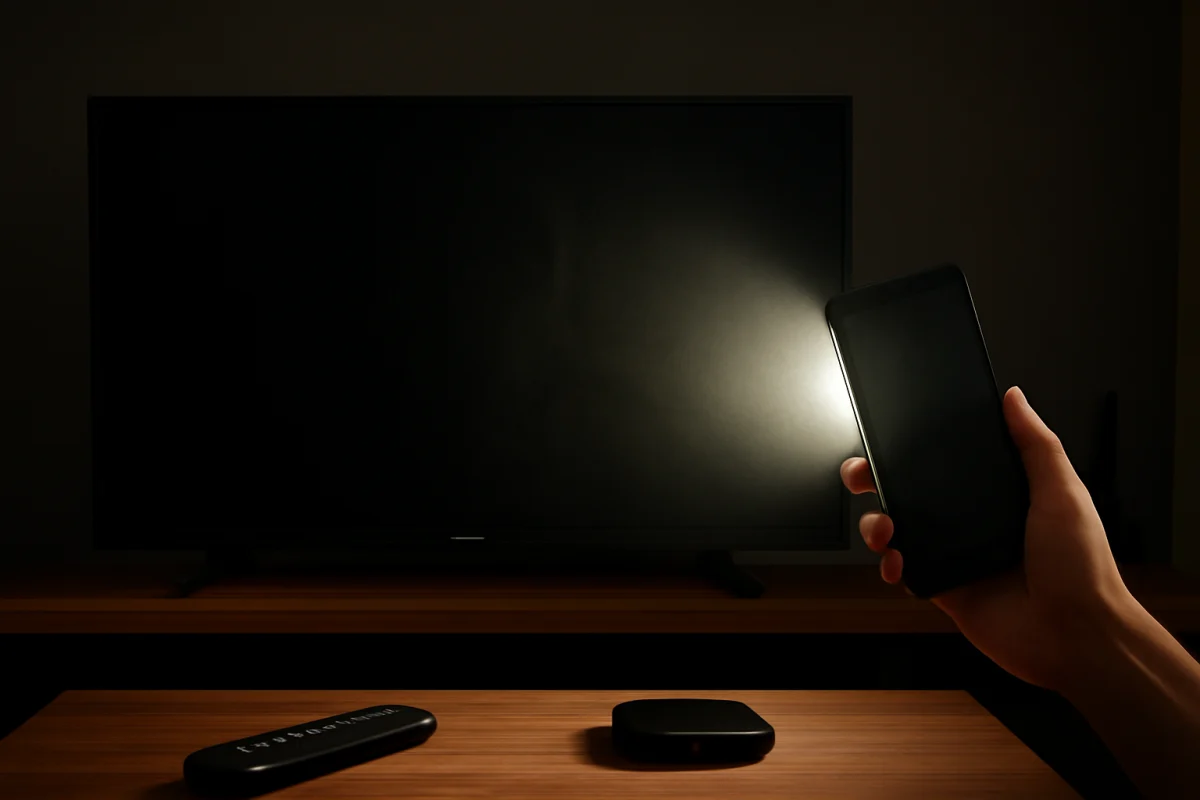
If your Hisense TV has sound but a dark or black picture, use these practical steps to check the input, picture settings, connected devices, software, and possible backlight problems.
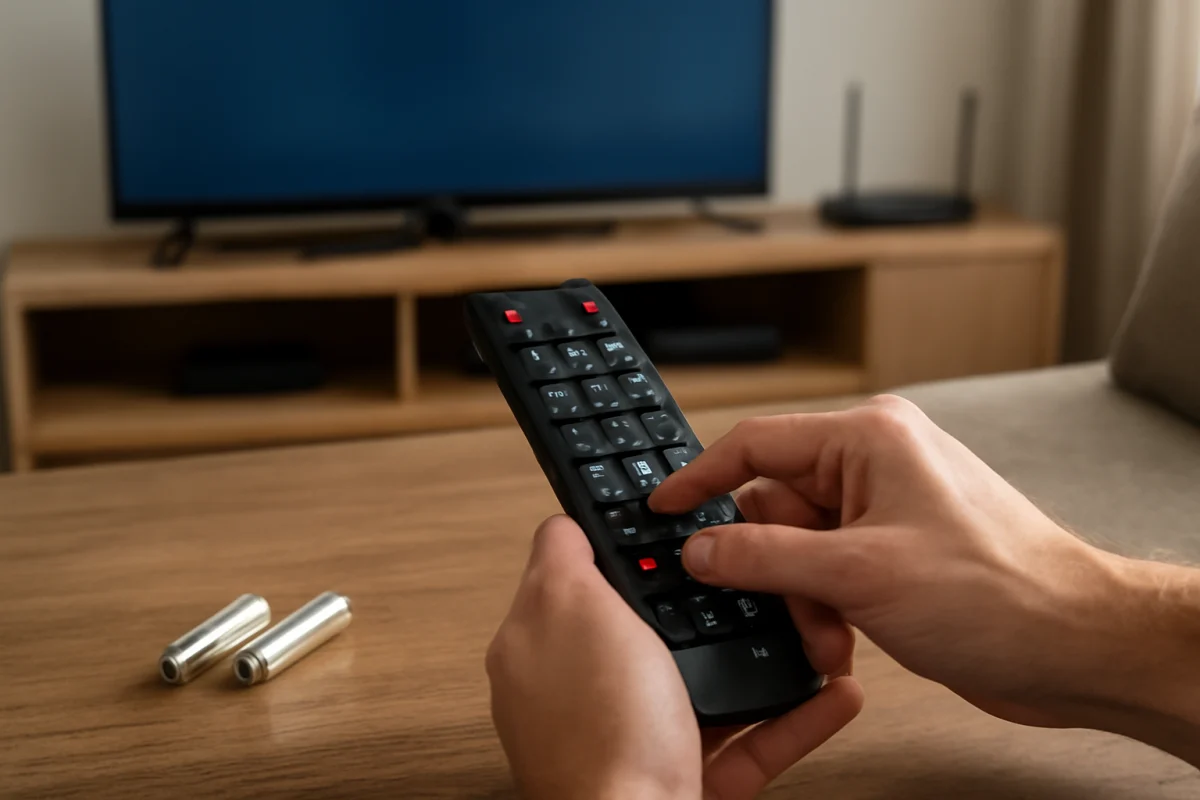
A Hisense remote that does nothing may have weak batteries, a blocked sensor, lost pairing, or a fault in the remote or TV. Start with these safe checks.