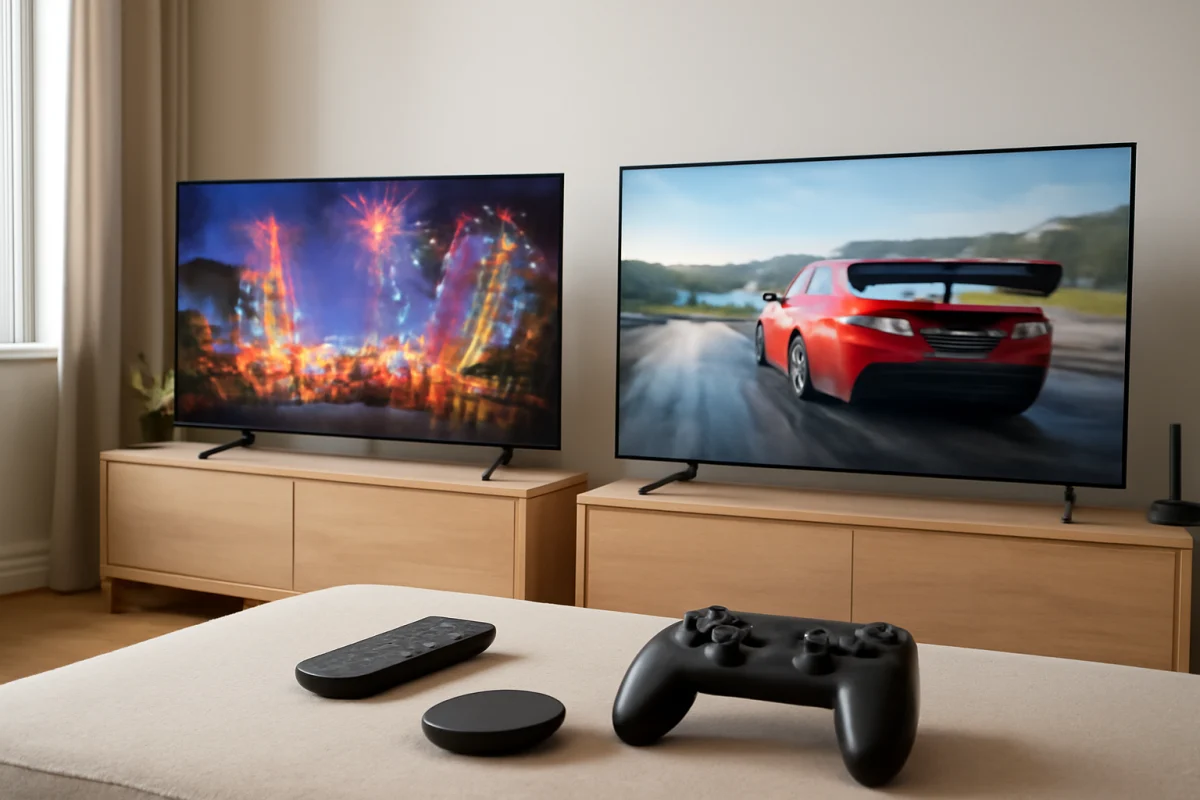
For most shoppers, TCL is the safer choice for gaming and Hisense is often the better value for bright-room streaming, but the exact TV model matters more than the logo on the bezel. Both brands sell entry-level and premium-looking televisions, and their performance can vary significantly between screen sizes, display types, operating systems, and yearly model lines.
If you are comparing a TCL and a Hisense TV, start with the features you will actually use. Check the built-in streaming platform, the number and type of HDMI connections, gaming support, motion handling, brightness, viewing angle, and the manufacturer's support for that specific model. A more expensive TV from either brand is not automatically better for every room or console.
TCL vs Hisense at a glance
| Category | TCL | Hisense |
|---|---|---|
| Streaming | Often a strong choice when you prefer a familiar, simple smart TV platform | Can offer strong app support, but the platform varies by model and region |
| Gaming | Frequently attractive to console and PC gamers because of gaming-focused features on selected models | Can be competitive, especially in midrange and higher product lines, but features vary widely |
| Picture value | Strong value across several display classes | Often emphasizes large screens and high brightness at competitive prices |
| Ease of use | Depends on whether the model uses Roku TV, Google TV, or another platform | Depends on the operating system and model family |
| Best buying approach | Compare the exact model's panel, ports, and gaming settings | Compare the exact model's brightness, motion behavior, and software |
These are broad tendencies, not guarantees. A lower-tier TCL may have fewer gaming features than a higher-tier Hisense, while a Hisense model with a different panel type may perform very differently from another Hisense TV with a similar screen size.
Which brand is better for streaming?
TCL is usually a good fit for viewers who want a straightforward smart TV experience and easy access to common streaming services. Some TCL televisions use Roku TV, while others use Google TV or a different platform depending on the model and market. The interface, remote, voice features, and app behavior can therefore differ from one TCL TV to another.
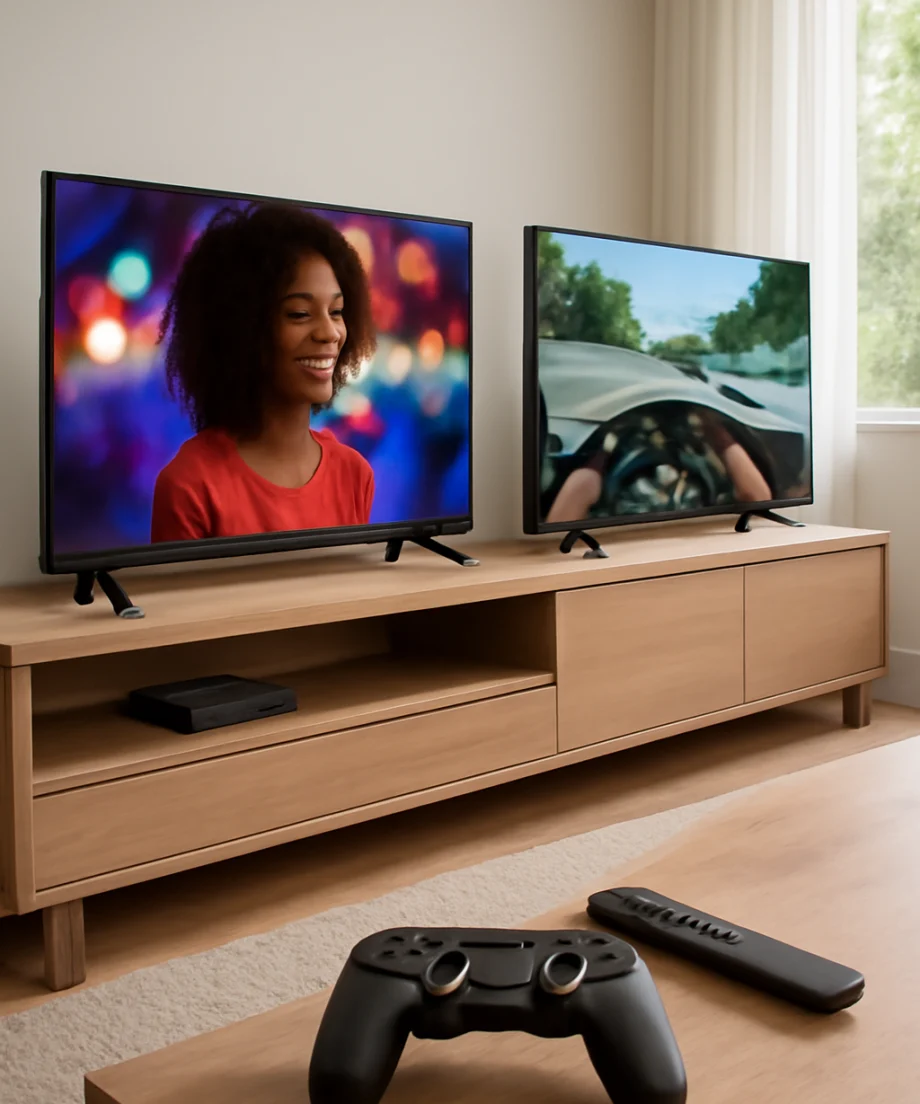
Hisense also offers televisions with more than one smart TV platform. This means the brand name alone does not tell you how the home screen will work or which features the remote includes. Before buying, confirm the operating system listed for the exact model. If you already use a particular platform on another TV, matching that platform can make setup and troubleshooting easier.
Streaming picture quality
For streaming, screen quality matters as much as the app interface. Movies and shows may look soft when the source is compressed, and dark scenes can reveal uneven backlighting or limited contrast. Brightness can help HDR content look more impactful, but excessive brightness does not fix poor black levels, motion problems, or low-quality source video.
Hisense often deserves consideration if you watch in a bright living room or want a large screen at a competitive price. TCL can also perform well in bright rooms, especially in models designed with stronger brightness and better contrast. Compare reviews and specifications for the precise model rather than assuming every TV in a brand's lineup has the same panel performance.
If streaming apps freeze, fail to open, or repeatedly sign you out, the problem may not be the TV brand. First test another app, restart the TV normally, check the internet connection, and confirm whether other devices on the same network work properly. You can find additional guidance in the streaming apps troubleshooting section.
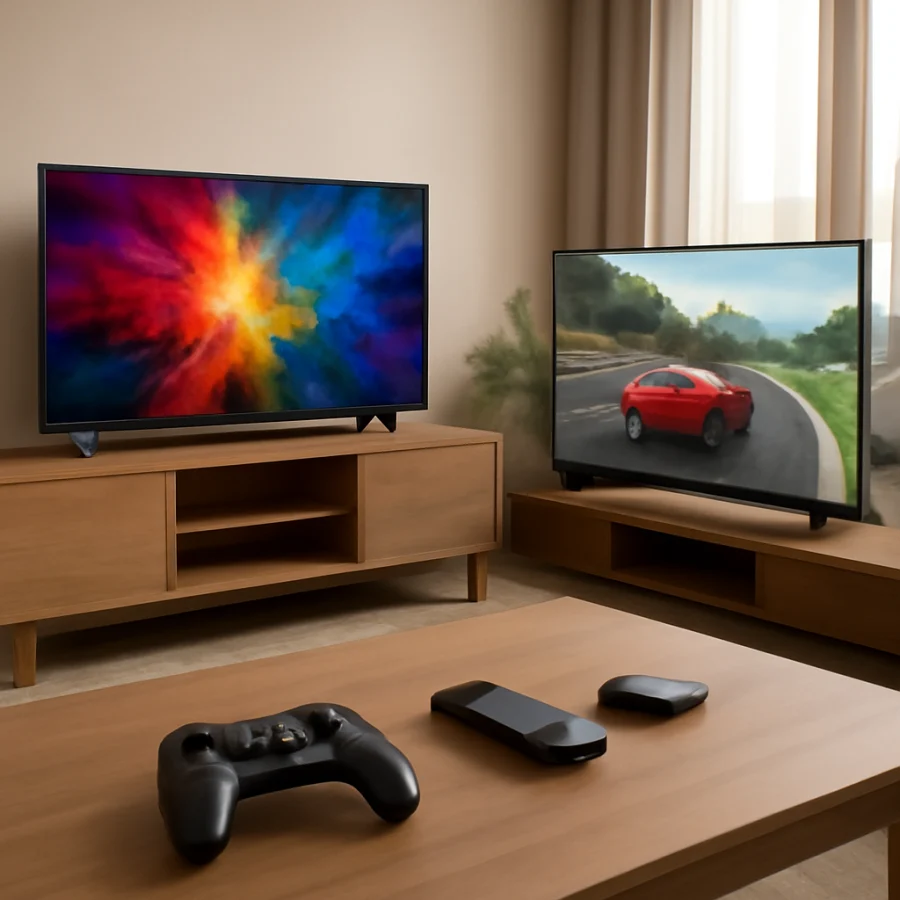
Which brand is better for gaming?
TCL often has an edge for shoppers who compare gaming features carefully. Selected TCL models may include features such as a higher refresh rate, automatic game detection, variable refresh support, or a dedicated gaming interface. However, these features are not present on every TCL television, and advertised support may depend on the input, resolution, cable, console, and game.
Hisense can also be a strong gaming choice, particularly in models that provide responsive input, suitable HDMI bandwidth, and gaming-specific settings. The key question is not whether Hisense can handle games; it is whether the particular model supports the resolution and refresh combination your console or PC can deliver.
Check these gaming features before buying
- Input lag: Lower delay generally makes controls feel more immediate, but measured performance can vary by picture mode and input.
- Refresh rate: A higher refresh rate can improve motion in supported games, but the console, game, and connection must support it too.
- Variable refresh rate: This can reduce visible tearing or stutter when frame rates change, if supported by both the TV and gaming device.
- HDMI support: Check which HDMI inputs support the features you need. Not every port necessarily has identical capabilities.
- Game mode: This usually reduces processing delay, but it may change brightness, color, and motion settings.
- Resolution limits: A TV may support one gaming feature at a lower resolution or refresh rate than another. Read the model's documentation carefully.
For a current-generation console, connect it directly to the TV during testing instead of routing it through an older receiver, switch, or soundbar. Use a suitable HDMI cable, select the console's recommended video settings, and check whether the TV recognizes the signal. If the screen stays black, drops out, or returns to a lower resolution, try another HDMI input and temporarily disable advanced output features to isolate the cause.
Picture quality: TCL and Hisense differences
Neither brand has one universal picture style. Both sell TVs with different panel technologies, backlight designs, refresh behavior, and image-processing capabilities. The differences between two models from the same brand can be greater than the average difference between TCL and Hisense.
Consider TCL if you prioritize a balance of contrast, gaming responsiveness, and a relatively polished smart TV experience in a model that fits your budget. Consider Hisense if a bright image, large screen, or strong feature list is more important and the specific model performs well in independent testing.
What to look for in a dark room
In a dark room, contrast and black-level consistency become easier to notice. Look for evidence of gray-looking blacks, blooming around bright objects, distracting clouding, and loss of detail in shadows. These problems can result from the panel and backlight design, not simply from incorrect picture settings.
Before changing advanced settings, choose the TV's standard or movie-oriented picture mode and turn off unnecessary power-saving restrictions if the picture appears unusually dim. Make small adjustments and view several types of content. Do not judge a TV using only a highly compressed stream or a single demo clip.
What to look for in a bright room
In a room with windows or overhead lighting, brightness and reflection control can be more important than perfect dark-room contrast. Compare how the screen handles glare from lamps and windows, and check whether the picture remains watchable when viewed from your normal seating position.
Viewing angle is another practical concern. Some panels lose brightness or color accuracy when viewed from the side. If several people watch from different seats, a TV with a wider usable viewing angle may be preferable even if another model produces deeper contrast from directly in front.
Smart TV reliability and troubleshooting
Smart TV problems are often caused by network conditions, account authentication, app updates, or temporary software issues rather than a defective display. If a TCL or Hisense TV cannot load apps, begin with low-risk checks:
- Test a different streaming app to see whether the problem is limited to one service.
- Restart the TV using its normal power control, then wait briefly before turning it back on.
- Restart the router if other devices are also losing internet access.
- Check the TV's network status and confirm that the correct Wi-Fi network is selected.
- Move the TV or router only if distance, walls, or interference may be weakening the signal.
- Check for available software or app updates using the TV's own settings.
Menu names and update procedures vary by model, so do not follow instructions written for a different TCL or Hisense TV without checking the on-screen labels. If only one app fails, reinstalling that app may be more appropriate than resetting the entire television. A factory reset should be a later step because it removes accounts, network settings, and personalized preferences.
For connection problems involving buffering, weak Wi-Fi, or intermittent disconnections, the Wi-Fi and network troubleshooting guide can help you separate a TV issue from a home network issue.
Sound and external devices
Built-in TV speakers are convenient, but neither TCL nor Hisense should be judged only by the speakers included with a slim television. If dialogue is difficult to understand, first try a different sound mode, check whether a surround or enhancement setting is making voices less clear, and confirm that the source itself is not mixed unusually.
When using a soundbar or receiver, verify the audio connection and make sure the TV and external device agree on the selected audio format. If there is no sound, test the TV speakers temporarily. This simple check can show whether the issue is with the source, the cable, the external audio device, or the TV's output settings.
TCL vs Hisense: which should you buy?
Choose TCL if you want a strong all-around option for gaming, prefer a particular TCL smart TV platform, or find a model with the HDMI and refresh-rate features your console needs. TCL is especially appealing when low input delay and gaming controls are central to your decision.
Choose Hisense if you find a model with better brightness, a larger screen, stronger contrast, or a more suitable price for your room. Hisense can be an excellent value when the exact television delivers the picture performance and gaming connections you need.
The best purchase is the one that matches your room, content, and devices. Compare the model numbers side by side, not just the brand names. Confirm the operating system, HDMI features, supported gaming signals, return conditions from the seller, and the manufacturer's current documentation. If you already own one of these brands and need help diagnosing a problem, visit the TCL TV troubleshooting section or the Hisense TV troubleshooting section for model-conscious guidance.
Comments
0No comments yet. Be the first to share a helpful note or question.
Leave a Comment
Your email address will not be published. Comments are reviewed before appearing on the site.