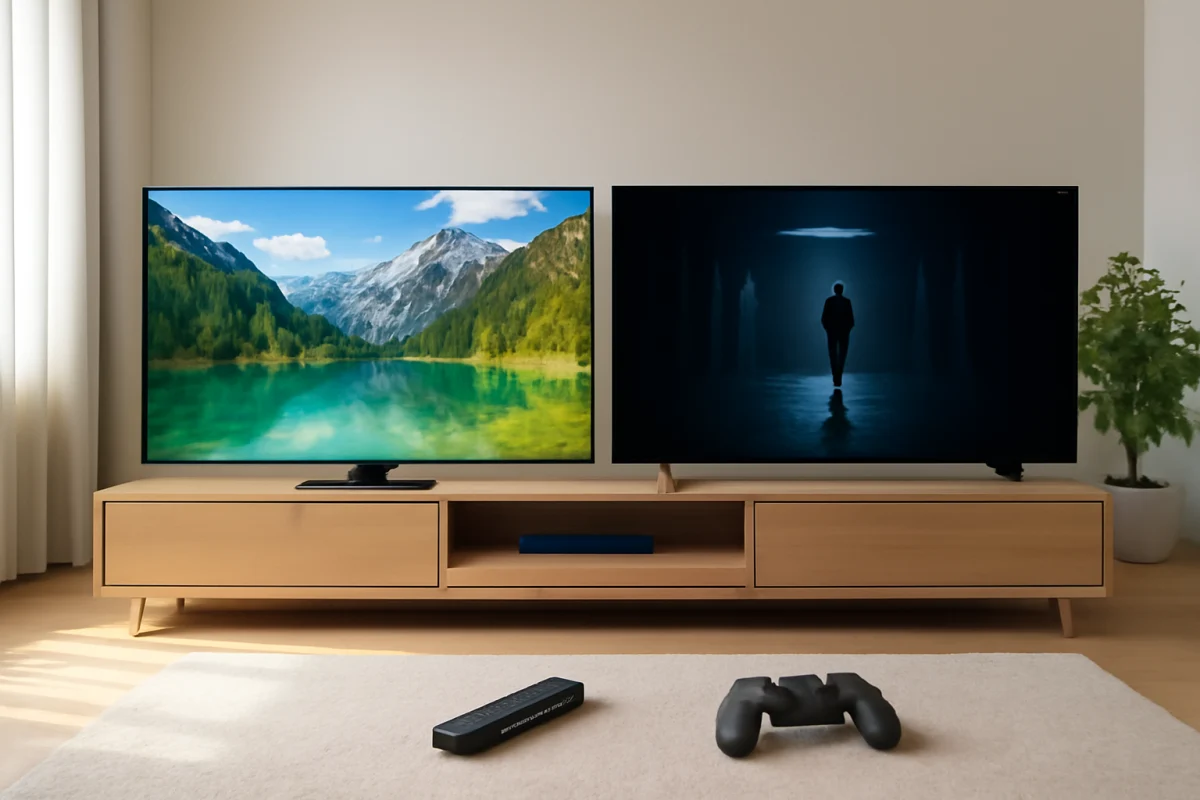
If you are choosing between a Samsung QLED TV and a TCL QLED TV, the short answer is this: Samsung usually offers more polished processing, design, and smart-TV integration, while TCL often delivers a larger screen or stronger contrast features for the money. However, the exact result depends heavily on the model series, screen size, panel type, backlight, and picture settings.
“QLED” is not a complete picture-quality rating. It generally refers to an LED-backlit LCD TV that uses a quantum-dot layer to improve color and brightness. Two QLED televisions can look noticeably different because one may use a basic LED backlight while another uses local dimming or a more advanced backlight system. Compare the full model specifications and real-world features rather than choosing by the QLED label alone.
The biggest difference is usually the model tier
Samsung and TCL both sell entry-level, midrange, and premium televisions. A premium TCL may outperform a basic Samsung QLED in contrast and brightness, while a higher-end Samsung may look more refined than an entry-level TCL. Brand reputation alone cannot settle the comparison.
Before comparing prices or screen sizes, write down the exact model numbers. Check whether each TV has local dimming, what type of panel it uses, its refresh-rate capabilities, the smart-TV platform, the number of HDMI ports, and the warranty terms shown for your market. These details can vary by region and can change between model years.
Picture quality: Samsung often looks more refined
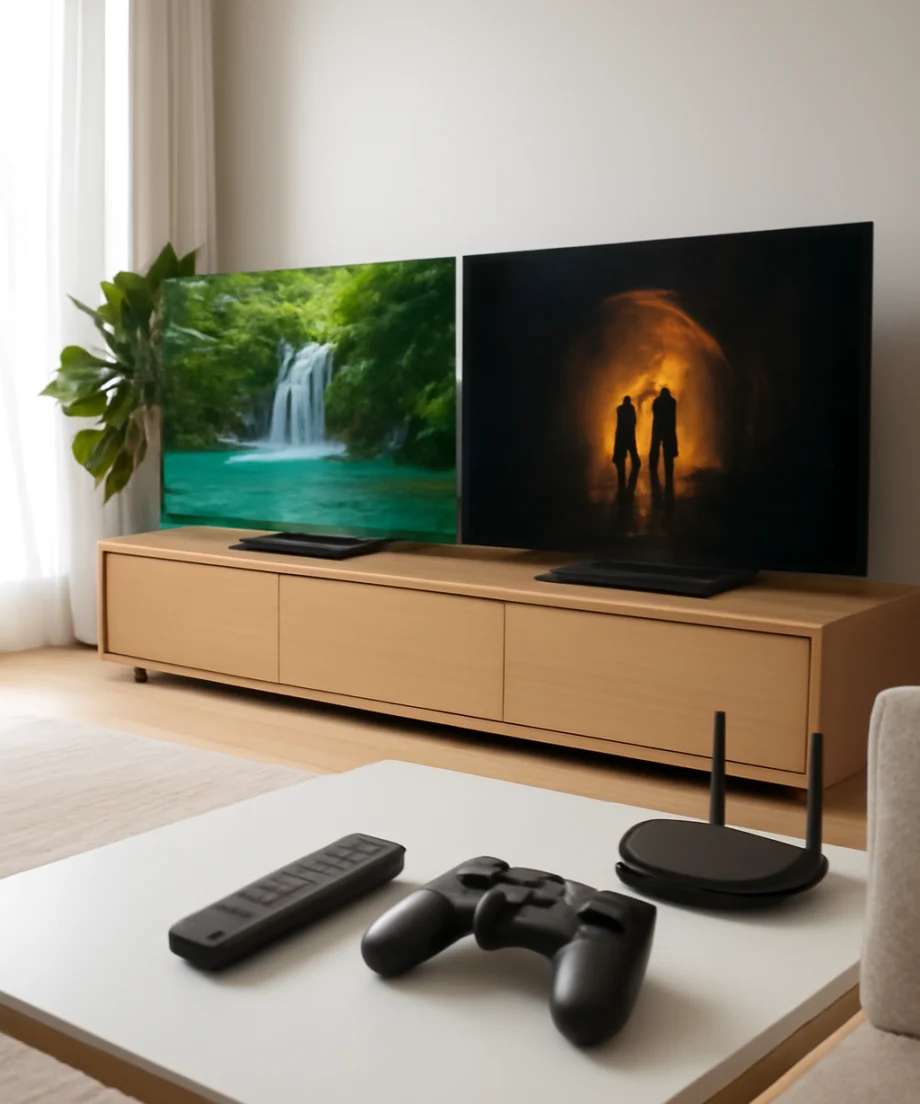
Samsung is often the safer choice if you want a consistently polished image with strong upscaling and controlled processing. Lower-resolution cable channels, older movies, and compressed streaming video may appear cleaner on a Samsung model in the same general class. Samsung's image processing can also produce a more carefully balanced result when the source is not ideal.
TCL can also produce an excellent picture, especially on models with effective local dimming and strong contrast. In many cases, TCL emphasizes high brightness and bold HDR impact. That can make movies, sports, and games look vivid in a bright room. The trade-off is that processing, motion handling, and factory picture tuning may feel less consistent from one series to another.
Neither brand is automatically better for every type of content. If you mostly watch high-quality 4K streaming, a good TCL and a good Samsung may look surprisingly close. If you watch a lot of broadcast television or older content, processing differences may become easier to notice.
Black levels and local dimming
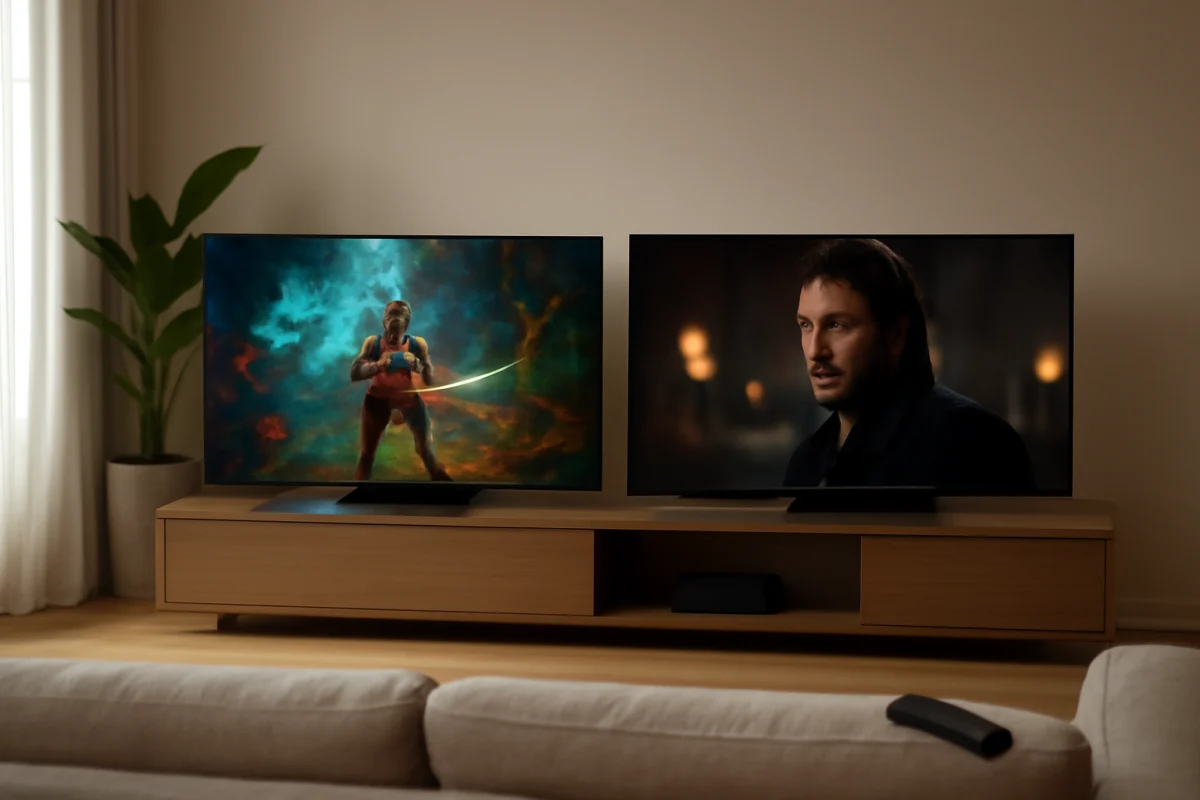
Local dimming can improve contrast by reducing the brightness of parts of the backlight behind dark areas of the image. This matters in movies, especially scenes with a dark background and bright subtitles, stars, lamps, or highlights.
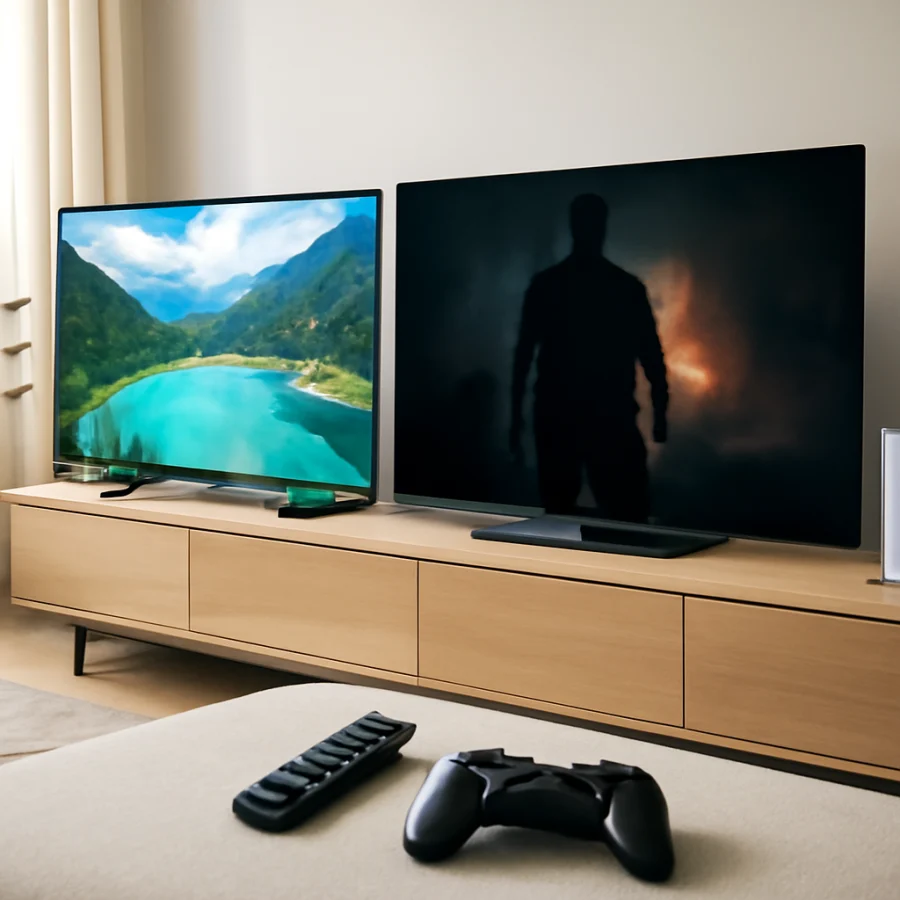
The presence of local dimming is more important than the brand name. Some Samsung QLED models use basic edge lighting or limited dimming, while certain TCL models may offer more independently controlled backlight zones. The reverse can also be true depending on the product tier. Look for independent reviews of the exact model if dark-room movie performance is important to you.
Local dimming is not perfect. It can cause blooming, where light spreads around bright objects on a dark background, or it may make small highlights less consistent. Store demonstrations often hide these differences because the TVs run bright, colorful demo material. Test or review both televisions with dark movie scenes, subtitles, and mixed bright-and-dark content.
Brightness and HDR performance
TCL often competes aggressively on brightness, particularly in models designed for HDR viewing and bright rooms. A brighter television can make highlights stand out and can reduce the washed-out appearance that some screens show near windows or under strong room lighting.
Samsung QLED televisions can also be very bright, but brightness varies widely by model. A TV that looks impressive in a store may be using a vivid picture mode that is not ideal for everyday viewing. Brightness by itself does not guarantee accurate HDR. Contrast, black levels, highlight control, tone mapping, and source quality all matter.
For a sunlit living room, compare the TVs from the viewing position during daytime if possible. Also check the screen's reflection handling. A very bright TV can still be difficult to watch if room lights or windows reflect directly off the panel.
Color: both can look vivid, but vivid is not always accurate
Quantum-dot technology can help both brands produce a wide range of saturated colors. Samsung often aims for a punchy, carefully processed appearance, while TCL models may also deliver strong color volume when their backlight is bright enough.
Pay attention to skin tones, grass, skies, and red or orange highlights rather than judging only by the most colorful demo clip. If every image looks exaggerated, the TV may be in a showroom-oriented picture mode. Switching to a more accurate mode can make the picture appear less dramatic at first but more natural over long viewing sessions.
Picture settings are model-dependent. Names and available controls can differ, so use the settings provided by the TV or a reliable guide for that exact model. Avoid copying advanced calibration values from a different television, even if the brand and screen size are the same.
Motion handling and sports
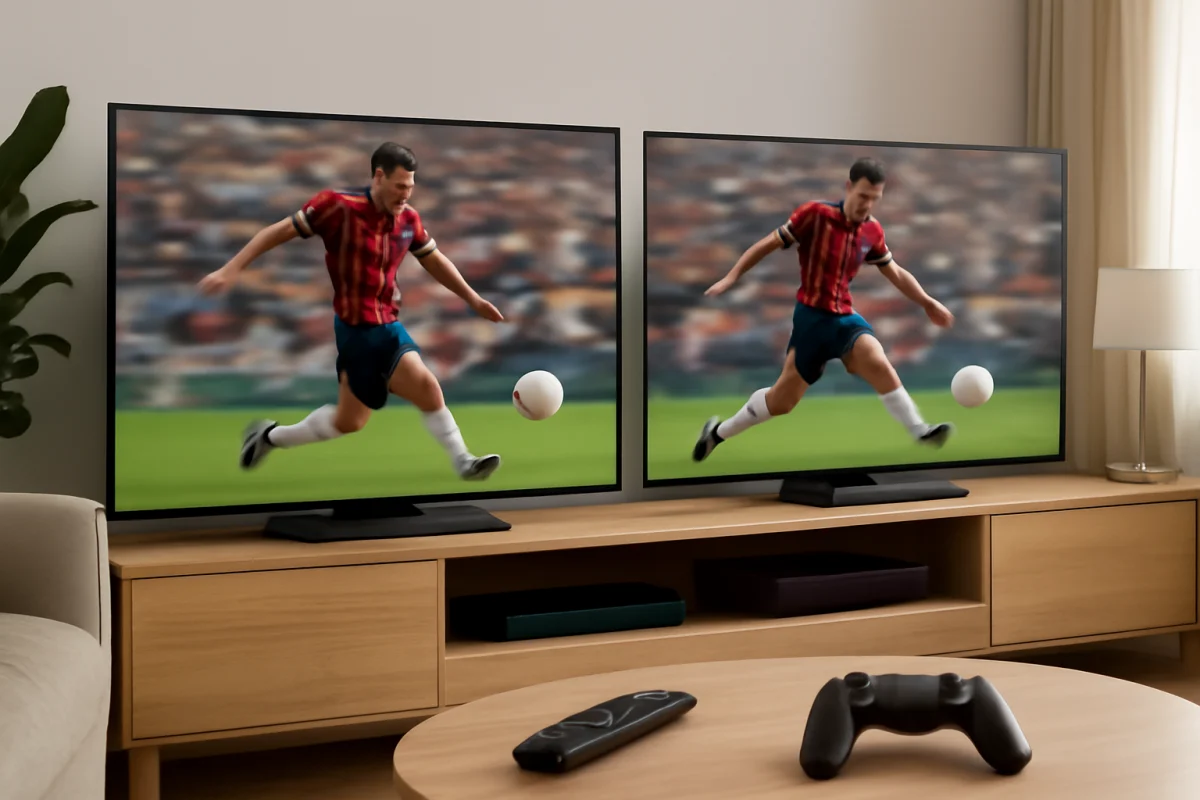
Samsung is often favored for polished motion processing, but the result depends on the source and the settings. Sports viewers should check whether fast camera pans look smooth without creating an artificial “soap opera” effect. Excessive motion smoothing can introduce halos or make film content look unnaturally sharp.
TCL motion performance ranges from basic to very capable. Some models handle sports and gaming well, while lower-tier versions may show more blur or judder. The advertised refresh capability is only one part of the experience. Processing, response behavior, the source frame rate, and the selected picture mode all affect motion.
When comparing TVs in person, ask the store to show live sports or a fast-moving scene instead of relying on a static 4K demo. If one TV appears unusually smooth, confirm that motion enhancement is not set differently between the two screens.
Gaming features and input response
Both Samsung and TCL offer QLED televisions aimed at gamers, but features differ by model. Check for the inputs and gaming functions you actually need, including support for your console's resolution and frame-rate targets, automatic low-latency behavior, variable refresh support, and a suitable gaming picture mode.
Do not assume that every QLED model from either brand supports the same gaming features. Some televisions may have fewer capable HDMI inputs than expected, and support can vary by port. Connect your console to the correct input, enable the console's compatible video settings, and check whether the TV reports the signal as expected.
If a game looks delayed or the picture seems unusually processed, first switch to the TV's gaming mode and verify that the console is connected directly to the television. A soundbar, receiver, HDMI switch, or capture device can alter available signal options. If the problem continues, test another HDMI cable and another input before resetting the TV.
Smart-TV experience and everyday use
Samsung uses its own smart-TV platform, while TCL may use different platforms depending on the model and market. The interface, app selection, voice controls, advertising, settings layout, and update behavior can therefore be quite different.
Samsung's interface is usually a strong fit for households already using Samsung devices or wanting a consistent brand ecosystem. TCL can be appealing if you prefer the smart platform built into a particular TCL model. Since platform choices can change, confirm the exact television rather than relying on the brand name.
For either TV, basic troubleshooting starts with low-risk checks. If an app freezes, open another app to see whether the problem is limited to one service. Check the TV's network connection, restart the router if other devices are also offline, and power-cycle the television by turning it off and disconnecting it briefly. App outages and account problems can look like TV failures, so do not immediately perform a factory reset.
For more practical guidance, you can browse the Samsung TV troubleshooting guides or the TCL TV troubleshooting guides.
Sound quality and external devices
The built-in speakers on both brands can be adequate for news and casual viewing, but thin television cabinets leave limited room for powerful bass. A soundbar can improve dialogue and overall volume, although compatibility depends on the connection and audio settings.
If you get picture but no sound, start by checking whether the TV is muted and whether the correct audio output is selected. Test the built-in speakers with a different source before blaming the soundbar. If the sound disappears only when using an external device, reseat the HDMI cable, try another input, and check the device's audio format settings. Menu names vary, so follow the instructions for the exact model.
Audio dropouts can also come from a weak connection, incompatible formats, or an HDMI-CEC conflict. Restarting every device in the chain is a reasonable early step. Resetting all settings should be later in the process because it removes preferences and may not fix a source-device problem.
Reliability, support, and long-term ownership
It is difficult to make a universal reliability claim for Samsung or TCL because reliability depends on the individual model, usage, environment, software, and manufacturing batch. A more expensive television is not guaranteed to last longer, and a lower-priced TCL is not automatically unreliable.
Before buying, check the return period, warranty terms, service options, and retailer support available where you live. Save the receipt and record the exact model number. If the TV develops a problem, document whether it affects every input or only one source. Also note whether the issue appears after a cold start, after the TV has been running for a while, or only in a specific app.
For troubleshooting, begin with the least disruptive checks: confirm power, inspect cables, test another source, restart the TV, and install updates only through the TV's normal settings when available. Do not open the television or attempt internal repairs while it is under warranty. High-voltage components can remain hazardous even after the set is unplugged.
Which one should you buy?
Choose Samsung if you prioritize polished processing, a refined overall interface, strong brand integration, and consistent everyday presentation across the model you are considering. Samsung may be the better fit for viewers who watch a lot of lower-quality broadcasts, use multiple Samsung devices, or prefer a more controlled picture.
Choose TCL if you want to maximize screen size, brightness, contrast features, or gaming value within a fixed budget. TCL can be especially attractive when the exact model offers stronger backlighting or gaming support than a similarly priced Samsung. Just verify the model's processing, motion handling, viewing-angle behavior, and software platform before buying.
The most reliable decision comes from comparing two exact models, not two logos. Check the panel and backlight design, local dimming, HDR behavior, viewing angle, HDMI features, smart-TV platform, and return policy. If possible, view both televisions with the kind of content you actually watch. That approach will tell you far more than the word QLED on the box.
For related comparisons and display advice, visit TV Fix Guide's TV brand comparisons section and its picture and sound troubleshooting resources.
Comments
0No comments yet. Be the first to share a helpful note or question.
Leave a Comment
Your email address will not be published. Comments are reviewed before appearing on the site.