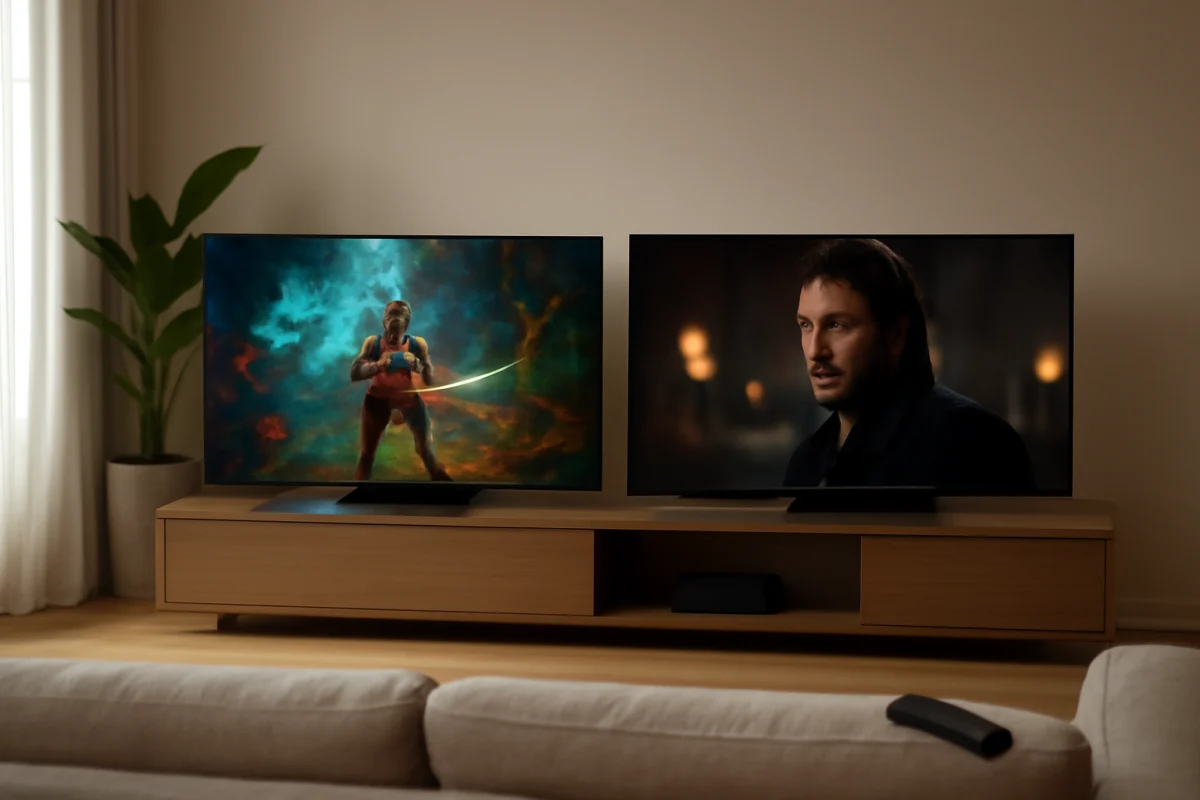
Choose LG if you want strong gaming features, a straightforward OLED experience, and more control over picture settings. Choose Sony if you care most about natural-looking movie images, motion handling, and convincing upscaling. Neither brand is automatically better for every viewer, and the exact result depends on the model year, screen size, processor, operating system, and the content you watch.
Before comparing the brands, check the specific models side by side. OLED TVs within the same brand can differ significantly in brightness, audio hardware, gaming support, panel design, and software. A newer midrange LG may be a better choice than an older premium LG, while a Sony model with stronger processing may suit a movie fan better than a less expensive Sony with fewer features.
LG vs. Sony OLED: The Short Answer
LG is usually the more practical choice for gamers and viewers who want extensive picture controls. LG has a long history with OLED televisions and commonly offers features aimed at console and PC gaming, including low input lag and support for modern gaming signals. Availability varies by model, so confirm the specifications for the exact TV before purchasing.
Sony is often the better fit for film and television viewers who value image processing. Sony OLED models tend to emphasize accurate motion, natural skin tones, and clean handling of lower-resolution content. This can matter if you watch cable channels, older movies, DVDs, or heavily compressed streams rather than only newer 4K content.
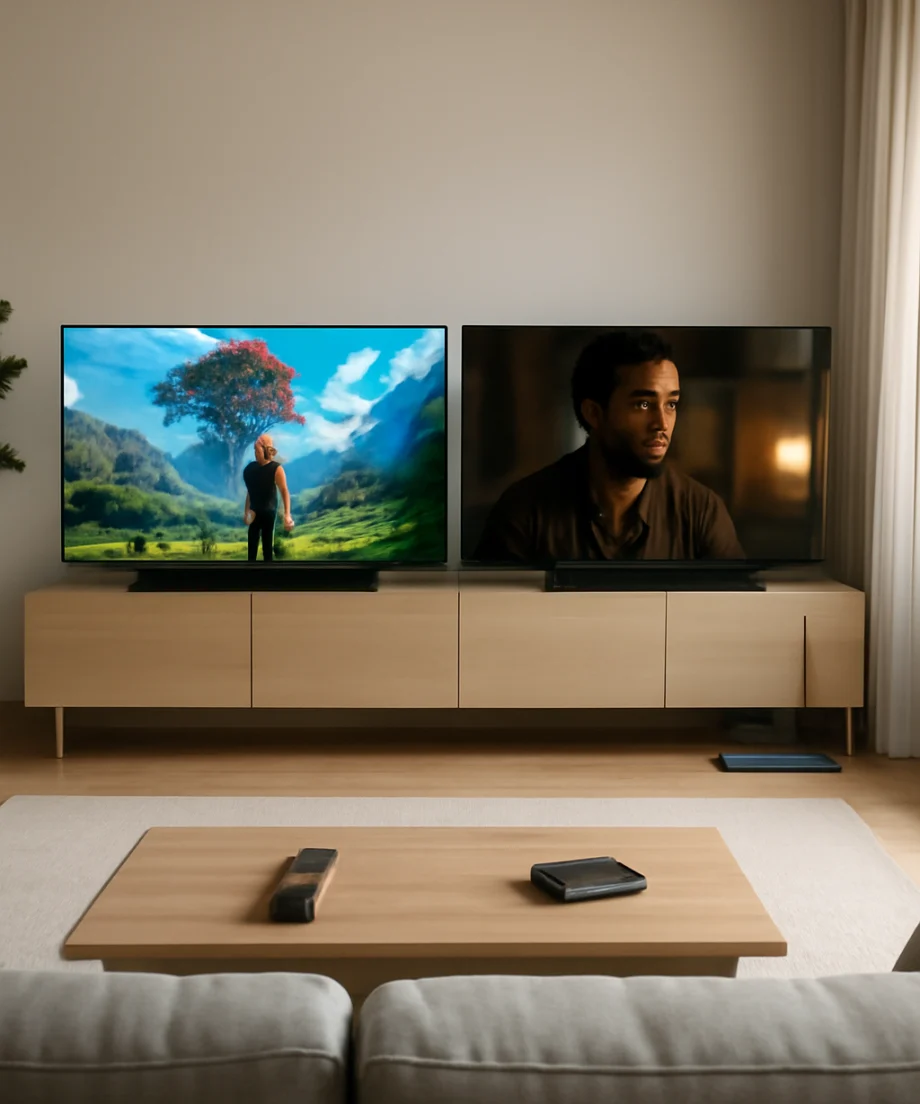
Both brands can deliver deep blacks, strong contrast, and wide viewing angles because OLED pixels can turn off individually. Both can also suffer from glare, image retention concerns, and lower full-screen brightness than some high-end LED or mini-LED televisions. Your room and viewing habits are just as important as the logo on the bezel.
Picture Quality: LG and Sony Take Different Approaches
Black levels and contrast
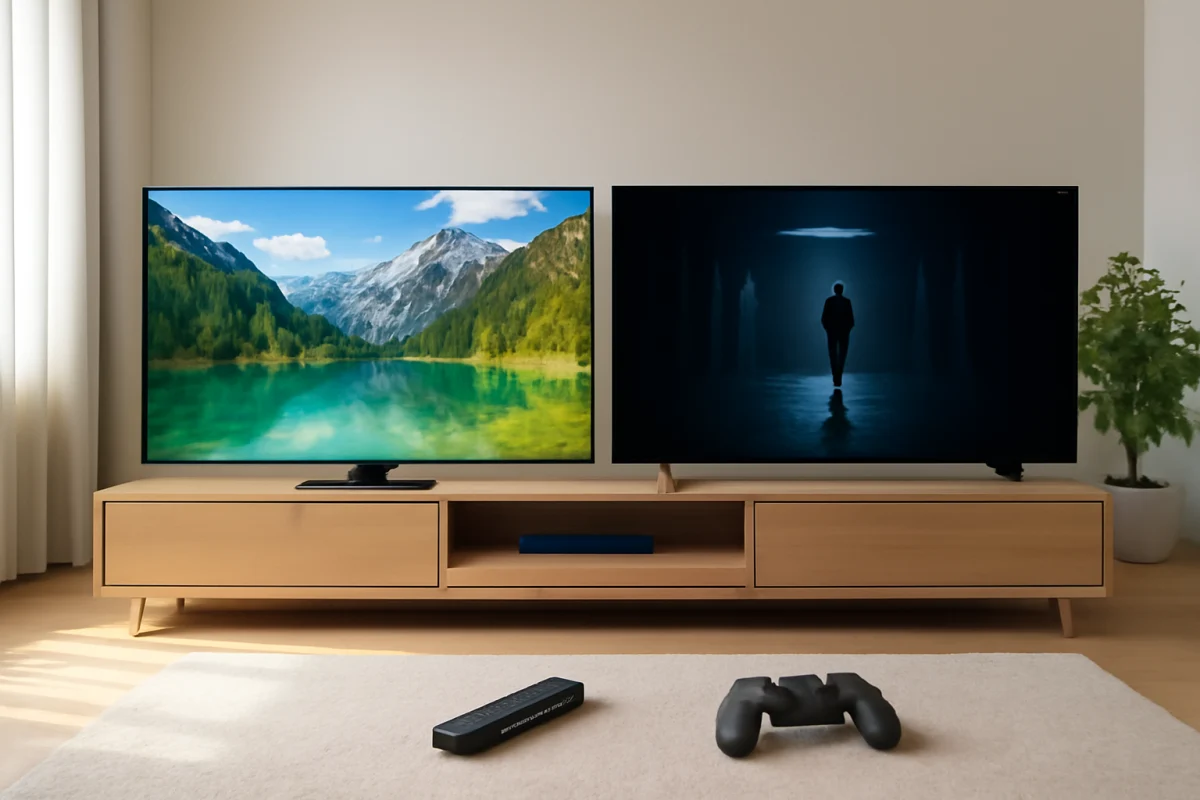
In a dark room, both LG and Sony OLED TVs can produce excellent black levels. Dark scenes typically look far more cinematic than they do on a conventional LED TV because an OLED pixel does not need a backlight that remains partially active behind the image.
Small differences can still appear between models. Panel generation, brightness control, screen size, image mode, and room lighting all affect what you see. A TV that looks identical to another in a showroom may look different at home if one is set to a brighter retail mode or receives a different signal.
Processing and upscaling
Sony’s processing is a major reason many movie fans prefer the brand. It can make lower-quality sources appear smoother and more natural, especially when the original video contains noise, uneven compression, or motion artifacts. Sony models may also give a more film-like presentation with certain content.
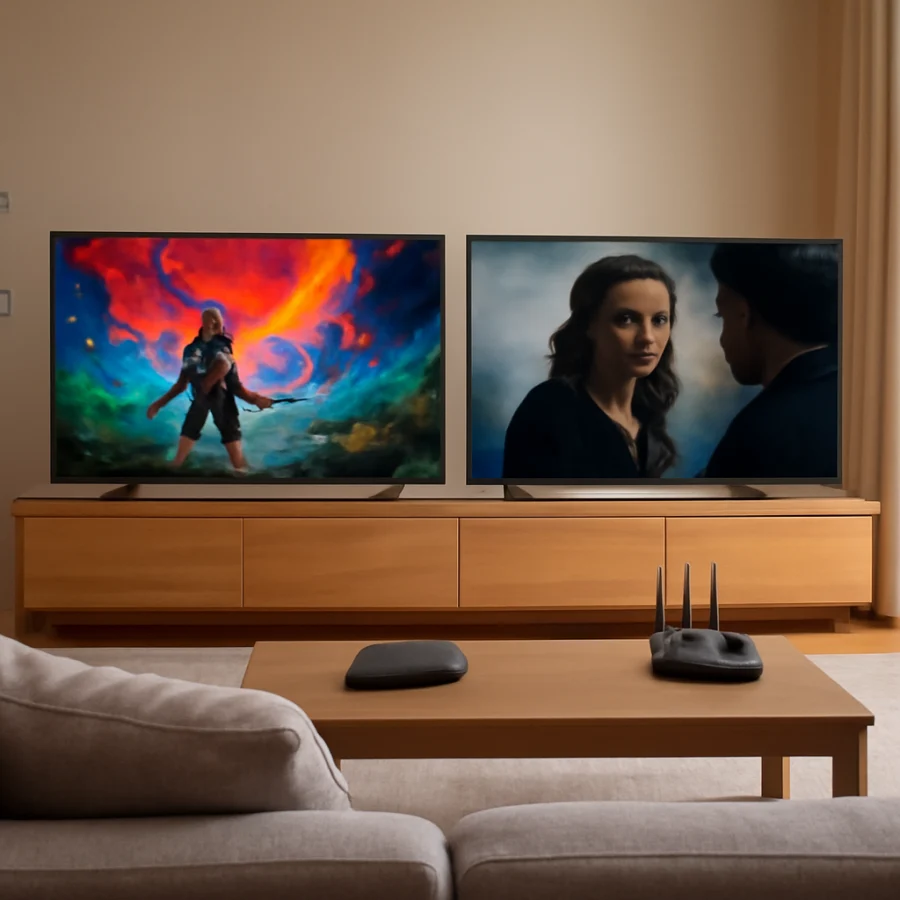
LG OLED TVs can also produce excellent images, particularly with high-quality 4K streaming, UHD discs, and properly configured game consoles. However, the visible difference between LG and Sony may be easier to notice with poor cable broadcasts or older content than with a clean 4K movie.
Do not assume that every Sony automatically upscales better than every LG. Processing performance changes by model, and a current LG can outperform an older Sony. Compare reviews of the exact model numbers whenever possible.
Brightness and reflections
OLED televisions have become brighter over time, but brightness is not identical across the LG and Sony ranges. Some models are designed for stronger highlights, while others prioritize efficiency, design, or a lower price. The usable brightness can also change with the picture mode and the amount of bright content on screen.
If your TV faces windows or lamps, check the screen’s reflection behavior rather than focusing only on peak brightness claims. A bright OLED can still be difficult to watch if direct light reflects into the viewing position. Rearranging the TV, reducing room light, or using curtains may improve the image more than changing brands.
Gaming: LG Usually Has the Advantage
LG is commonly the safer starting point for console and PC gamers. Many LG OLED models include a strong selection of gaming settings and support for features that help reduce input delay and improve compatibility with modern game systems. Some models also provide more display inputs or greater flexibility, but this must be confirmed for the exact television.
Sony OLED TVs can be excellent for gaming too. They offer low-latency modes and support important gaming signals on compatible models. The main issue is not that Sony cannot game well; it is that LG often makes gaming features a more prominent part of the product experience.
Before buying, check these details on the exact TV:
- Whether the screen supports the resolution and refresh rate your console or PC uses.
- How many inputs support the gaming features you need.
- Whether variable refresh rate is supported and with which devices.
- Whether automatic low-latency switching works with your setup.
- Whether the TV’s game mode changes the picture in a way you find acceptable.
If you use a current console, connect it directly to the television during testing. An AV receiver, soundbar, HDMI switch, or older cable can prevent a gaming feature from working even when the TV supports it.
Motion, Movies, and Sports
Sony is often favored for movie playback and difficult motion. Its processing can help preserve the intended look of film while reducing distracting judder or artifacts when the settings are adjusted carefully. Viewers who watch a lot of cinema, scripted television, and older content may appreciate this consistency.
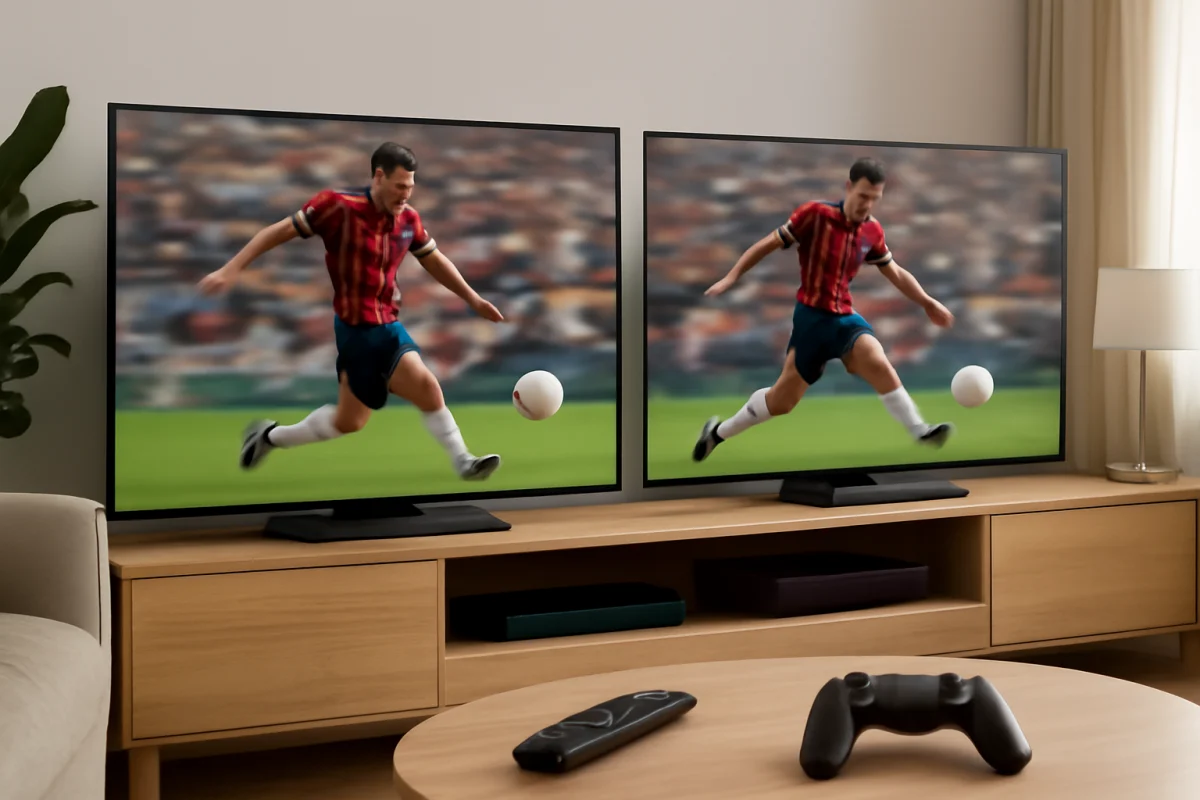
LG OLED TVs are also strong for movies and sports. They offer fast pixel response, which helps keep moving objects clear, but fast response does not automatically eliminate judder from low-frame-rate film content. Motion settings can create a smoother “soap opera” appearance if pushed too far.
For sports, test the TV with a real broadcast if possible. Look for clean movement around players, readable score graphics, and limited blur during camera pans. Broadcast quality varies by provider, so a problem that appears on one channel may not be caused by the TV.
Smart TV Experience and Everyday Use
LG and Sony use different smart TV platforms and interface designs. The best choice depends on which apps, remotes, voice controls, and settings layout you prefer. App availability can change by region and platform, so confirm that your required services are supported before purchase.
LG’s interface is often comfortable for users who want a TV-centered home screen with quick access to inputs and settings. Sony’s interface may feel more familiar to people who already use other devices built around Google’s TV ecosystem. Both platforms can occasionally experience app crashes, slow menus, sign-in problems, or temporary network errors.
If streaming is unreliable on either TV, start with low-risk checks:
- Test another app to determine whether the problem affects one service or the whole TV.
- Restart the TV using its normal power controls, then wait briefly before turning it back on.
- Restart the router and check whether phones or other devices have the same problem.
- Move the TV closer to the router temporarily or test a wired connection if available.
- Check for app and TV software updates using the options shown on your model.
For more network troubleshooting, see the Wi-Fi and network troubleshooting guide. Avoid a factory reset until you have confirmed that the issue is not caused by the router, streaming service, HDMI device, or account.
Sound Quality: Do Not Ignore the Room
Neither OLED brand should be judged only by the thinness of the screen. Thin televisions have limited space for speakers, and sound quality can vary considerably between models. Some provide clearer dialogue, wider sound, or stronger bass than others, but the result also depends on the room and the content.
Sony may be attractive to viewers who want dialogue to appear closely connected to the image on compatible models. LG also offers clear dialogue options and broad soundbar compatibility. If you plan to use a soundbar or receiver, check the available audio connections and make sure the external equipment supports the audio formats and control features you need.
If dialogue is difficult to hear, first test another program and temporarily disconnect external audio equipment. Confirm that the TV is using the intended speaker output and that the soundbar is connected to the correct port. Settings names and locations vary by model, so use the on-screen instructions for your TV rather than following a menu path from a different year.
Reliability, Burn-In, and Maintenance
LG and Sony OLED TVs use self-emissive panels, so both brands share the general advantages and limitations of OLED technology. Static logos, news tickers, game interfaces, and other unmoving elements can increase image-retention risk when displayed repeatedly for long periods. Modern TVs include protective routines, but those features do not make the panel immune to wear.
For ordinary mixed viewing, OLED can be a very good long-term choice. To reduce unnecessary stress on the panel, avoid leaving a paused image on screen for extended periods, use the TV’s built-in panel-care features as intended, and vary the content when practical. Do not interrupt a maintenance cycle unless the manufacturer’s instructions say it is safe to do so.
Reliability is difficult to rank by brand alone. A television can develop a problem because of the panel, power system, software, connected equipment, ventilation, or an electrical event. If the screen is blank, do not immediately assume the panel has failed. Check the outlet, power cable, remote batteries, input selection, and connected devices first. Our LG TV troubleshooting resources and Sony TV troubleshooting resources can help you narrow down brand-specific symptoms.
Which Brand Is Better for You?
Choose LG if you:
- Play games regularly on a console or PC.
- Want broad gaming controls and easy access to picture adjustments.
- Watch mostly high-quality 4K content.
- Prefer LG’s smart TV interface and remote design.
- Find a current LG model with the connections and screen size you need.
Choose Sony if you:
- Watch many movies, broadcast channels, or older low-resolution programs.
- Care strongly about motion handling and natural image processing.
- Prefer Sony’s smart TV platform and device integration.
- Want a presentation that looks polished without extensive manual tuning.
- Find a Sony model whose gaming and connection features match your equipment.
How to Compare Two Specific OLED Models
Brand comparisons are useful for narrowing the field, but the final decision should be model-to-model. Write down the exact model numbers and compare panel type, screen size, supported gaming signals, input placement, audio connections, stand dimensions, warranty information, and return terms from the current retailer or manufacturer documentation.
Then consider your room. Measure the viewing distance, identify nearby windows, and decide whether the TV will sit on furniture or be mounted. Check that all HDMI devices can reach the ports and that the stand fits the cabinet. A technically excellent TV is still a poor choice if it is too large, too reflective, or incompatible with your sound system.
For additional comparisons, browse the TV brand comparison section. The right choice is usually the OLED that matches your content, lighting, devices, and daily habits—not simply the one with the more recognizable name.
Comments
0No comments yet. Be the first to share a helpful note or question.
Leave a Comment
Your email address will not be published. Comments are reviewed before appearing on the site.