Samsung TV
Samsung TV Connection Problems: Practical Fixes That Work
Fix common Samsung TV connection problems, including Wi-Fi failures, HDMI no signal, app issues, Bluetooth trouble, and intermittent disconnects.
Find practical Samsung TV troubleshooting guides for common picture, sound, connection, remote, app, and setup problems. This category covers helpful steps for adjusting picture settings, resolving HDMI no-signal issues after connecting a console, turning off Voice Guide, clearing storage, and dealing with apps that freeze, crash, or will not open. You can also learn what to check when a Samsung TV screen looks dark but still has sound, how to reconnect a remote, and how to set up AirPlay from an iPhone. Each guide is written to help you understand the issue and work through potential solutions in a clear, manageable order. Whether you are fine-tuning your TV for fast-moving sports, reconnecting accessories, or troubleshooting everyday Smart TV features, these Samsung TV resources are designed to make the process easier to follow.
Type the symptom, error message or feature that is not working. Results stay inside this category.
Fix common Samsung TV connection problems, including Wi-Fi failures, HDMI no signal, app issues, Bluetooth trouble, and intermittent disconnects.
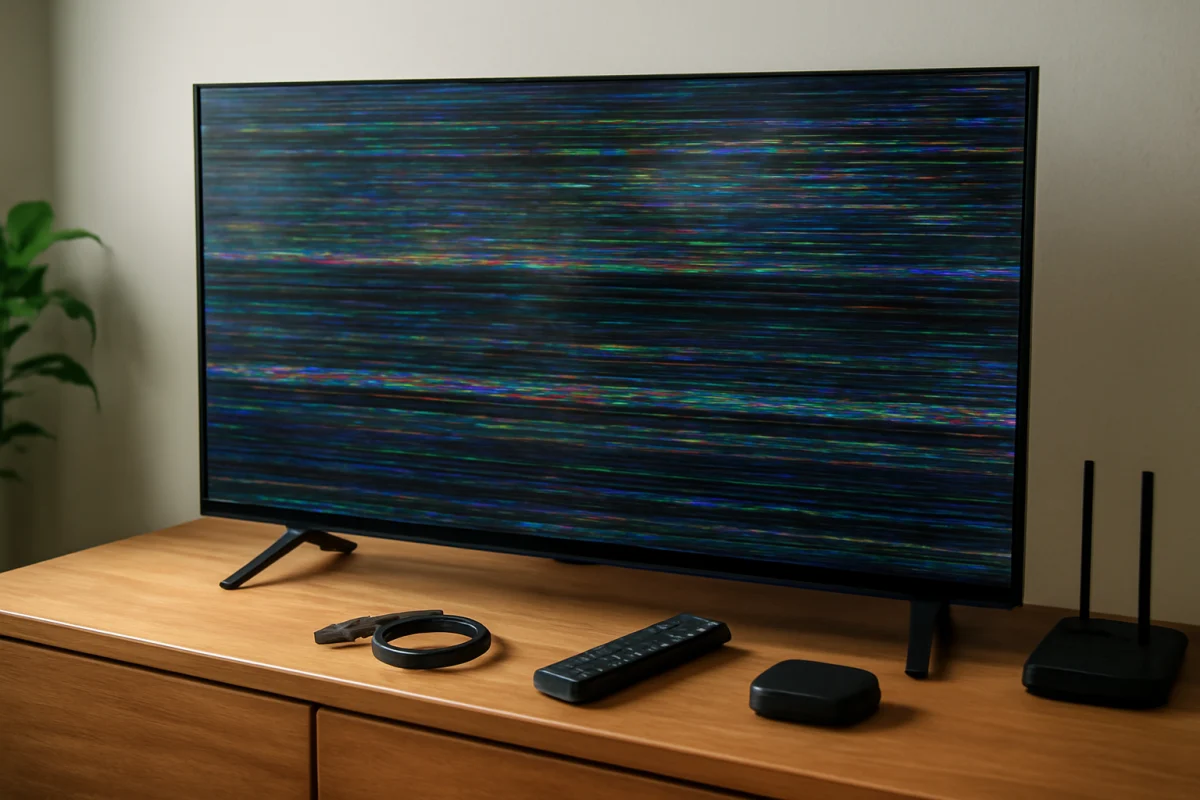
Is your Samsung TV glitching, flickering, freezing, or showing strange lines? Use these safe troubleshooting steps to identify whether the problem is caused by the TV, an external device, software, or the connection.
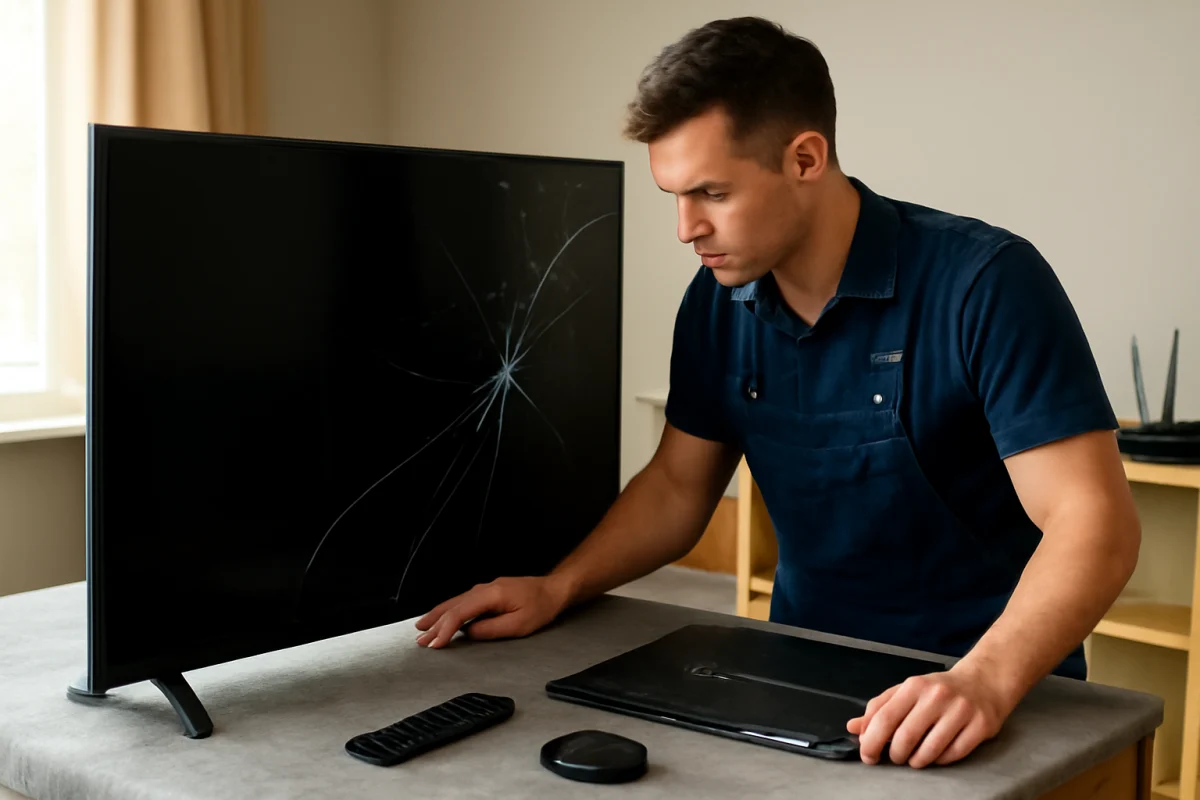
A Samsung TV with a cracked, dark, or damaged screen may need a panel replacement, but the repair is often expensive. Learn how to identify the fault and decide whether repair or replacement makes sense.
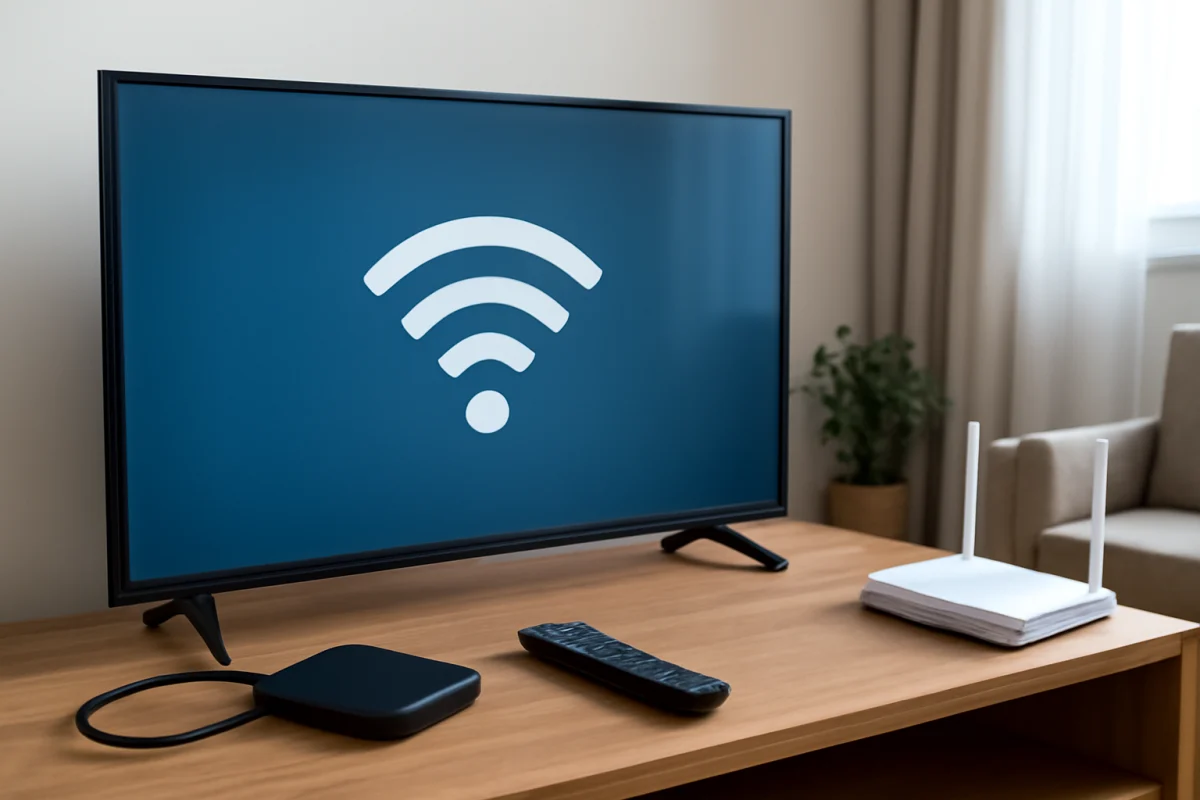
Fix common Samsung TV connection problems, including Wi-Fi failures, HDMI issues, streaming interruptions, and problems connecting phones or other devices.
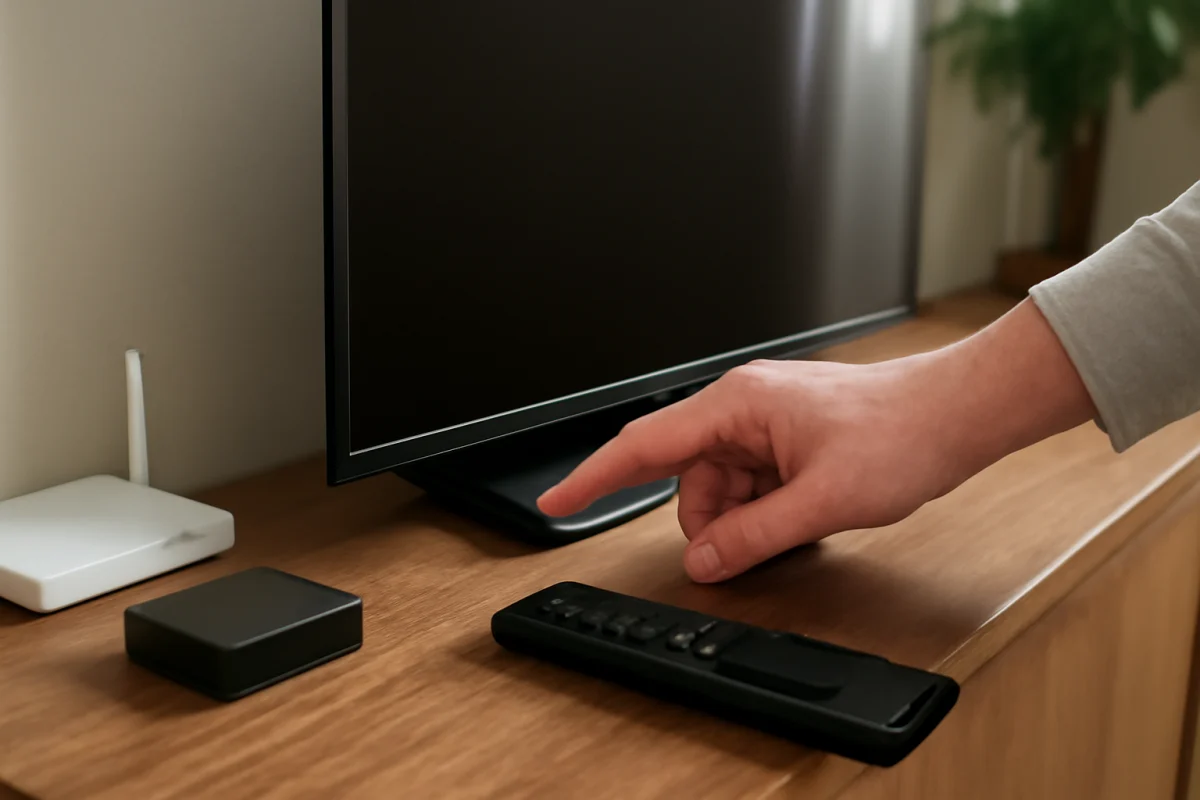
Is your Samsung TV power button not working? Follow these safe checks to identify whether the problem is the remote, TV controls, power supply, or internal hardware.
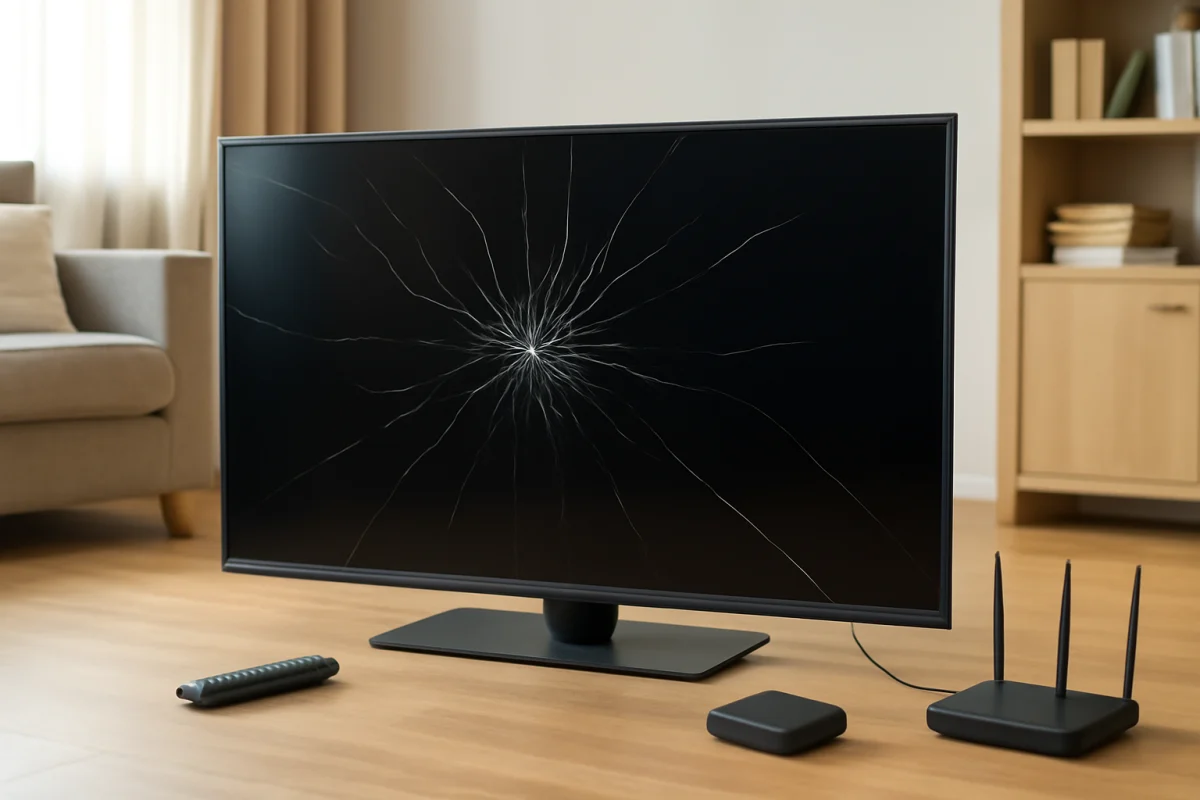
A cracked Samsung TV screen usually requires panel replacement or a new television. Learn how to check the damage safely, protect your home, and decide whether repair is worthwhile.
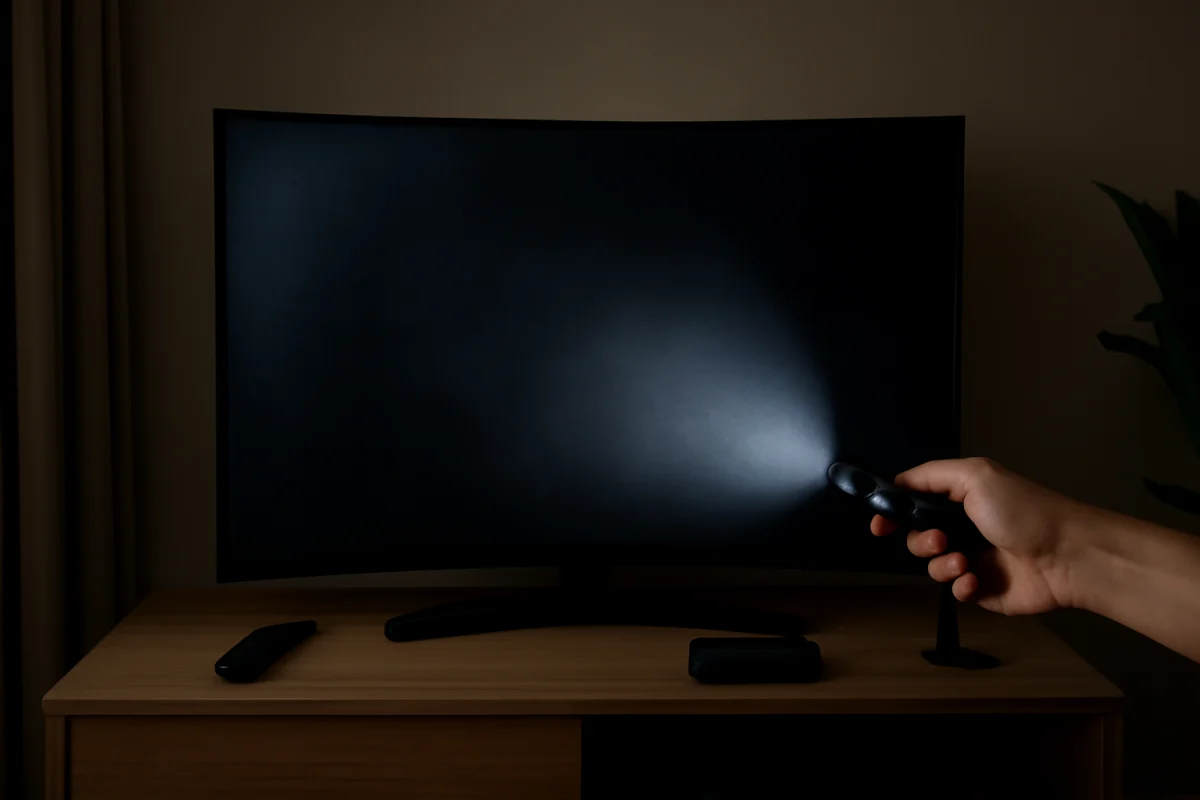
A Samsung curved TV with a dark, dim, or uneven screen may have a backlight, power, setting, or panel problem. Use these low-risk checks to identify the cause.
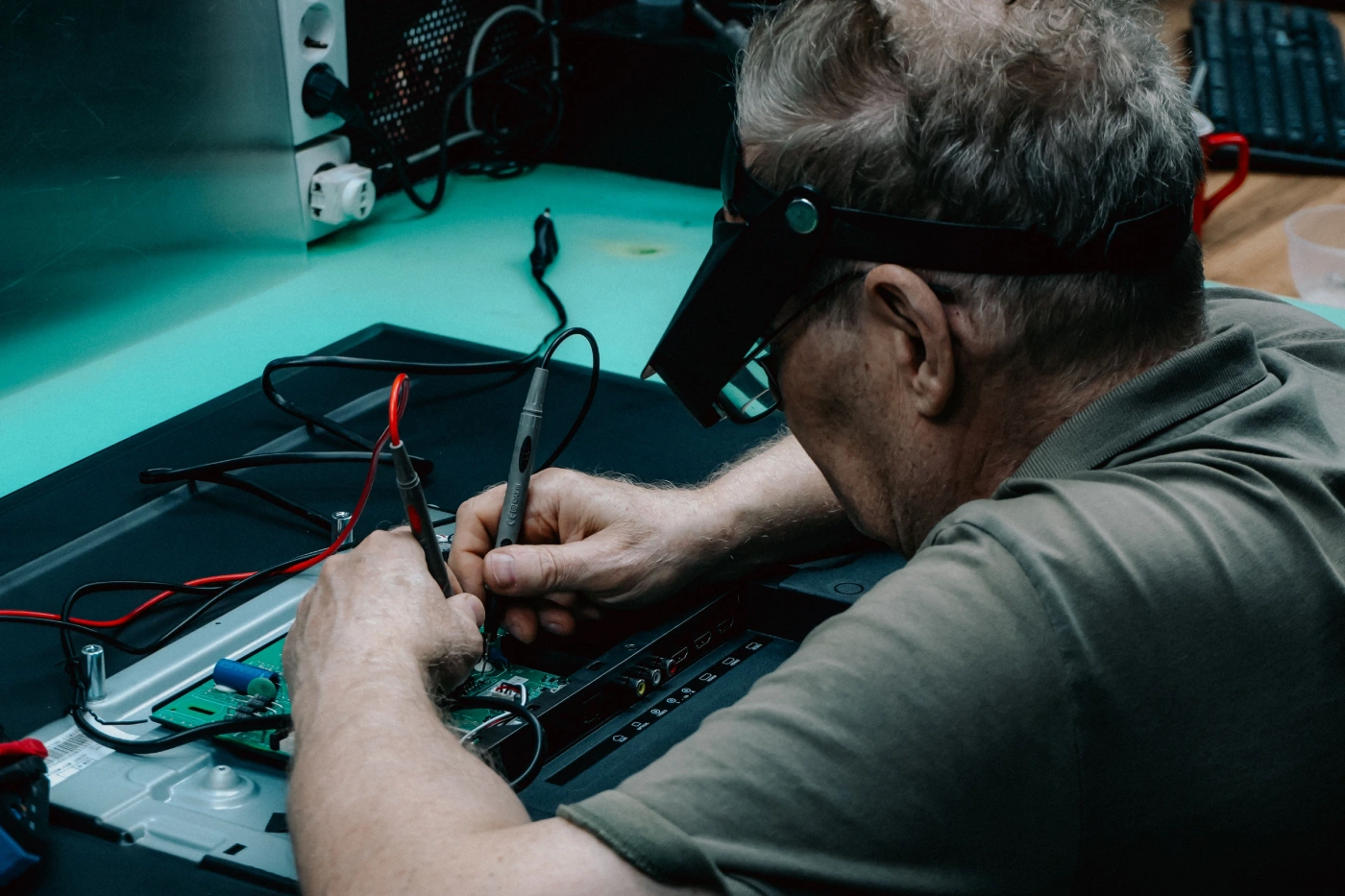
A cracked or damaged Samsung TV screen is often expensive to replace. Learn how to confirm the fault, estimate the repair value, and choose the safest next step.
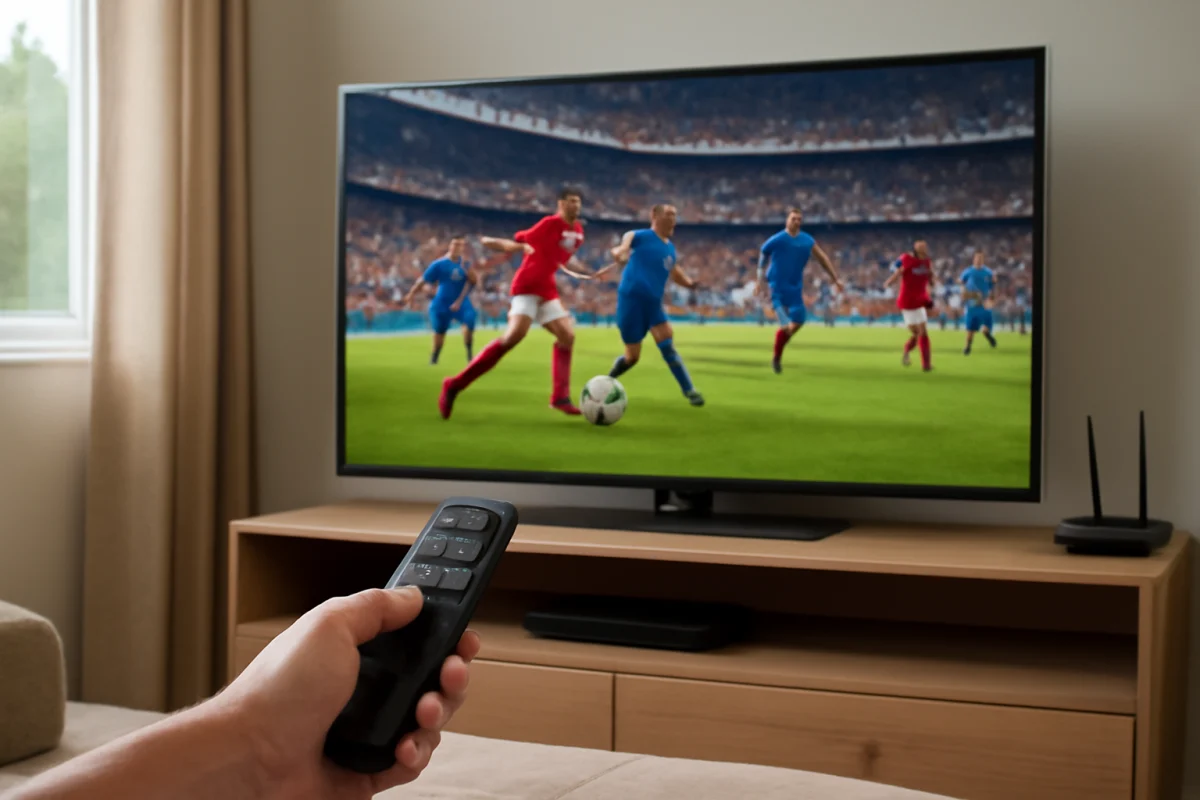
Improve sports and fast-action viewing on a Samsung TV by adjusting picture mode, motion processing, brightness, sharpness, and input settings.
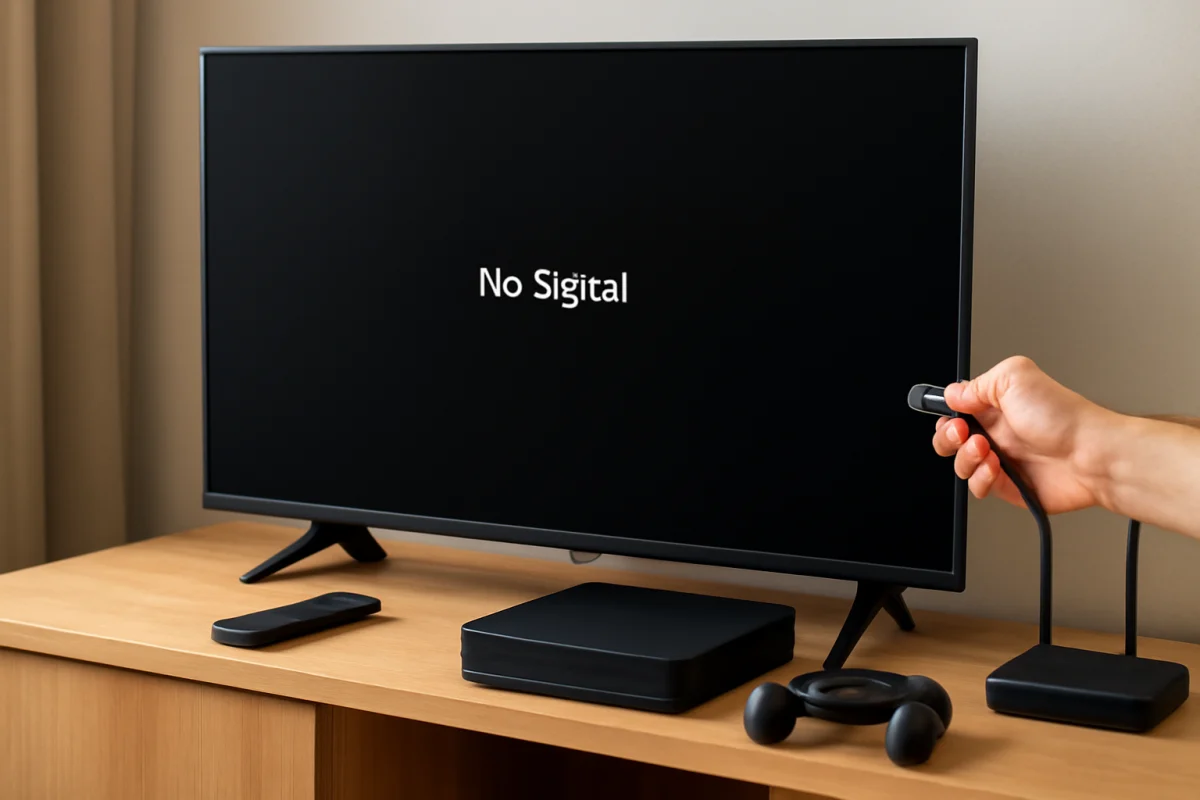
A Samsung TV showing No Signal after you connect a game console is usually caused by the wrong input, a loose connection, a power-state glitch, or an incompatible video setting. Follow these checks before resetting the TV.
Turn off Samsung TV Voice Guide without the remote using the TV's physical controls, SmartThings, or a USB mouse. These steps also help identify why narration keeps returning.
Free up storage on a Samsung smart TV by deleting unused apps, clearing app data where available, restarting the TV, and checking for software or app-related problems.
Samsung TV apps that freeze, crash, or refuse to open usually respond to a restart, network check, app update, or Smart Hub refresh. Try these steps in order.
A Samsung TV that has sound but a dark screen may have a brightness setting, input, cable, software, backlight, or panel problem. Follow these safe checks to identify the cause.
Is your Samsung TV remote not pairing? Follow these practical steps to check the batteries, reconnect the remote, reset the TV, and identify a hardware problem.
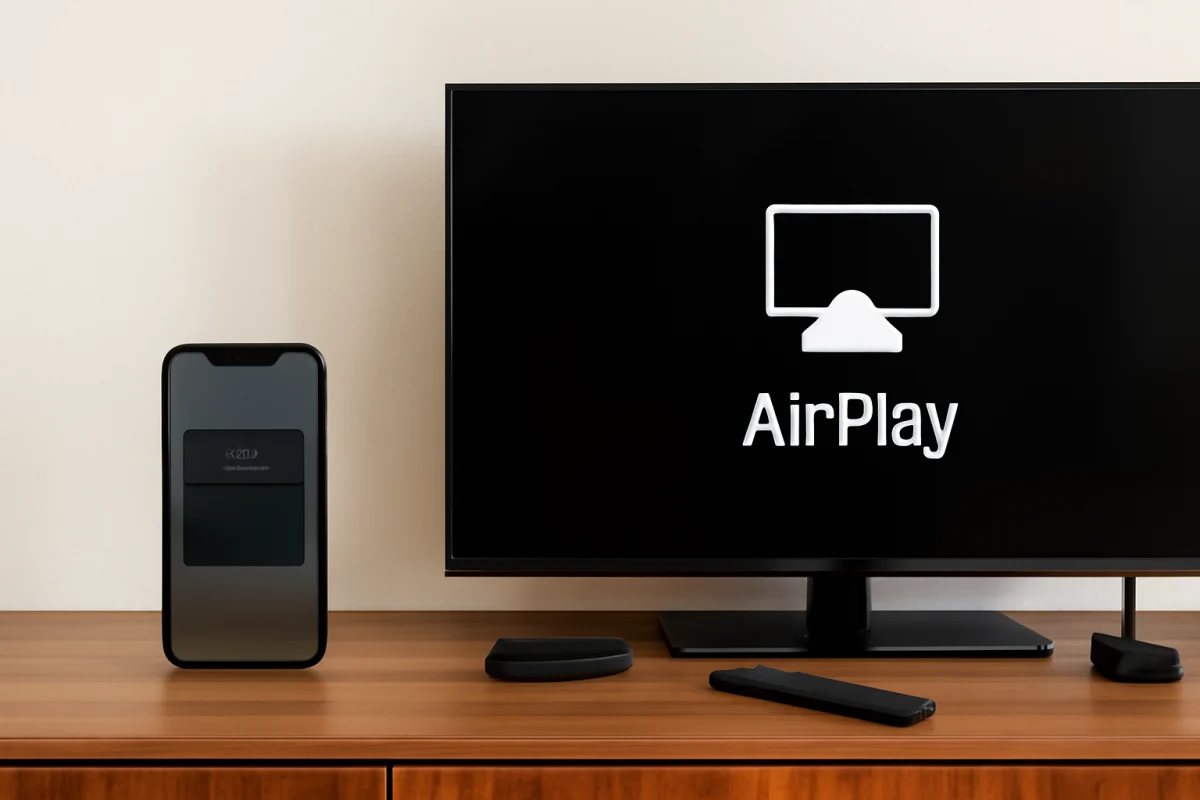
Learn how to connect an iPhone to a Samsung Smart TV with AirPlay, plus practical fixes for missing TVs, connection failures, lag, and sound problems.
A Samsung TV that keeps dropping Wi-Fi may have a weak signal, router issue, software problem, or saved network glitch. Work through these low-risk fixes first.
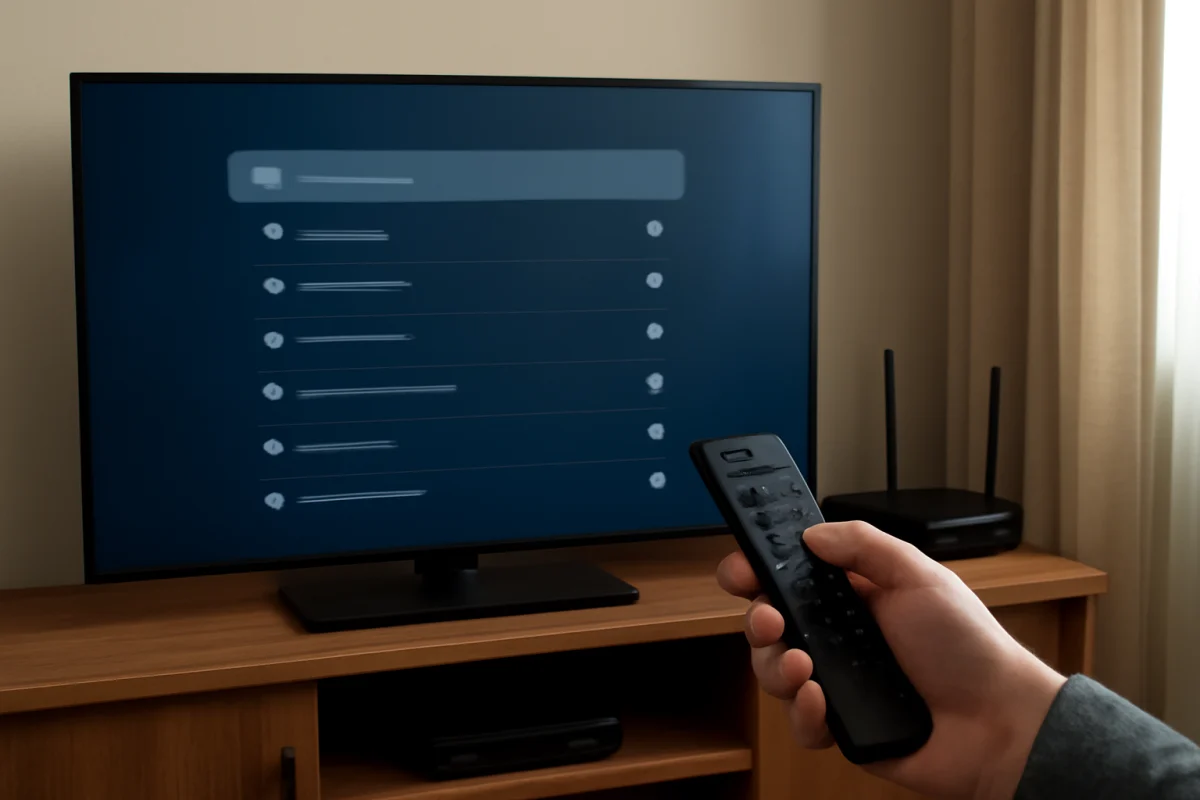
If your Samsung TV cannot find your Wi-Fi network, check the router, distance, network visibility, and TV settings before trying a reset.