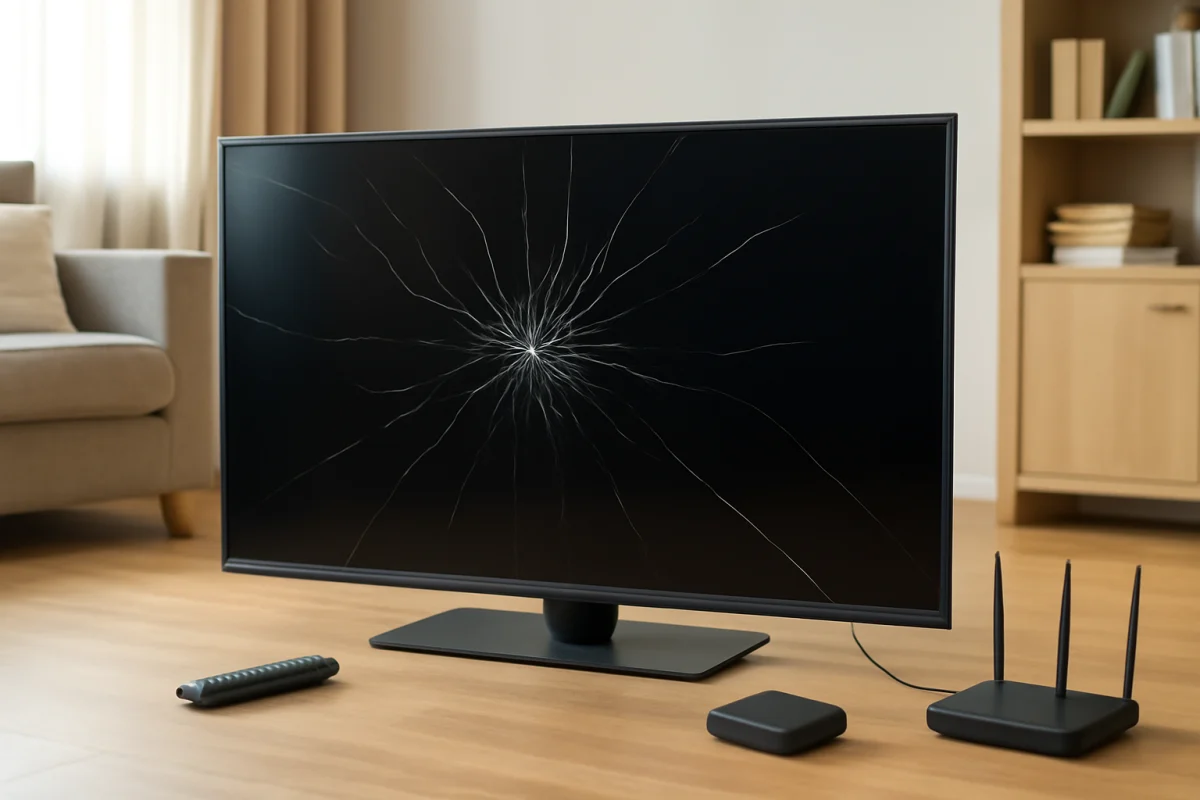
If your Samsung TV screen is cracked, stop using it until you have checked the damage and made the area safe. A crack in the actual display panel is not something a reset, picture adjustment, software update, or replacement HDMI cable can repair. In most cases, the practical choices are a professional panel replacement, an insurance or warranty claim if applicable, or replacing the TV.
Before making that decision, determine whether the damage is only on a removable surface, such as a screen protector, or whether the television's built-in panel is broken. Do not press on the crack, peel away pieces of glass, or take the TV apart while it is connected to power.
First, determine what is cracked
People sometimes describe several different problems as a “cracked screen.” The next steps depend on which part is damaged.
Check for an external screen protector
Some owners add a separate protective film or acrylic cover to a TV. If you installed one, the crack may be limited to that removable layer. Turn the TV off, unplug it, and inspect the edges carefully without pulling on the damaged material. Follow the protector manufacturer's removal instructions if the protector can be removed safely.
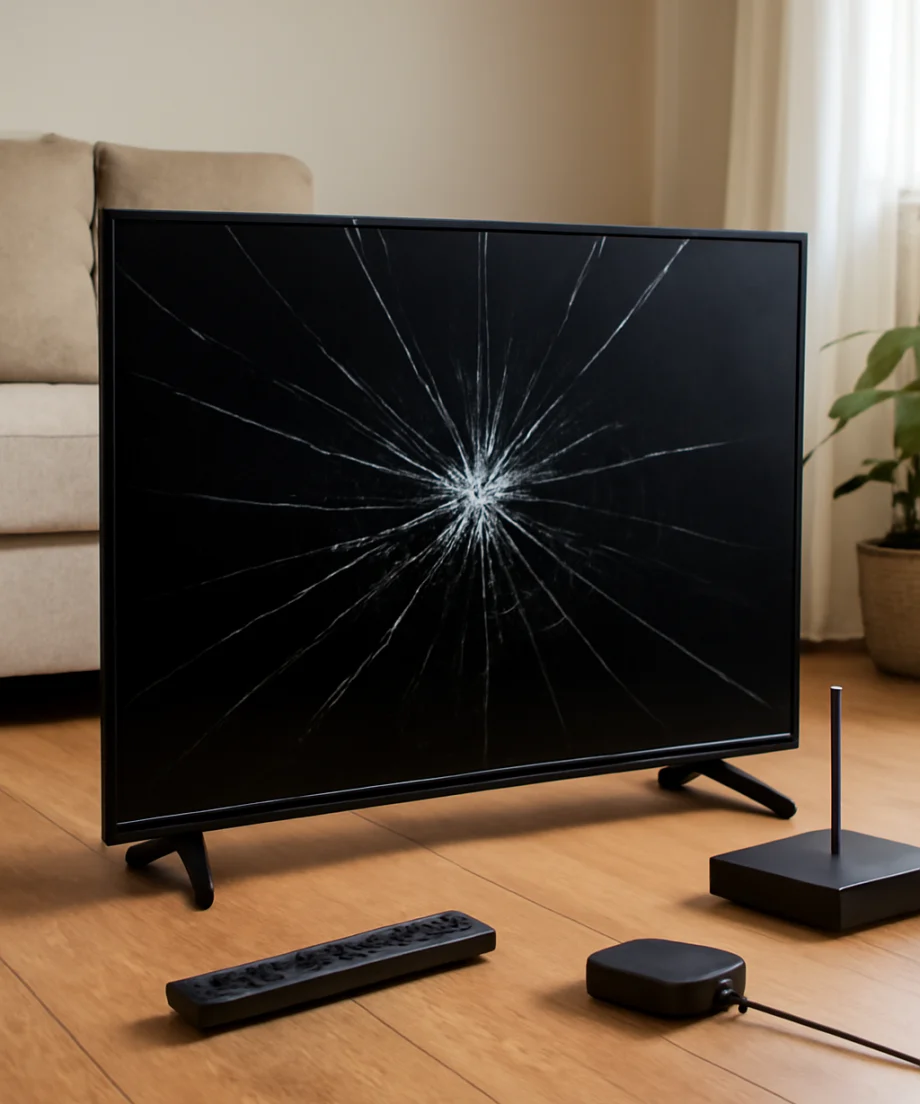
Do not assume that a thin line is a protector. A crack that remains after a protector is removed, or damage that appears to extend into the display, should be treated as panel damage.
Look for signs of a broken display panel
The built-in panel is probably damaged if you see one or more of these signs:
- A visible crack that begins at an impact point or reaches the edge of the screen
- Black or dark areas that spread from the crack
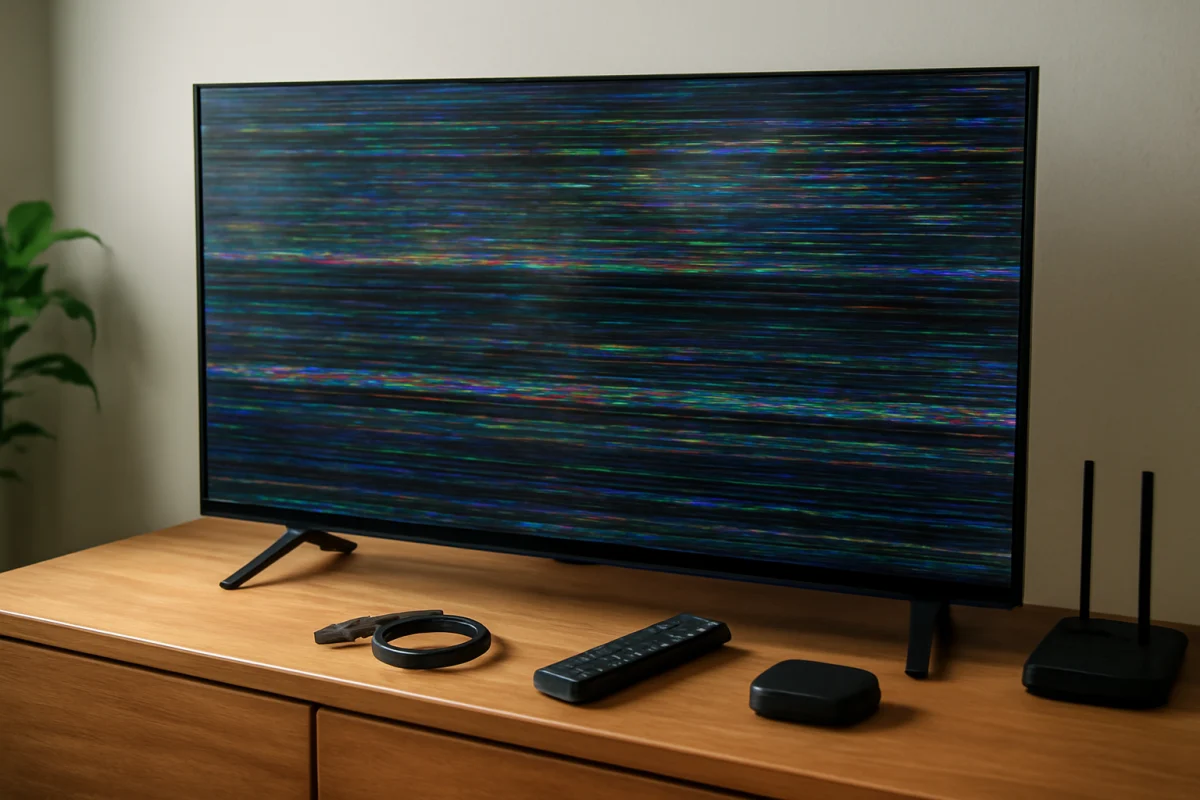
- Colored lines, vertical bands, or bright patches
- Ink-like blotches beneath the glass
- Part of the picture missing, flickering, or showing distorted colors
- Glass fragments, sharp edges, or a section that appears to be lifting
A TV can still produce sound or show part of an image after the panel is broken. That does not mean the damage is minor. The electronics may still be working while the display assembly is not.
Make the damaged TV safe
Unplug the TV if you can do so without touching broken glass or moving the set. Keep children and pets away from the area. If fragments are loose, do not sweep them across the screen or try to push them back into place. Wear cut-resistant gloves if you must handle nearby pieces, and use care around the stand, wall mount, cables, and power cord.
If the television is mounted on a wall and the impact has loosened the mount, do not try to remove it alone. A large TV can be heavy even when it appears secure. Have another adult help, or contact a qualified installer. If the power cord, plug, or wall outlet was also damaged, leave it disconnected and arrange an electrical inspection before using that outlet again.
For a screen that is cracked but stable, take clear photos from several angles before moving anything. Photograph the entire TV, the close-up damage, the model label, and the surrounding area if an impact caused the crack. These images may help with a retailer, insurer, repair shop, or household damage claim.
Should you turn the TV on to test it?
A brief visual check may help confirm whether the picture still works, but it is not necessary if the panel has obvious impact damage. If you do test it, keep the TV stationary, avoid touching the screen, and stop immediately if you notice smoke, a burning smell, unusual popping sounds, sparking, or a damaged power cord.
Do not repeatedly power-cycle a cracked TV. Testing will not reveal the full extent of panel damage, and continued use can create additional risk if internal parts were affected by the impact, pressure, or moisture.
Can a cracked Samsung TV screen be repaired?
In most cases, the cracked display panel must be replaced as a complete assembly. The panel is not normally repaired with glass adhesive, tape, a screen-polishing product, or a software procedure. A repair technician may be able to replace the panel, but whether that makes financial sense depends on the model, screen size, availability of the correct part, labor, and the condition of the rest of the TV.
Do not buy a generic replacement sheet based only on the screen size. Samsung TVs can use different panels and internal parts, even when two models look similar. A technician needs the exact model information and, in some cases, the full model code from the label on the rear of the television.
Panel replacement is also different from replacing a main board, power board, backlight, or external bezel. Those parts may address picture or power faults, but they will not fix a physically shattered display panel. Be cautious if a diagnosis focuses only on a reset or board replacement while ignoring visible damage.
Check warranty, retailer, and insurance options
Accidental impact damage is often treated differently from a manufacturing defect, so do not assume that a standard warranty will cover a cracked panel. Coverage varies by seller, protection plan, location, purchase date, and the cause of the damage. Check your purchase documents and the terms of any extended service plan rather than relying on a general warranty assumption.
If the TV was damaged during delivery, installation, a move, or a home incident, contact the responsible company or insurer promptly. Keep the TV and broken pieces until you receive instructions. Do not authorize disposal or a repair before documenting the condition if a claim may be involved.
When contacting Samsung, a retailer, an insurer, or a repair shop, have these details ready:
- The exact model code and approximate purchase date
- The screen size and location of the crack
- Whether the TV still produces sound or any picture
- When and how the damage occurred, if known
- Photos of the front, rear label, packaging, stand, and mounting area
Is panel replacement worth the cost?
Ask for a written estimate that separates the panel, labor, pickup or delivery, and any inspection charge. Also ask whether the replacement part is new, refurbished, or removed from another TV, and whether the work includes a repair warranty. Policies differ by provider, so get the terms in writing.
Compare the total estimate with the cost of a suitable replacement TV, not just the price of a new panel. A panel replacement may be more reasonable for a newer, larger, or higher-end television, especially if the rest of the set is in excellent condition. Replacing the TV may be more practical when the set is older, the correct panel is difficult to obtain, or the repair estimate is close to the price of a comparable new model.
Do not use a very low quote as proof that the repair is safe or complete. Ask what part is being installed and whether the technician will test the display, speakers, inputs, wireless connection, remote functions, and physical stability after the work.
What not to do with a cracked TV screen
- Do not press, rub, or massage the cracked area.
- Do not apply glue, liquid cleaner, polishing compound, or a DIY glass repair kit.
- Do not remove the rear cover unless you are qualified to work on televisions.
- Do not carry a large damaged TV by the screen or lay it flat without proper support.
- Do not tape over a loose panel and assume the TV is safe to use.
- Do not throw the television in regular household trash.
To move the TV, unplug all cables, use two or more people for a large set, and keep the display upright. Support the frame rather than placing pressure on the front. If the TV has broken glass, follow local electronic-waste and glass-disposal requirements. A repair shop, recycling center, or local waste service can explain the correct disposal method.
If the screen is not actually cracked
Before ordering a panel, make sure the lines or dark areas are not caused by a loose connection, an external device, or a picture problem. A true crack is usually visible on the surface, while a source or cable problem may affect only one input.
With the TV unplugged and the screen untouched, disconnect external devices such as a game console or streaming player. If the built-in TV interface looks normal but one source is distorted, troubleshoot that source separately. You can also review other guides in the Samsung TV troubleshooting section for nonphysical picture problems.
If the TV is dark but still has sound and there is no visible impact damage, the cause may be unrelated to a cracked panel. In that situation, use our guide to a Samsung TV screen that is dark but still producing sound before requesting a screen replacement.
What information to give a repair technician
Describe the event accurately. Explain whether something struck the screen, whether pressure was applied during a move, whether liquid was involved, and whether the TV was powered on at the time. Mention any new sounds, heat, smell, flickering, or loss of picture.
Send photos before transporting the television, but do not rely on photos alone for a final diagnosis. A technician may need to inspect the frame, panel connections, power supply, and mounting points. If the frame is bent, the panel replacement may not be enough to restore the TV safely.
The practical answer
A Samsung TV with a cracked built-in screen usually needs professional panel replacement or replacement of the entire television. Start by unplugging it, preventing further contact with the damaged area, documenting the condition, and checking possible coverage. Then obtain an exact repair estimate using the TV's full model information. A factory reset, new cable, or picture setting cannot repair physical panel damage, and attempting a DIY screen repair can make the problem and safety risk worse.
Comments
0No comments yet. Be the first to share a helpful note or question.
Leave a Comment
Your email address will not be published. Comments are reviewed before appearing on the site.