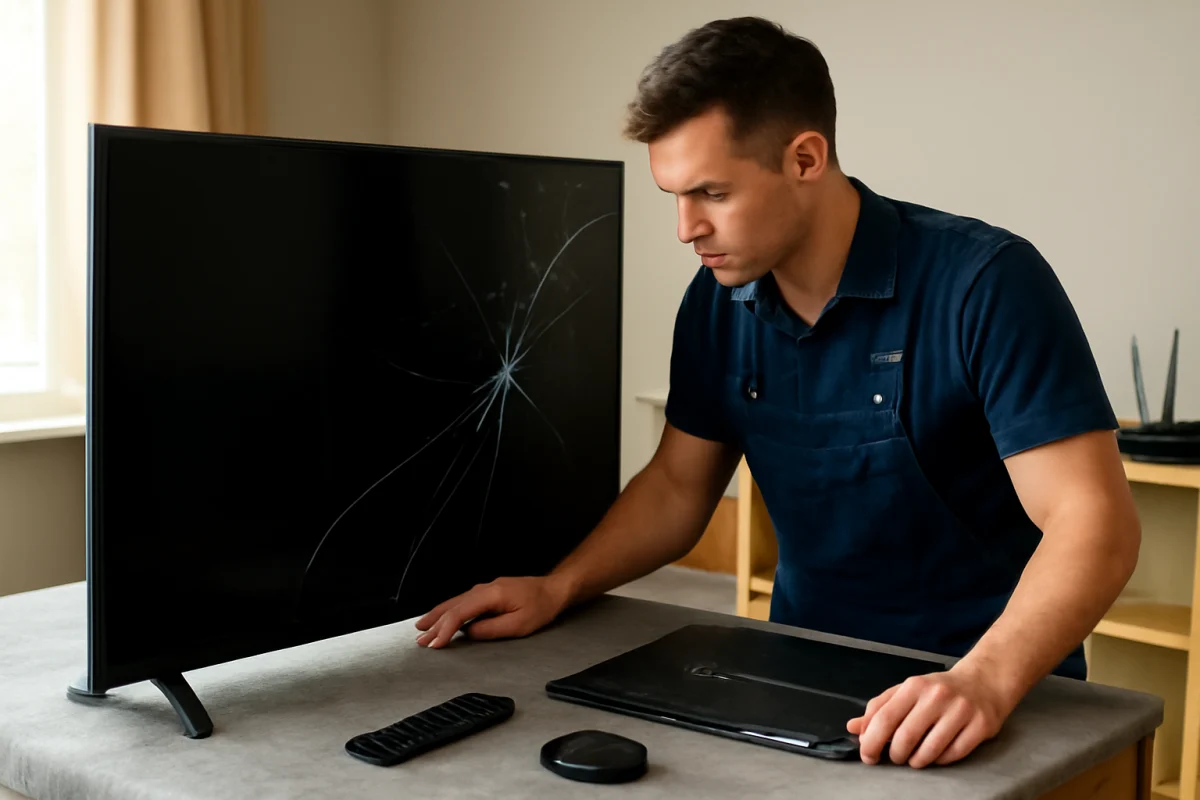
A Samsung TV with a cracked or damaged LCD panel usually needs a complete screen-panel replacement rather than a simple glass repair. Before ordering parts, confirm that the problem is actually the panel. A black screen with sound, lines, flickering, or dim areas can also result from a backlight, power board, main board, cable, or input problem.
The safest approach is to begin with simple checks, document the TV's exact model number, and get a written repair estimate before opening the set. Panel replacement is one of the most expensive TV repairs, and the correct part can vary even among Samsung TVs with similar screen sizes.
What “LCD replacement” means on a Samsung TV
In everyday use, people often call the visible screen an LCD screen, display, or panel. On a Samsung TV, the panel is a large assembly that produces the picture. It includes delicate display layers and is connected to the TV's electronics by thin ribbon cables.
A panel replacement is different from replacing the outer screen surface or a protective layer. A cracked display usually cannot be repaired by replacing only the glass. A technician normally has to replace the entire compatible panel assembly, if one is available.
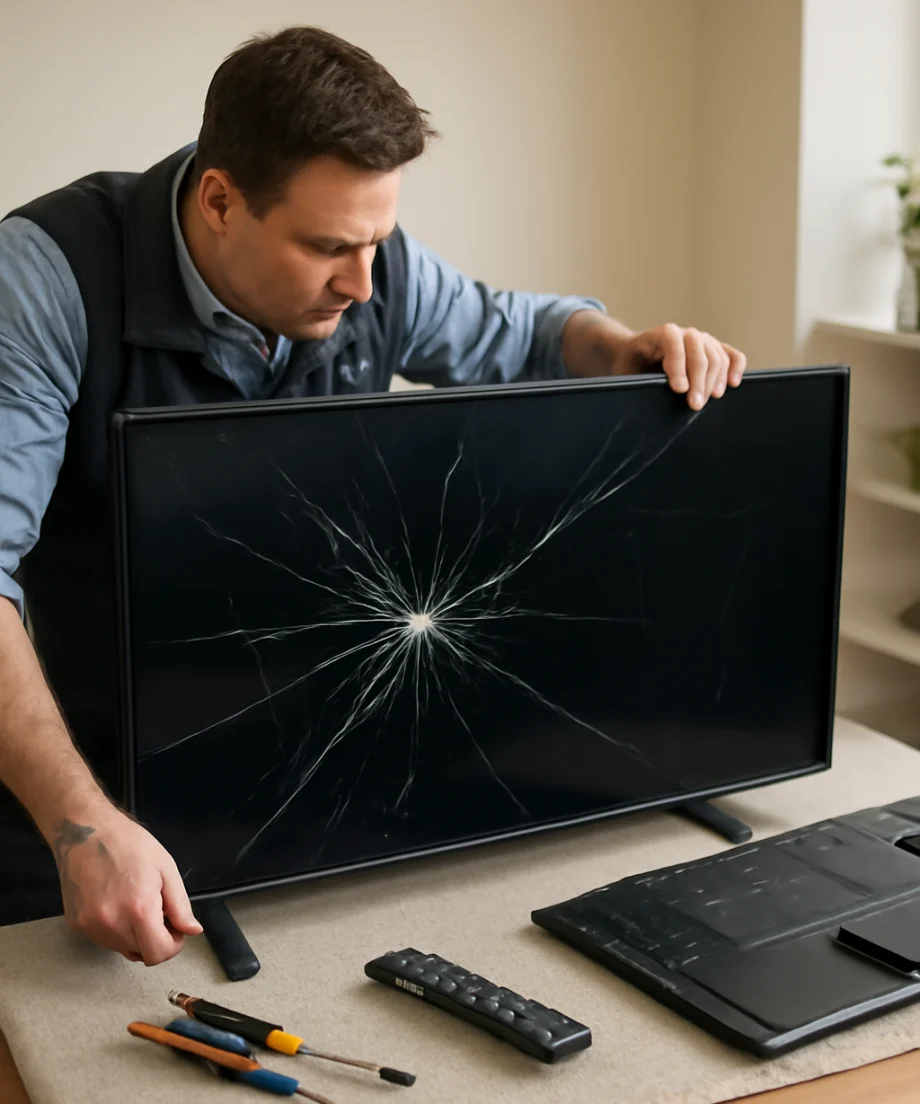
The exact construction depends on the model. Some Samsung TVs use LCD panels with LED backlighting, while others use different display technologies and may not have a replaceable LCD panel in the conventional sense. Check the full model number on the rear label or in the TV's information screen before discussing parts.
Check whether the panel is really damaged
Do not assume that every picture problem requires a screen replacement. Use these low-risk checks first.
Look for physical damage
Turn the TV off and inspect the screen under normal room lighting. A visible crack, impact mark, spreading black area, liquid-like discoloration, or web of damaged lines strongly suggests panel damage. Do not press the affected area. Pressure can make a small crack worse and may damage the display layers behind it.
If the TV was hit, dropped, or exposed to moisture, unplug it and avoid further use. Moisture and impact damage can create electrical hazards in addition to the visible screen problem.
Test the TV's own menus
Disconnect external devices such as a cable box, game console, streaming stick, or Blu-ray player. Then turn on the TV and try to open its built-in menu or home screen.
If the menu appears normally, the panel is probably producing a picture, and the issue may be the connected device, HDMI cable, input selection, or source settings. If the menu also shows lines, blotches, large dark sections, or distortion, the fault may be inside the TV.
If the screen is dark but you can still hear sound, use a flashlight only as a brief diagnostic aid in a dim room. Shine the light at an angle across the screen while audio is playing or while you try to open a menu. A very faint image may indicate a backlight problem rather than a failed LCD panel. For more guidance, see our article on a Samsung TV screen that is dark but still producing sound.
Try a different source and cable
Switch to another input or test a different HDMI cable and source device. A single-input problem does not normally justify a panel replacement. If the picture works on the TV's apps but not through an HDMI device, concentrate on the external equipment and connection first.
For a console-related problem, follow a source-specific diagnostic process such as the steps in our guide to Samsung TV HDMI no signal after connecting a console.
Perform a basic power cycle
Turn the TV off, unplug it from the wall, and disconnect external devices. Leave it unplugged for several minutes, then reconnect only the TV and turn it on. This can clear a temporary control or handshake problem, but it will not repair a cracked panel or permanent physical damage.
Avoid repeatedly unplugging and reconnecting a TV that smells burned, makes unusual sounds, becomes unusually hot, or shows signs of liquid damage.
Common symptoms and what they may indicate
| Symptom | Possible cause | What to check first |
|---|---|---|
| Visible crack or impact mark | Damaged display panel | Stop pressing the screen and request a panel-specific estimate |
| Sound but no visible picture | Backlight, power, main board, cable, or panel fault | Test the TV menu and use a cautious flashlight check |
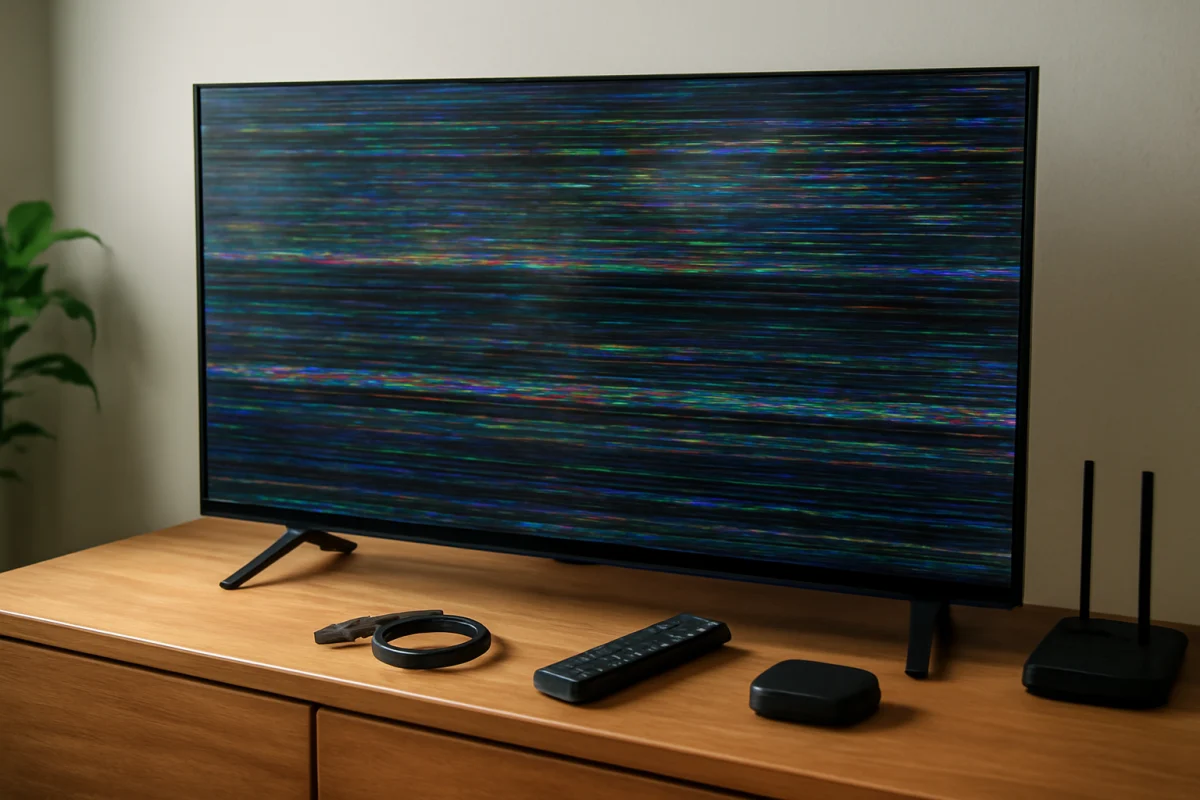
| Vertical or horizontal lines | Panel, ribbon connection, or internal board problem | See whether the lines appear on every source and menu |
| One dark section or bright patch | Backlight or panel damage | Check whether the defect remains on all inputs |
| Flickering picture | Source, cable, backlight, board, or panel issue | Test another cable, source, and built-in menu |
| Picture is normal except on one input | External device or HDMI connection | Change the input, cable, or source device |
These symptoms are not definitive diagnoses. Several internal parts can create similar behavior, and the correct repair requires model-specific testing.
Find the correct Samsung replacement panel
Use the complete model number, not just the screen size or product family. The model label may be on the back of the TV, in the original paperwork, or in the TV's support or information section. Menu wording and availability vary by model and software version.
Record the model number exactly, including letters, numbers, and regional suffixes. Also record the TV's approximate purchase date, screen size, symptoms, and whether the damage was caused by impact or moisture.
Do not assume that a panel from another Samsung TV will fit because both sets are the same size. Panels can differ in connector placement, mounting points, firmware compatibility, display timing, frame design, and internal board connections. A parts seller or repair shop should verify compatibility using the full model information and the panel's own part identification.
How much does a Samsung TV LCD replacement cost?
The price depends on the model, panel availability, labor, shipping, and whether the problem is actually the panel. Large or premium TVs can have especially expensive replacement assemblies. A panel may also be difficult to source once a model is no longer being produced.
Because prices and parts availability change, it is better to compare a current repair estimate with the cost of a comparable replacement TV rather than rely on a general price range. Ask the technician to separate the panel cost, labor, shipping, diagnostic fee, and any disposal or return charges.
Ask these questions before approving work:
- Has the panel been confirmed as the failed part?
- Is the replacement new, refurbished, used, or pulled from another TV?
- Does the quoted price include labor and shipping?
- What warranty applies to the replacement part and the repair?
- What happens if the supplied panel is damaged in transit or does not work?
- Will the shop test the TV with its original boards and cables before final assembly?
Be cautious with unusually cheap listings that show only a bare display panel. Transportation and installation can be risky, and a panel is fragile even when it appears properly packaged.
Can you replace the panel yourself?
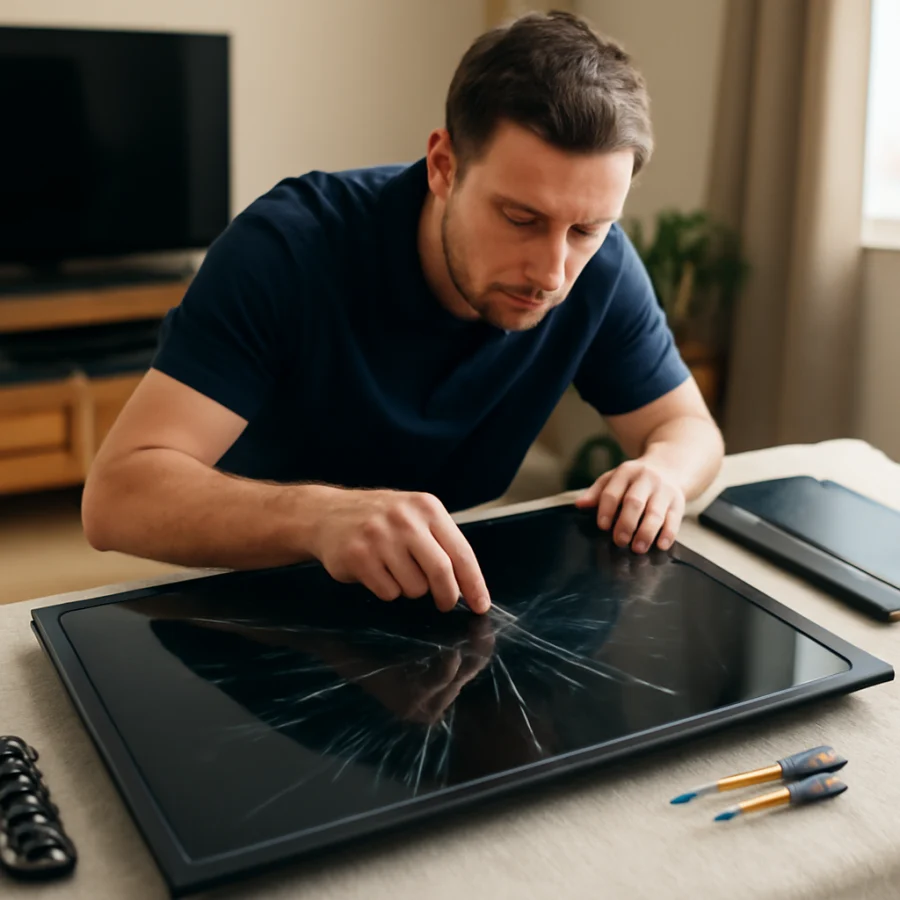
Panel replacement is possible for an experienced electronics technician, but it is not a beginner-friendly repair. The panel is large, thin, and easy to bend. A repair usually requires removing the rear cover, separating the bezel, disconnecting fragile ribbon cables, transferring brackets or boards, and reassembling the TV without trapping wires or damaging the display.
Unplugging the TV does not eliminate every risk. Internal components can retain hazardous voltage, and careless handling can cause electric shock, short circuits, or additional damage. The panel can also crack during removal or installation, potentially turning a repairable TV into a total loss.
If you lack electronics repair experience, a stable work surface, appropriate tools, and help to safely handle a large display, use a qualified repair shop instead. Never work on the TV while it is powered unless you have the training and procedures required for live electronics testing.
When repair makes sense
Panel replacement may be reasonable when the TV is relatively new, has a large or high-end display, has sentimental or specialized value, or when a reasonably priced compatible panel is already available. It can also make sense if the TV has other valuable features that would be difficult to replace.
Replacement is often the more practical choice when the TV is older, the panel is unavailable, the estimate approaches the cost of a new comparable set, or the TV has additional problems such as failing speakers, intermittent power, damaged ports, or software instability.
Do not make the decision based only on the screen size. Compare the total repair cost, expected reliability, warranty, transportation risk, and the condition of the TV's other components.
Prevent further screen damage
Move a Samsung TV with two people when possible. Keep one hand under the lower frame and avoid pushing against the screen. Do not lift the TV by its stand, bezel, or corner. Use the original packaging if it is available, and keep the display upright during transportation unless the manufacturer or a professional specifically recommends otherwise.
Keep objects away from the screen, secure furniture against tipping, and avoid placing the TV where it can be struck by toys, pets, or doors. Clean it with a soft, dry or appropriately approved cloth without spraying liquid directly onto the display.
The best first step for a suspected Samsung TV LCD replacement is confirmation, not ordering a panel. Check the built-in menu, test another source, inspect for physical damage, and identify the complete model number. Once a technician confirms the panel fault, compare a detailed repair estimate with the cost of replacing the TV before committing to the work.
Comments
0No comments yet. Be the first to share a helpful note or question.
Leave a Comment
Your email address will not be published. Comments are reviewed before appearing on the site.