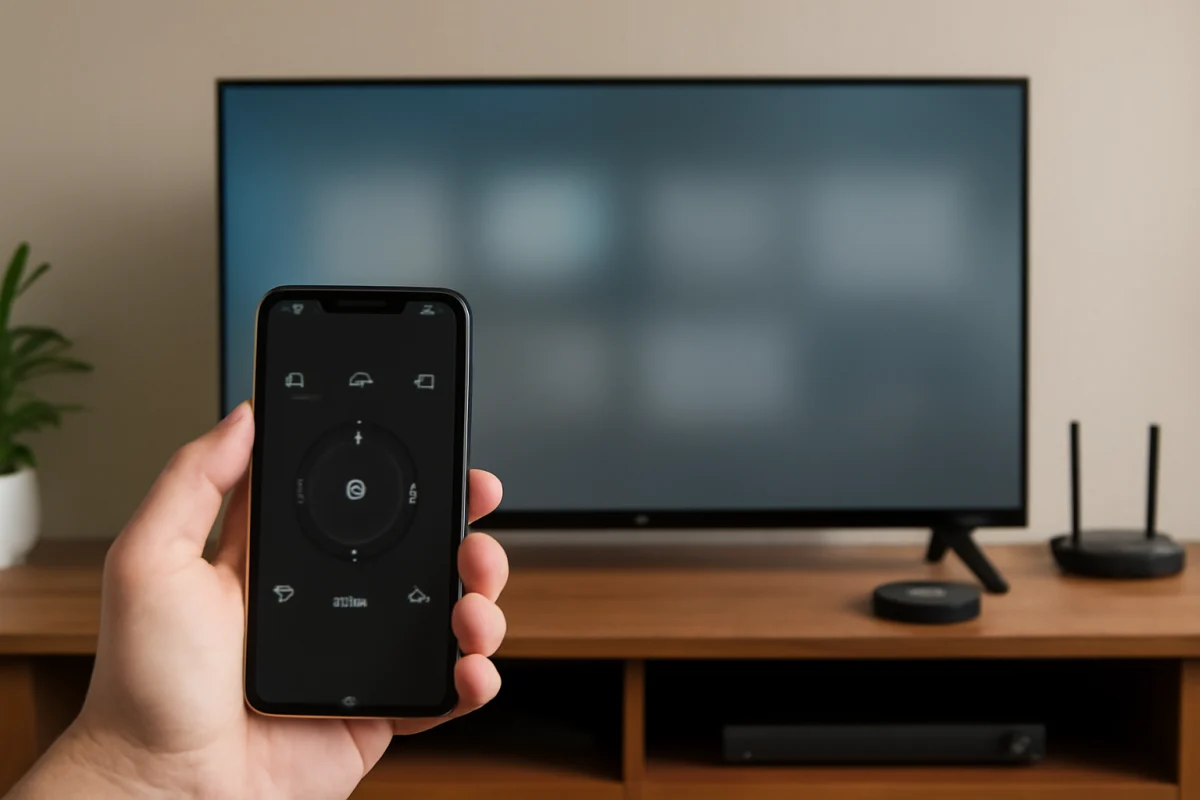
Vizio TV
How to Use the Vizio Mobile App as a TV Remote
Use the Vizio mobile app to control your TV, adjust volume, launch apps, and troubleshoot connection problems when the physical remote is missing or not working.
Find practical Vizio TV troubleshooting guidance for common viewing, setup, and streaming problems. This category covers clear, easy-to-follow information for understanding issues such as a TV that will not turn on, connection difficulties, picture or sound problems, remote control concerns, and smart TV features that are not working as expected. Each guide is written to help you check likely causes, follow sensible troubleshooting steps, and determine what to try next without unnecessary technical jargon. Whether you are setting up a Vizio TV, resolving an everyday issue, or looking for ways to improve your viewing experience, these resources provide useful explanations and actionable help. Browse the latest Vizio TV articles to find focused answers for your specific problem and learn more about maintaining a smoother smart TV and streaming experience at home.
Type the symptom, error message or feature that is not working. Results stay inside this category.
Use the Vizio mobile app to control your TV, adjust volume, launch apps, and troubleshoot connection problems when the physical remote is missing or not working.
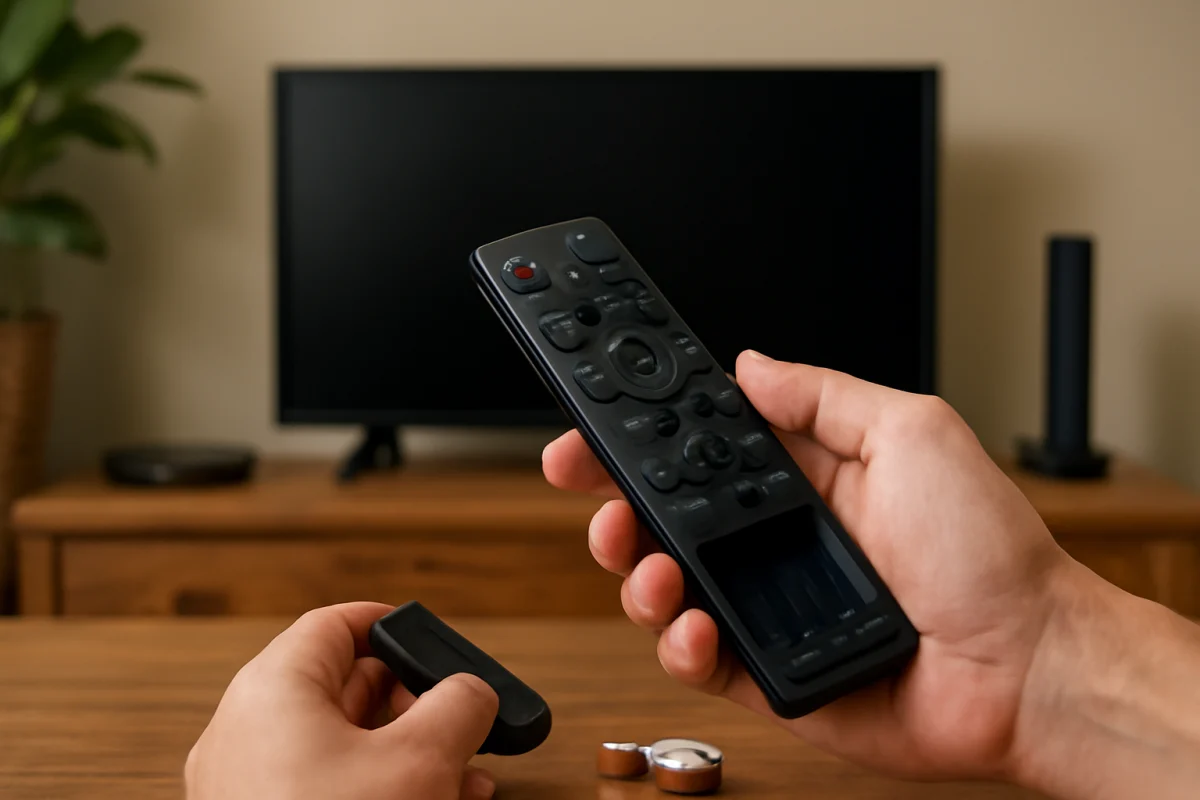
Is your Vizio TV remote not working? Follow these low-risk checks, battery tests, reset steps, and pairing instructions before replacing the remote.
A blinking Vizio power light with a blank screen often points to a power, input, backlight, or hardware problem. Use these low-risk checks to find the cause.
A Vizio TV with sound but no picture may have a simple input, power, or backlight problem. Use these safe checks to identify the cause before considering repair.
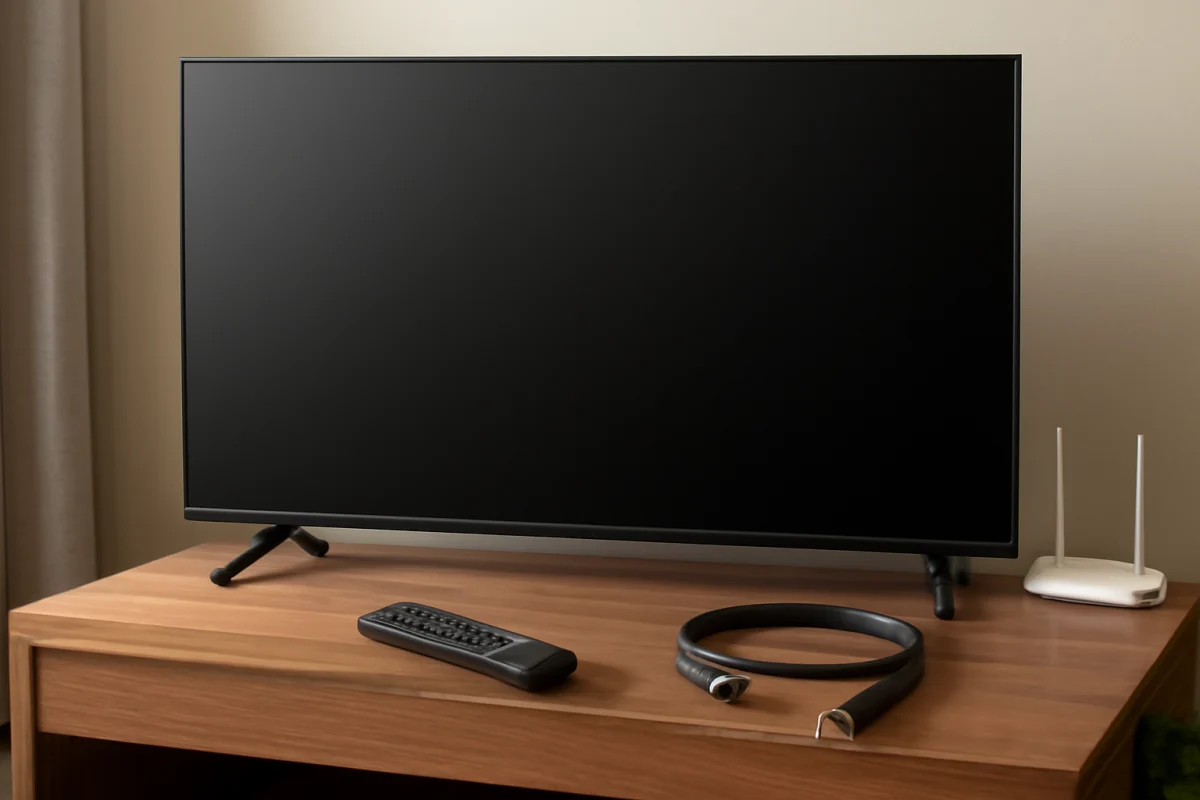
A Vizio TV with a blank screen and no sound may have a power, input, cable, or hardware problem. Follow these low-risk checks to identify the cause.
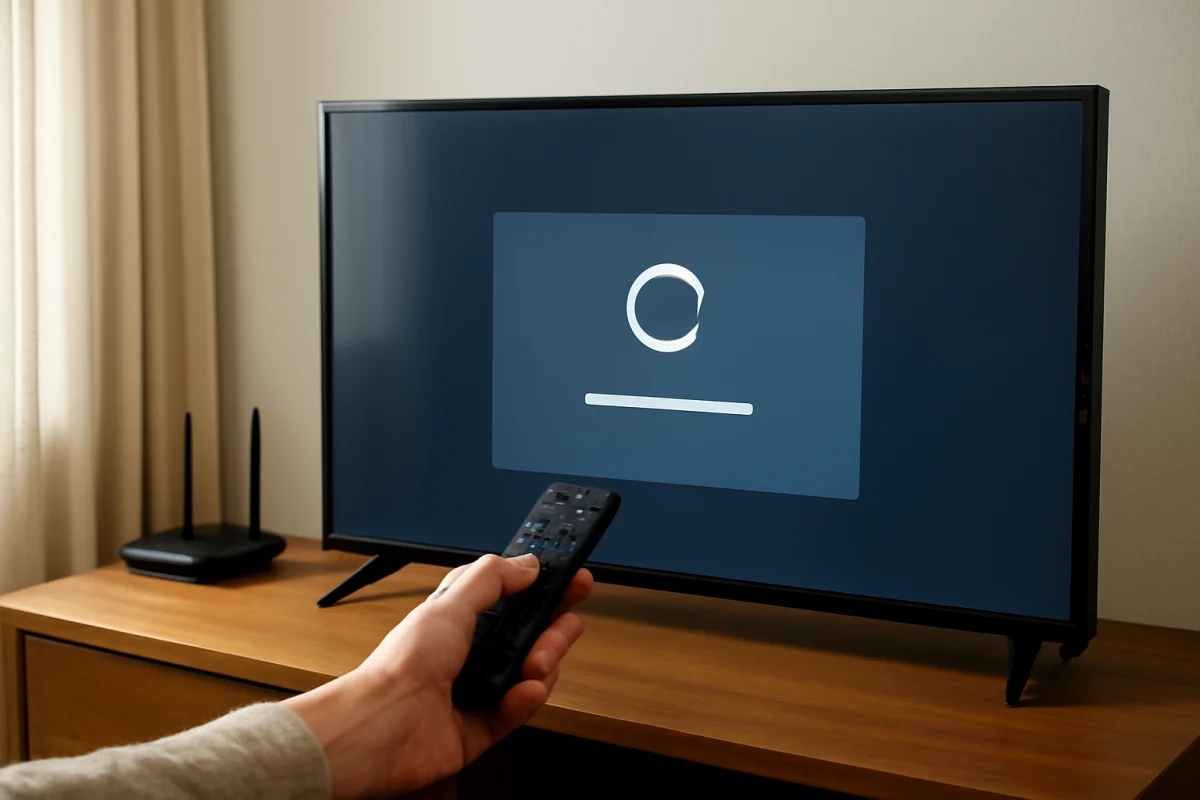
Learn how to factory reset a Vizio TV using the remote, the TV's physical buttons, or the Vizio mobile app. These steps also explain what a reset erases and what to try first.
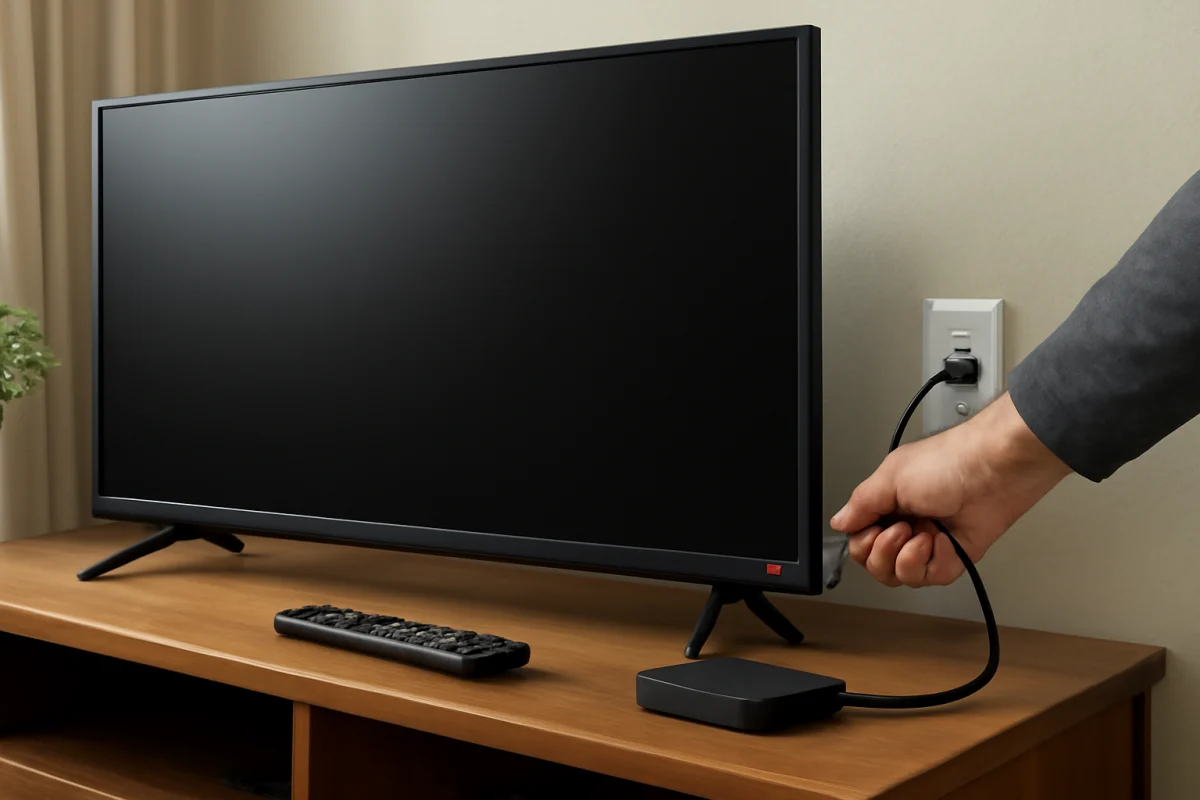
If your Vizio TV has a power light but the screen stays off, these low-risk checks can help identify a remote, input, power, backlight, or hardware problem.