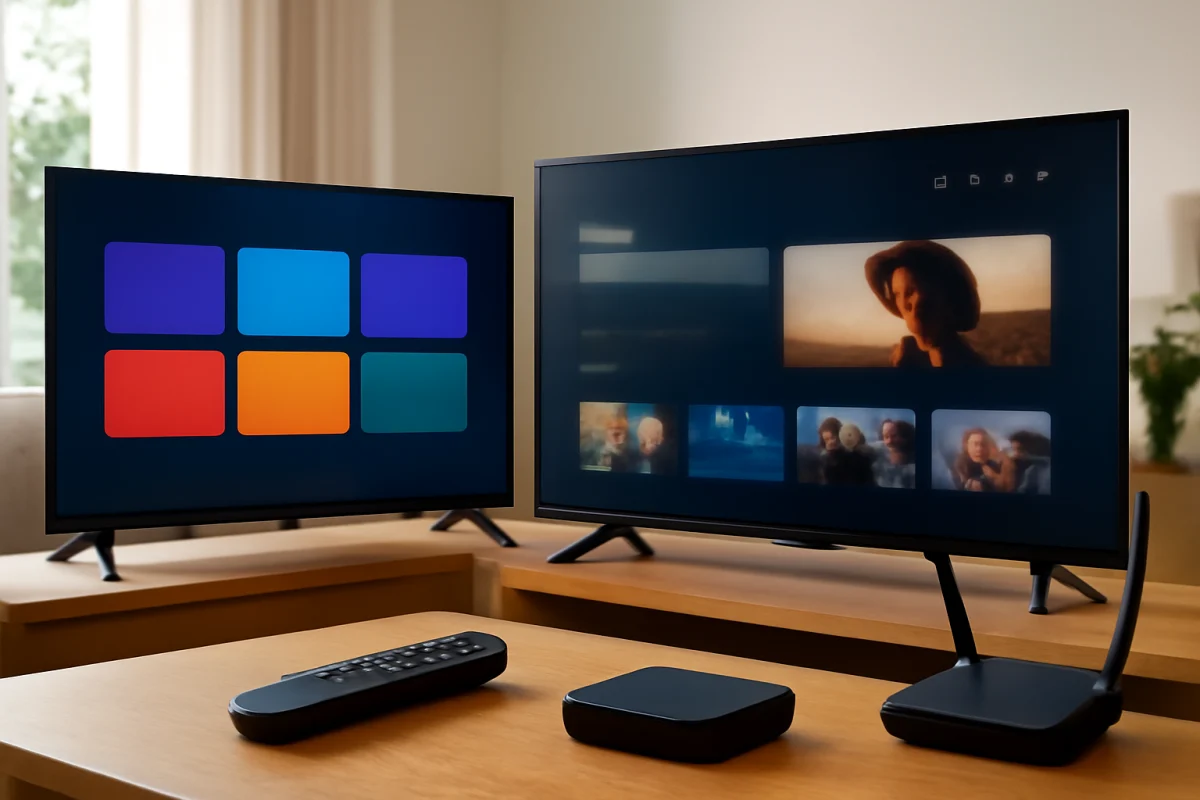
For most people, Roku TV is easier to use because its home screen is straightforward, app organization is familiar, and the main controls are easy to find. Google TV is also user-friendly, but it puts more emphasis on recommendations, content discovery, voice search, and Google account integration. That can be helpful for some households and distracting for others.
The better choice depends on how you watch TV. Choose Roku TV if you want a simple interface with minimal setup decisions. Choose Google TV if you want one screen that brings together recommendations from several streaming services and works closely with Google Assistant, Android phones, and other Google products.
Roku TV vs Google TV at a glance
| Area | Roku TV | Google TV |
|---|---|---|
| Everyday navigation | Simple and consistent | More feature-rich, with more content on screen |
| Home screen | App-focused layout | Recommendation-focused layout |
| Search | Easy platform search, depending on device and remote | Strong voice and cross-service search, depending on model |
| Account integration | Uses a Roku account and platform settings | Works closely with a Google account and Google services |
| Customization | Usually uncomplicated | More options, but potentially more setup |
| Best for | Viewers who want a simple streaming experience | Viewers who want personalized discovery and smart-home integration |
Which platform has the simpler home screen?
Roku TV generally has the simpler home screen. Your installed apps appear in a grid, and you can open a service without navigating through multiple recommendation rows first. The exact layout can vary by TV brand, Roku software version, and manufacturer settings, but the basic experience is usually consistent.
This simplicity is useful for households with several viewers. Someone who rarely uses a smart TV can usually identify the streaming app they want and open it without learning a new content-discovery system. It is also easier to explain to guests or family members who do not use the TV every day.
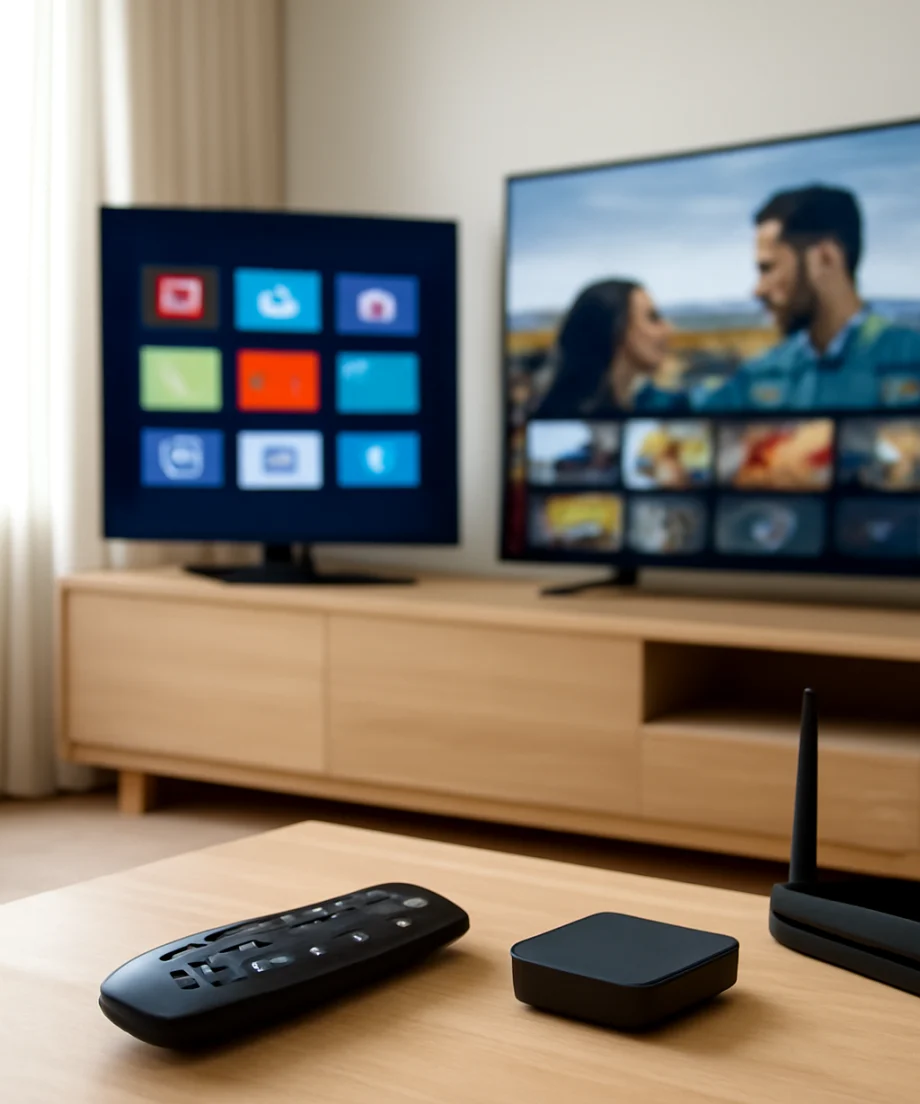
Google TV typically places recommendations, featured content, categories, and installed apps on the same general home experience. This can reduce the need to open each streaming service separately, but it also means the screen may feel busier. Recommendations may come from services you use, services you do not subscribe to, or content that requires an additional purchase or subscription.
If you prefer opening Netflix, YouTube, or another app directly, Roku TV usually feels more immediate. If you prefer browsing one combined selection before deciding what to watch, Google TV may be more convenient.
Navigation and menus: Roku TV is easier for beginners
Roku TV tends to use plain, predictable navigation. The home screen, settings area, input selection, and app list are generally easy to locate. Individual TV manufacturers can change some labels or add their own features, so the menus will not look identical on every Roku television.
Google TV is not difficult to navigate, but it has more layers. You may move between the home screen, live content, apps, a library, search, settings, and recommendation categories. The names and placement of options can differ by television model and software version. Some Google TV sets also include manufacturer-specific picture, sound, input, or power controls outside the main Google TV experience.
That additional structure is useful when you want more control. It can be less convenient when you are trying to solve a basic problem, such as changing the input, reconnecting Wi-Fi, or finding a downloaded app.
Which is better for search and voice control?
Google TV is often the stronger option for voice-based search. Its Google account integration can make it easier to search for a movie, actor, genre, or streaming app using natural phrases. On compatible models, voice features may also connect with other Google services and smart-home devices.
Roku TV also supports search and voice features on compatible devices, but the experience depends on the television model and remote. Some Roku remotes include voice controls, while others use simpler button layouts. Do not assume every Roku TV has the same remote capabilities.
Voice search is only helpful when the microphone, remote, account, and network connection are working correctly. If voice search suddenly stops responding, start with low-risk checks: replace or recharge the remote batteries, confirm that the TV is connected to the internet, restart the TV and remote if the model supports it, and check whether the problem affects only voice control or all remote commands. More troubleshooting help is available in the remote control troubleshooting guide.
App access and streaming services
Both platforms provide access to many popular streaming services, but app availability can vary. The service may not support every TV model, country, operating system version, or device type. An app can also disappear temporarily, stop loading, or require an update without the platform itself being at fault.
Roku TV makes apps easy to find because they are usually treated as the main building blocks of the home screen. Google TV also provides an app area, but the platform places more emphasis on content recommendations and cross-service browsing.
When one app will not open, do not reset the entire television first. Check whether other apps work, test the internet connection, close and reopen the affected app if the TV allows it, and restart the TV. If only one service is failing, the problem may be related to that app or its account rather than Roku TV or Google TV. Our streaming app troubleshooting resources cover common loading, sign-in, and playback problems.
Setup and account requirements
Both platforms require some initial setup, including an internet connection, account access, privacy choices, and app configuration. The exact steps vary by television brand and model.
Roku TV setup is usually easier for viewers who want a focused streaming account and a limited number of decisions. You still need to connect the TV to Wi-Fi or Ethernet where supported, complete the platform setup, and sign in to services you use.
Google TV may feel more convenient if you already use Android phones, YouTube, Google Photos, Google Assistant, or compatible smart-home products. However, that convenience can require more account permissions and personalization choices. If multiple people use the same television, recommendations may also reflect the activity of one account more than another.
Before choosing either platform, check whether the TV supports the apps and devices that matter most to your household. Compatibility can change over time, and a television's manufacturer may limit certain features even when the platform itself supports them.
Which platform is easier to troubleshoot?
Roku TV is often easier to troubleshoot because there are fewer visible layers between the home screen and the app you want to use. Problems are still possible, including a missing app, slow navigation, remote failures, Wi-Fi drops, audio issues, and an unresponsive screen.
Google TV can also be repaired with ordinary checks, but it may be harder to identify whether the problem comes from the Google TV interface, the TV manufacturer's software, a Google account, a streaming app, or the network.
Start with low-risk checks
- Confirm that the TV has power and that the correct input is selected.
- Check whether the issue affects one app or the entire TV.
- Test another app or input before changing major settings.
- Restart the TV using its normal power controls, then wait for it to start fully.
- Check the remote batteries and make sure buttons are not stuck.
- Confirm that other devices on the same network can access the internet.
- Move the router or TV only if the location clearly causes a weak wireless signal.
If several devices are offline, troubleshoot the network before changing TV settings. If only the TV is affected, review its connection status and reconnect to Wi-Fi only after checking the router and password. The Wi-Fi and network troubleshooting guide can help separate a TV problem from a wider connection problem.
When a reset may be appropriate
A factory reset should be a later step, not the first response to a slow app or temporary connection problem. A reset removes accounts, apps, preferences, and some customized settings. It can help when the software remains unstable after simpler steps, but you will need to set up the TV again.
Before resetting, write down important account details, check whether the problem is limited to one service, and look for model-specific support instructions. Menu names and reset paths vary, so avoid following instructions for a different TV model just because it uses the same platform.
Remote controls and accessibility
The remote can make one platform feel easier than the other. Roku remotes often emphasize direct navigation and app access, while Google TV remotes may focus on voice search and a more compact set of buttons. The included remote depends on the television manufacturer and model.
Consider who will use the TV. Older viewers or guests may prefer clearly labeled navigation buttons and a simple home screen. People who regularly search for specific titles may prefer a voice-enabled remote. If the remote is frequently misplaced, check whether the TV supports a compatible phone remote or another control method before buying a replacement.
Roku TV or Google TV: which should you choose?
Choose Roku TV if ease of use means a clean home screen, quick access to apps, and fewer recommendations to manage. It is a strong fit for viewers who mainly open a few familiar services and want the television to behave more like a simple streaming hub.
Choose Google TV if ease of use means finding something to watch across multiple services, using voice search, or connecting the TV with Google products. It is a better fit for viewers who enjoy personalized recommendations and do not mind spending more time organizing accounts and preferences.
Neither platform is automatically better for every household. The TV model, included remote, manufacturer software, internet connection, app support, and account setup can affect the experience just as much as the platform name. For the simplest day-to-day operation, Roku TV has the advantage. For broader discovery and Google-connected features, Google TV may be worth the extra complexity.
Comments
0No comments yet. Be the first to share a helpful note or question.
Leave a Comment
Your email address will not be published. Comments are reviewed before appearing on the site.