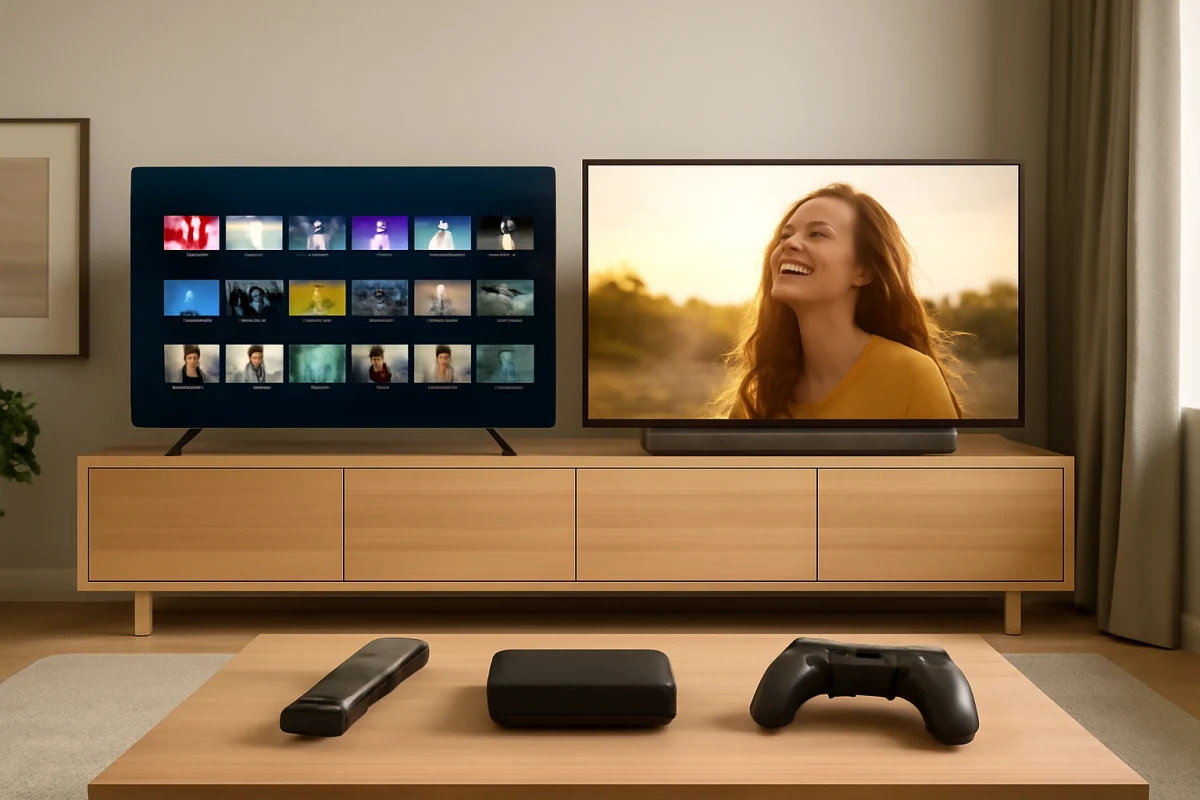
For most shoppers, neither Hisense nor TCL is automatically the better value. The right choice depends on the exact model, the type of content you watch, and how much you value picture performance, smart-TV software, gaming features, and long-term simplicity. A well-chosen TCL can be the better fit for streaming and gaming, while a comparable Hisense may offer stronger picture hardware or a larger screen for the money.
Before comparing brands, compare TVs at the same size and price range. Brand reputation alone does not tell you whether one model has better contrast, motion handling, viewing angles, audio, or software support. Features can also vary substantially between model families and regional versions.
Hisense vs TCL: The short answer
TCL is often a strong choice for buyers who want a straightforward smart-TV experience, responsive gaming features, and a wide range of affordable models. Hisense can be attractive when you want a bright picture, a larger screen, or more advanced display hardware without moving into a premium price category.
That is a general comparison, not a guarantee. A higher-tier Hisense may outperform an entry-level TCL, and a better TCL may be a smarter purchase than a cheaper Hisense with weaker processing. Check the specifications and independent reviews for the exact model before buying.
- Choose TCL if: you prioritize an easy-to-use streaming platform, gaming compatibility, and a broad selection of budget and midrange TVs.
- Choose Hisense if: you prioritize screen size, brightness, or display features and find a model with the right hardware at a competitive price.
- Choose neither based only on price: a low purchase price can be offset by poor viewing angles, distracting motion issues, limited ports, weak sound, or an interface you dislike.
Picture quality: Compare the panel, not just the brand
Picture quality is one of the most important differences between individual TVs. Both brands sell basic LED televisions as well as models with more advanced backlighting and color technologies. The name on the bezel does not determine the final result.
Brightness and room lighting
If the TV will sit in a bright living room, brightness and reflection handling matter more than small differences in color specifications. A brighter set can make daytime sports and movies easier to see, but brightness alone does not guarantee accurate or comfortable images. Aggressive picture processing can make a picture look harsh, especially in lower-quality video.
Hisense is often worth considering for shoppers who want a bright image, but confirm how the specific model performs in real reviews. TCL also offers bright models, particularly higher in its range. Entry-level televisions from either brand may look less impressive in direct sunlight.
Contrast and dark-room viewing
For movies watched at night, black levels and control of the backlight are critical. Basic LED TVs can show gray-looking blacks in a dark room, while models with more advanced local dimming may provide better contrast. Local dimming can also introduce blooming around bright objects, so a television with this feature is not automatically perfect.
Compare the number and behavior of dimming zones only when reliable testing is available. Manufacturer descriptions may use different terminology, and the same feature can perform differently across screen sizes.
Viewing angles and seating position
If people regularly watch from the sides, viewing angle may matter more than peak brightness. Some panels lose contrast or color when viewed off-center. In a narrow room or open-plan space, check whether reviewers mention off-axis picture changes before choosing a large screen.
Smart-TV software and streaming
The operating system affects daily use more than many buyers expect. It controls app availability, search, recommendations, settings, casting, voice functions, and the way the TV behaves after turning on.
TCL models may use different smart-TV platforms depending on the model and market. Hisense models can also use different platforms across regions and product lines. Do not assume that every TV from one brand has the same interface or app selection.
When comparing two models, test or research these practical questions:
- Does the TV support the streaming services you actually use?
- Is the home screen responsive when opening apps and changing inputs?
- Can you disable or reduce unwanted recommendations?
- Does the remote have the buttons and shortcuts you prefer?
- Can the TV receive software updates through its network connection?
- Does it support casting or other devices you already own?
If an app is missing or behaving incorrectly, start with a low-risk check: confirm the TV is connected to the correct Wi-Fi network, restart the TV, check for an app update, and verify that the service is available in your region. For more troubleshooting guidance, visit the streaming apps troubleshooting section.
Gaming: Check the connections and the exact features
Casual console gaming does not require every premium gaming feature, but input response, motion handling, and the available HDMI connections can still affect the experience. If you use a newer console or gaming PC, check whether the specific TV supports the resolution, refresh rate, variable refresh features, and automatic gaming settings you need.
Do not infer gaming performance from screen size or brand. Some affordable models are limited to basic HDMI capabilities, while other models in the same brand family are designed with gaming in mind. Confirm the exact port capabilities and read the manual when possible.
If a console does not display correctly, first try another HDMI cable or port, make sure the correct input is selected, and temporarily disable unusual video settings on the console. Only after those checks should you change advanced TV settings or reset connected equipment. Our picture and sound troubleshooting guides cover related display problems.
Sound quality: Plan for a soundbar if needed
Thin televisions have limited space for speakers, so built-in sound is often acceptable rather than impressive. Dialogue may sound clear in a quiet room but lack bass, while action scenes can sound compressed at higher volume.
Compare dialogue clarity, volume consistency, and audio connection options. If you plan to use a soundbar, verify that the TV supports the connection method you prefer and that the soundbar is compatible with it. HDMI audio features can vary by model, and settings may need to be adjusted for proper volume control.
Before buying external audio, check simple causes of poor sound. Confirm that the TV is not using a listening mode designed for headphones or Bluetooth devices, make sure the audio output is set correctly, and test another source. Different apps can also mix dialogue and effects at different levels.
Reliability and ownership: Be realistic about budget TVs
Reliability is difficult to judge from brand name alone. A TV can develop a problem because of its panel, power supply, software, a connected device, or the home network. Customer reports may also reflect sales volume and the type of buyer, not just failure rates.
For either brand, improve your odds by choosing a model with the connections and features you need rather than buying the cheapest available screen. Avoid placing the TV where heat, moisture, direct sunlight, or poor ventilation can affect it. Use a stable power connection and avoid repeatedly unplugging the TV while it is operating.
If the television freezes, starts slowly, or loses an app, begin with a normal restart and check the network. Review the model's own support documentation for software-update and reset instructions because menu paths vary. A factory reset should be a later step, not the first response, since it removes account information, app settings, and customized preferences.
Which brand is better for different buyers?
Best for budget streaming
Either brand can work well for basic streaming, but choose the model with the more responsive platform and the app support you need. If your current streaming device already works well, you may care less about the TV's built-in interface and more about picture quality, ports, and reliability.
Best for sports and bright rooms
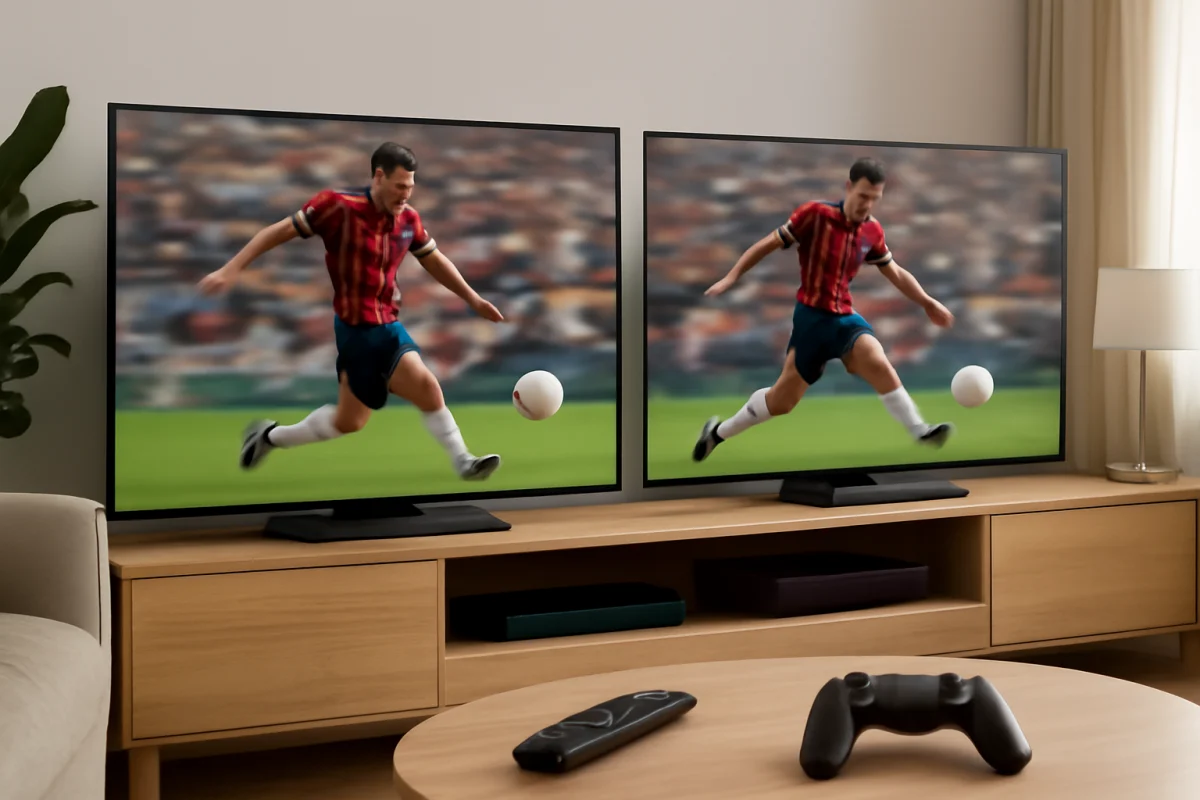
Look for a TV with enough brightness, good motion handling, and acceptable reflection control. Do not rely solely on a product label. Sports viewing is especially sensitive to motion blur, uneven brightness, and poor viewing angles when several people are watching together.
Best for movie fans
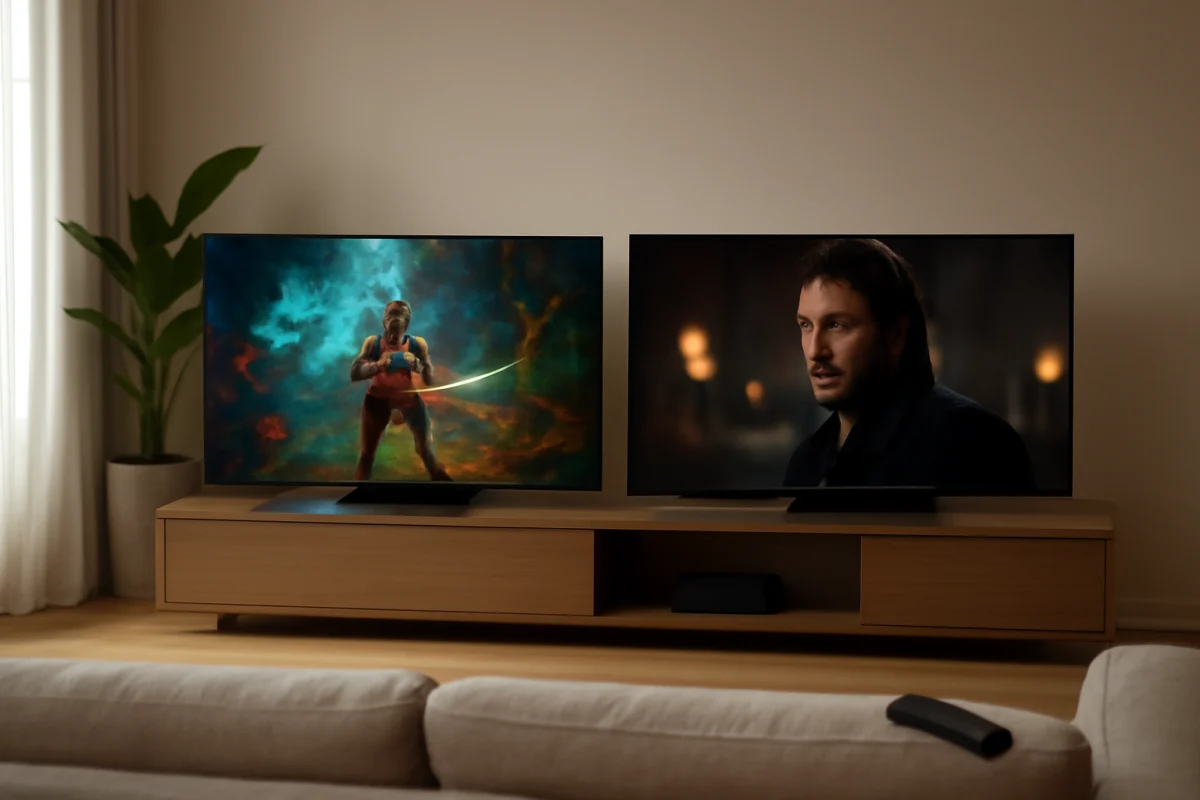
Prioritize contrast, black-level performance, accurate picture modes, and consistent uniformity. A darker room can reveal issues that are barely visible in a store. Compare professional testing for the exact size and model rather than assuming every screen in a series performs identically.
Best for console gaming
Check the supported gaming features, input response, HDMI bandwidth, and the number of suitable ports. Make sure the TV can handle your console's output without forcing you to disconnect another device. If you need help identifying a TV's inputs, the TV tech and specs section can help with common terminology.
How to choose between two specific models
Use a side-by-side checklist instead of comparing brand slogans:
- Confirm the exact model number and screen size.
- Compare the panel type, backlighting, brightness, and contrast performance.
- Check the smart-TV platform and the apps you use most.
- Review HDMI ports, audio outputs, and gaming support.
- Look for independent testing of motion, uniformity, and viewing angles.
- Read recent owner feedback for recurring software or hardware complaints.
- Consider the seller's return process and the documentation available in your region.
- Choose the set that solves your actual needs, not the one with the longest feature list.
Remember that specifications can vary by country, retailer, screen size, and production year. If a feature is important, confirm it on the exact model's support page or manual before purchasing.
Final buying advice
Hisense and TCL both offer genuine value, but value is not simply the lowest price or the largest screen. TCL may be the safer match for shoppers who want a familiar streaming experience and strong gaming options in a particular model. Hisense may be the better match when a specific television offers the brightness, size, or display performance you want at a similar cost.
The best purchase is the exact model that fits your room, content, devices, and expectations. Compare two or three models at the same size, verify the features that matter most, and favor independent picture testing over broad brand claims. For model-specific troubleshooting after purchase, you can also browse the Hisense TV and TCL TV help sections.
Comments
0No comments yet. Be the first to share a helpful note or question.
Leave a Comment
Your email address will not be published. Comments are reviewed before appearing on the site.