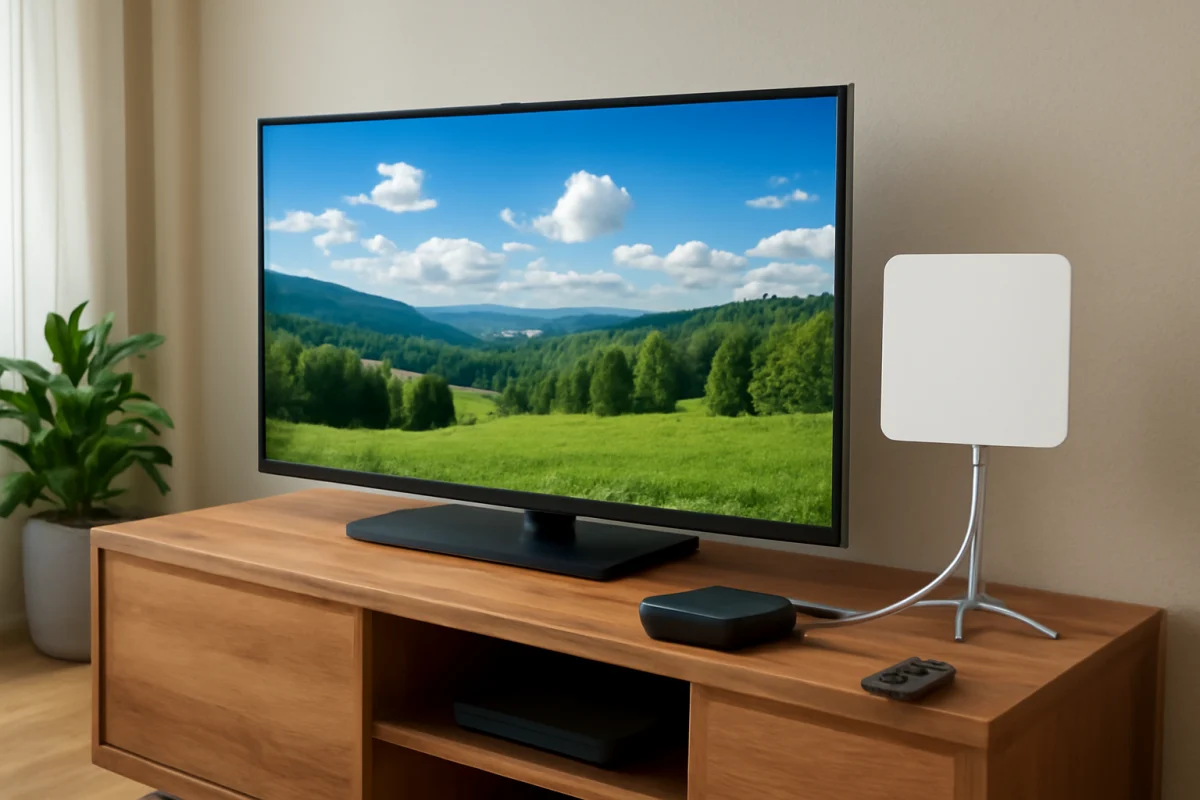
ATSC 3.0, commonly marketed as NextGen TV, is a newer over-the-air broadcast standard designed to deliver television through a more flexible, internet-based system. It can support higher-resolution video, improved audio, emergency alerts, interactive features, and reception options that are different from older digital TV broadcasts.
If you are trying to receive a NextGen TV channel, start with the simple checks: confirm that your TV or tuner specifically supports ATSC 3.0, connect a suitable antenna, run a channel scan, and verify that the antenna cable is secure. A regular digital TV tuner that supports only ATSC 1.0 cannot receive ATSC 3.0 broadcasts by itself.
What is ATSC 3.0?
ATSC 3.0 is a broadcast standard developed for digital television in the United States and other markets that choose to use it. The name comes from the Advanced Television Systems Committee, the organization responsible for developing television broadcast standards.
Older over-the-air digital television uses ATSC 1.0. ATSC 3.0 is a newer generation that uses modern data and transmission technologies. Instead of treating a television broadcast as a single traditional signal, it is built more like a data delivery system. That design gives broadcasters more flexibility in how they send video, audio, data, alerts, and interactive services.
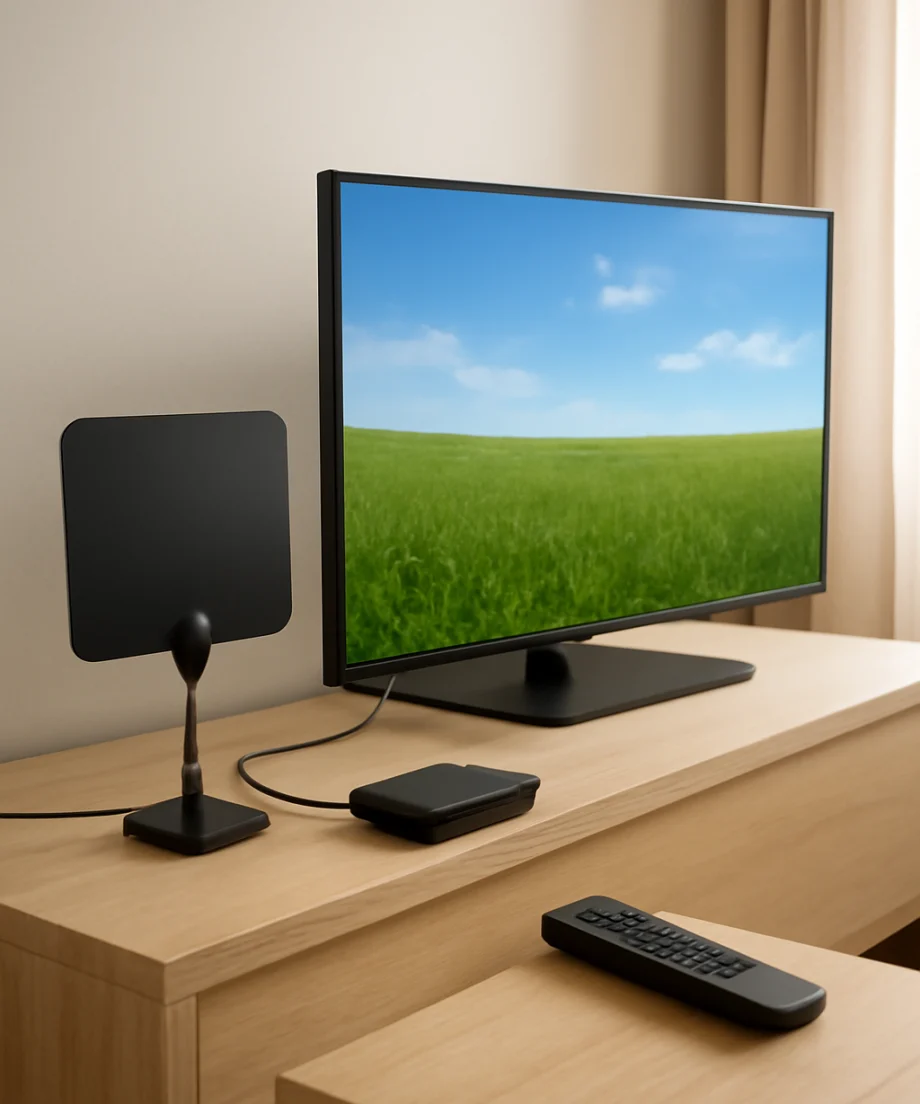
NextGen TV does not replace cable, satellite, or streaming services. It is still primarily a free, over-the-air broadcast service received with an antenna. However, some features may require an internet connection, especially interactive content, enhanced guides, targeted information, or other broadcaster-provided services.
How does ATSC 3.0 work?
ATSC 3.0 broadcasts are transmitted from local television stations and received by an antenna connected to a compatible TV or external tuner. The compatible device decodes the signal and turns it into video, audio, and other data that can appear on the screen.
The system is based on internet protocol technology, which allows broadcasters to send different types of content through the same general broadcast framework. A station might transmit a main video channel along with alternate audio, emergency information, accessibility data, or interactive elements.
An ATSC 3.0 television may also connect to your home network. The broadcast signal itself comes through the antenna, but the internet connection can support additional features. This means NextGen TV can combine the broad coverage of a broadcast signal with some of the flexibility associated with online services.
Broadcast signal and internet connection
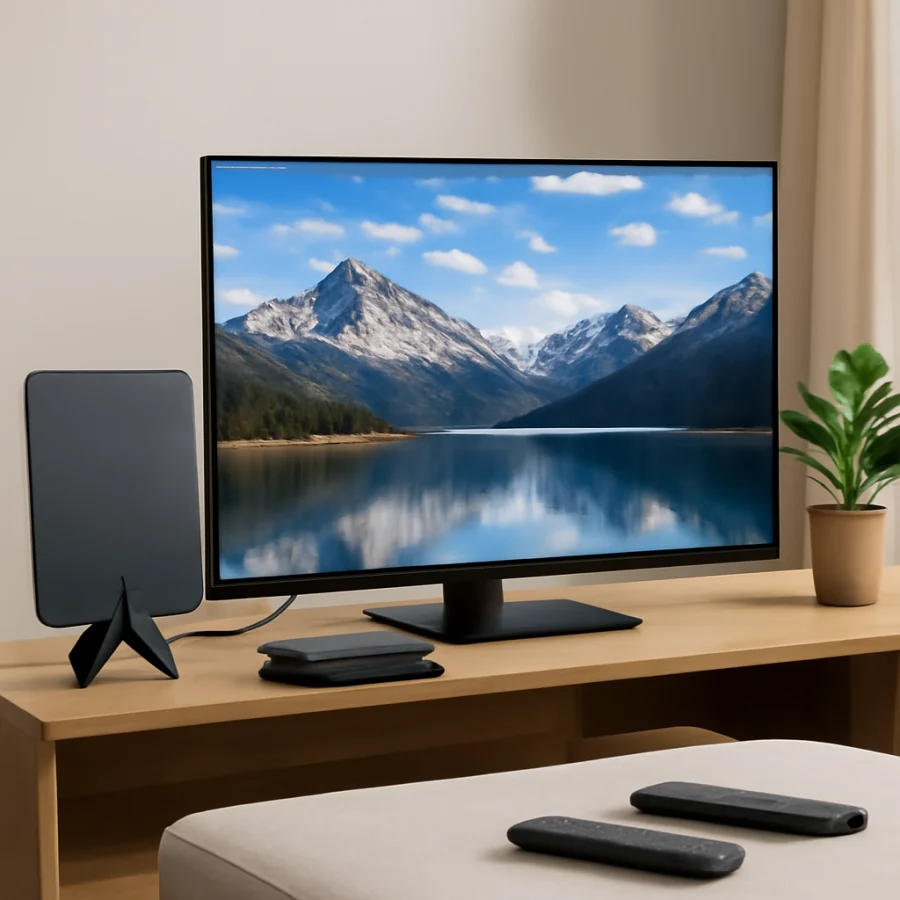
These two connections serve different purposes. The antenna receives the local broadcast. Your Wi-Fi or Ethernet connection may provide supplementary data or interactive features. Losing internet access does not necessarily mean you will lose the main broadcast picture, although specific features may stop working.
Likewise, having a fast internet connection does not guarantee that an ATSC 3.0 channel will appear. You still need a compatible tuner, an antenna with a usable signal, and a local station broadcasting in the format.
What are the main benefits of NextGen TV?
Improved picture quality
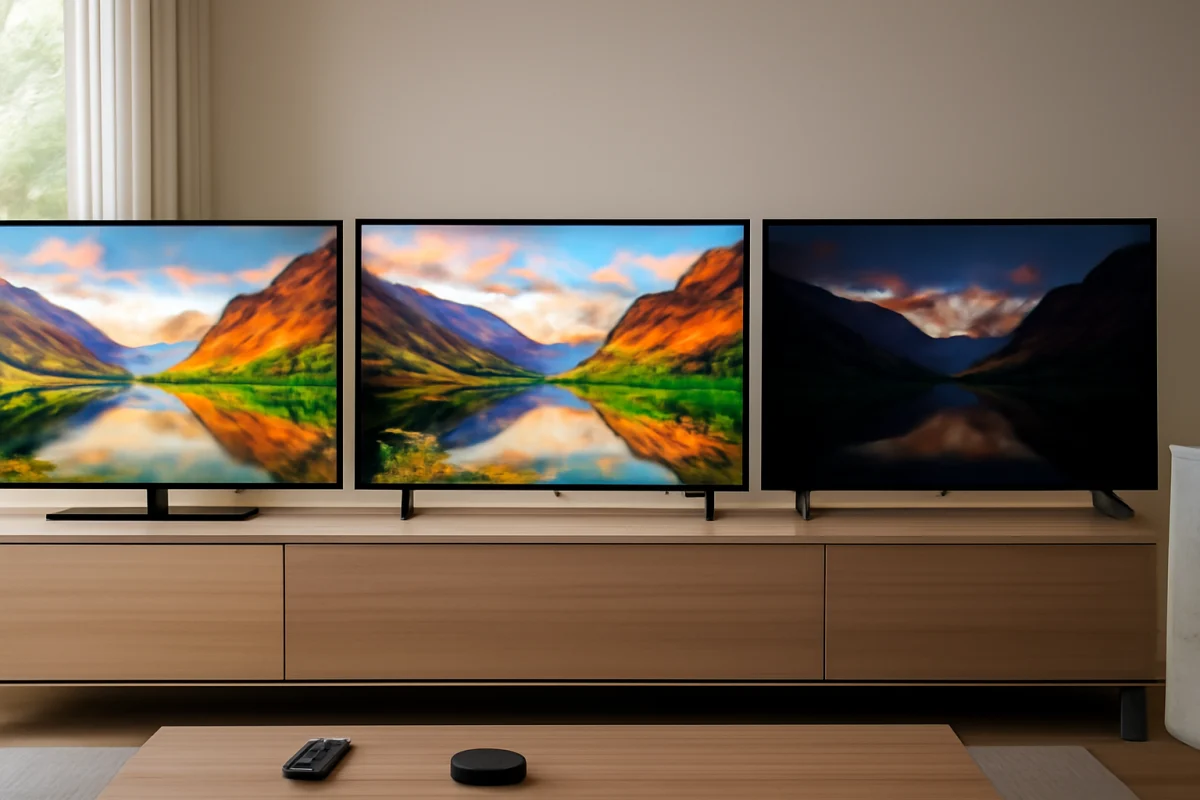
ATSC 3.0 can support higher-resolution video and modern picture formats. In practice, the actual quality depends on the broadcaster, the channel configuration, the transmission conditions, and the capabilities of your TV. A station may not use the maximum format supported by the standard.
Some broadcasts may include high dynamic range, which can produce brighter highlights and more visible detail between light and dark areas. HDR support also varies by broadcast and television, so a NextGen TV logo does not guarantee that every channel will use HDR.
More flexible audio
The standard supports advanced audio options, including the possibility of multiple language tracks, descriptive audio, and other accessibility features. Whether these options are available depends on what each broadcaster sends and what your TV or sound system can decode.
Better emergency information
NextGen TV is designed to support more detailed emergency alerts than older broadcast systems. Alerts may be able to include location-based information, maps, text, images, or other data. The exact appearance and behavior vary by broadcaster, receiver, and local alert system.
Interactive and connected features
Because ATSC 3.0 is built around modern data delivery, broadcasters can offer interactive guides, additional information, on-demand elements, or other connected features. Some of these services may use both the antenna and the internet connection.
Potentially improved reception flexibility
ATSC 3.0 includes transmission methods designed to work across different environments, including fixed indoor or outdoor antennas and, in some implementations, mobile reception. This does not mean every home will automatically get a stronger signal. Buildings, hills, trees, distance from the station, antenna placement, and interference still matter.
What do you need to watch ATSC 3.0?
You need three basic things: a local ATSC 3.0 broadcast, an antenna, and a device with an ATSC 3.0 tuner.
- A local NextGen TV station: Availability depends on your area. Not every market has the same number of ATSC 3.0 channels.
- An antenna: The correct type depends on your distance from the broadcast towers, local terrain, building materials, and whether the antenna is indoors, outdoors, or in an attic.
- A compatible receiver: Some newer televisions include an ATSC 3.0 tuner, while others require an external NextGen TV tuner or set-top box.
- An internet connection for some features: The main broadcast can come from the antenna, but connected services may need Wi-Fi or Ethernet.
Check the specifications for your exact TV model rather than relying only on the brand name or product family. Support can differ between model years, screen sizes, and regional versions. If the specifications mention only an ATSC tuner without clearly identifying ATSC 3.0 or NextGen TV support, verify the details in the television's documentation or the manufacturer's support information.
ATSC 3.0 compared with ATSC 1.0
| Feature | ATSC 1.0 | ATSC 3.0 |
|---|---|---|
| Primary use | Traditional digital over-the-air television | Modern broadcast television with data and interactive capabilities |
| Reception method | Antenna and compatible digital tuner | Antenna and compatible NextGen TV tuner |
| Internet-style features | Limited | Designed to support connected and interactive features |
| Video and audio options | Depends on the broadcast | Supports a broader range of modern formats |
| Compatibility | Common on older digital TVs and tuners | Requires specific ATSC 3.0 support |
ATSC 3.0 is not simply a higher-quality version of ATSC 1.0 that every digital TV can decode. The standards use different system designs. A television can support ATSC 1.0 and still be unable to receive NextGen TV broadcasts.
How to scan for NextGen TV channels
Menu names differ by manufacturer, so use the wording that most closely matches your TV. The general process is similar:
- Connect the antenna directly to the TV's antenna or RF input. If you use a splitter, amplifier, or external tuner, temporarily remove unnecessary equipment while testing.
- Open the TV's broadcast, channels, tuner, or setup area.
- Choose an automatic channel scan. Some TVs provide separate options for antenna, cable, digital channels, or NextGen TV.
- Select the antenna or over-the-air option when prompted.
- Allow the scan to finish, then check whether any NextGen TV channels appear.
If the TV offers a separate NextGen TV scan, use it. If it offers only one antenna scan, the television may search for both supported broadcast types automatically. Consult the model's manual if you cannot identify the correct option.
ATSC 3.0 troubleshooting
No NextGen TV channels appear
First, confirm that ATSC 3.0 broadcasts are available in your location. A channel scan cannot find a station that is not transmitting in your area. Next, verify that your TV or external tuner supports ATSC 3.0. A TV that receives ordinary digital channels may still lack NextGen TV hardware.
Check the antenna cable at both ends and make sure it is connected firmly. Then run another scan with the antenna in a different position, preferably near a window and away from large metal objects. If you use an amplified antenna, test it with the power supply connected and, if possible, compare the result with a direct connection.
The channel appears but the picture breaks up
Pixelation, freezing, or brief audio drops usually point to an unstable signal rather than an internet-speed problem. Try moving the antenna higher, rotating it gradually, and rescanning after each major position change. Avoid placing it behind a television, inside a crowded cabinet, or close to wireless equipment and large metal surfaces.
Splitters, long cables, wall plates, and poorly connected adapters can reduce signal quality. Test the shortest practical cable directly between the antenna and tuner. If the signal improves, reconnect the other components one at a time to identify the weak link.
Interactive features do not work
Confirm that the TV is connected to the internet and that its network connection is stable. Restart the TV and home router using the normal restart options before attempting a factory reset. Some connected features may also depend on the broadcaster and may be unavailable temporarily even when the main channel works.
The TV finds regular channels but not ATSC 3.0 channels
This commonly indicates a compatibility, coverage, or scanning issue. Check the exact tuner capabilities of the television, confirm local NextGen TV availability, and repeat the scan using the antenna input. If you are using a third-party tuner, confirm that it is connected to the correct input and that the TV is set to view that input.
For additional television reception and setup guidance, browse the Tech & Specs section or the TV how-to guides.
Is ATSC 3.0 worth using?
ATSC 3.0 can be useful if you watch free over-the-air television and live within range of participating stations. It may provide newer picture, audio, emergency alert, and interactive features without requiring a paid TV subscription. It can also give antenna users another way to receive local programming.
However, upgrading is not necessary for everyone. If your current antenna setup works well and your local stations do not offer many NextGen TV broadcasts, an ATSC 3.0 tuner may not provide an immediate benefit. Reception still depends on antenna placement and local conditions, and not every broadcast uses every feature supported by the standard.
The most practical approach is to check local station availability, verify compatibility for your exact TV or tuner, and test the antenna before buying additional equipment. ATSC 3.0 is best understood as a newer broadcast platform—not a replacement for every television service and not a guarantee of perfect reception in every home.
Comments
0No comments yet. Be the first to share a helpful note or question.
Leave a Comment
Your email address will not be published. Comments are reviewed before appearing on the site.