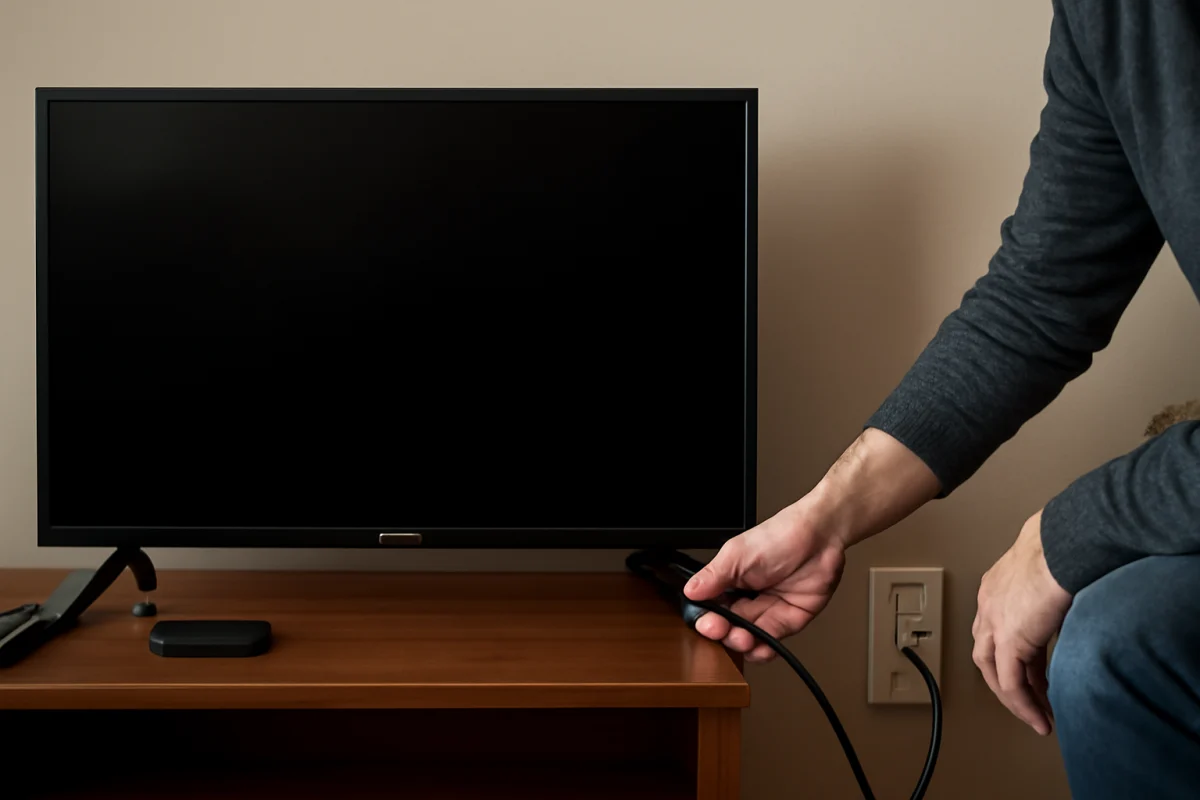
If your Skyworth TV will not turn on and there is no red standby light, start by checking the power path rather than the remote or input source. A completely dark standby indicator usually means the TV is not receiving usable power, the power cord or outlet has a problem, or an internal power component has failed.
Work through the checks below in order. They begin with simple, low-risk tests and gradually move toward steps that may require professional service. Do not remove the back cover unless you are trained to work safely around electronic equipment. A television can retain dangerous voltage even after it has been unplugged.
1. Confirm that the TV is actually receiving power
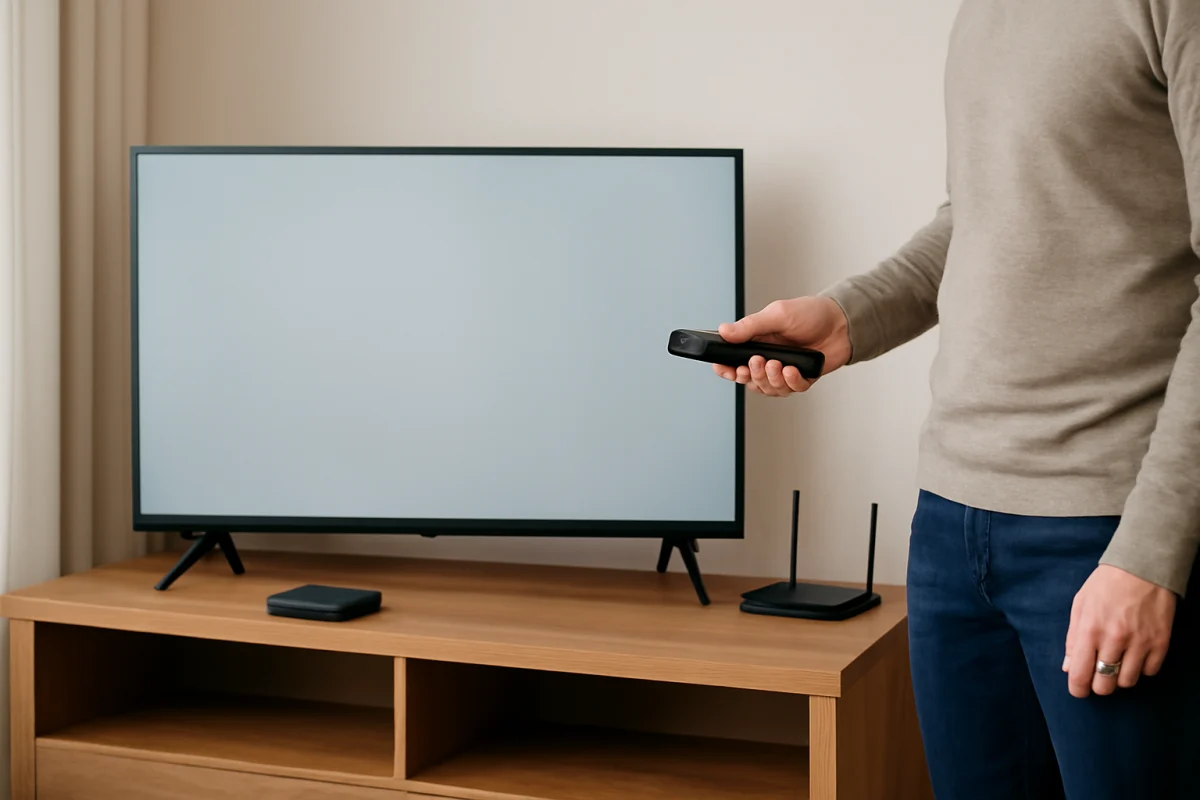
First, unplug the Skyworth TV from the wall outlet. Wait at least 60 seconds, then plug it directly into a known-working wall outlet. For this test, bypass a surge protector, power strip, extension cord, or smart plug. These accessories can fail or switch off even when the TV itself is fine.
Test the outlet with a lamp, phone charger, or another device that you know works. If that device also stays off, reset the appropriate circuit breaker or try another outlet. Do not keep using an outlet that feels hot, makes crackling sounds, smells burned, or shows signs of damage.
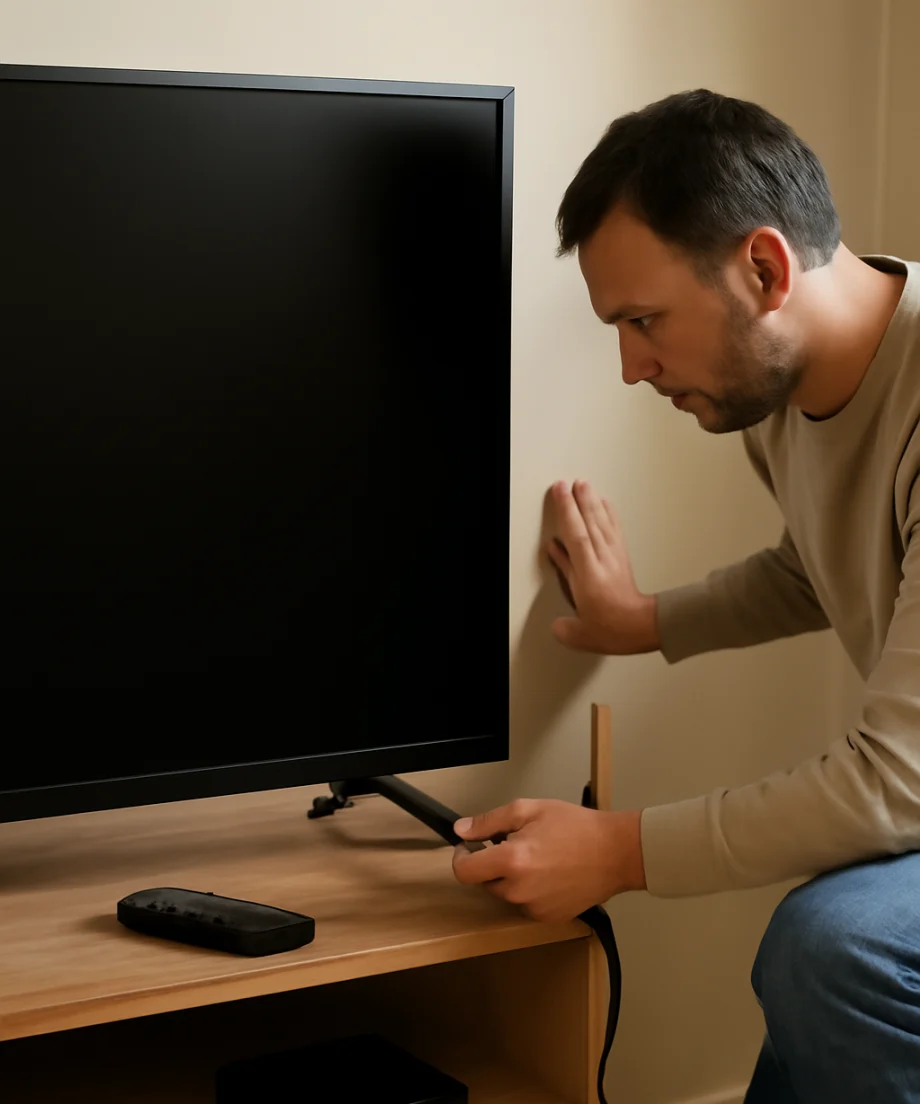
If the TV is connected to a switched outlet, make sure the wall switch is on. Also check whether a power strip has its own switch or overload protection button. A power strip may appear connected while its internal protection has tripped.
2. Inspect the power cord and connection
Look closely at the power cord from end to end. Check for cuts, crushed sections, exposed wires, bent contacts, loose fittings, or signs of heat damage. Do not use a damaged cord. Replace it only with a compatible cord that matches the connector and electrical requirements for your TV.
Make sure the cord is fully inserted into the TV, if your model uses a removable cable, and into the wall outlet. Some cords can feel connected without being seated completely. If the cable is permanently attached to the TV, do not pull on it or attempt to replace it yourself.
If you normally use a surge protector, test the TV without it. A surge protector can fail after a power surge, even if there is no obvious exterior damage. Once the TV works again, consider whether the protector should be replaced before reconnecting other equipment.
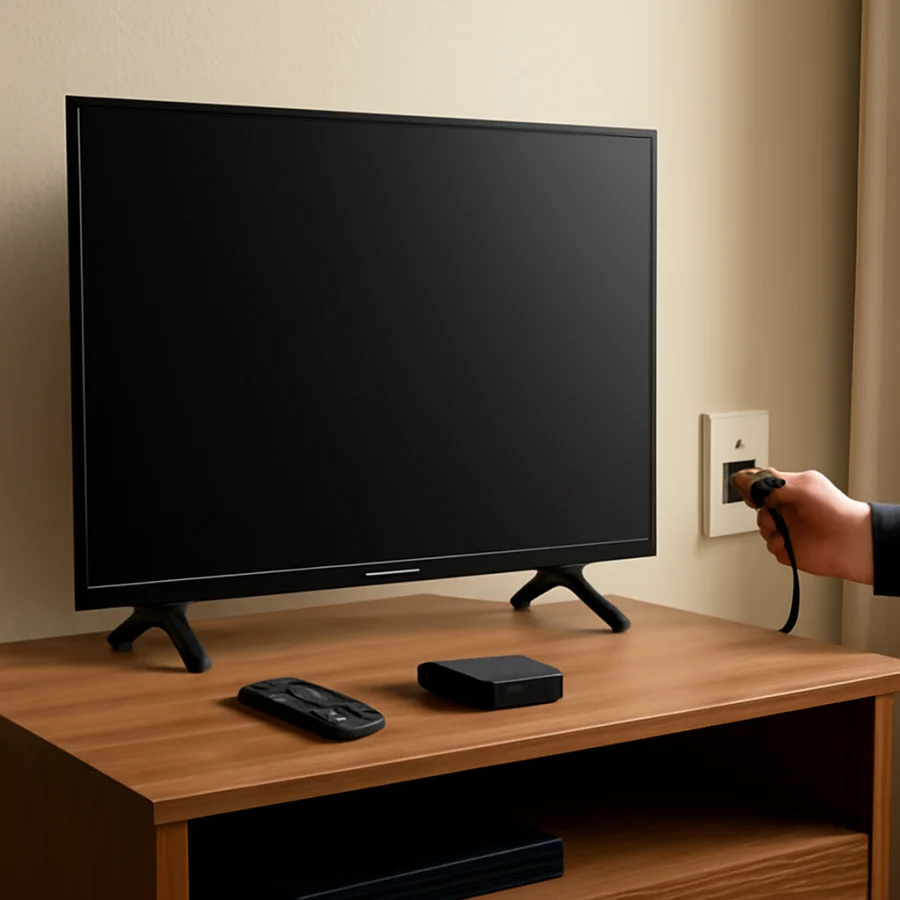
3. Try the TV's physical power button
A failed remote, weak batteries, or a blocked infrared sensor can prevent normal startup, but those problems usually do not explain a missing standby light. Still, test the physical power button because it helps separate a remote-control problem from a TV power problem.
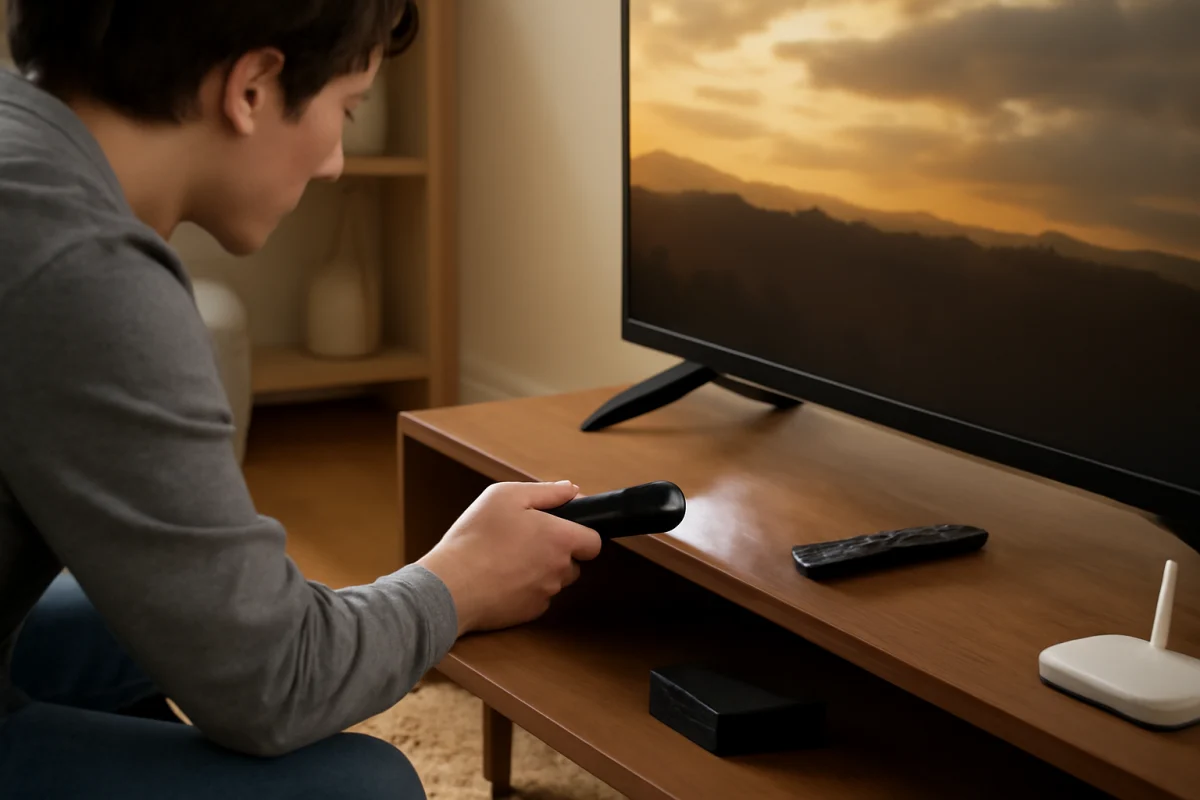
Find the power button on the TV. Its location varies by Skyworth model; it may be underneath the panel, along one side, or on the rear. Press it once and wait several seconds. Avoid repeatedly pressing the button or holding it down for a long time unless your model's instructions specifically call for that action.
If the TV starts with the physical button, replace the remote batteries and make sure the remote is aimed at the correct sensor. Remove objects that may block the sensor. You can also test whether other remote buttons produce any response. If the physical button also does nothing and the standby light remains off, continue with the power reset.
4. Perform a basic power reset
A power reset can clear a temporary control problem, but it cannot repair a failed power board or damaged component. To perform the reset, unplug the TV from the outlet. With the TV unplugged, press and hold its physical power button for about 15 to 30 seconds. Release the button, leave the TV unplugged for several minutes, and then reconnect it directly to a working wall outlet.
Try turning it on with the physical button first. If there is still no light, unplug the TV again and disconnect external devices such as a streaming stick, game console, soundbar, cable box, antenna amplifier, USB drive, and HDMI accessories. Reconnect only the TV and test it once more.
External devices rarely cause a completely missing standby light, but a damaged accessory or unusual HDMI-CEC behavior can complicate startup. Removing everything makes the test more reliable.
5. Check for signs of a recent power event
Think about what happened before the problem began. Did the TV stop working after a storm, outage, brownout, power surge, or accidental unplugging? Did it shut off while in use, or did it fail after being moved? These details can point toward different causes.
After a storm or surge, the TV may have protection damage in its power-input or power-supply circuit. If it shut off during normal use and never showed a standby light again, an internal power problem becomes more likely. If it stopped after being moved, inspect the cord, outlet, and cable connection for looseness or damage.
Do not repeatedly reconnect a TV that smells like burned plastic or electronics, makes a popping sound, produces smoke, or becomes unusually hot. Unplug it and arrange for qualified service.
What the missing red light usually means
The standby light is not identical on every Skyworth television. Some models use a red indicator, while others may use a different color, a dim light, or no visible light in certain states. Check the model's documentation if you are unsure whether your TV is designed to show a standby indicator.
Assuming your model normally displays a light, no indicator after the outlet, cord, and reset checks suggests one of these possibilities:
- The wall outlet, power strip, surge protector, or circuit is not supplying power.
- The power cord is loose, damaged, or incompatible.
- The physical power switch or control board is not responding.
- The internal power supply board has failed.
- A fuse, power-management component, or main board has been damaged.
- The TV experienced surge, liquid, heat, or physical damage.
These possibilities cannot be confirmed safely from the outside. A dark screen by itself is not enough to identify the failed part, and replacing an internal board based only on symptoms can waste money. For additional brand-specific troubleshooting, see the Skyworth TV repair guide.
When to stop troubleshooting
Stop using the TV and unplug it if you notice smoke, a burning odor, melted plastic, visible scorching, liquid inside the cabinet, repeated clicking, or a spark. Do not spray cleaner into the vents, and do not open the back panel to check a fuse unless you have the proper training and equipment.
If the outlet and cord work with another device, the TV remains completely unresponsive after a power reset, and the standby light never appears, professional diagnosis is usually the next practical step. A repair technician can test the incoming voltage and internal circuits with appropriate tools. Contacting Skyworth support or an authorized service provider may be appropriate, especially if the TV is still covered by a warranty or service plan. Coverage and service options vary by model, region, and purchase terms, so verify them using your documentation rather than assuming they apply.
Could the problem be the remote?
A remote-control issue is possible if the TV has a standby light but does not respond to commands. It is much less likely to be the main cause when the indicator is completely off. Replace the remote batteries, clear the area around the TV's sensor, and try the physical power button.
If the physical button turns the TV on but the remote does not, focus on the remote, its batteries, and the sensor path. If neither method works and no standby light appears, return to the outlet, cord, and internal-power diagnosis instead of buying a replacement remote immediately. You can find more general advice in the remote controls troubleshooting guide.
How to prevent a repeat problem
Once the TV is working, keep the vents clear and leave space around the set so heat can escape. Avoid placing it near a heater, in direct moisture, or where liquid can spill into the cabinet. Use a properly rated surge protector if power disturbances are common in your area, but remember that no protector can prevent every type of electrical damage.
When disconnecting the TV, pull the plug by its body rather than yanking the cord. If you will not use the TV for an extended period or severe weather is approaching, unplugging it can reduce exposure to some surge paths. If the same outlet repeatedly cuts out, have the electrical problem checked instead of continuing to reset the TV.
The most useful diagnostic clue is whether the standby indicator returns after the TV is connected directly to a confirmed working outlet. If it does, the external power path was the likely cause. If it stays completely dark after these safe checks, the problem is probably inside the TV and should be evaluated by a qualified technician rather than by trial-and-error part replacement.
Comments
0No comments yet. Be the first to share a helpful note or question.
Leave a Comment
Your email address will not be published. Comments are reviewed before appearing on the site.