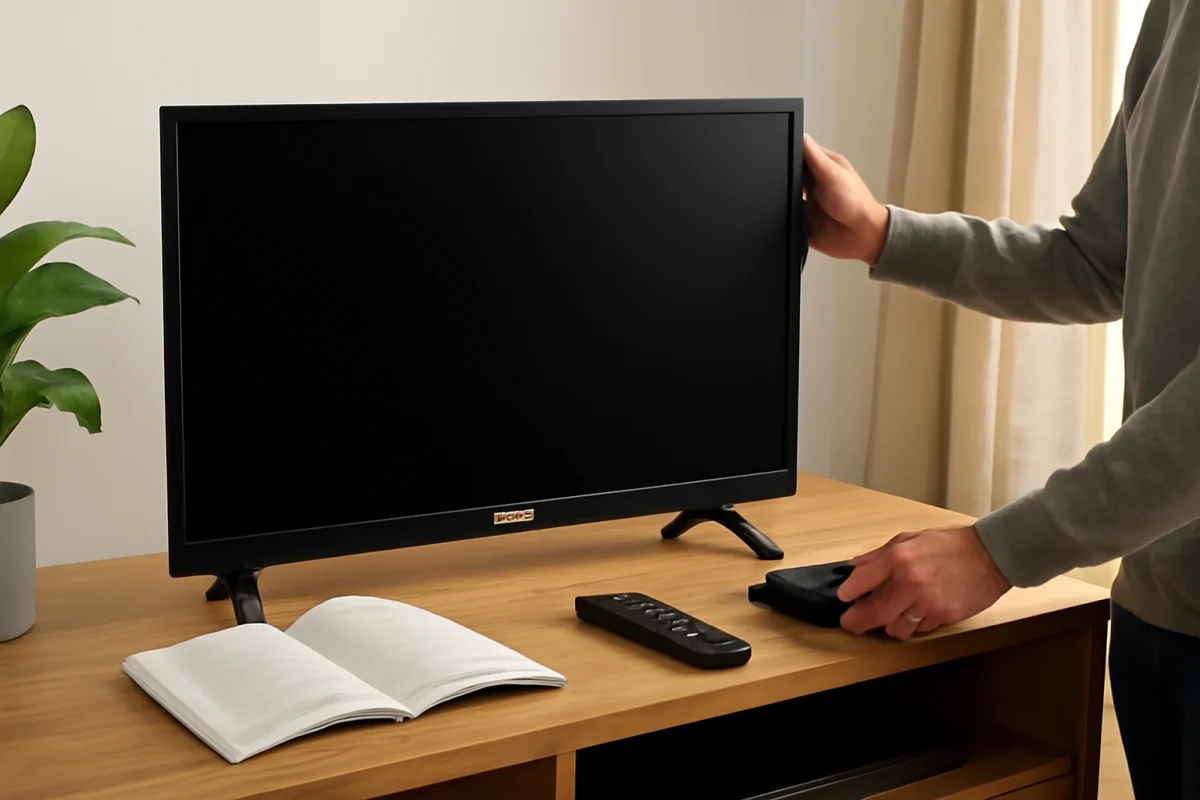
Yes, Toshiba TVs are still available in some markets, but Toshiba’s television business is not the same as it was years ago. In many regions, Toshiba-branded televisions are produced, sold, or supported through licensing and regional business arrangements rather than one worldwide TV operation managed directly by Toshiba Corporation.
That difference can make warranty support, software updates, replacement remotes, and repair options depend on the television’s country, model number, retailer, and manufacturing period. If your Toshiba TV is working normally, you do not need to replace it simply because the brand’s business structure has changed. If it is not working, start with basic checks before assuming the company has disappeared or that the TV is beyond repair.
What happened to Toshiba TVs?
Toshiba has had a long history in consumer electronics, including televisions. Over time, however, its television operations changed in different parts of the world. In some markets, Toshiba-branded TVs have been handled by other companies under licensing or regional distribution agreements.
As a result, two Toshiba TVs with similar-looking logos may have different operating systems, internal hardware, warranty providers, and support websites. A television sold in one country may not use the same menus, remote control, firmware process, or replacement parts as a Toshiba TV sold elsewhere.
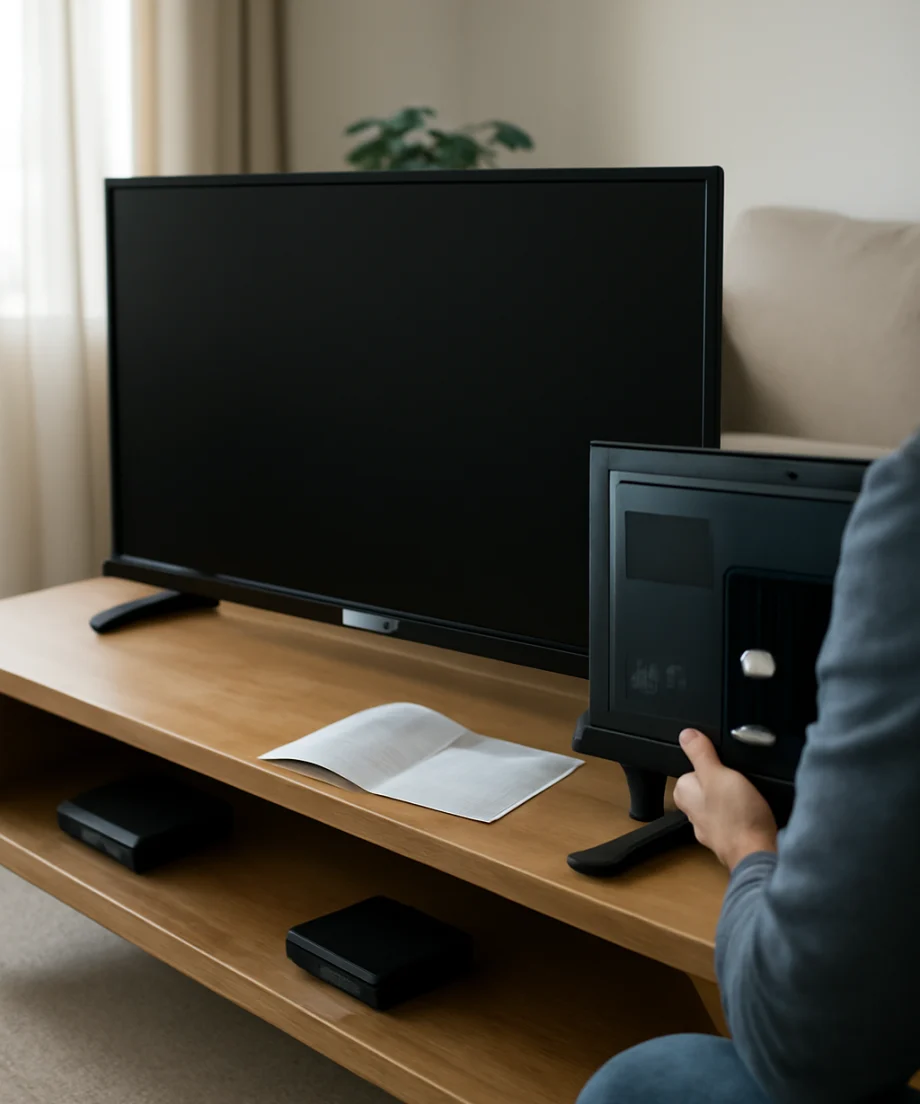
This is why a general answer about “Toshiba TV support” can be misleading. The most reliable starting point is the information on the TV’s label, original box, receipt, user guide, or official support page for the country where it was purchased.
Is Toshiba still making or selling TVs?
Toshiba-branded televisions may still be sold in certain markets, but availability is regional and can change. Some models may be new, while others may be older stock sold through retailers or online marketplaces. The presence of Toshiba TVs in one country does not necessarily mean that the same models are available or supported in another.
Before buying a Toshiba TV, check the exact model number and identify the company responsible for sales and service in your region. Do not rely only on the brand name. Product listings can remain online after a model is discontinued, and marketplace sellers may offer used, refurbished, imported, or region-specific units.
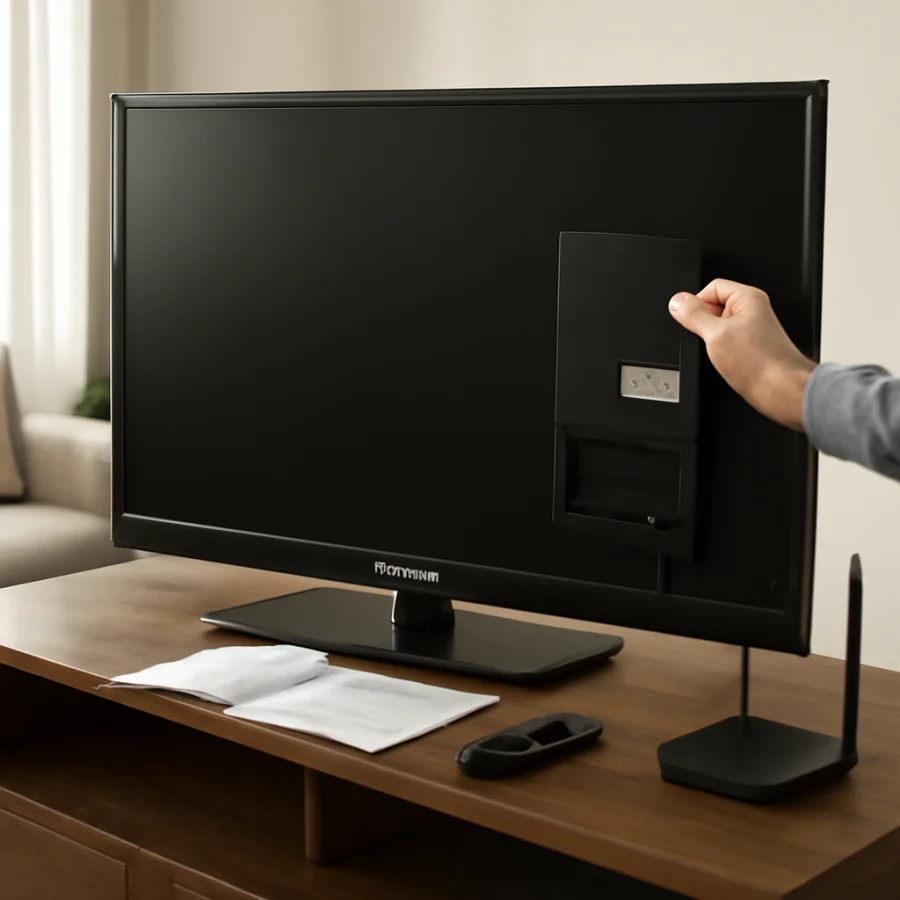
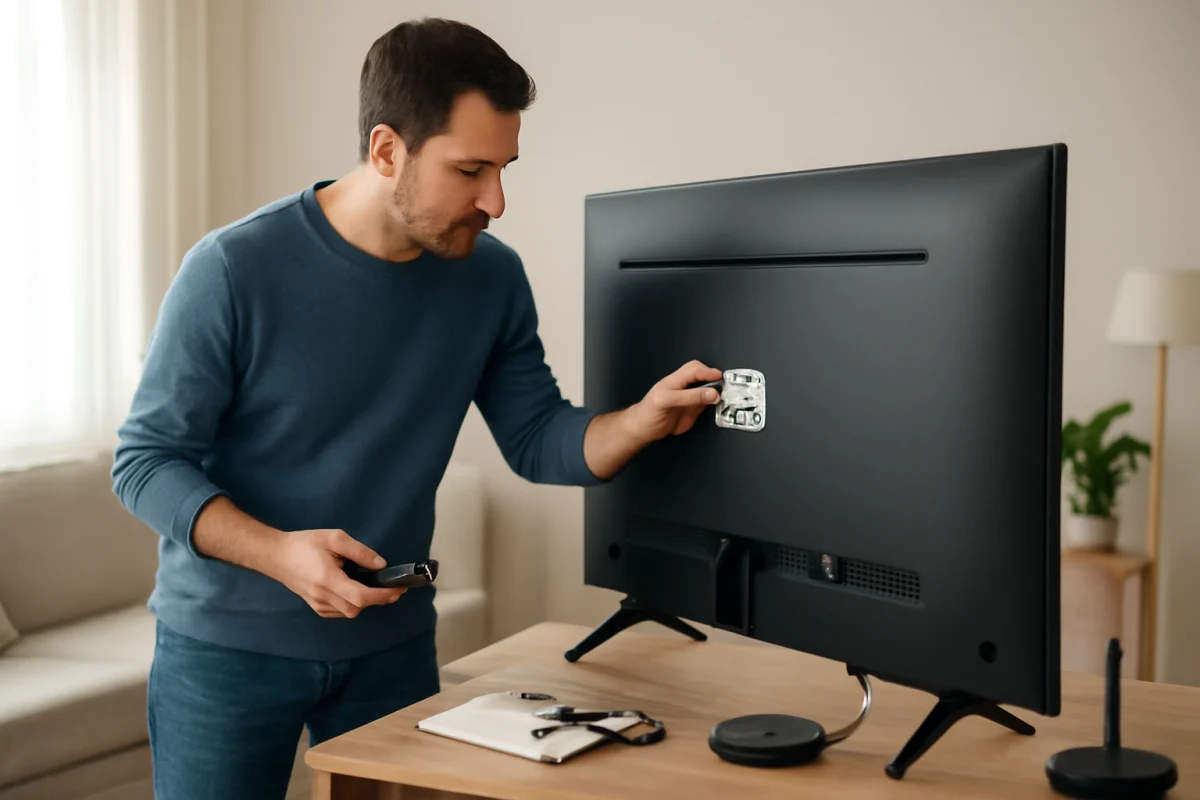
If you already own one, the model number is more useful than the logo when looking for instructions or parts. It is usually printed on a label on the back of the TV, near the ports, or on the original packaging. Some TVs also display model information in a system information screen, although the menu path varies by model.
Who supports a Toshiba TV?
Support may come from different sources depending on the TV and location:
- The regional company licensed to sell Toshiba-branded televisions
- The retailer or distributor that sold the TV
- A manufacturer or service partner listed in the user guide
- The streaming platform or operating system provider for software-related issues
- An independent TV repair shop for hardware diagnosis
For warranty questions, contact the seller or the support organization identified in your purchase documents before opening the TV or paying for a repair. Opening the television can create safety risks and may affect warranty coverage. Policies vary, so avoid assuming that an older Toshiba warranty still applies or that a repair center in another country will accept the unit.
For general troubleshooting, the Toshiba TV repair guide section on TV Fix Guide can help you work through common problems without assuming that every Toshiba model uses the same settings.
What to check if your Toshiba TV is not working
Use the following sequence from the lowest-risk checks to more advanced steps. Stop if you notice a burning smell, smoke, liquid damage, a damaged power cord, sparking, or unusual heat. In those cases, unplug the TV if it is safe to do so and arrange professional help.
1. Check the power connection
Make sure the power cord is firmly connected to the TV and the wall outlet. If the TV uses a detachable cord, check both ends. Test the outlet with a lamp or another device that you know works. Also check whether a power strip, surge protector, wall switch, or smart plug has been turned off.
If the TV has a standby light, observe what it does when you press the power button. A light that stays off, changes color, or blinks can provide useful clues, but its meaning varies by model. Do not assume a particular blink pattern represents the same fault on every Toshiba television.
2. Try the TV’s own power button
A failed remote control can make a working TV appear dead. Locate the physical power button on the TV and press it once. Its position varies, and some models use a small control or joystick instead of a clearly marked button.
If the TV turns on from its own control but not from the remote, replace the remote batteries and remove anything blocking the sensor. Make sure the remote is intended for the exact TV or is compatible with its operating system. For more remote troubleshooting, see TV Fix Guide’s remote control help.
3. Disconnect external devices
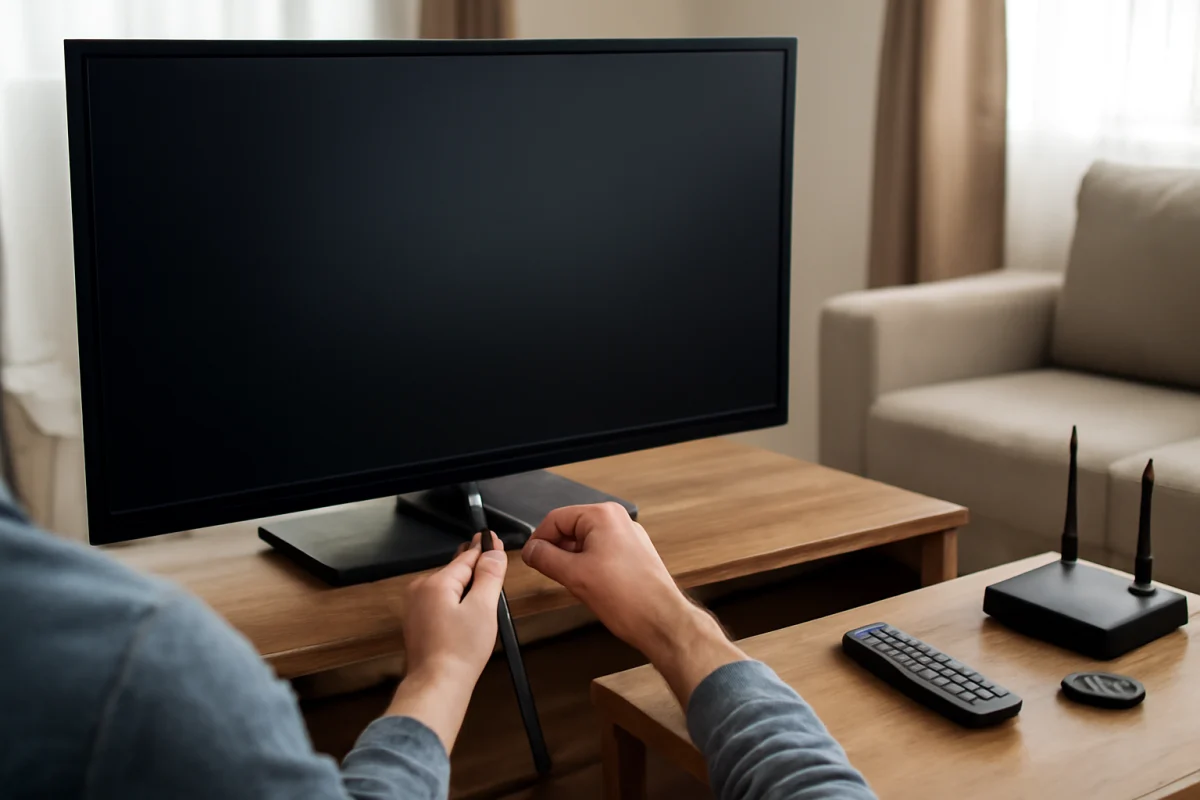
Unplug streaming sticks, game consoles, cable boxes, soundbars, USB devices, and HDMI equipment. Then try starting the TV with only its power cord connected. A faulty device, damaged cable, or HDMI control conflict can cause a black screen, unexpected input changes, or repeated restarts.
If the TV works after the devices are removed, reconnect them one at a time. This helps identify which device or cable is causing the problem. Select the correct input using the TV’s buttons or remote after each connection.
4. Perform a simple power cycle
Turn the TV off, unplug it from the wall, and wait several minutes before plugging it back in. While it is unplugged, you can press and hold the TV’s physical power button briefly if the model’s instructions allow it. This may clear a temporary software or power-state problem, but it will not repair failed hardware.
Avoid repeatedly unplugging and reconnecting the TV in rapid succession. If it clicks, cycles on and off, or becomes unusually hot, stop testing and seek service.
5. Check whether the problem is the source, not the TV
If the screen is black but you can hear sound, press the TV’s menu, home, or volume control. If an on-screen menu appears, the panel may be working and the problem may involve the selected input, HDMI cable, connected device, or source signal.
If the menu does not appear, try a different input or disconnect all external devices again. A faint image may indicate a backlight or display hardware issue, but do not shine bright lights into the panel or remove the back cover to investigate. Internal TV components can retain dangerous electrical charges even after the set is unplugged.
Should you reset a Toshiba TV?
A reset can help with frozen menus, network problems, or software behavior, but it should not be your first step. Before resetting, write down important settings and confirm that you know the passwords for your Wi-Fi network and streaming accounts. A factory reset can remove installed apps, account information, picture settings, and personalized preferences.
The exact reset path varies by model and software platform. Look for the instructions supplied with your TV or for support information that matches the complete model number. Do not use instructions for a different Toshiba model simply because the television looks similar.
If the TV is frozen and you cannot reach its menus, try the basic power cycle first. If the issue returns after a reset, the cause may be a failing component, an incompatible external device, network trouble, or a software problem that requires model-specific support.
Are Toshiba TV software updates still available?
Software update availability depends on the model, operating system, region, and responsible support organization. Some older TVs may no longer receive new features or security updates, while other models may continue to provide updates through their built-in network connection or an approved manual process.
Do not install firmware from an unrelated model or another country. An incorrect update can make the TV unusable. If an update fails, note the model number, the point where the process stopped, and any message shown on screen. Avoid turning off the TV during a legitimate update unless the manufacturer’s instructions specifically tell you to do so.
For connection problems, check TV Fix Guide’s Wi-Fi and network troubleshooting resources. Keep in mind that a TV can connect to Wi-Fi successfully while an individual streaming app is experiencing a separate problem.
Is it worth repairing an older Toshiba TV?
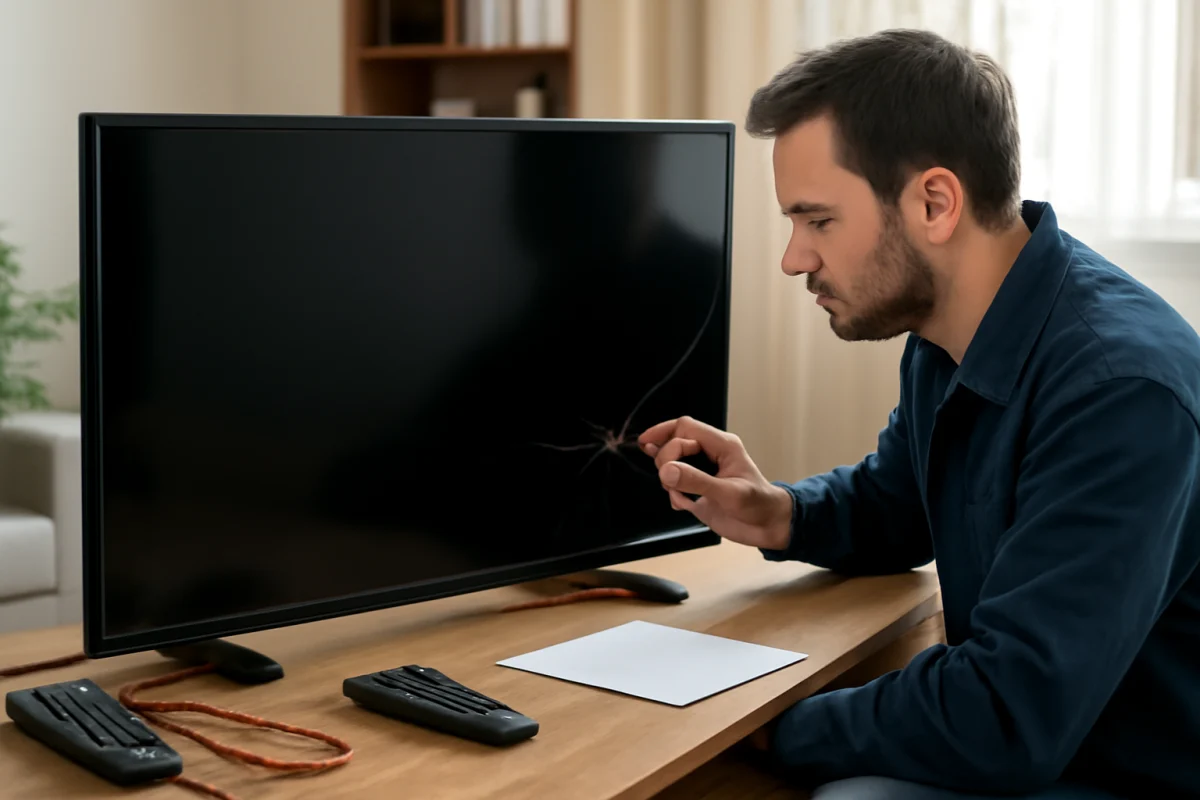
The answer depends on the symptom, age, screen size, repair estimate, and availability of parts. Low-cost problems such as a remote, loose cable, incorrect input, or network setting are usually worth addressing. Hardware faults involving the panel can be more difficult to justify, particularly when the repair approaches the cost of another television.
Ask a repair shop for a diagnosis before approving major work. Provide the exact model number and describe what happens when you press the power button. Tell the technician whether there is sound, a visible picture, a standby light, a recent power surge, liquid exposure, or physical damage.
Do not buy a replacement main board, power board, or screen based only on a symptom. Different revisions can use different parts, and a black screen does not identify one specific failed component.
What Toshiba TV owners should do now
If your Toshiba TV works, keep the model number, purchase details, remote information, and user guide in a safe place. Avoid unnecessary factory resets and do not install unofficial firmware. If you are shopping for one, confirm the seller’s return terms, warranty contact, operating system, and regional compatibility before paying.
Toshiba is therefore not a simple yes-or-no case. Toshiba-branded TVs remain present in some markets, but television sales and support can be handled differently from one region and model to another. Start with the exact model number, use low-risk checks first, and contact the correct regional seller or support provider before attempting advanced repairs.
Comments
0No comments yet. Be the first to share a helpful note or question.
Leave a Comment
Your email address will not be published. Comments are reviewed before appearing on the site.