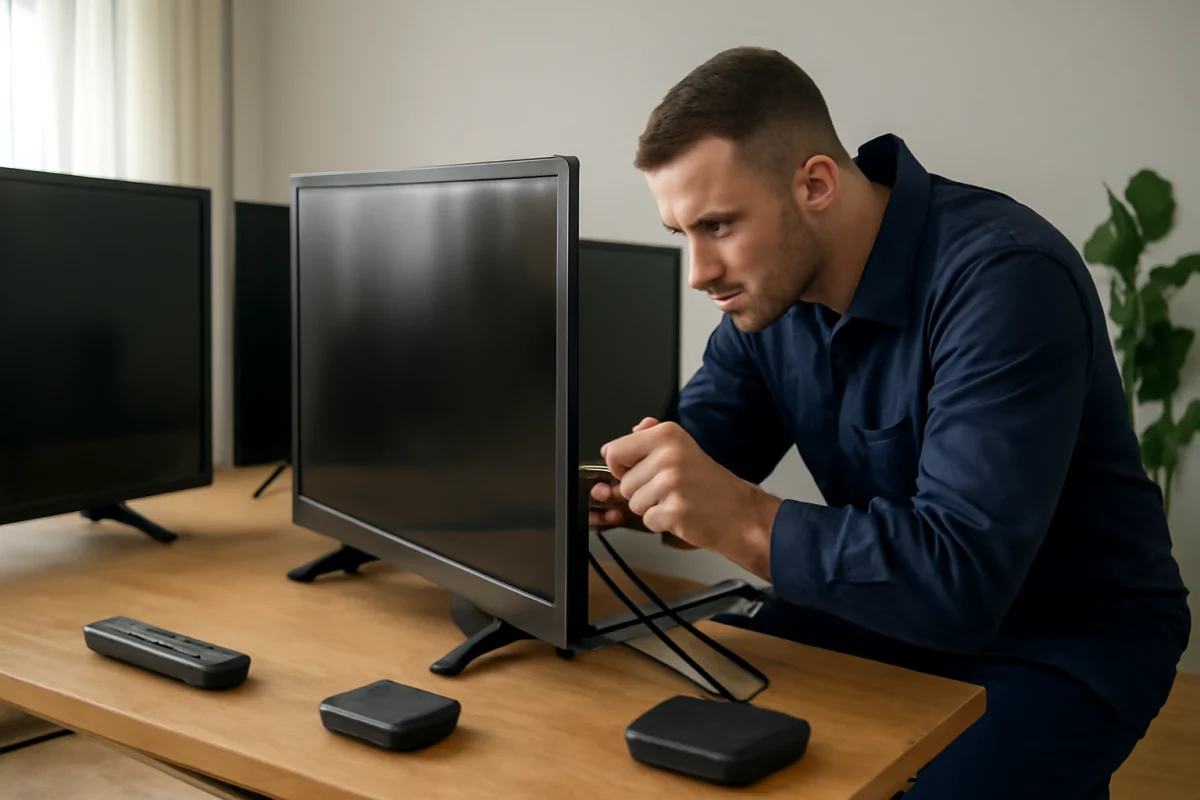
The TV brands with fewer common repair problems are not always the ones with the fewest reported complaints. A model's age, price, usage, ventilation, software support, and local repair options often matter as much as the logo on the bezel. In general, a simpler TV with a mature operating system and readily available parts may be easier to keep working than a feature-heavy model, even when both brands have similar failure risks.
If your TV is already malfunctioning, start with simple checks before assuming the television needs a board replacement. Confirm that the power cord is firmly connected, test a different wall outlet, disconnect external devices, and check whether the problem affects every input or only one source. These low-risk steps can separate a TV hardware problem from an HDMI device, streaming app, remote, or network issue.
Which TV brands tend to be easier to live with?
There is no universal reliability ranking that applies to every screen size, model year, or product tier. Manufacturers change internal components and operating systems over time, and two televisions sold under the same brand can have very different designs.
That said, buyers often have a better ownership experience when they choose a model with:
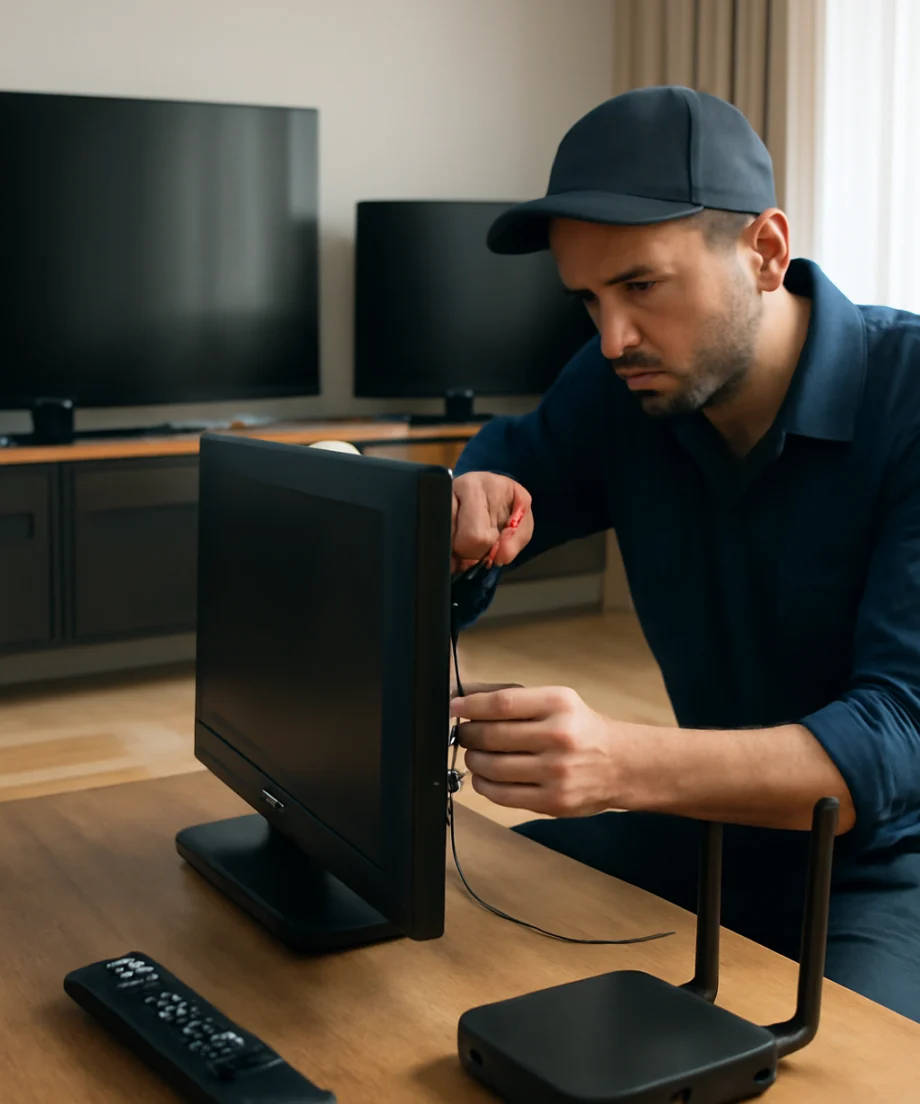
- A well-established smart TV platform with regular, stable updates
- Clear on-screen diagnostics and accessible support documentation
- Common replacement parts, such as power boards and remote controls
- A strong local service network
- Good ventilation and a conventional power supply design
- Fewer unnecessary features that add heat, software complexity, or extra points of failure
Major brands such as Samsung, LG, Sony, TCL, Hisense, Vizio, and others all produce models with good and bad repair histories. A premium model may offer better processing, construction, or support, but a higher price does not guarantee that it will never fail. Budget models can work reliably for years, yet they may be less practical to repair if parts are difficult to source or labor costs approach the price of replacement.
For brand-specific troubleshooting, the TV Brand vs Brand section can help you compare common ownership differences without treating a brand reputation as a guarantee.
The most common TV problems are not always brand-specific
Many repair complaints come from parts and conditions shared across nearly all modern televisions. Power boards, LED backlights, main boards, speakers, and display panels can fail regardless of the badge on the front.
TV will not turn on
Before diagnosing a failed power board, make sure the outlet works with another device and remove the TV from a surge protector temporarily. Disconnect every HDMI, USB, antenna, and audio cable, then try the TV's physical power control if it has one. A stuck remote button, faulty external device, or HDMI control conflict can sometimes make the symptoms look like a power failure.
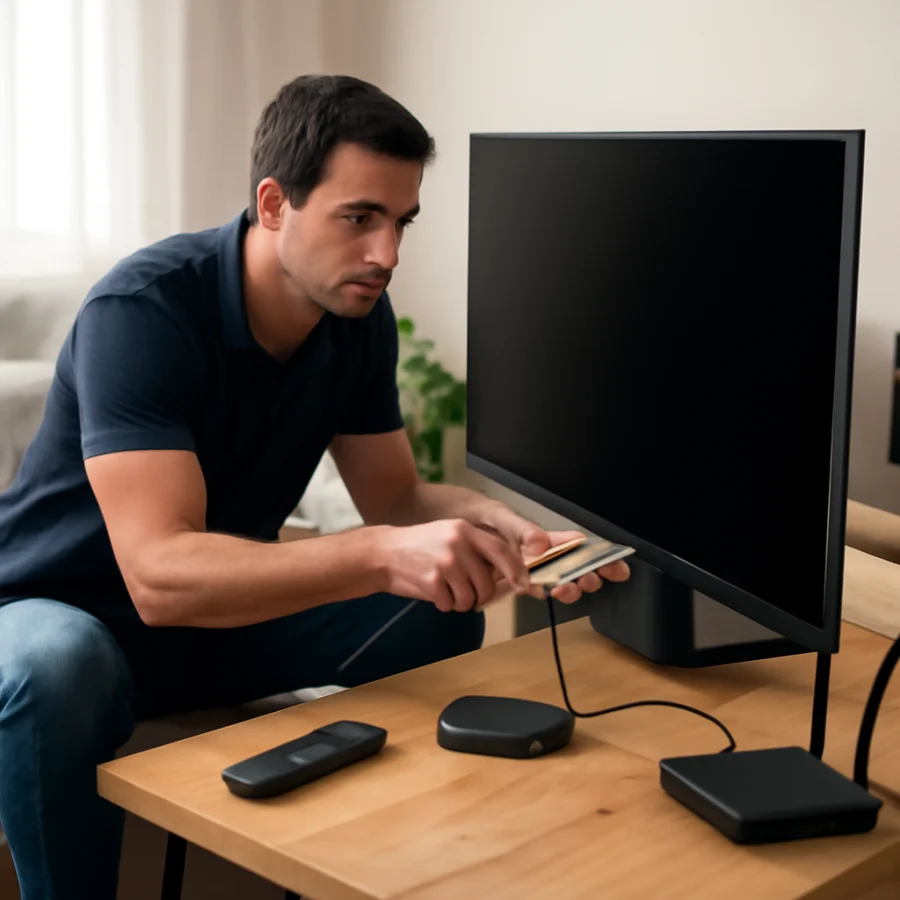
If there is no standby light, no response, and no change after these checks, an internal power problem becomes more likely. Do not open the television unless you are trained to work safely around stored electrical energy. A service technician can test the power supply and related boards without guessing or replacing parts unnecessarily.
Sound works, but the screen is dark
A dark screen with working audio often points toward the backlight system, although a failed main board, display connection, or panel can produce similar symptoms. In a dim room, shine a flashlight at an angle across the screen while content is playing. If a faint image is visible, the backlight may be the problem.
This test is only an indication, not a complete diagnosis. Backlight strips are installed behind the panel, and accessing them can damage the display. On many inexpensive televisions, labor and panel-opening risk make professional repair or replacement comparison important.
Lines, blotches, or half a picture
Persistent vertical lines, a permanently dark section, spreading blotches, or a picture that changes when the frame is touched can indicate a panel or panel-connection problem. Check the TV's own settings screen or built-in home screen. If the defect appears there as well as on HDMI and streaming sources, the source device is probably not responsible.
Panel failures are among the least economical problems to repair because the panel is often the most expensive assembly. A brand may have a good general reputation and still be a poor repair candidate when the display itself has failed.
Apps freeze or the TV becomes slow
Slow menus and app crashes are often caused by software, limited free storage, a weak network connection, or an app-specific outage rather than a defective screen. Restart the TV using its normal power option, restart the router if other devices are also having trouble, and test another app. Sign out and back in only when the problem is limited to one service.
Menu names and reset options vary by model. Look for the manufacturer's current support instructions instead of following a guide written for a different year or operating system. A factory reset should be a later step because it removes accounts, settings, and saved network information.
Why model selection matters more than brand reputation
Brand comparisons can be useful, but the exact model is usually the more important unit of comparison. Manufacturers may use different panels, processors, power supplies, backlight arrangements, and software versions across their product lines. A basic model from one brand may have a simpler, more serviceable design than a premium model from the same company.
Before buying, search for the full model number rather than only the manufacturer name. Check whether owners commonly report the same symptom, how long the television has been available, and whether replacement remotes and boards appear through reputable parts suppliers. Online complaints should be treated carefully: people are more likely to post after a failure than after years of uneventful use.
Also compare the warranty terms available in your region and identify who handles service. Warranty coverage, authorized service availability, and parts access can change by country, retailer, product line, and purchase date. Do not assume that a policy for one model applies to another.
How to compare repair risk before buying
Look for practical support, not just specifications
A television with an impressive feature list can still be frustrating if troubleshooting information is unclear or replacement parts are unavailable. Check whether the manufacturer provides model-specific manuals, software support information, and a way to contact service. A clear support process can reduce downtime even when a repair is eventually needed.
Consider the picture technology and design
Different display technologies have different potential failure patterns. LED televisions use a backlight system that can develop faults, while other display designs have their own maintenance and replacement considerations. A thinner cabinet may have less room for heat management, but cabinet thickness alone does not prove that a TV is unreliable.
Keep the television away from heat sources, allow space around ventilation openings, and avoid blocking the rear panel. Excessive heat and dust can shorten the life of electronics. If the TV is mounted, make sure the bracket does not press against the cabinet or restrict airflow.
Separate replaceable accessories from major repairs
A missing remote, weak Wi-Fi connection, or faulty HDMI cable should not be counted as a serious television failure. Test with a known-good cable, use the TV's physical controls when possible, and compare the behavior of multiple input devices. You can find additional guidance in the Remote Controls, WiFi & Network, and Picture & Sound sections.
When a repair is worth considering
Repair is more attractive when the TV is relatively new, the screen is intact, the fault is clearly isolated to a replaceable component, and parts are available at a reasonable cost. A technician may be able to replace a power board, speaker, remote, or other separate component without replacing the entire television.
Replacement is often more practical when the panel is damaged, the TV has several unrelated problems, or the estimated labor and parts cost approaches the price of a comparable new model. Ask for a diagnosis and an estimate before approving work. A technician should be able to explain whether the suspected part was tested or merely identified from the symptom.
Never judge a repair decision only by brand. A reliable brand can have an uneconomical panel failure, while a less prestigious brand may be worth repairing when the fault is a simple, available component.
The practical answer for shoppers
If minimizing common repair problems is your priority, choose a well-supported model from a major brand, avoid unusually complex features you will not use, provide good ventilation, and verify the exact model's support and parts situation. Samsung, LG, Sony, TCL, Hisense, Vizio, and other established brands can all be reasonable choices, but none should be considered automatically trouble-free.
The safest comparison is model against model, not logo against logo. Review the television's age, operating system, warranty, service options, reported symptoms, and likely repair cost together. If your current TV is failing, begin with outlet, cable, source, remote, network, and software checks before attempting a reset or opening the cabinet. Those steps often prevent an unnecessary repair call and make a genuine hardware diagnosis more accurate.
For more troubleshooting guides and careful comparisons, visit TV Fix Guide.
Comments
0No comments yet. Be the first to share a helpful note or question.
Leave a Comment
Your email address will not be published. Comments are reviewed before appearing on the site.