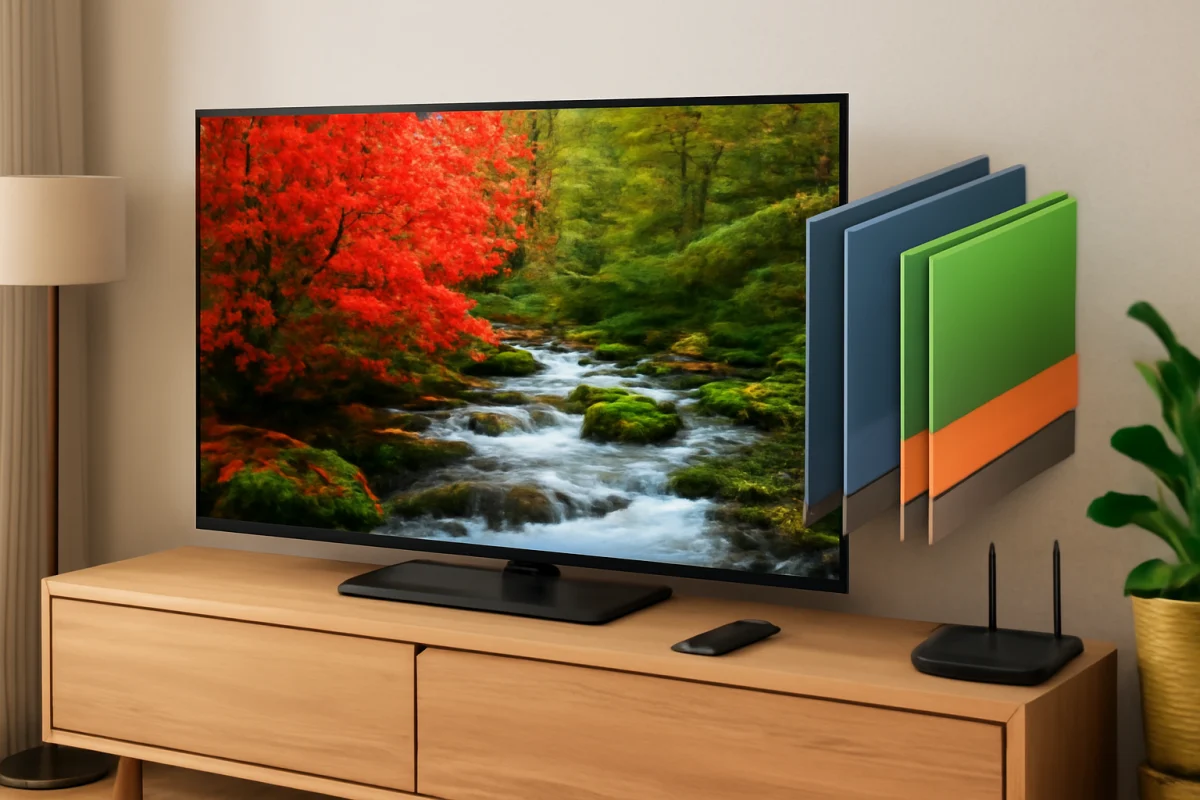
Quantum dots are microscopic semiconductor particles that help a TV convert light into more precise colors. In most quantum-dot TVs, a light source shines through a layer of these particles, which then produce tightly controlled red and green light. The result can be higher brightness, a wider color range, and more saturated highlights than a conventional LED-backlit LCD TV.
If your TV is advertised as QLED, Neo QLED, or another quantum-dot model, the quantum dots are usually part of an LCD display system rather than individual light-emitting pixels. That distinction matters when you compare picture quality, black levels, brightness, viewing angles, and possible display problems.
What are quantum dots?
Quantum dots are extremely small particles made from semiconductor materials. Their size affects the color of light they emit or help produce. Smaller particles tend to produce shorter wavelengths, such as blue or green, while larger particles can produce longer wavelengths, such as red.
A TV manufacturer can tune the particles so they produce relatively pure colors when energized by light. Instead of allowing a broad mixture of light to pass through a color filter, the display can use more narrowly controlled red and green wavelengths. This can improve color volume, which describes how well a TV maintains accurate, saturated colors as the image becomes brighter.
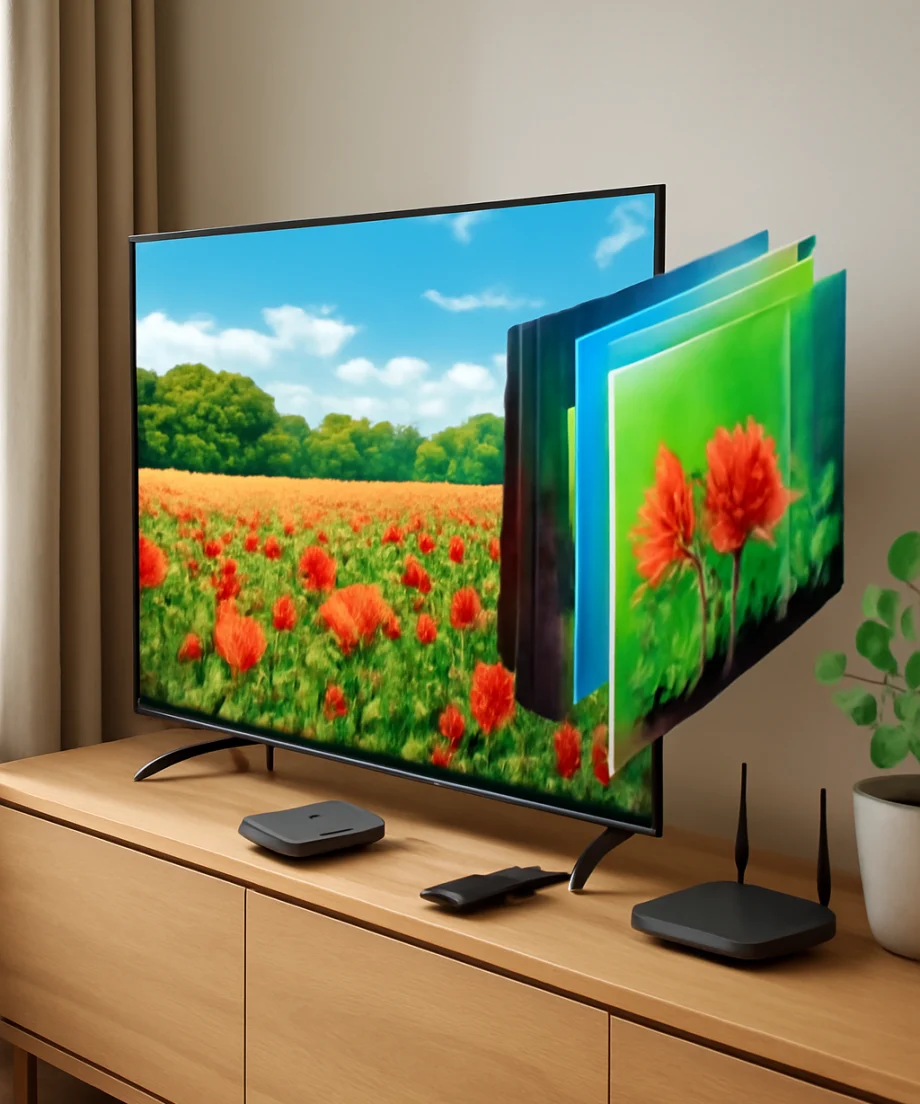
The quantum dots do not usually create the entire image by themselves. They work with other display layers, including the backlight, LCD panel, color filters, and image processor. The exact design varies by brand and model, so two TVs that both use quantum dots may not have identical brightness or contrast.
How quantum-dot TVs produce an image
1. The backlight creates the initial light
Most quantum-dot LCD TVs use blue LED light as their starting point. The LEDs are located behind the LCD panel, although the arrangement may differ. Some models use a full backlight behind the screen, while others use LEDs positioned around the panel.
The backlight itself does not determine the final picture. The TV still needs to control which areas of light reach the screen and which areas are blocked.
2. The quantum-dot layer changes part of the light
When the blue light passes through the quantum-dot layer, some particles convert it into red or green light. The remaining blue light can continue through the display system. Combining these colors creates a cleaner white light source with more useful color information than a basic white LED system may provide.
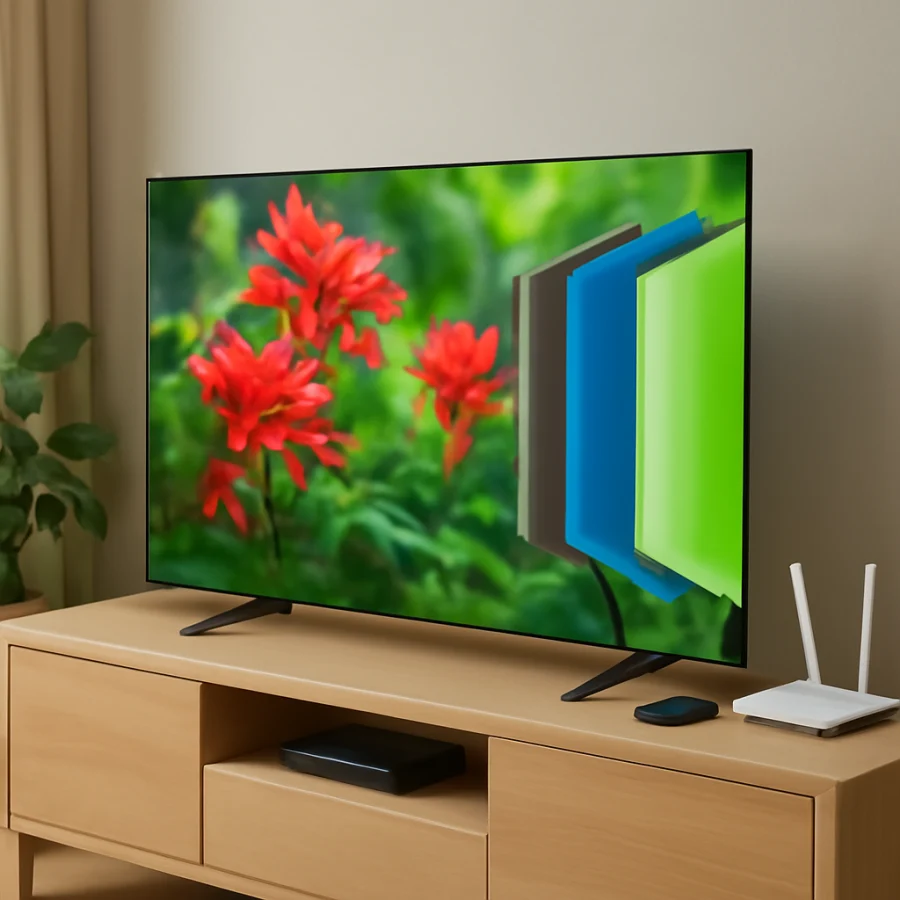
Quantum dots are often included in a film placed between display layers. The layer is not normally visible as a separate feature when you watch TV, and it does not mean the screen contains individual quantum-dot pixels.
3. The LCD panel controls each area of the picture
Liquid crystals act like tiny shutters. They change how much light passes through each pixel or subpixel. Color filters then help create red, green, and blue components for the image.
Because the backlight is shared across the panel, the LCD layer cannot always block every bit of light. This is one reason a quantum-dot LCD TV can produce vivid color and high brightness while still showing some gray glow in dark scenes.
4. Local dimming may improve contrast
Many higher-end quantum-dot TVs add local dimming. This divides the backlight into zones that can be brightened or dimmed independently. Dark parts of the picture can receive less backlight while bright objects remain illuminated.
Local dimming can improve black levels, but it is not the same as controlling every pixel individually. Bright objects may still create a halo around themselves, sometimes called blooming. The amount of blooming depends on the panel, backlight design, processing, viewing angle, content, and room lighting.
QLED, OLED, and quantum-dot OLED are not the same
These names are easy to confuse, but they describe different display structures.
- Quantum-dot LCD or QLED: Uses an LED backlight, an LCD panel, and a quantum-dot layer. It can be very bright, but the backlight is shared rather than controlled by every individual pixel.
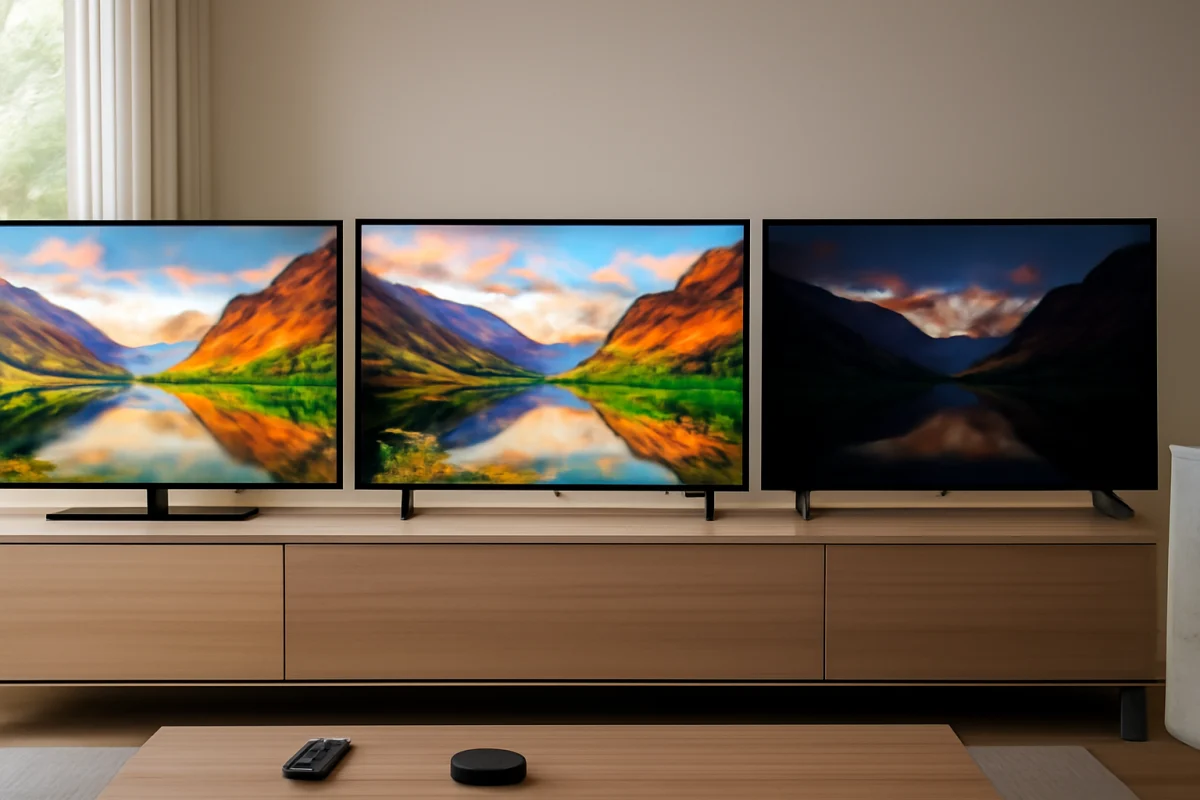
- OLED: Uses self-emitting pixels. Each pixel can turn off independently, which can produce very deep blacks and strong contrast without a conventional backlight.
- QD-OLED: Combines an OLED light source with a quantum-dot conversion layer. It is different from a standard QLED LCD TV and may offer strong contrast with vivid color.
- Mini-LED quantum-dot TV: Uses many smaller LEDs for more precise backlight control. Mini-LED is a backlight design, while quantum dots are a color technology; a TV can use both.
Marketing terms are not always used consistently across brands. Check the full specifications for the display type, backlight system, local-dimming support, and other features rather than relying on the word “QLED” alone. For broader display comparisons, see the TV technology and specifications guide.
What are the main benefits of quantum dots?
Higher color volume
Quantum dots can help a TV retain strong, saturated colors at higher brightness levels. This can be noticeable in sunlight, fireworks, neon signs, animation, sports graphics, and other scenes with intense color.
Strong brightness
Quantum-dot LCD TVs can be well suited to bright rooms because their backlights can produce substantial light output. A brighter screen may also help high-dynamic-range content look more impactful during daytime viewing.
Efficient color conversion
The quantum-dot layer can create useful red and green wavelengths without relying entirely on less efficient color filtering. The practical benefit depends on the complete panel and backlight design, not just the presence of quantum dots.
Wide viewing options
Some quantum-dot TVs are available with different LCD panel types. A panel designed for stronger contrast may behave differently from one designed for wider viewing angles. If colors or brightness change when you move away from the center, that is usually related to the LCD panel and optical layers rather than a quantum-dot failure.
What are the limitations?
Quantum dots do not automatically guarantee perfect picture quality. A quantum-dot LCD TV can still have weak black levels, visible blooming, uneven backlighting, motion blur, or limited viewing angles. Picture processing and factory calibration also affect the result.
Some TVs use aggressive brightness controls that change the image depending on the scene, picture mode, or room-light sensor. This may look impressive in a store but distracting at home. HDR performance also varies because content, peak brightness, local dimming, and tone mapping all work together.
Another limitation is that a quantum-dot layer cannot correct a damaged LCD panel or a failing backlight. If the screen has fixed lines, a dark section, repeated flashing, or a physical crack, changing picture settings is unlikely to solve the underlying hardware problem.
Why do quantum-dot TV colors look wrong?
If colors suddenly look dull, overly red, green, or blue, begin with simple checks before attempting a reset or advanced service procedure.
Check the source and connection
Open the TV's built-in settings screen or a different input. If the menu looks normal but a cable box, game console, or streaming device looks wrong, the issue may be limited to that source. Reseat the HDMI cable, try another compatible input, and check the external device's video settings if available.
Different HDMI inputs may have different options, and menu names vary by model. Do not assume a setting from one brand will appear on another TV.
Review the picture mode
Switch temporarily to a standard, movie, cinema, or similarly neutral picture mode. Avoid judging color in a vivid or dynamic mode until you know what the TV is doing. These modes may increase saturation, sharpness, contrast, or brightness.
Also check whether a blue-light reduction, eye-comfort, color-temperature, ambient-light, or energy-saving feature is active. These options can make the picture appear warmer, dimmer, or less colorful.
Inspect the content
Play a different program or a familiar test scene. A streaming app may deliver different versions of the same title, and HDR may activate only when the source and TV support it. If the problem appears in one app only, update or restart that app and compare it with another source before changing the entire TV configuration.
For related picture symptoms, the picture and sound troubleshooting section can help you separate source problems from TV problems.
Check for physical symptoms
Look for a vertical or horizontal line, a permanent dark patch, a bright spot, severe uniformity problems, or color changes that remain on every input. Do not press or massage the panel. LCD layers are delicate, and pressure can cause additional damage.
If the TV was recently moved, make sure nothing is pressing against the screen or blocking ventilation. Unusual heat, a burning smell, liquid exposure, or repeated power cycling is a reason to unplug the TV and seek qualified service rather than continuing to test it.
Does a quantum-dot TV need special maintenance?
No special cleaning solution or calibration routine is required simply because a TV uses quantum dots. Turn the TV off before cleaning, use a soft dry microfiber cloth, and follow the manufacturer's care instructions. Avoid spraying liquid directly on the screen, using abrasive materials, or applying strong pressure.
Keep vents clear and avoid placing the TV in direct sunlight or near a heat source. Excessive heat can affect electronics and shorten component life, although a change in color alone does not prove that the quantum-dot layer has failed.
Professional calibration can improve accuracy, but it is optional. Before paying for calibration, correct the input, picture mode, room-light, and source settings. If the picture remains wrong across every input and menu screen, document the symptoms and the TV's model information for a repair assessment. You can also browse TV model comparisons to understand how different display designs trade brightness, contrast, and viewing angle.
Are quantum dots worth it?
Quantum dots can be worthwhile if you want bright HDR highlights, vivid color, and a screen that performs well in a room with significant ambient light. They are especially useful when combined with effective local dimming and a well-designed LCD panel.
They are not automatically the best choice for every room or viewing habit. If your priority is pixel-level black control in a dark room, a self-emitting display may be more appropriate. If you watch sports or news in a bright space, a bright quantum-dot LCD may be a better practical fit.
The best choice depends on the complete TV, not one label. Compare the display type, backlight control, viewing angle, motion handling, HDR behavior, warranty information, and your room conditions. Quantum dots are an important part of modern TV design, but they work as one layer in a larger imaging system.
Comments
0No comments yet. Be the first to share a helpful note or question.
Leave a Comment
Your email address will not be published. Comments are reviewed before appearing on the site.