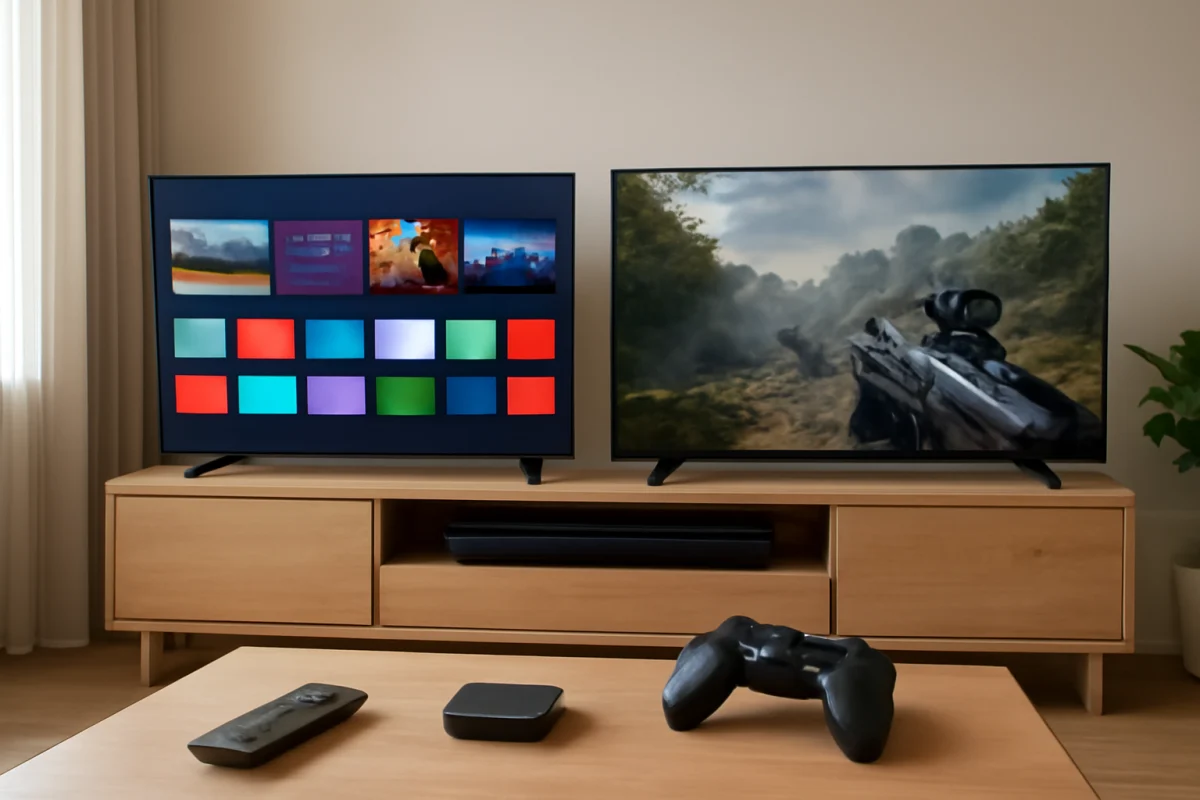
TCL is usually the better choice if you want the most smart TV features and gaming-friendly options for your money. Vizio can still be a sensible pick when you find a well-priced model with the picture quality, speaker performance, and streaming platform you prefer. The important catch is that both brands sell TVs across several model families, so a direct comparison based only on the logo can be misleading.
Before choosing between Vizio and TCL, compare the exact screen size, display type, refresh behavior, HDR support, operating system, HDMI features, warranty terms, and current price. Those details often matter more than the brand name. Features can also change between model years and screen sizes, so confirm the specifications for the exact TV you plan to buy.
Quick answer: TCL or Vizio?
Choose TCL when you want a broad selection of affordable smart TVs, a familiar streaming interface, and more options aimed at gaming or brighter HDR viewing. TCL generally offers more variety across entry-level and midrange models, although performance still depends heavily on the specific series.
Choose Vizio when you prefer a straightforward smart TV experience, find a particular Vizio model at a significantly lower price, or like its picture and sound tuning. Vizio models can offer good value, but the software experience and available features may vary more noticeably from one generation to another.
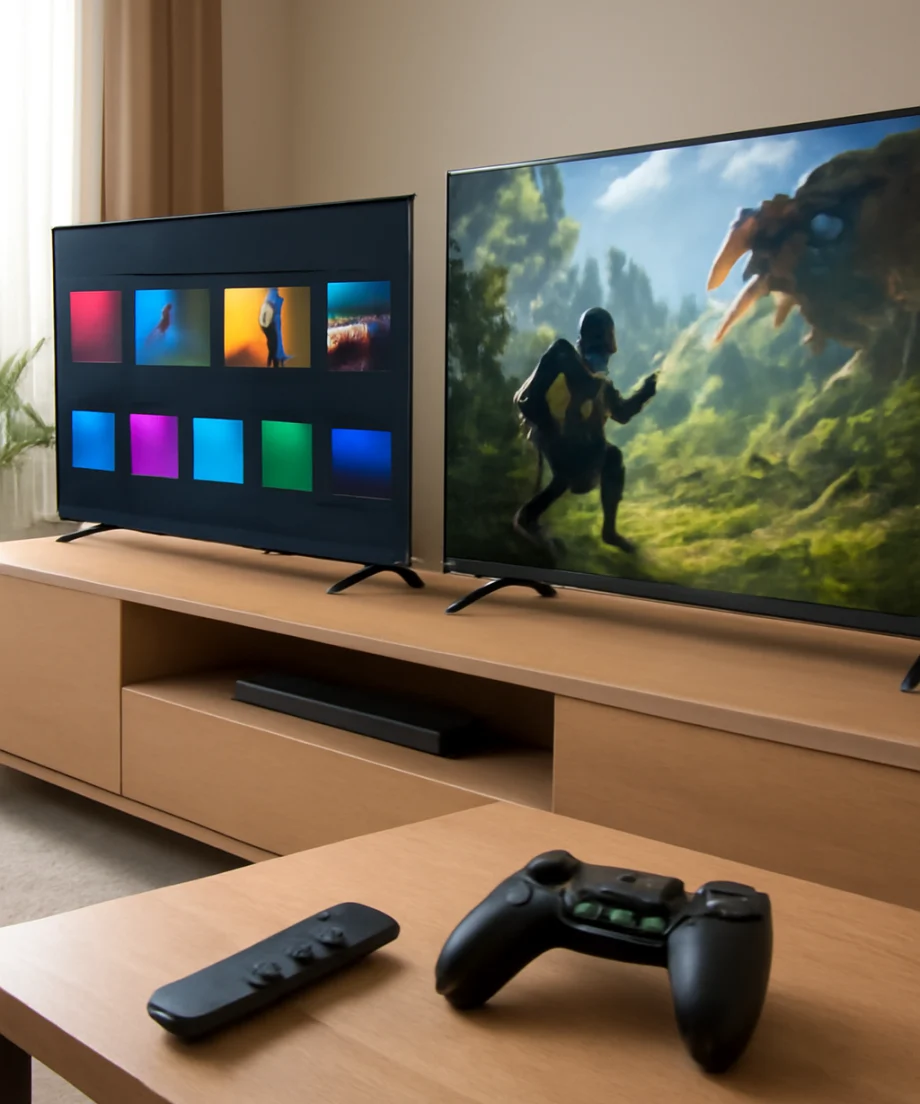
For most shoppers comparing similarly priced TVs, TCL has the stronger all-around value proposition. That does not mean every TCL TV is better than every Vizio TV. A higher-tier Vizio can outperform a basic TCL in some areas, while a newer TCL can be a better buy than an older Vizio sold at a discount.
How TCL and Vizio differ
Smart TV software
The operating system is one of the biggest day-to-day differences. TCL TVs may use different smart TV platforms depending on the model and market. Vizio TVs can also differ by generation and platform. This means you should not assume that two TVs from the same brand have identical menus, app support, or remote controls.
Check whether the exact model supports the streaming services you use most, including the apps used by your household. Also consider how easily you can change inputs, manage settings, cast content, and connect headphones or sound equipment. A TV may have excellent display hardware but still feel frustrating if its interface is slow or unfamiliar.
Built-in apps and software support can change over time. If you already use a separate Roku, Fire TV, Apple TV, or game console, the built-in platform may matter less. In that case, give more weight to picture performance, HDMI connections, audio output, and startup behavior.
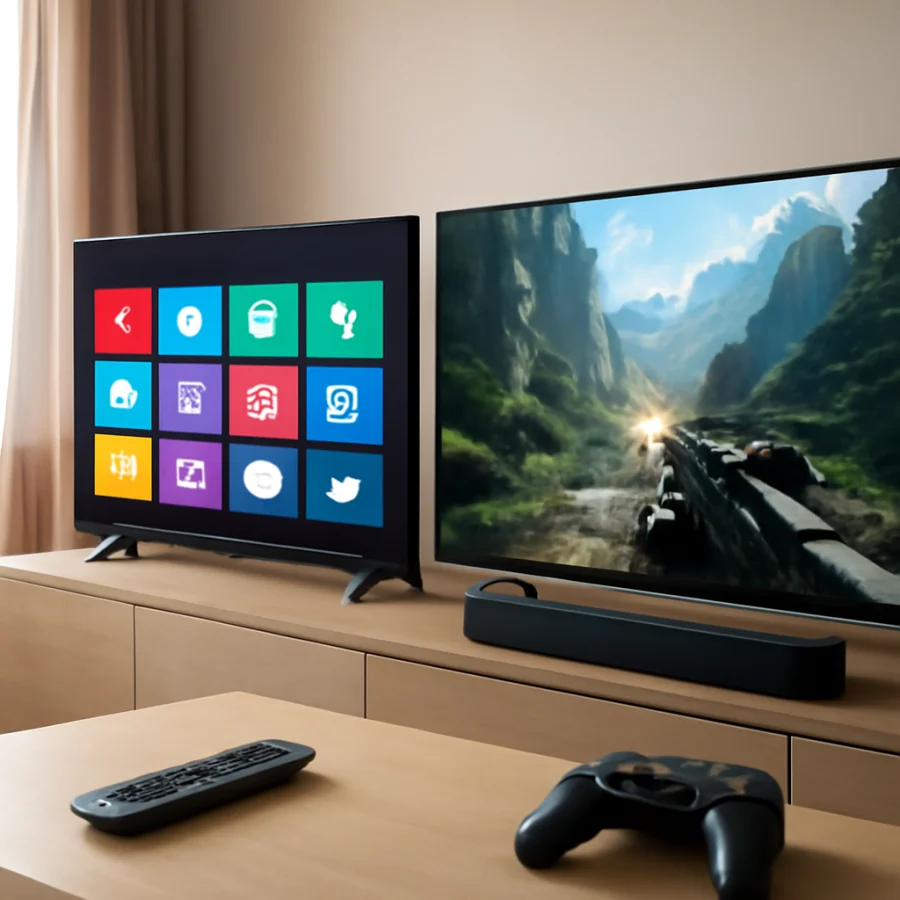
Picture quality
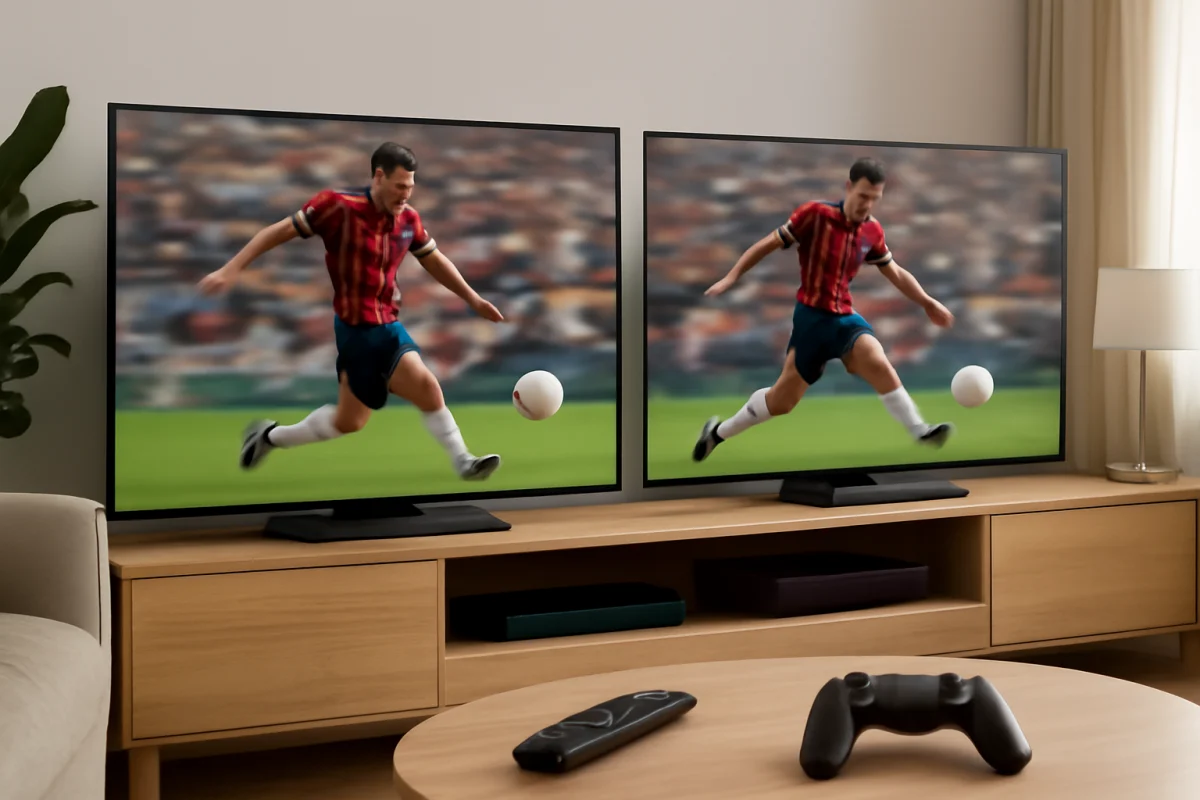
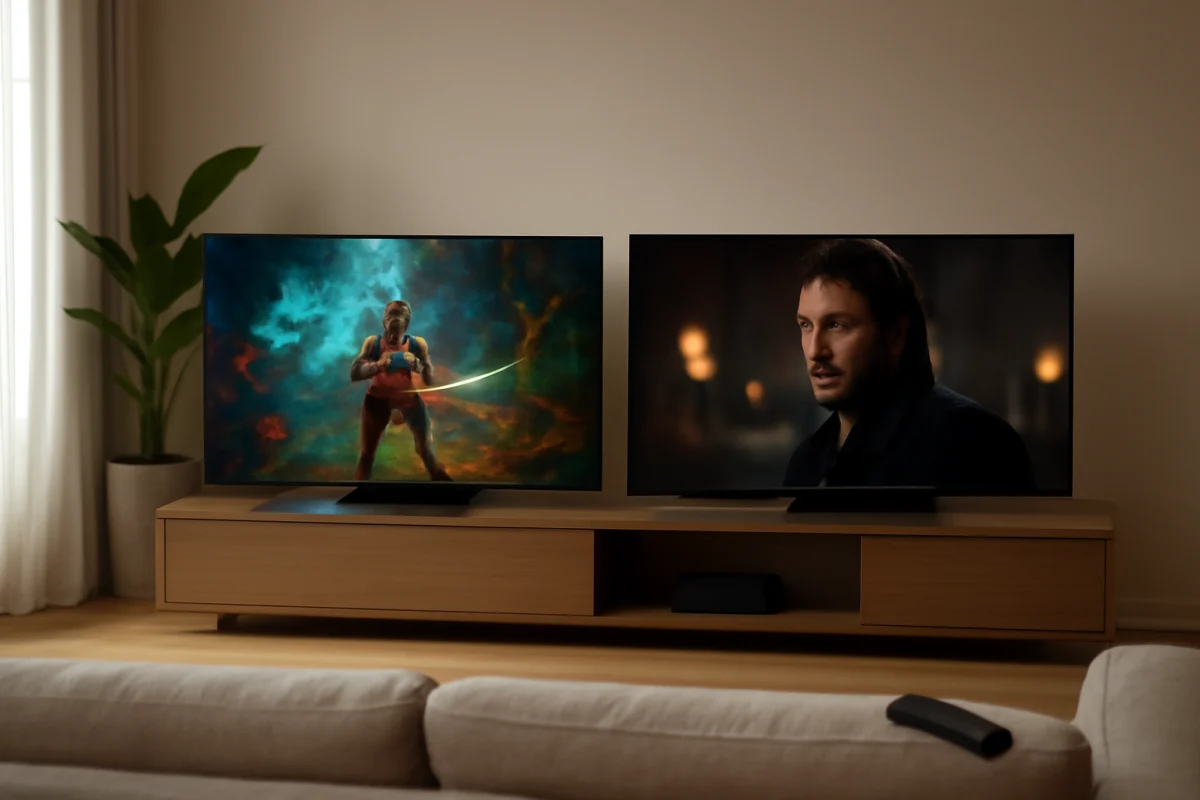
Neither brand has one single picture quality level. Both offer more basic displays and more advanced models, and the differences within each brand can be larger than the average difference between the brands.
When comparing two TVs, look at the panel and backlight design rather than just labels such as “4K” or “HDR.” A 4K resolution describes the number of pixels, but it does not guarantee strong contrast, accurate color, or good motion handling. HDR performance depends on brightness, contrast, local dimming behavior, color capability, and the content being played.
For dark-room movie viewing, contrast and black-level performance are especially important. For daytime sports or a bright living room, screen brightness and reflection handling may matter more. If you watch from the sides, viewing angles should also be considered because some displays lose contrast or color when viewed off-center.
TCL often provides more models with features designed to improve contrast and HDR impact, but the exact implementation varies. Vizio may also offer strong contrast or useful picture controls on selected models. Read independent testing for the exact model when possible, and do not treat a brand-wide reputation as a substitute for model-specific evidence.
Gaming features
TCL is often the easier brand to recommend for shoppers who want a budget gaming TV, particularly when a particular model includes features such as a higher refresh capability, automatic low-latency behavior, or support for modern console signals. However, these features are not guaranteed across every TCL television.
Vizio also makes TVs suitable for gaming, but you should verify the details more carefully. Check the supported resolution and refresh combinations, the number of HDMI ports that support the features you need, input lag reviews, and whether gaming settings are easy to find. A television may advertise a high refresh rate while offering that behavior only in certain modes or screen sizes.
For a PlayStation, Xbox, or gaming PC, make a checklist before buying:
- Confirm that the TV supports the signal resolution and refresh rate you plan to use.
- Check whether variable refresh support is available if your console or PC uses it.
- Make sure the correct HDMI port supports the required gaming features.
- Look for reviews that measure input lag rather than relying only on marketing language.
- Check whether the model automatically switches into a low-latency mode.
Sound quality and external audio
Built-in TV speakers are usually a compromise at this price level. A Vizio model may sound better to you than a similar TCL, or the reverse, depending on cabinet design, speaker placement, and software tuning. Do not assume that a TV with louder speakers will produce clearer dialogue or deeper bass.
If you plan to use a soundbar, verify the connection options before buying. HDMI audio return support, optical output, Bluetooth behavior, and compatibility with your sound system can vary by model. You should also check whether the TV has useful dialogue enhancement controls and whether those controls work with the apps you use.
When troubleshooting audio after setup, first confirm that the TV and soundbar are set to compatible audio output modes. Test another app or input, reseat the HDMI cable, and check whether the problem occurs with the TV speakers as well. Avoid changing several advanced audio settings at once because that makes the cause harder to identify.
Reliability, updates, and ease of use
Reliability is not determined by the logo alone. A TV can develop problems because of a defective component, a software issue, poor ventilation, an unstable network connection, or an incompatible external device. Reviews of the exact model and the retailer’s return terms are more useful than broad claims that one brand never fails.
Software updates may improve stability, add compatibility, or change how certain menus work. The update process and available settings can vary by model. If a new TV is slow or apps fail to load, begin with low-risk checks: confirm the internet connection, restart the TV normally, close and reopen the affected app, and test another app. Do not perform a factory reset before confirming that the problem is not limited to one service or network.
You can find additional troubleshooting guidance in the TCL TV repair guide and the Vizio TV repair guide. The instructions should still be matched to your model because menu names and reset procedures are not identical across product generations.
What to compare before buying
Use the following checklist when a TCL and Vizio TV appear to have a similar price:
1. Exact model and screen size
Do not compare a brand’s entry-level model with another brand’s premium series. Even within one series, the 55-inch and 75-inch versions may use different panels or feature sets. Verify the exact model number and screen size on the retailer’s listing and the manufacturer’s product information.
2. Display performance
Consider contrast, brightness, reflection handling, viewing angles, motion, and HDR behavior. If you watch mostly cable or older content, upscaling quality may matter. If you watch movies at night, black levels and uniformity may matter more.
3. Connections
Count the HDMI ports you will actually use. Include a soundbar, game console, streaming device, Blu-ray player, and cable box in your calculation. Confirm that the ports support the features required by your equipment, since not every port necessarily has identical capabilities.
4. Streaming platform
Review the included apps, voice control options, casting support, home-screen layout, and remote design. If the TV will be used by children or less technical family members, a simple interface may be more valuable than an extra picture feature.
5. Placement and ventilation
Measure the stand width, wall-mount pattern, cable clearance, and viewing height. Leave adequate ventilation around the TV and avoid placing it directly above a heat-producing device. Overheating and restricted airflow can contribute to instability and shorten component life.
When Vizio may be the better deal
Vizio may be the better purchase when its exact model offers the picture performance you want at a clearly lower price, especially if you already plan to use an external streaming device. It may also make sense if the TV has the audio outputs, HDMI layout, or screen size that fits your room better.
Before choosing it, test or research the smart interface and confirm that the apps you need are available. If the built-in software is no longer supported for an app you use, the TV may still work well with an external streamer, but that adds another device, remote, and power connection.
When TCL is worth paying for
TCL is often worth choosing when you want more choice in the budget and midrange categories, stronger gaming-focused specifications on a particular model, or a smart platform that matches your existing setup. It is also a practical option when you want to compare several display tiers without moving immediately to a higher-priced brand.
Still, do not buy a TCL solely because it has a newer interface or a longer feature list. A feature is valuable only if the TV implements it well and your devices can use it. Independent testing, user reports about the exact model, and a clear return option can help protect you from a disappointing match.
Our practical verdict
For most buyers seeking the best combination of features and value, TCL is the safer starting point. It generally offers more ways to step up from a basic TV to a model with better gaming, HDR, or smart features. Vizio remains competitive when a specific model delivers better picture or sound for your room, or when it is substantially less expensive.
The best choice is the TV that fits your content, room, devices, and tolerance for software differences. Compare exact models, not just brand reputations. For more buying guidance, browse TV Fix Guide’s TV brand comparisons and technical specifications guides.
Comments
0No comments yet. Be the first to share a helpful note or question.
Leave a Comment
Your email address will not be published. Comments are reviewed before appearing on the site.