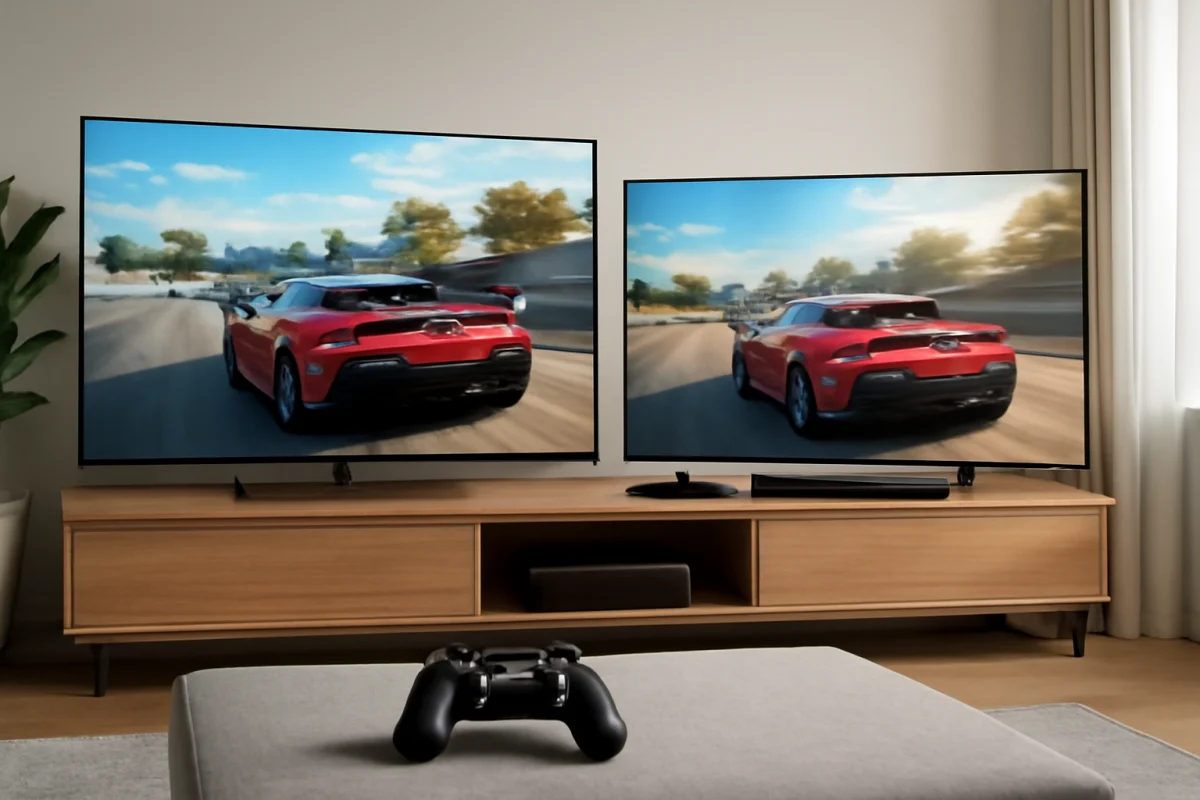
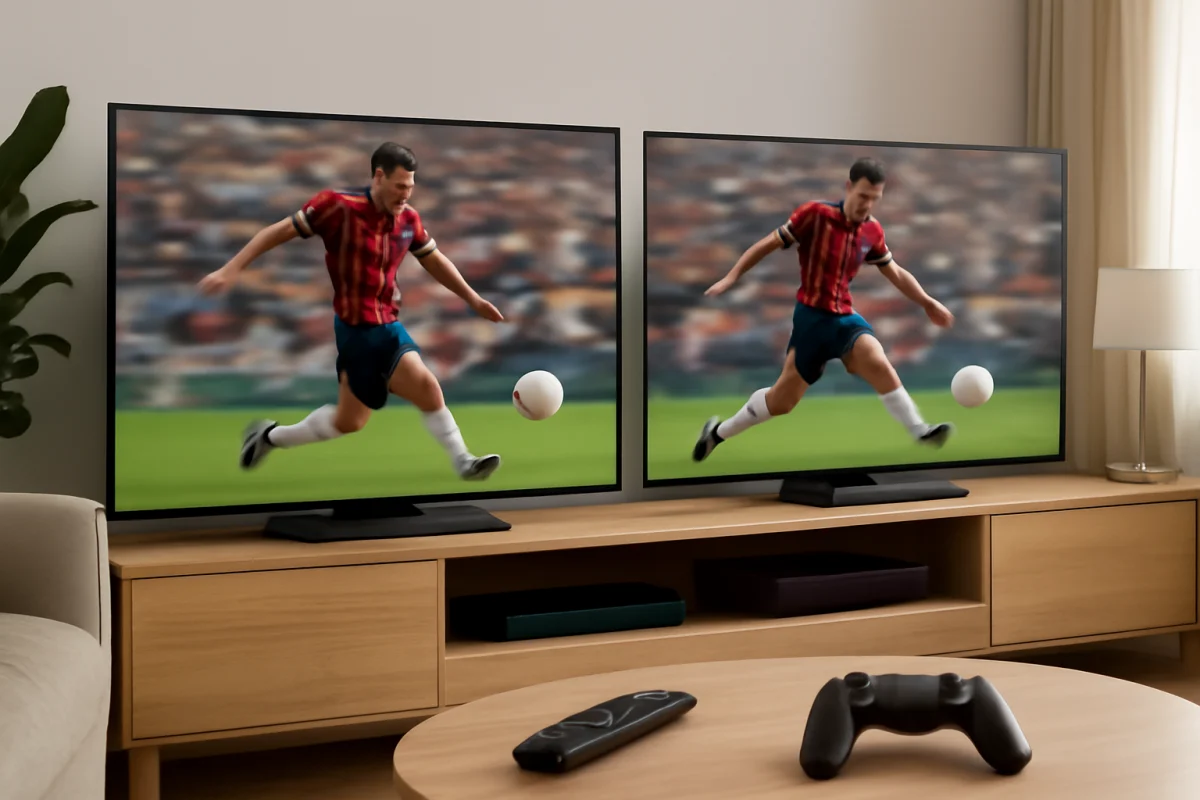
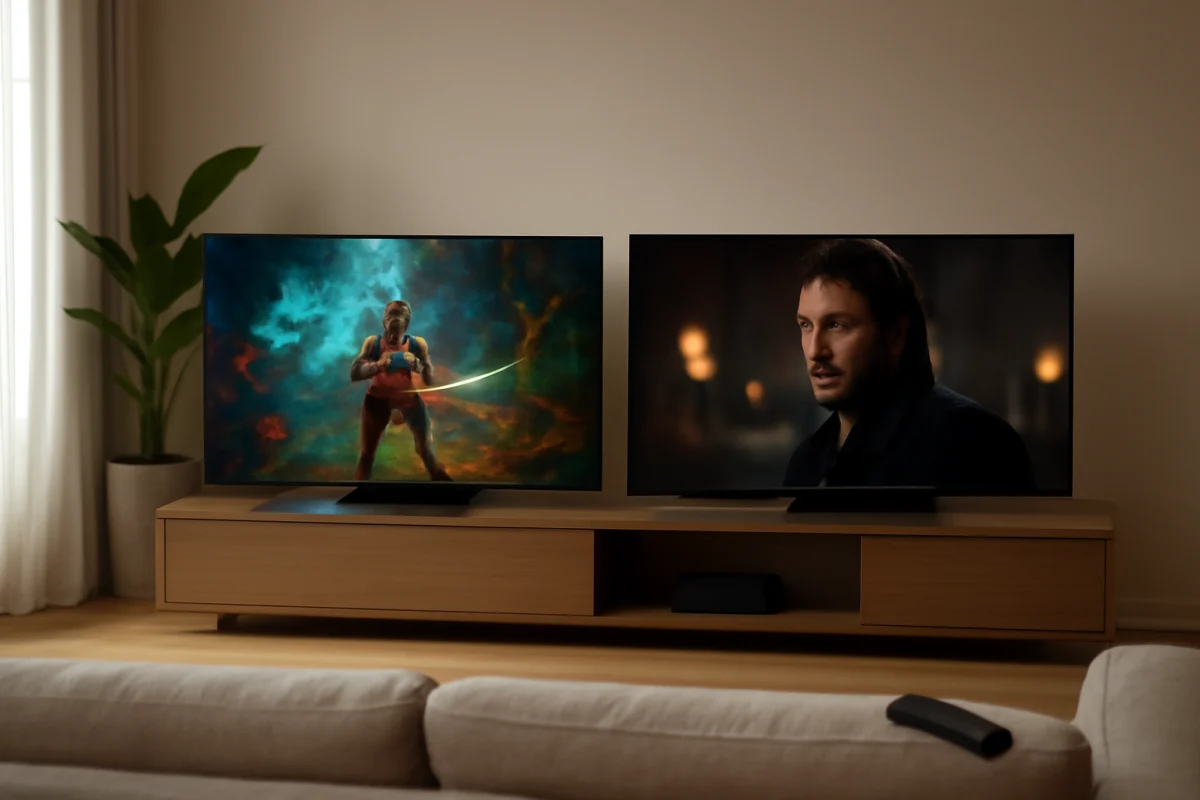
For most serious gamers, LG is the safer choice when you want the best motion handling, low input lag, and a strong OLED option. TCL is often the better value if you want a large screen, high brightness, and useful gaming features without moving into LG’s higher price range. The right choice depends on the specific TCL or LG model, because specifications and gaming menus vary widely across product families.
Before comparing the brands, check the features that matter for your console or gaming PC: HDMI 2.1 support, 4K resolution at a high refresh rate, variable refresh rate, automatic low-latency behavior, HDR performance, and the number of compatible HDMI ports. A TV can advertise a gaming mode and still be a poor match if it lacks the connection standard your system needs.
Quick answer: TCL or LG for gaming?
Choose LG if you want the most refined overall gaming experience, especially for competitive games, dark-room gaming, or console and PC features that benefit from OLED technology. LG’s OLED models are particularly attractive because each pixel can turn off independently, producing very deep blacks and excellent contrast.
Choose TCL if you want a bright, large-screen gaming TV at a more accessible price. Many TCL models use LED or QLED-style display technology and can produce strong brightness, which is useful in rooms with windows or overhead lights. However, TCL’s gaming performance is less consistent across its lineup, so the exact model matters more than the brand name.
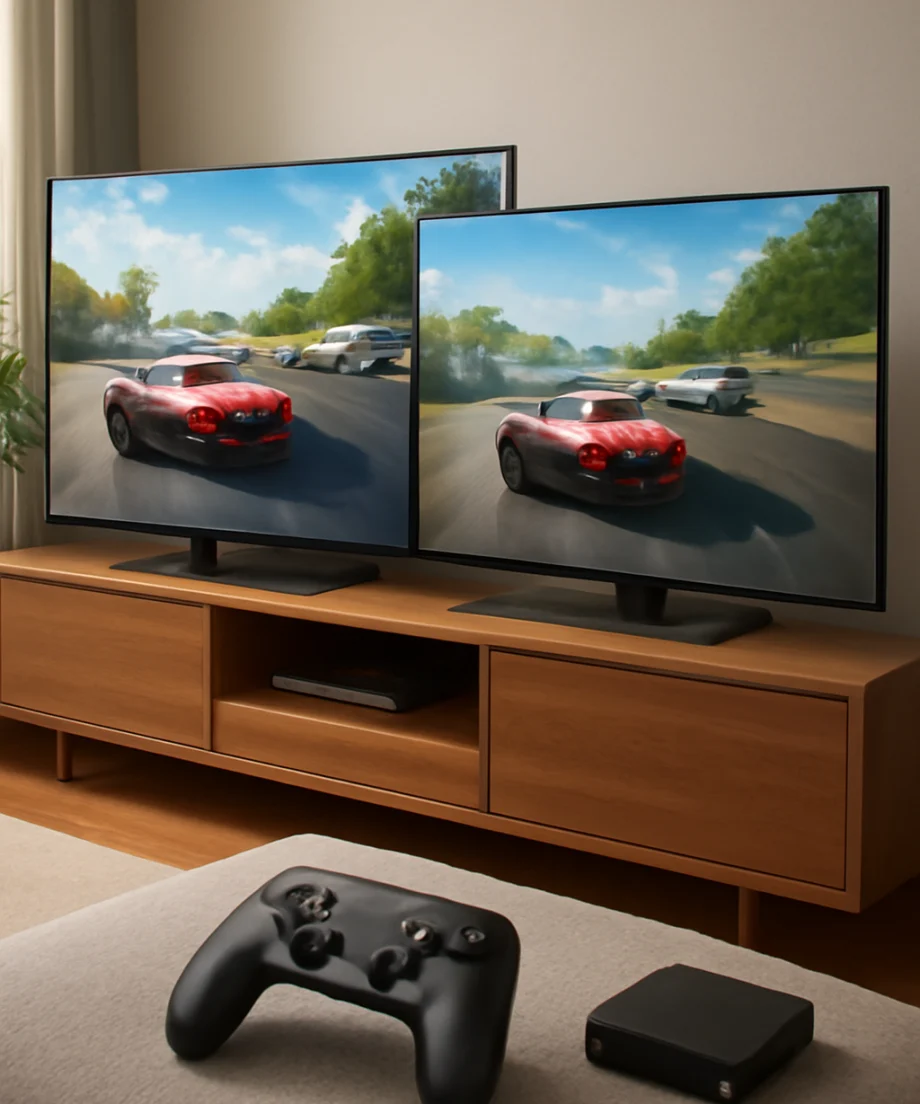
Neither brand is automatically better for every player. A high-end TCL can be a better gaming TV than an entry-level LG, while a well-equipped LG OLED can outperform many TCL models in contrast and motion clarity.
Gaming performance: what actually matters
Input lag and game mode
Input lag is the delay between pressing a button and seeing the result on screen. Lower input lag generally feels better in fast games such as shooters, fighting games, racing games, and competitive sports titles.
Both TCL and LG TVs typically include a picture mode intended to reduce processing delay. The name and location of this setting can vary by model and software version. If a game feels sluggish, first look for a gaming, game optimizer, or low-latency picture option. Turning off unnecessary picture processing can also help, although the available controls differ by TV.
Do not judge input lag only by the brand. Compare the exact model at the resolution and refresh rate you plan to use. A TV may respond quickly at one signal type but behave differently when HDR, a higher refresh rate, or a different HDMI input is selected.
Refresh rate and smooth motion
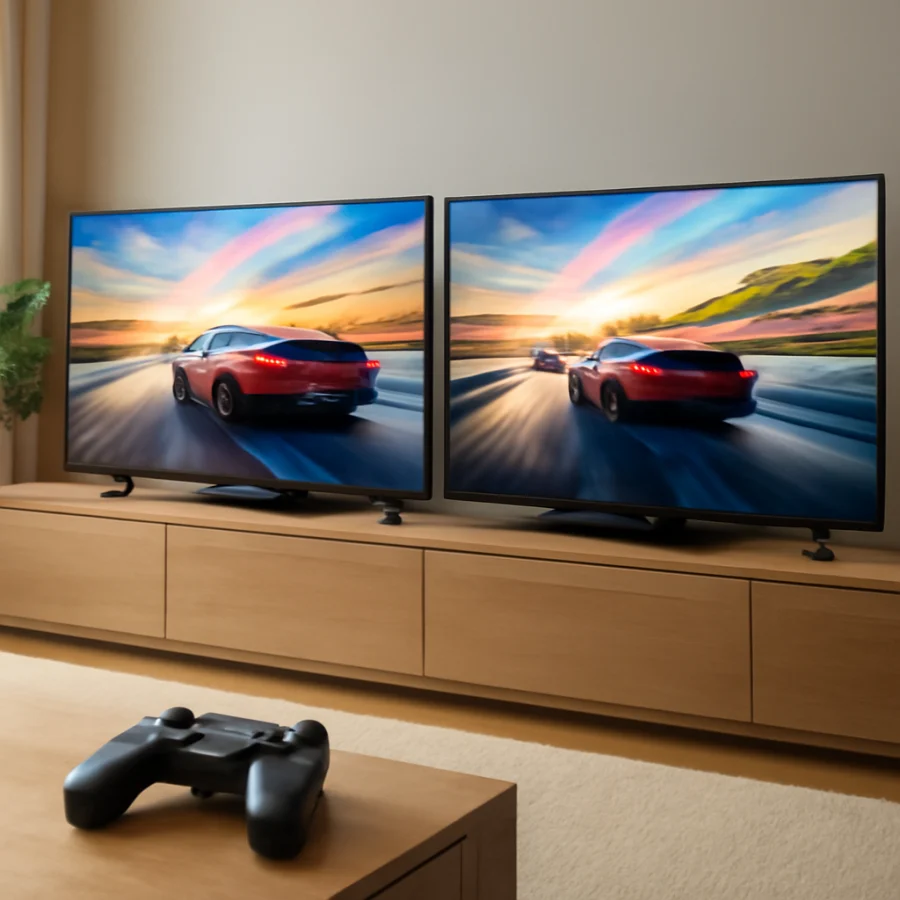
A higher refresh rate can make camera movement and scrolling look smoother, provided the console or PC can send a matching signal. This is most noticeable in compatible games that support higher frame rates.
LG has a strong reputation among gamers because many of its higher-end OLED models support advanced gaming features and smooth motion at high refresh rates. TCL also offers models designed for high-refresh-rate gaming, but availability depends heavily on the series and regional version.
Check the TV’s full specifications rather than relying on retail descriptions. Some televisions use motion-processing terms that do not represent the panel’s native refresh rate. Also confirm whether the higher refresh rate is available in 4K, because some TVs support different combinations of resolution and refresh rate.
Variable refresh rate
Variable refresh rate, often abbreviated as VRR, helps the TV synchronize with changing frame rates from a console or gaming PC. This can reduce tearing and make gameplay feel smoother when the frame rate fluctuates.
VRR support may depend on the TV model, HDMI input, resolution, refresh rate, and connected device. Some TVs support more than one VRR format, while others support only certain implementations. If VRR is not working, confirm that the feature is enabled on both the TV and the console or PC, then test another HDMI port or cable if the model documentation recommends one.
Picture quality for gaming
LG OLED: best contrast and dark-room detail
LG’s OLED televisions are especially strong for games with dark scenes. Because OLED pixels can switch off individually, an OLED panel can display very dark blacks beside bright highlights without the same type of backlight glow associated with many LED TVs.
This can make nighttime scenes, shadows, and cinematic games look more immersive. OLED also has fast pixel response, which can reduce visible blur during movement. These advantages make LG OLED a strong choice for players who game in a dim or controlled room and care about image quality as much as responsiveness.
OLED is not automatically the best fit for every room. Bright reflections can be distracting, and the maximum brightness behavior varies by model and content. OLED panels also require sensible use habits when the same static image remains on screen for long periods. Modern TVs include protective features, but no display technology should be treated as completely immune to image-retention concerns.
TCL LED and QLED-style models: brightness and value
TCL’s LED-based televisions can be a practical choice for bright rooms. A brighter screen may make daytime gaming easier, particularly when the TV is opposite a window or near strong indoor lighting. Some TCL models also use quantum-dot technology or local dimming to improve color and contrast, but the results vary by series.
A TCL with effective local dimming can produce better blacks than a basic edge-lit LED TV. However, local dimming can sometimes create blooming, where bright objects appear to spread light into nearby dark areas. The visibility of this effect depends on the model, viewing angle, picture settings, and the game itself.
If you play mostly colorful games, sports titles, or open-world games during the day, a bright TCL may provide a more enjoyable experience than a lower-priced LG LED model. Compare panel type, local-dimming performance, and real gaming connections rather than assuming that every TCL display has the same picture quality.
Console compatibility
For a PlayStation 5, Xbox Series console, or modern gaming PC, check whether the TV supports the signal you want before buying. Important details include 4K support, high refresh rates, HDR, VRR, and the appropriate HDMI capabilities.
LG is often appealing to players who use several modern gaming devices because higher-end models commonly provide a broad collection of gaming controls. TCL can also work very well, particularly when the selected model includes the required HDMI features. The main risk is buying an entry-level model that has a gaming label but does not support every feature your console can produce.
Count your devices before choosing. If you connect a console, gaming PC, soundbar, and streaming device, you may need more compatible HDMI inputs than the TV provides. Connecting a soundbar through a compatible audio-return connection can preserve other HDMI ports, but the exact setup depends on the TV and soundbar.
Which brand is better for competitive gaming?
LG is usually the stronger choice for competitive gaming when you want consistent motion, very low response times, and a premium panel. An LG OLED can be particularly attractive for players who notice blur or play fast-paced games at high frame rates.
That does not mean TCL is unsuitable for competitive play. A compatible TCL model with a responsive gaming mode, high refresh rate, and VRR can feel excellent. The difference may be less important than your internet connection, controller, game settings, and actual frame rate.
If you are troubleshooting slow controls on either brand, begin with simple checks. Confirm that the console is connected directly to the TV, select the appropriate gaming picture mode, disable unnecessary motion smoothing, and test the same game with another HDMI cable or input if available. Do not reset the TV before checking these low-risk items.
Which brand is better for casual and family gaming?
TCL is often a sensible choice for casual gaming because it can deliver a large screen and strong brightness without requiring a premium budget. It may be a good fit for family rooms, party games, sports games, and general entertainment where absolute black levels are less important.
LG is worth considering if the TV will also be used for movies, premium streaming, or dark-room viewing. Its OLED models can provide a more cinematic image, while LG’s interface and gaming controls may appeal to users who want to adjust several gaming options from one place. Interface names and available controls vary by model, so verify them before purchase.
Common problems after connecting a console
The TV stays at a lower resolution or refresh rate
Start by checking the console’s video output settings and the TV’s documentation for that HDMI port. Use a cable rated for the signal you are trying to send, connect the console directly to the TV, and restart both devices. If the issue continues, try another compatible port. Some TVs do not provide identical capabilities on every HDMI input.
HDR looks too dark or washed out
HDR appearance depends on the game, console settings, TV picture mode, room lighting, and the individual panel. Run the console’s HDR calibration again and check that the game is actually outputting HDR. Avoid changing several picture controls at once, because it makes it harder to identify the setting that caused the problem.
VRR causes flicker or unstable brightness
VRR flicker can be related to the game’s frame-rate range, the TV model, cable quality, or compatibility between the console and display. First update the console and TV through their normal software settings if updates are offered, then test VRR with another game. If the problem occurs only in one title, the game’s frame-rate behavior may be contributing to it.
For more troubleshooting help, the TCL TV repair guide and LG TV repair guide cover brand-specific problems. You can also browse TV Fix Guide’s picture and sound troubleshooting section for display issues that are not limited to gaming.
Final buying advice
Pick LG if your priorities are OLED contrast, fast pixel response, dark-room gaming, and a polished premium experience. Pick TCL if your priorities are screen size, brightness, and value, especially for a bright living room or a mixed-use family TV.
The most important step is comparing the exact models. Confirm the native refresh rate, supported gaming signals, VRR behavior, HDMI features, HDR performance, and number of suitable inputs. If two models appear similar, choose the one that matches your console’s output and your room’s lighting rather than the one with the more impressive marketing language.
In short, LG is the better all-around gaming brand for many enthusiasts, while TCL can be the smarter value choice. A carefully selected TCL can compete well, and an entry-level LG may not deliver the advantages associated with its premium models.
Comments
0No comments yet. Be the first to share a helpful note or question.
Leave a Comment
Your email address will not be published. Comments are reviewed before appearing on the site.