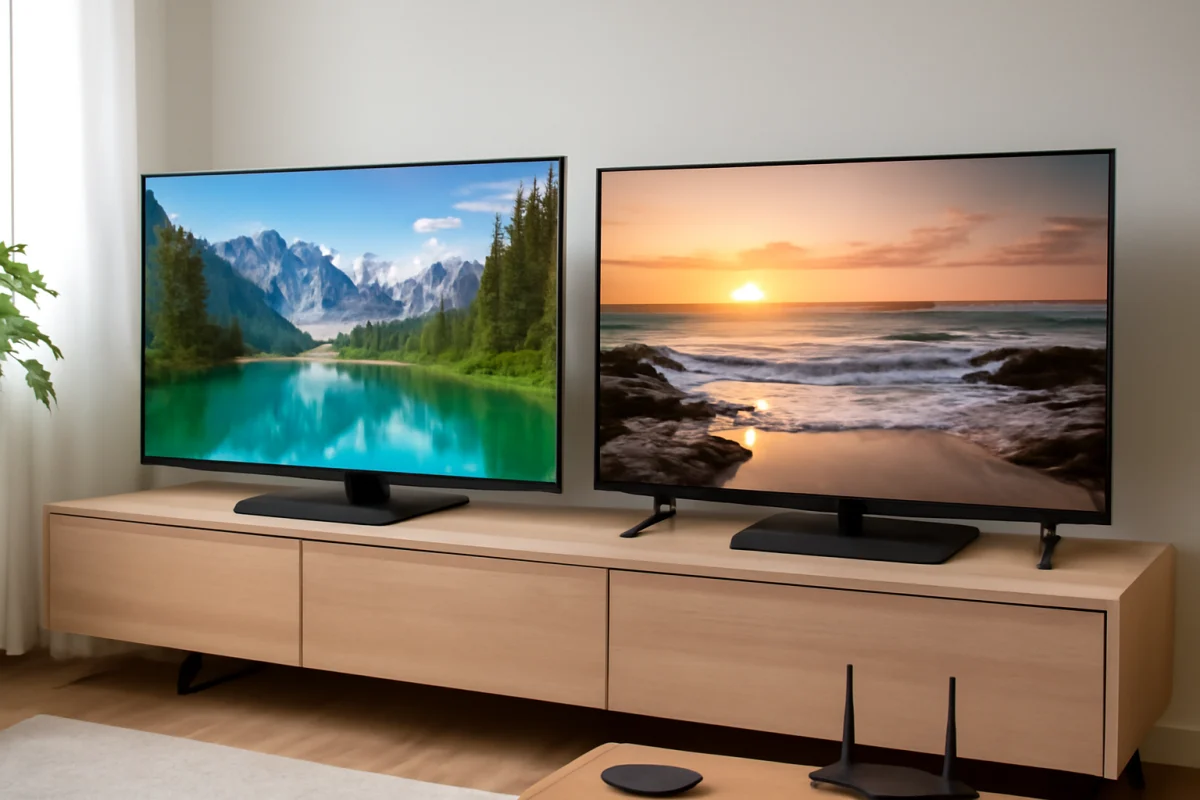
Neither Sony nor LG is automatically the more reliable TV brand in every situation. The specific model, panel type, usage pattern, ventilation, and software support often matter more than the logo on the bezel. In general, Sony is often the safer choice for buyers who prioritize consistent processing, natural picture quality, and a straightforward smart TV experience. LG can be the better choice for viewers who want OLED contrast, a fast interface, broad gaming features, and a large selection of models.
For long-term ownership, however, the biggest decision is usually not Sony versus LG. It is whether you choose an OLED, LED, or Mini LED-style TV, how heavily you use it, and whether you are comfortable troubleshooting software and connectivity problems. A well-ventilated TV used at moderate brightness may outlast a more expensive model that runs hot for many hours every day.
Sony vs. LG reliability at a glance
Sony and LG are established manufacturers with broad product lines, so reliability can vary substantially within each brand. Entry-level and premium TVs may use different panels, processors, backlights, operating systems, and internal components.
- Sony may be the better fit if you value dependable picture processing, strong upscaling for cable or older video, and a less aggressive approach to image processing.
- LG may be the better fit if you want an OLED TV, a responsive home interface, strong gaming support, and extensive picture controls.
- Both brands can develop similar problems, including power failures, backlight or panel faults, HDMI issues, Wi-Fi dropouts, remote problems, and apps that stop working correctly.
- Model-specific research is essential because a brand-wide reputation cannot predict the failure rate of one particular television.
Before replacing a TV that seems unreliable, check the basics first. Confirm that the power cord is firmly connected, test another wall outlet, disconnect external devices, restart the TV, and check whether the problem affects every input or only one app. These low-risk checks can separate a TV hardware fault from a streaming device, HDMI cable, network, or software problem.
How Sony and LG compare over time
Build quality and internal components
Build quality is not determined by thickness or weight alone. A slim TV can be well designed, while a heavier set may still have a component that fails early. Look for stable placement, adequate ventilation, and a chassis that is not flexing or under pressure from the wall mount.
Sony and LG both sell televisions at several price levels. Premium models generally include more advanced processing and display hardware, but more features also mean more components that can require troubleshooting. A simpler LED TV may avoid some OLED-specific risks, although it can still experience power-board, backlight, or main-board failures.
Do not assume that a premium price guarantees a longer service life. It can improve the viewing experience, but reliability depends on the particular design and the conditions in which the TV operates.
OLED versus LED and Mini LED
Panel technology has a major effect on long-term risk. LG is strongly associated with OLED televisions, while Sony offers both OLED and LED-based models. OLED screens can produce excellent black levels and wide viewing angles because each pixel produces its own light. They can also be more sensitive to uneven wear when the same bright logos, scoreboards, news tickers, or interface elements remain on screen for long periods.
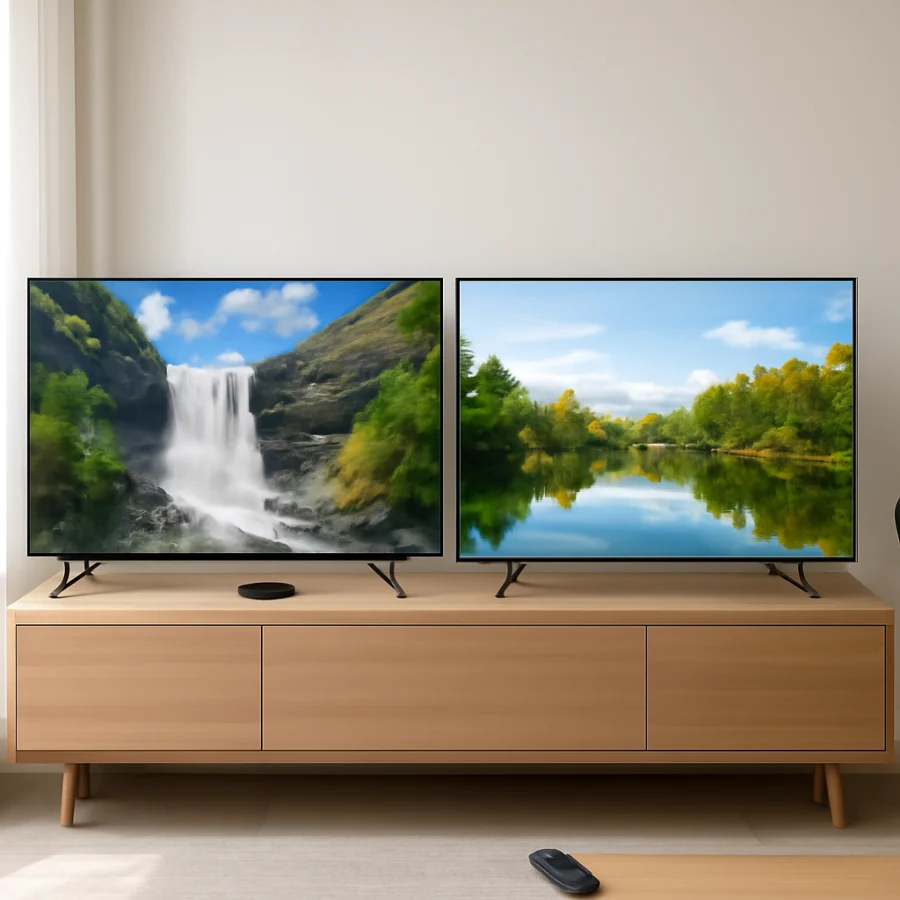
Modern OLED TVs include protective features, but these do not eliminate the possibility of image retention or uneven aging. The risk depends on the content, brightness, viewing hours, and the individual panel. OLED is not automatically unreliable, but it requires more care when the TV displays static content for much of the day.
LED and Mini LED televisions use a separate backlight. Their long-term concerns can include dimming zones, backlight uniformity, bright spots, dark areas, or a backlight that no longer turns on. These issues are different from OLED wear, not necessarily less serious. If your household watches news channels, sports, or a game interface for many hours daily, an LED-based model may be the more comfortable long-term choice.
Software and smart TV reliability
A television can have working hardware and still feel unreliable because apps freeze, the home screen loads slowly, or the TV loses its network connection. Sony and LG use different smart TV platforms, and the exact experience can change by model and region.
When an app fails, start by checking whether other apps work. If only one service has a problem, restart the app, sign out and back in if that option is available, and test the service on another device. If all apps are affected, restart the TV and router, verify the Wi-Fi connection, and temporarily test a wired connection when possible.
Software updates can improve stability, but they can also change menus or settings. Use the update process built into the TV and avoid interrupting power during an update. Menu names and update locations vary, so follow the instructions shown for your exact model rather than using a procedure intended for another Sony or LG television.
For broader network troubleshooting, the Wi-Fi and network troubleshooting section covers connection checks that apply to many smart TVs.
Common long-term problems on Sony TVs
Sony TVs are often chosen for picture processing and dependable handling of lower-quality video. Over time, owners may still encounter issues such as a TV that does not turn on, intermittent HDMI detection, audio delays, Wi-Fi disconnections, or apps that become unresponsive.
For a blank screen, first check whether the TV has a standby light or produces sound. Disconnect external devices and test the TV's own menus. If the menus appear, the display is working well enough to investigate the input, cable, source device, or resolution setting. If there is no picture and no usable menu after a normal restart, the problem may require professional diagnosis.
Audio problems should also be isolated before assuming the speakers have failed. Test the built-in speakers, remove a soundbar or receiver from the setup, and check whether the issue occurs on every source. HDMI-ARC or eARC behavior can depend on the TV, sound system, cable, and selected audio format.
You can find model-specific troubleshooting topics in the Sony TV help section, but always confirm that a procedure matches your model year and operating system.
Common long-term problems on LG TVs
LG televisions can also develop power, HDMI, sound, network, and app problems. On OLED models, owners should pay particular attention to uneven brightness, persistent image elements, or changes that appear after extended use. A temporary image may disappear after changing content or allowing the TV to complete its normal panel maintenance process, but persistent marks should not be dismissed as a software issue.
LG's motion controls, energy settings, picture modes, and automatic brightness features can affect how an image looks. If the picture suddenly appears dim or changes brightness, check whether the behavior occurs in every picture mode and on every source. Disable or adjust only one setting at a time so you can identify the cause. Do not perform a factory reset until you have recorded important picture, network, and account settings.
For sound issues, test the TV speakers with an internal app before troubleshooting an external audio system. For a remote that stops responding, replace the batteries, clear obstructions, and test whether the TV responds to its physical controls or mobile remote feature if supported.
Our LG TV troubleshooting section provides additional guidance, with the reminder that button names and menu paths can vary by model.
Which brand is easier to repair?
Repairability depends on the failed part, the TV's design, the availability of replacement components, and local service options. A common fault such as a damaged power board may be more practical to repair than a failed display panel. Panel replacement is often a major repair because the panel is one of the most expensive parts of the television.
Do not open a TV unless you understand the safety risks. Internal components can retain dangerous electrical charge even after the set is unplugged. Start with external checks, document the symptoms, and note whether the problem began after a storm, power interruption, wall-mount installation, software change, or connection to a new device.
A repair technician will usually need the complete model number, the approximate purchase date, the symptoms, and information about whether the fault affects all inputs. Photos or a short video can help document intermittent problems. If the TV is still covered by a warranty or retailer protection plan, check the applicable terms before attempting internal repairs.
How to choose the more reliable Sony or LG TV
Choose based on your viewing habits
- For varied content, cable channels, and older video, prioritize good processing and upscaling.
- For movies in a dark room, OLED contrast can be appealing, but avoid leaving static content on screen for long periods.
- For bright rooms, compare glare handling and brightness rather than relying only on the brand name.
- For gaming, check the exact model's supported features, input behavior, and compatibility with your console.
- For heavy daily use, consider ventilation, brightness settings, static content, and access to local repair support.
Read reviews for the exact model, not just the manufacturer. Pay attention to reports that appear repeatedly across different owners, while remembering that online complaints can overrepresent unusual failures. A model with a simple setup and the features you actually use may be a better long-term purchase than a more complicated TV with capabilities you never need.
Practical steps to extend TV life
- Keep the ventilation openings clear and leave space around the TV as recommended by the manufacturer.
- Use a properly grounded outlet and consider surge protection in areas with unstable power.
- Avoid unplugging the TV while it is updating or performing a normal shutdown.
- Reduce brightness when full output is unnecessary, especially on OLED models used for many hours.
- Turn the TV off when nobody is watching instead of leaving a static image displayed.
- Use certified, undamaged HDMI cables and avoid forcing connectors into the ports.
- Keep the TV and router firmware reasonably current, but verify the update is intended for the exact model.
- Record the model number and settings before resetting the TV.
Final answer: Sony or LG for reliability?
If your top priority is consistent processing and a broadly dependable everyday experience, Sony may be the safer general recommendation. If you want OLED contrast, a strong gaming feature set, and a flexible smart TV platform, LG may be the better match. Neither brand guarantees a trouble-free lifespan, and the exact model and panel technology matter more than the badge.
For most buyers, the best reliability decision is to choose a model suited to the room and viewing habits, protect it from heat and power problems, and avoid buying more complexity than necessary. That approach gives you a better chance of long-term satisfaction than choosing Sony or LG based only on brand reputation.
Comments
0No comments yet. Be the first to share a helpful note or question.
Leave a Comment
Your email address will not be published. Comments are reviewed before appearing on the site.