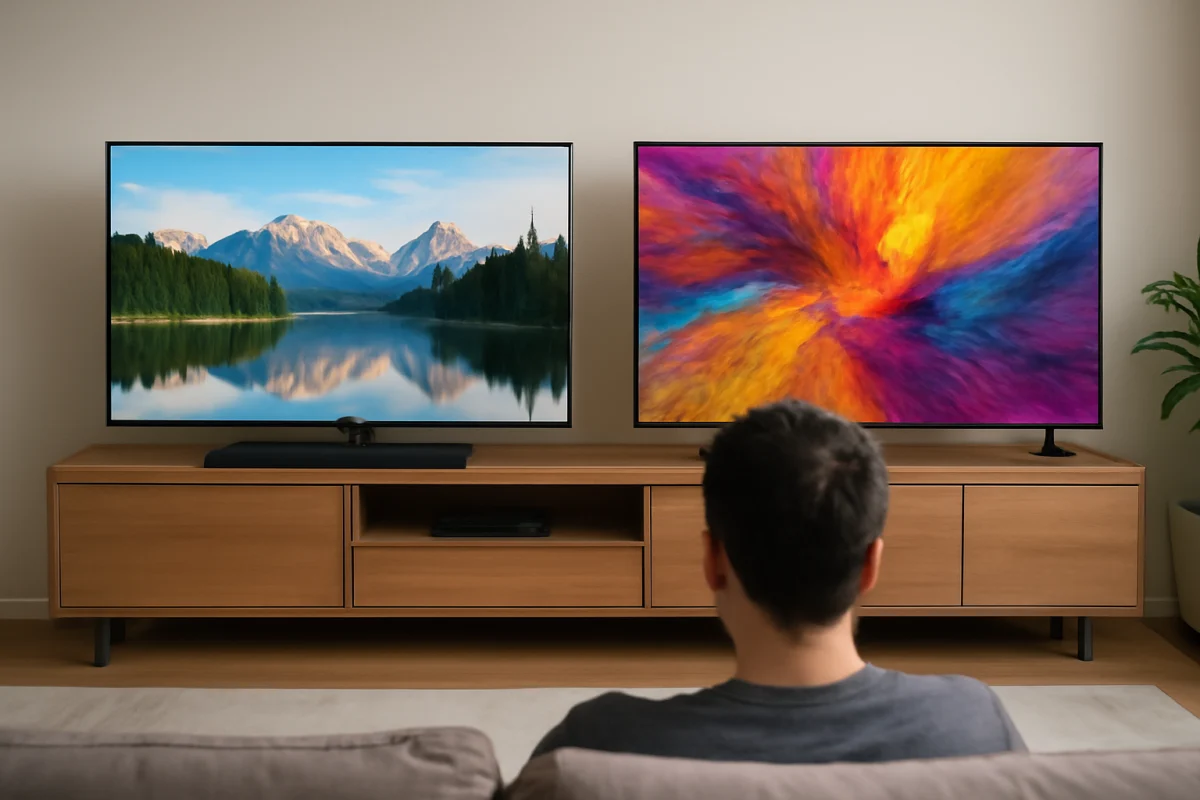
For the best built-in TV sound, Sony usually has the edge for natural dialogue and movie immersion, while Samsung often delivers a more forward, energetic presentation with useful soundbar integration. However, the exact result depends heavily on the TV model, its size, speaker placement, room acoustics, and the audio settings you use.
A premium Sony TV will not automatically sound better than every Samsung TV, and an entry-level Samsung model may not compare fairly with a higher-end Sony set. If your current TV suddenly sounds muffled, quiet, distorted, or out of sync, check the simple causes first before changing advanced settings or resetting the television.
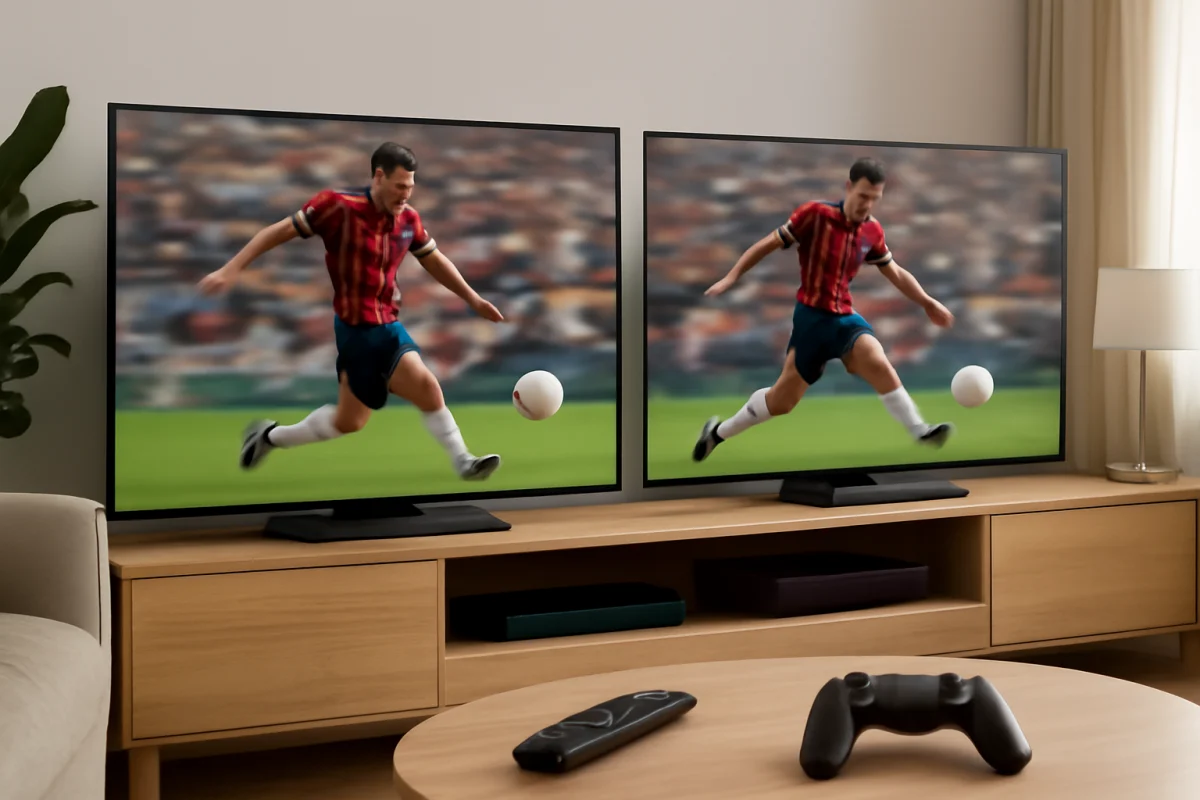
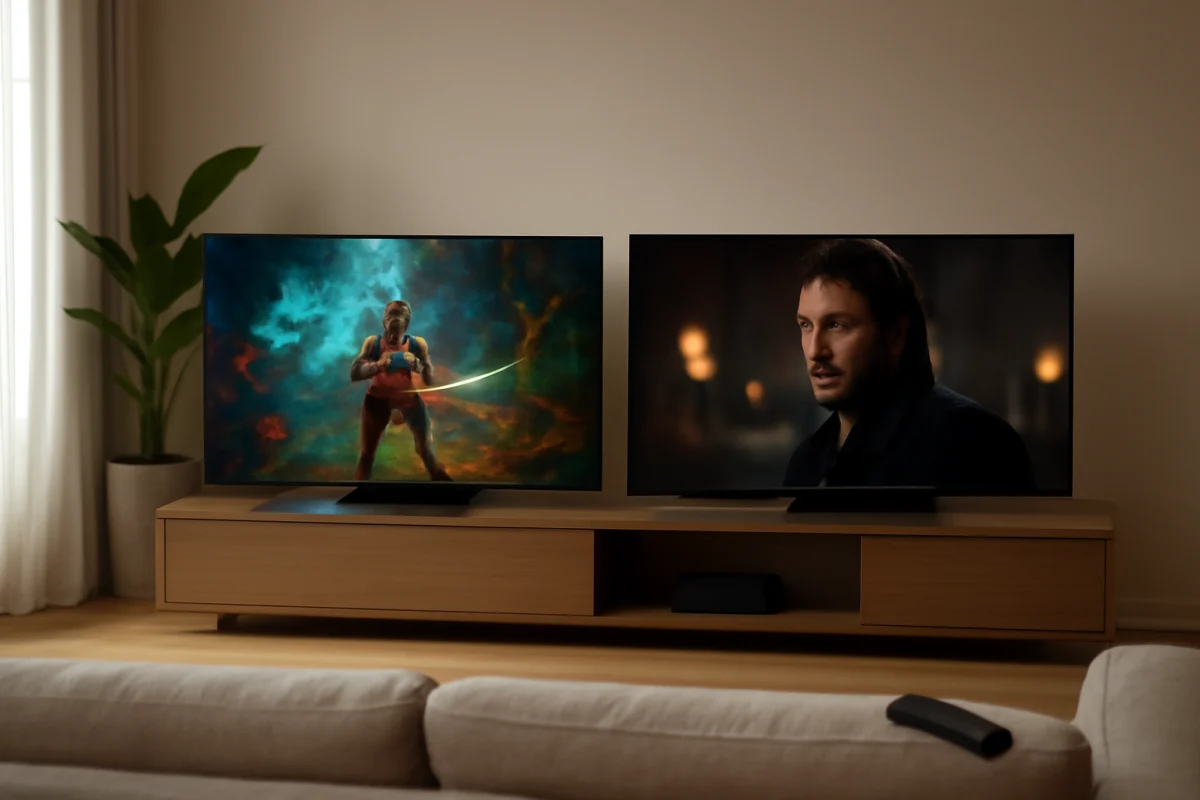
Samsung vs. Sony TV sound quality at a glance
Samsung and Sony take somewhat different approaches to television audio. Samsung commonly emphasizes a clear, lively sound that can make dialogue, sports commentary, and music feel direct. On compatible models, Samsung TVs can also work with a Samsung soundbar in a coordinated setup, although the available features vary by model and connected equipment.
Sony often focuses on processing that makes voices sound more natural and places sound effects convincingly around the picture. This can be especially noticeable when watching movies or shows with quiet conversations followed by louder action scenes. Sony's results still vary considerably between basic LED models, premium LCD sets, and OLED televisions.
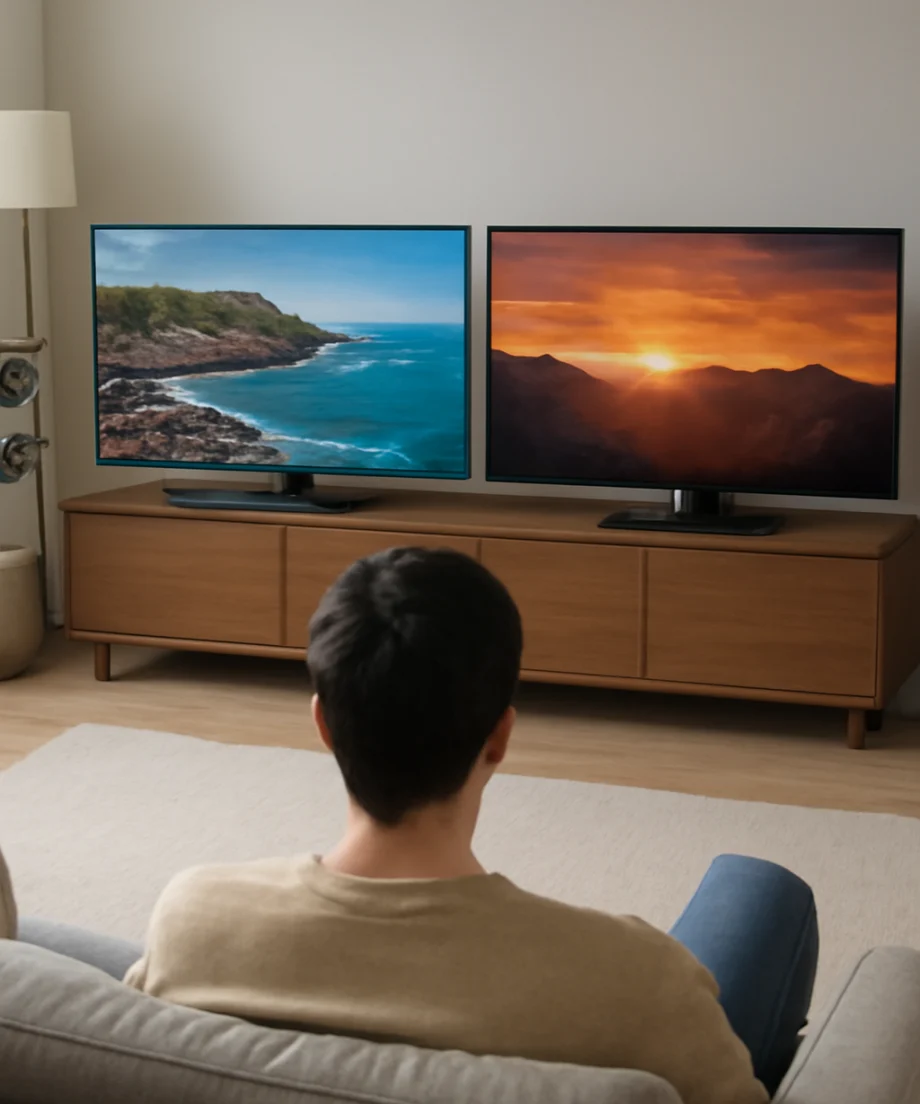
Neither brand has a universal winner. A thin TV has limited space for speakers, and physical design can matter as much as the brand name. Larger televisions sometimes have more room for stronger speaker hardware, but screen size alone does not guarantee fuller bass or clearer voices.
Which brand is better for dialogue?
Sony is often the safer choice if clear speech is your top priority, particularly for dramas, documentaries, and movies with quiet conversations. Its processing can make voices feel more connected to the screen instead of sounding like they are coming from a small speaker below it.
Samsung can also produce clear dialogue, especially when the sound mode is appropriate and the TV is placed in a suitable room. If voices seem buried under music or effects, try the TV's standard, movie, adaptive, voice-enhancement, or similar sound options, depending on which choices your model provides. Menu names and available modes differ, so use the labels shown on your television rather than following instructions for a different model.
Quick dialogue checks
- Pause the show and test another app or a regular TV source. If only one app sounds unclear, the issue may be with that program or app mix.
- Try a different sound mode and compare speech at the same volume.
- Make sure a connected set-top box, game console, or streaming device is not applying a surround or audio effect that your TV is handling poorly.
- Check whether the television is sitting inside a cabinet or close to a wall that may block or reflect the speakers.
Which brand sounds better for movies?
For movie watching, Sony often has an advantage when you want balanced dialogue, room-filling effects, and a more cinematic presentation from the built-in speakers. Its processing may help sounds appear to come from different parts of the screen, although the effect is still limited compared with a separate surround system.
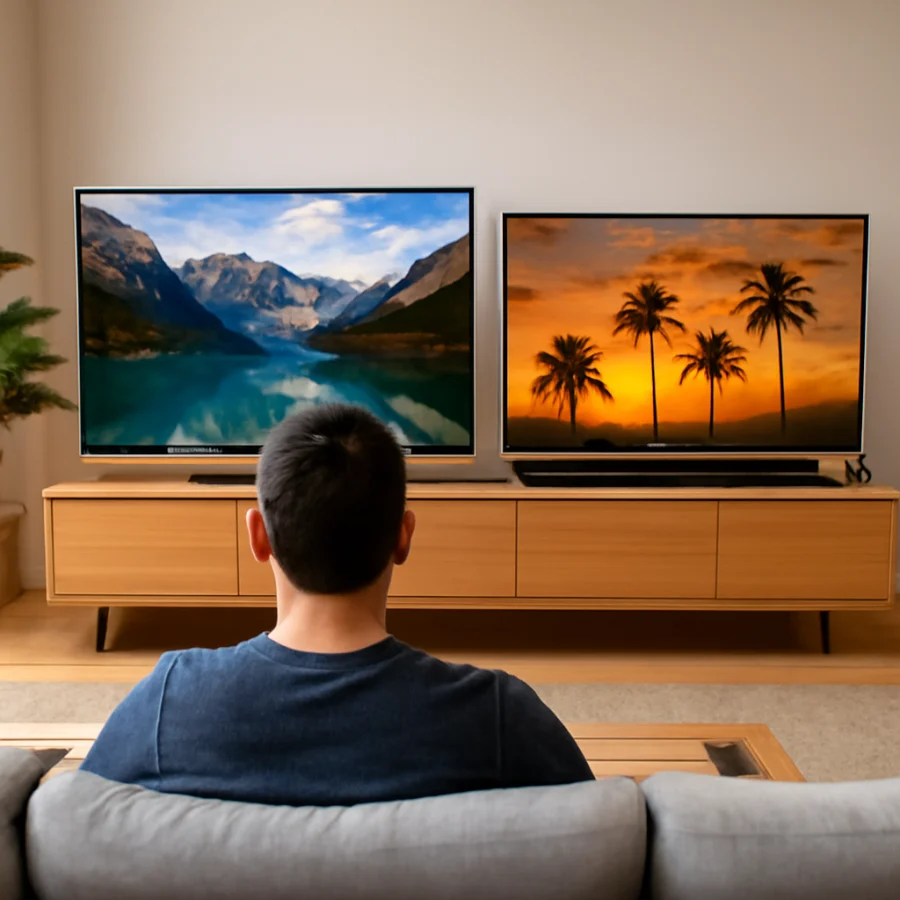
Samsung can be an excellent choice for movies when paired with a compatible soundbar or home theater system. Even without external audio, many Samsung models offer a punchy presentation that works well for action films and sports. The tradeoff is that some viewers may find the sound less natural or less spacious than Sony's processing on comparable models.
Keep expectations realistic: built-in TV speakers cannot reproduce deep bass and wide surround sound as effectively as properly placed external speakers. If you frequently watch action movies, the biggest improvement will usually come from a soundbar, subwoofer, or receiver rather than switching brands.
Which brand is better for music and sports?
For music, listen for balanced vocals, instruments that do not sound harsh, and enough low-end weight for the room. Sony may sound more controlled on acoustic music and vocal recordings, while Samsung can sound more exciting for pop, electronic music, and live sports. These are general tendencies, not guarantees for every model.
Sports broadcasts place unusual demands on a TV because the commentary, crowd noise, music, and stadium effects can compete with one another. A Samsung set may make the presentation feel energetic, while a Sony set may keep speech more relaxed and natural. The best choice depends on whether you prefer impact or clarity and how far you sit from the screen.
Why your Samsung or Sony TV may sound bad
Brand comparisons are less useful when the problem is caused by a connection or setting. Before performing a factory reset, work through these low-risk checks:
- Confirm the volume source. If you use a cable box, streaming stick, console, or receiver, adjust its audio output and volume settings as well as the TV's volume.
- Test another source. Play content from a different app or input. A problem limited to one source usually does not indicate failed TV speakers.
- Check the audio output setting. If the TV is set to send sound to an optical device, HDMI audio system, Bluetooth accessory, or another output, its internal speakers may not be active as expected. Available choices differ by model.
- Inspect cables and connections. Reseat HDMI or optical cables and check for visible damage. If possible, test another compatible cable or input.
- Disconnect Bluetooth audio devices. A previously paired speaker or headphones may still be receiving sound, or a connection may introduce delay.
- Compare stereo and surround options. A source may be sending a format that an older soundbar or receiver does not handle correctly. Choose a simpler output option temporarily to see whether the problem changes.
- Restart the equipment. Turn off the TV and connected audio devices, unplug them briefly if appropriate, then reconnect and test again. Do not repeatedly unplug equipment that is performing an update.
For more help with general audio symptoms, the TV Fix Guide picture and sound section covers common causes of low volume, distortion, and missing audio.
Samsung vs. Sony with a soundbar
With a soundbar, the difference between Samsung and Sony's built-in speakers becomes less important. Focus instead on connection compatibility, dialogue performance, lip-sync behavior, and how easily the system fits your room.
Samsung may be the more convenient pairing if you already own a Samsung soundbar and want the brand's coordinated audio features. That does not mean every Samsung soundbar works the same way with every Samsung TV. Confirm compatibility for your exact models before buying or changing settings.
Sony can pair well with Sony audio equipment, but a soundbar from another brand may also work through common connections. If dialogue is delayed, first check the TV and soundbar for audio-sync adjustments. Change one setting at a time and test a familiar scene so you can tell whether the change helped.
When an external sound system is worth it
- You regularly increase the volume because voices are hard to understand.
- The TV sounds thin even after testing different sources and sound modes.
- You want stronger bass for movies or music.
- You sit far from the screen or watch in a large, open room.
- You want a wider soundstage than the TV's built-in speakers can provide.
How room placement affects sound
The television's position can change the result more than many buyers expect. A TV inside a tight cabinet may sound boomy, muffled, or uneven. A wall-mounted TV may sound different from the same television on a stand because the wall reflects sound and changes the distance to nearby surfaces.
Do not cover speaker openings with decorations, a soundbar, or furniture. If the TV has adjustable placement or an acoustic calibration feature, follow the instructions for that specific model. Automatic calibration can help, but it cannot repair a blocked speaker, damaged cable, or failing component.
Which should you buy for sound quality?
Choose Sony if your priority is natural dialogue, movie presentation, and a balanced sound from the TV itself. Choose Samsung if you prefer a lively sound, watch a lot of sports or action content, or plan to build around a compatible Samsung soundbar.
Before deciding, compare the exact models at the same screen size when possible. Listen from your normal seating position, not directly beside the display. Use familiar content with dialogue, music, and action, and keep the volume similar between sets. Store demonstrations can also exaggerate differences because of room acoustics and display settings.
For a broader comparison, you can browse the TV brand comparison guides on TV Fix Guide or review our Samsung TV troubleshooting resources and Sony TV troubleshooting resources. In the end, Sony is the stronger general pick for built-in sound, but the best real-world result comes from choosing the right model, placing it properly, and matching the audio settings to your room and equipment.
Comments
0No comments yet. Be the first to share a helpful note or question.
Leave a Comment
Your email address will not be published. Comments are reviewed before appearing on the site.