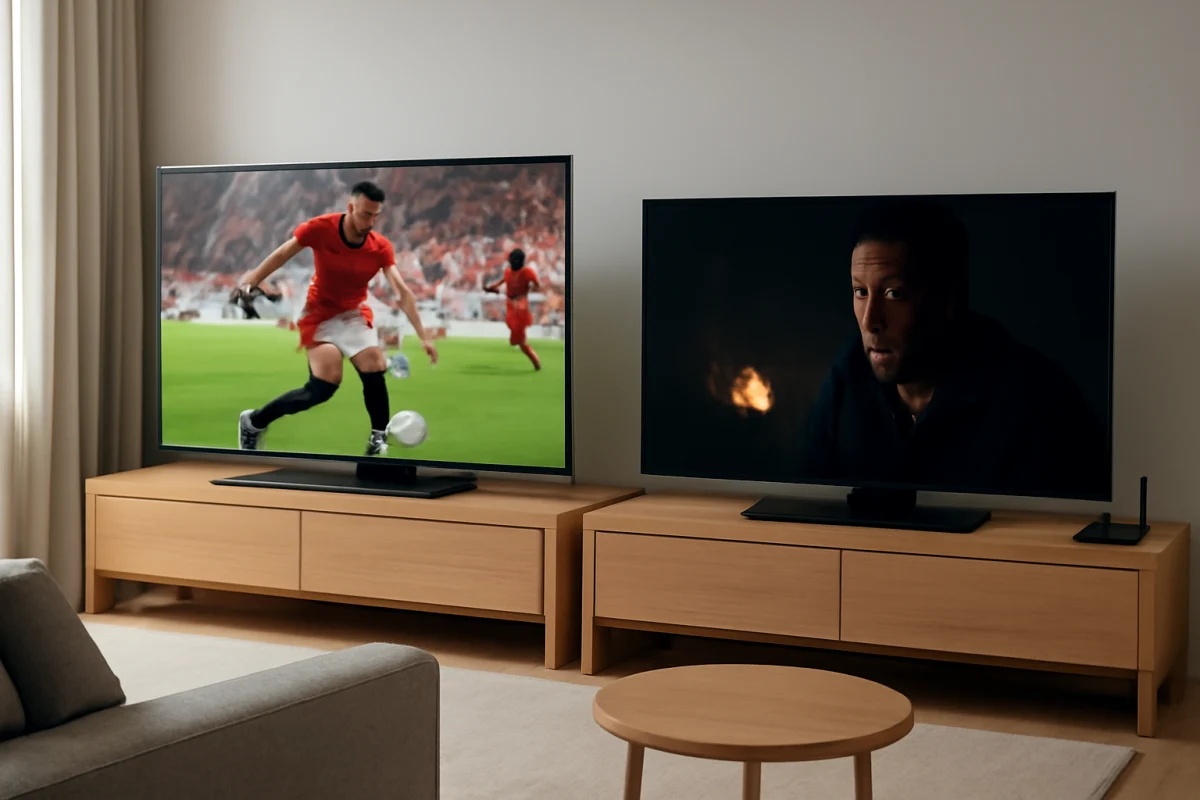
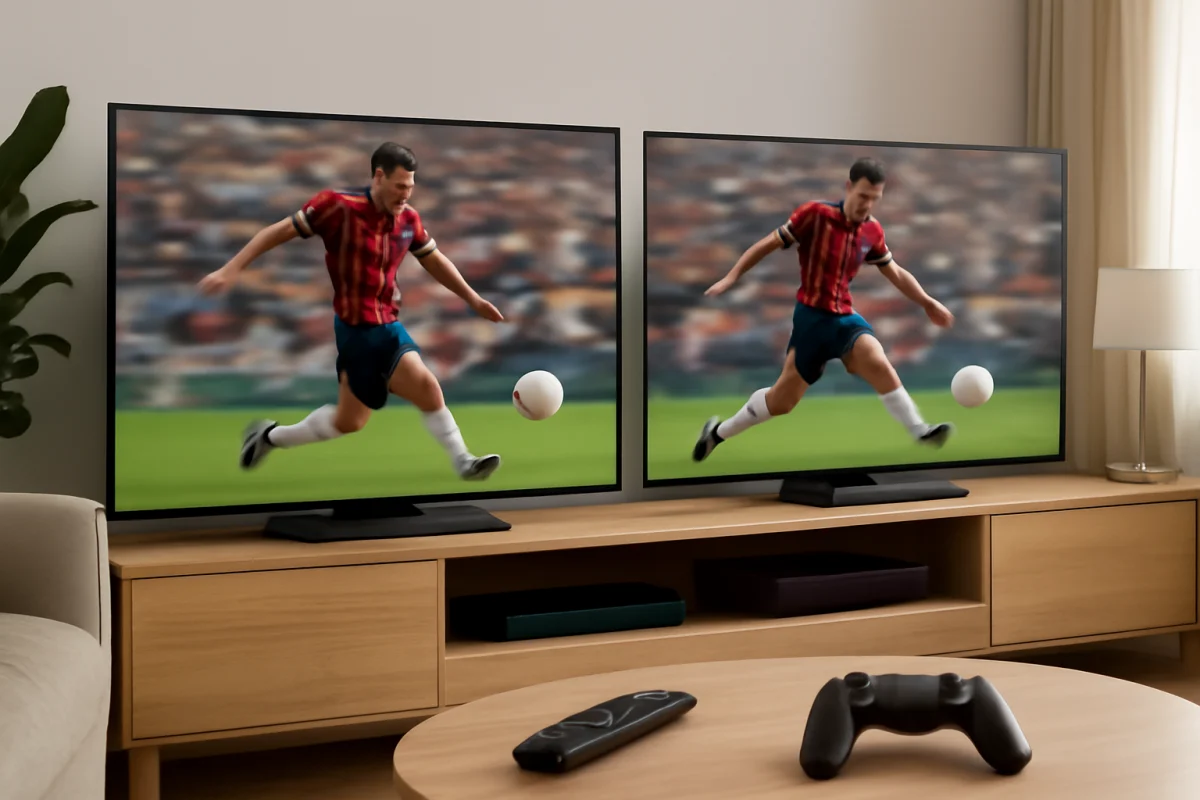
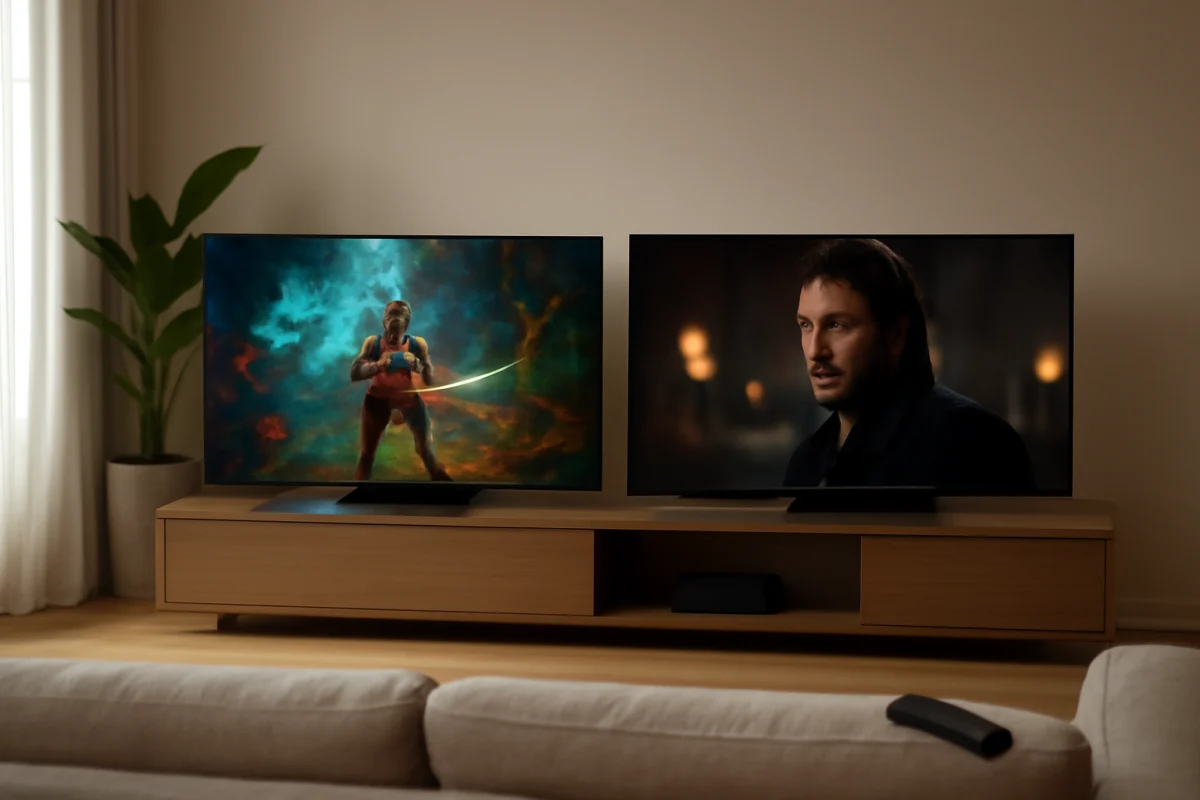
Samsung usually has the edge for bright-room viewing, vivid color, and a wide range of LED and premium display options. LG is often the better choice for movie watching, wide viewing angles, and OLED picture quality. Reliability is less straightforward: both brands produce dependable TVs, but long-term results depend heavily on the specific model, display type, usage, ventilation, software support, and how the TV is installed.
If you are comparing two particular TVs, do not judge by brand name alone. Check the exact model, display technology, room lighting, viewing position, connected devices, and warranty terms. A less expensive model from either brand may perform very differently from a premium model carrying the same logo.
Samsung vs. LG picture quality at a glance
| Category | Samsung tends to be stronger when... | LG tends to be stronger when... |
|---|---|---|
| Bright rooms | You need a bright, punchy picture with strong reflections management. | You choose a high-end model designed for strong brightness. |
| Dark-room movies | You want bright highlights and do not mind a more vivid presentation. | You want deep blacks and precise contrast, especially with OLED. |
| Wide seating | You select a model with a suitable wide-viewing panel. | You want consistent color and contrast from the sides. |
| Gaming | You prefer a bright image and a responsive gaming-focused feature set. | You want OLED response, strong motion clarity, and flexible gaming controls. |
| Reliability | You prioritize a specific model with a proven design and proper ventilation. | You do the same, while considering OLED-related long-term maintenance. |
Which brand has better picture quality?
Samsung: strong brightness and vivid presentation
Samsung TVs are often a good fit for rooms with daylight, overhead lighting, or large windows. Many Samsung models emphasize high brightness, saturated color, and visible contrast. That can make sports, animation, and streaming content look energetic, particularly when the TV is placed opposite a window or used during the day.
Samsung also offers several display types, and their performance can vary substantially. A premium self-emissive display is not comparable to a basic LED model simply because both are made by Samsung. LED backlighting design, local dimming behavior, panel type, and image processing all affect black levels, blooming, motion, and viewing angles.
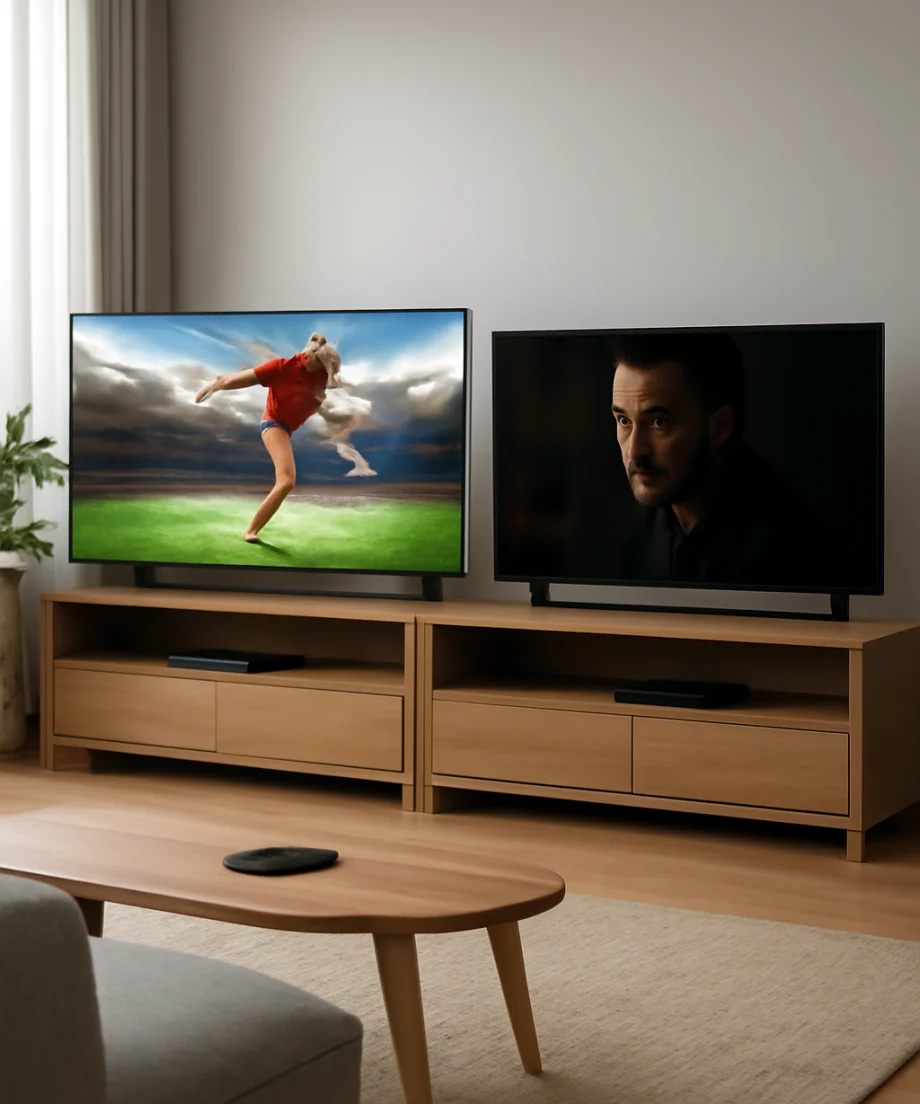
The main drawback of a very vivid factory picture mode is that it may look less natural than intended. Skin tones can appear too warm or too saturated, and shadow detail may be difficult to judge in a brightly lit showroom. If a Samsung picture looks strange at home, first switch to a less aggressive picture preset and adjust brightness, contrast, color, and sharpness gradually. The available controls vary by model.
LG: excellent contrast and viewing angles
LG is particularly well known for OLED televisions, where each pixel can control its own light output. This allows very deep blacks and precise contrast in a dark room. Movies, premium television dramas, and games can look especially impressive because bright objects stand out against a dark background without the same type of backlight behavior found on many LED TVs.
OLED is also often a strong choice for households where people watch from different seats. Color and contrast may remain more consistent from the side than on some traditional LED panels. This does not mean every LG TV has wide viewing angles, however. LG also sells LED-based models, and their performance depends on the specific panel and backlight design.
OLED has an important consideration: static images displayed for long periods can create uneven wear over time. Modern TVs include protective features, but no manufacturer can eliminate every risk. If you regularly leave a news ticker, game interface, desktop screen, or paused image on the TV for many hours, an LED model may be the more comfortable long-term choice.
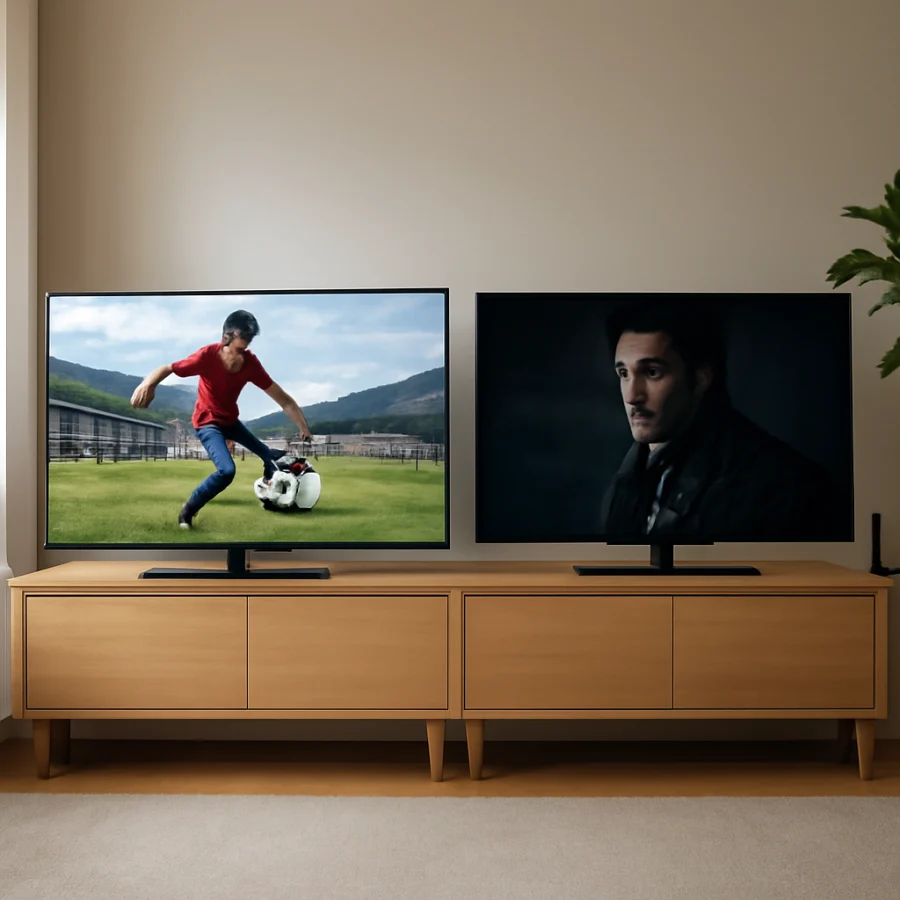
Samsung or LG for movies, sports, and gaming?
Movies and dark-room viewing
For a dim or dark room, LG OLED is often the simplest recommendation because of its black-level performance and pixel-level contrast. Samsung's premium displays can also deliver excellent movie quality, especially when you want brighter highlights or watch in a room that is not completely dark.
Before buying, look at both TVs using the type of content you actually watch. Streaming quality, compression, source settings, and the TV's picture processing can change the result. A low-quality stream will not become reference-quality video just because the television is more expensive.
Sports and daytime television
Samsung may have an advantage for sports in bright rooms, particularly when you value a vivid image and strong visibility during the day. LG can also perform very well, but the best choice depends on motion handling, screen brightness, uniformity, and your viewing distance.
Look for distracting issues such as dirty-screen effect, uneven brightness, visible vertical bands, or motion artifacts. These problems can vary from one physical panel to another, even within the same model family. If possible, inspect the return terms before purchasing and test the screen with normal content rather than only a colorful demonstration video.
Gaming
Both brands offer TVs with features intended for modern game consoles and PCs, but the useful features differ by model. Check the exact TV for supported refresh rates, input behavior, variable-refresh support, compatible ports, and the settings required to enable them. Do not assume that every input or every size in a product family behaves identically.
LG OLED can be appealing for fast games because of its quick pixel response and strong contrast. Samsung can be appealing when you want a bright gaming image and a display that performs well in a well-lit room. In either case, use the TV's gaming picture setting only after confirming that it does not disable a feature you need.
Which brand is more reliable?
There is no universal answer that makes every Samsung more reliable than every LG, or the reverse. Reliability is affected by the display type, power supply, main board, backlight system, operating temperature, daily usage, and manufacturing variation. A simpler midrange TV may outlast a more complex premium model, but that is not guaranteed.
OLED ownership also requires a different risk assessment from LED ownership. OLED does not use a conventional full-screen backlight, but long-term exposure to static content can contribute to uneven wear. LED TVs avoid that particular concern, although they can develop backlight problems, dim sections, or other hardware faults.
For either brand, installation matters. Leave adequate ventilation around the set, avoid placing it directly above a heat-producing device, and use a properly grounded power connection. Do not repeatedly disconnect power while the TV is updating or shutting down. Keep the software current when the TV offers a normal update path, but do not install unofficial firmware or force an update intended for another model.
How to choose between a Samsung and LG TV
Start with the room
Measure the viewing distance and note where light enters the room. A bright room generally favors a display with strong brightness and good reflection control. A darker room makes black levels and shadow detail more important. If viewers sit far to the side, prioritize a model with stable off-angle performance rather than choosing only by screen size.
Compare the exact model, not just the brand
Write down the complete model numbers and compare the specifications published for those specific units. Pay attention to display type, screen size, input layout, audio connections, smart platform features, and the return policy available from the retailer. Product names can be similar while the internal display and processing are quite different.
Consider how you use smart features
Samsung and LG use different smart TV platforms and menus. One may feel faster or easier to navigate for you, while the other may offer a better fit with your preferred streaming services and connected devices. App availability and interface behavior can change, so check the current software experience when possible.
If an app is slow or a picture looks wrong, troubleshoot the symptom before blaming the brand. Test another app, restart the TV normally, verify the network connection, and check the HDMI cable and source settings. A problem limited to one streaming service is often an app, account, network, or content issue rather than a failed display. For related troubleshooting, the Picture & Sound guide covers common image and audio problems.
Low-risk checks before assuming the TV is defective
If a new Samsung or LG TV looks worse than expected, start with simple checks:
- Confirm that the protective film has been removed from the screen and that room lights are not reflecting directly into it.
- Test a built-in streaming app and a different HDMI source to determine whether the problem affects all content.
- Try another HDMI cable and another input if the issue appears only from a console, cable box, or streaming device.
- Review the picture mode and disable unnecessary processing one setting at a time.
- Check that the TV and external device use compatible resolution and refresh settings.
- Restart the TV and the network equipment normally before attempting a reset.
- Inspect ventilation and make sure the TV is not unusually hot or enclosed in a tight cabinet.
If the problem remains across built-in apps and multiple sources, document what you see with photos or video and record when it happens. Avoid opening the TV or attempting board-level repairs while it is under warranty. For model-specific information, start with the Samsung TV troubleshooting resources or the LG TV troubleshooting resources.
Our practical recommendation
Choose Samsung if your room is bright, you prefer a vivid presentation, or you want to focus on a premium bright-room display. Choose LG if you watch movies in controlled lighting, sit off-center, or specifically want the contrast and response of an OLED television.
For reliability, select the exact model with the most suitable display technology for your habits rather than assuming one logo guarantees longer service. Use proper ventilation, avoid prolonged static images on OLED, protect the TV from unstable power, and keep your purchase documentation. If you are still comparing technologies and model classes, the TV model comparison guide can help you narrow the choice without relying on brand reputation alone.
Comments
0No comments yet. Be the first to share a helpful note or question.
Leave a Comment
Your email address will not be published. Comments are reviewed before appearing on the site.