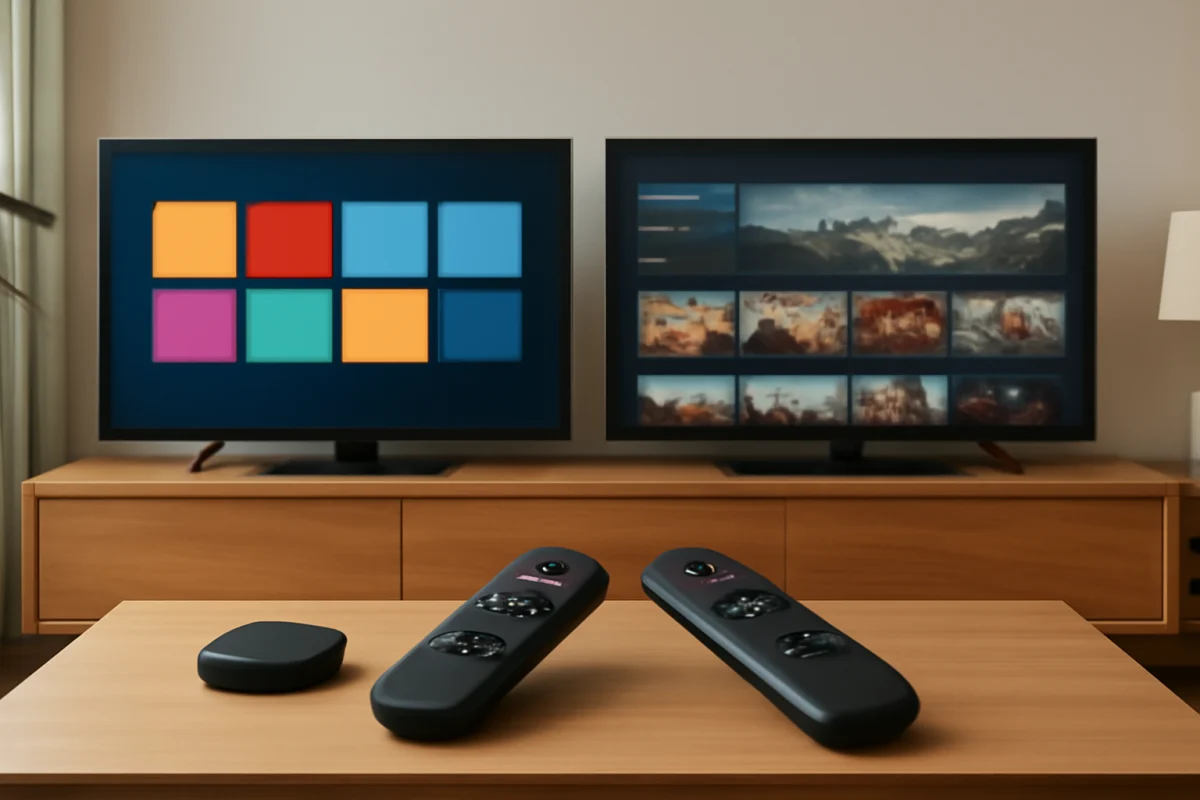
Choose Roku TV if you want a simple, app-focused interface that is easy to navigate. Choose Fire TV if you already use Amazon services, prefer Alexa voice control, or want tighter integration with Amazon content. Both systems can stream major services, but the better choice depends on how you watch TV, which devices you already own, and how much control you want over the home screen.
Roku TV and Fire TV are not separate television brands. They are smart TV platforms built into televisions from different manufacturers, and the experience can vary by model. Picture quality, speakers, remote design, storage, wireless performance, and available settings depend on the specific TV. The operating system is important, but it is only one part of the buying decision.
Roku TV vs Fire TV at a glance
| Category | Roku TV | Fire TV |
|---|---|---|
| Best for | Simple streaming and straightforward navigation | Amazon users and Alexa-centered homes |
| Home screen | Typically emphasizes apps and inputs | Typically combines apps with content recommendations |
| Voice control | Depends on the included remote and TV model | Commonly centered around Alexa, though capabilities vary |
| App access | Uses the Roku platform's available channels and apps | Uses the Fire TV app store and available apps |
| Picture quality | Depends mainly on the TV hardware | Depends mainly on the TV hardware |
| Ease of use | Often feels more direct for basic streaming | Can offer more features but may feel busier |
Interface and everyday navigation
Roku's main strength is simplicity. The home screen generally presents installed apps and connected inputs in a clear grid, so you can open a streaming service without moving through many content rows. This is useful for households with several viewers who want the TV to behave more like a traditional app launcher.
Fire TV usually places more emphasis on recommendations, search, and content discovery. That can be convenient when you are not sure what to watch, especially if your household uses Amazon services. However, some viewers may prefer a less promotional home screen with fewer recommendations between them and their apps.
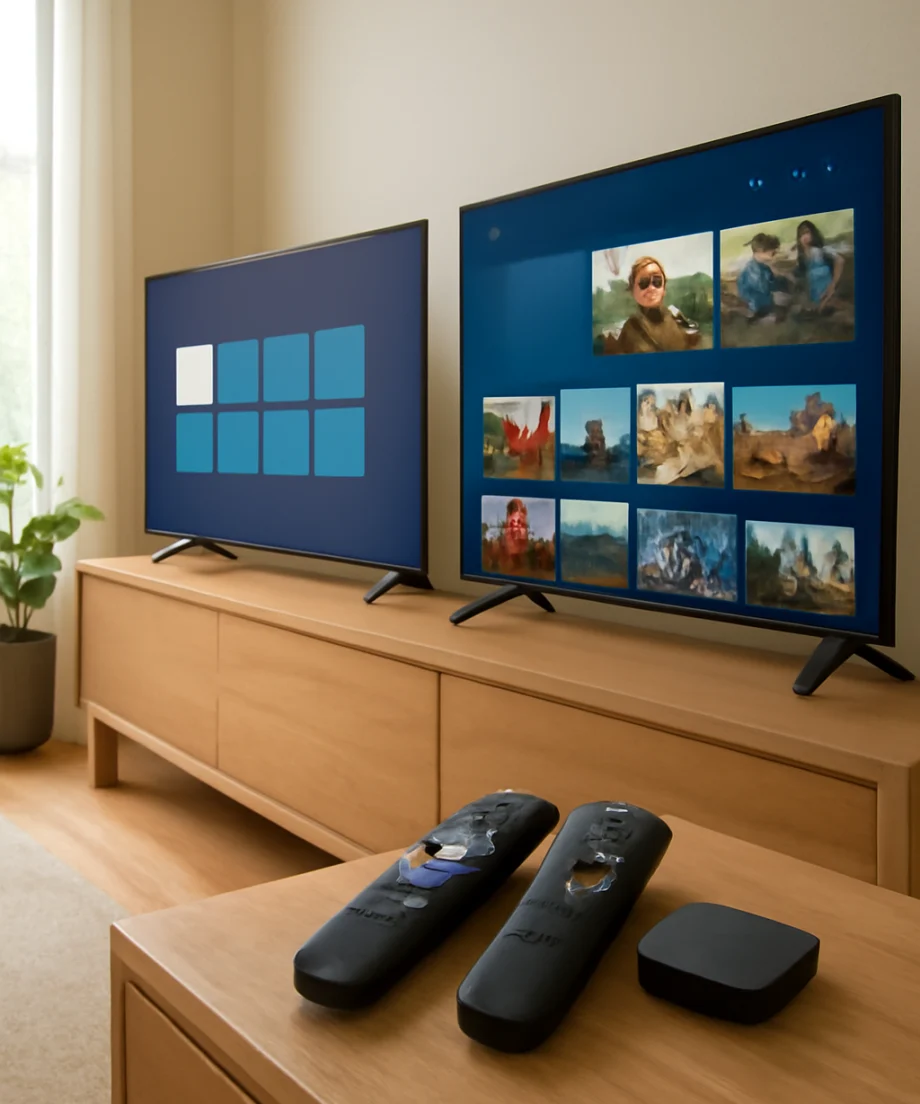
Neither description applies identically to every television. Manufacturers can change the remote, startup behavior, input layout, and available settings. Before purchasing, look at photos or a demonstration of the exact model rather than relying only on the platform name.
Streaming apps and content availability
Both platforms support many popular streaming services, but app availability can change by country, device, service agreement, and software support. Check the services your household actually uses before buying. Do not assume that an app available on one platform will have identical features on the other.
Roku is a strong fit if you want to open services individually and keep the viewing experience organized around your own app choices. Fire TV is a strong fit if you like searching across supported services from one interface or already use Amazon's ecosystem. Search results and recommendations may not include every service, so the absence of a title in a universal search does not necessarily mean the service is unavailable.
If an app is missing, start with low-risk checks: confirm the TV is connected to the internet, check that the device is signed in to the correct account, search the platform's app store, and install any available app or system updates. Availability can depend on your location and the exact TV model.
Voice control and remote features
Fire TV is often the better match for viewers who regularly use Alexa-compatible devices or want to search by voice. Voice functions can help find shows, launch apps, control playback, and operate compatible smart-home equipment. The exact commands depend on the remote, TV model, account setup, and connected devices.
Roku also offers voice features on some remotes and devices, but the experience varies more noticeably by model. Some Roku TVs may include a voice-capable remote, while others may require a compatible accessory or use different control options. Confirm what is included in the box instead of assuming that every Roku TV has the same remote.
Voice control is convenient, but it should not be the main reason to overlook the TV's picture quality, viewing angle, ports, or reliability. Also review the platform's current privacy and voice settings if household members are uncomfortable with voice search or personalized recommendations.
Picture quality: Roku and Fire TV do not determine it
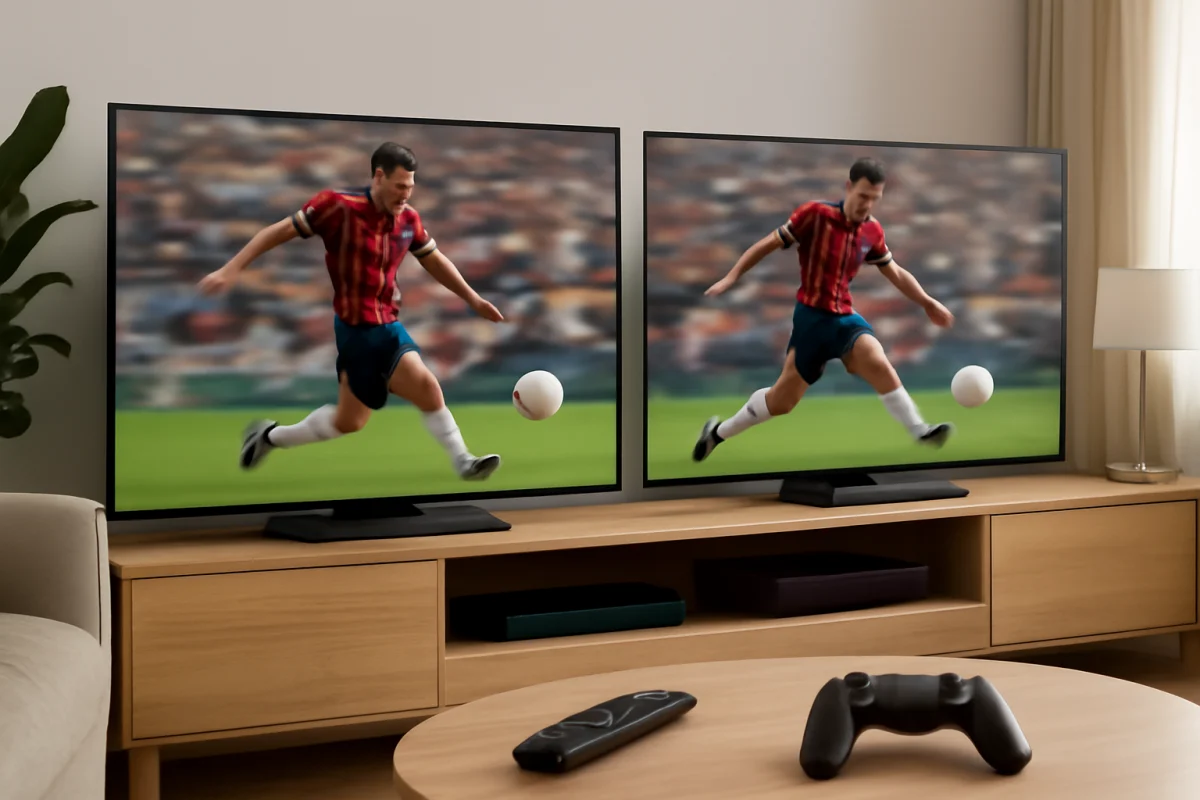
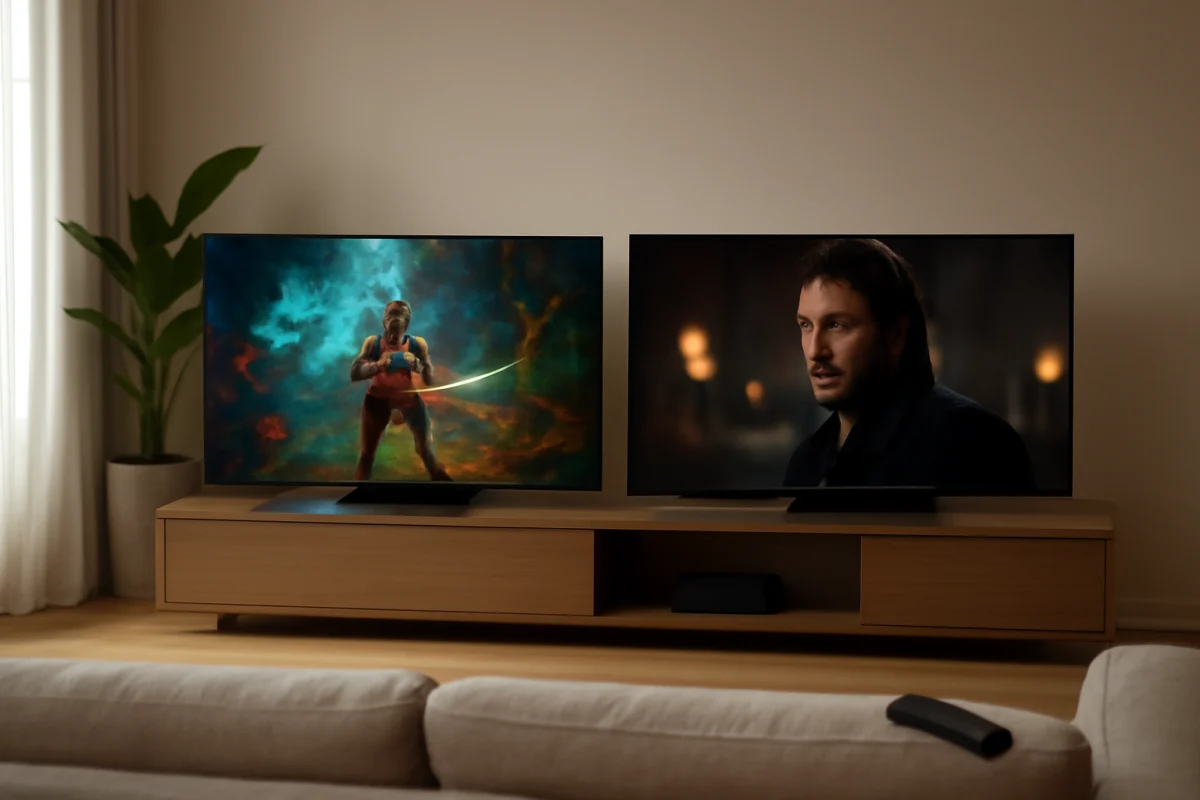
The Roku or Fire TV label does not tell you whether a television will have better contrast, motion handling, brightness, color accuracy, or viewing angles. Those qualities come from the panel, backlight, image processor, factory tuning, and manufacturer settings.
A high-quality TV running either platform can produce a better picture than a lower-cost model running the other platform. Compare the exact television models, not just their operating systems. Pay attention to screen size, room brightness, viewing position, gaming needs, available inputs, and whether the TV supports the formats your devices use.
When comparing picture performance in a store, ask whether the televisions are using the same picture mode. Extremely bright demonstration settings can make one model appear more impressive than it will look at home. For additional display and device guidance, visit the Tech & Specs section.
Performance, storage, and updates
Responsiveness depends on the TV's internal hardware and software, not simply whether it uses Roku or Fire TV. A newer or better-equipped model may open apps faster and switch inputs more smoothly than an older or entry-level television on the same platform.
If either system becomes slow, begin with simple steps. Close any app that is stuck, restart the TV using its normal power controls, and check the network connection. If the problem affects only one app, update or reinstall that app if the option is available. If every app is slow, check for a system update and test the TV closer to the router or on another network when possible.
A factory reset should be a later step, not the first response. It removes account information, app settings, and customized preferences, and the exact reset process differs by model. Write down important passwords and confirm that you can sign back in before resetting.
Which platform is easier to troubleshoot?
Roku TV is often easier for basic troubleshooting because its home screen makes the installed apps and inputs easy to identify. If an app will not open, you can usually tell whether the problem is limited to that app or affects the entire TV.
Fire TV provides useful search and account features, but recommendations, profiles, connected devices, and app behavior can make diagnosis less obvious. A problem may come from the TV, the app, the Amazon account, the remote, or the network.
For either platform, use this order:
- Check whether other apps work.
- Test the internet connection on another device in the same room.
- Restart the TV and the router if the connection appears unreliable.
- Check the HDMI cable and input if an external device is affected.
- Install available updates for the TV, app, or connected device.
- Only then consider removing an app, signing out, or performing a factory reset.
You can find platform-specific troubleshooting through the Roku troubleshooting and Fire TV troubleshooting sections.
Gaming and connected devices
For gaming, the operating system is less important than the exact TV's input features, response behavior, motion settings, and support for the console or PC you plan to use. Review the specifications for the specific model and test the correct HDMI input when possible.
Both platforms can work with streaming sticks, game consoles, soundbars, Blu-ray players, and cable boxes. Before buying, count the devices you plan to connect and confirm that the TV has enough suitable inputs. If a soundbar is part of the setup, check how the TV handles audio return and whether your preferred audio format is supported.
Privacy, accounts, and household preferences
Both smart TV systems may use accounts, recommendations, viewing activity, and device information to provide platform features. The available privacy controls and account options can change over time, so review the current settings during setup.
Roku may feel more neutral to viewers who want to choose their own apps from the home screen. Fire TV may be more convenient for households already using Amazon accounts, Alexa speakers, or other compatible devices. Neither is automatically the right choice for every family. Consider whether different users need separate profiles, child restrictions, or a simple guest-friendly interface.
So, should you buy a Roku TV or Fire TV?
Buy a Roku TV if your priority is a clean, straightforward streaming experience and easy access to your chosen apps. It is a practical option for viewers who do not want to spend much time customizing the interface or learning a more integrated ecosystem.
Buy a Fire TV if you already rely on Amazon services, want Alexa voice control, or prefer content discovery and cross-service search. It can also make sense when the Fire TV model offers the picture quality, size, ports, and price that fit your room better.
The safest choice is to compare the exact TV models first, then compare the platform experience. Check the app availability in your region, inspect the remote, review the inputs, and consider how easy the TV will be for everyone in your household to use. If both televisions have similar hardware and cost, choose Roku for simplicity or Fire TV for Amazon integration.
For broader streaming advice and troubleshooting guides, visit the Streaming Apps section at TV Fix Guide.
Comments
0No comments yet. Be the first to share a helpful note or question.
Leave a Comment
Your email address will not be published. Comments are reviewed before appearing on the site.