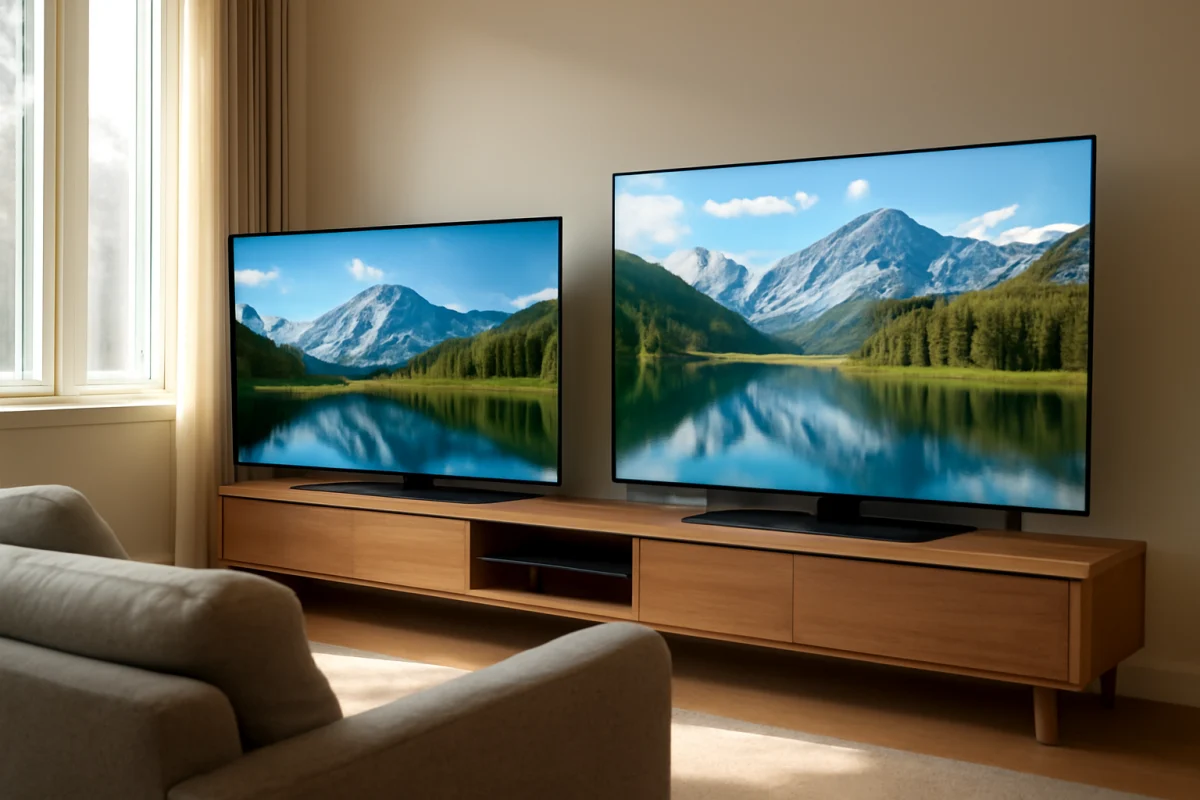
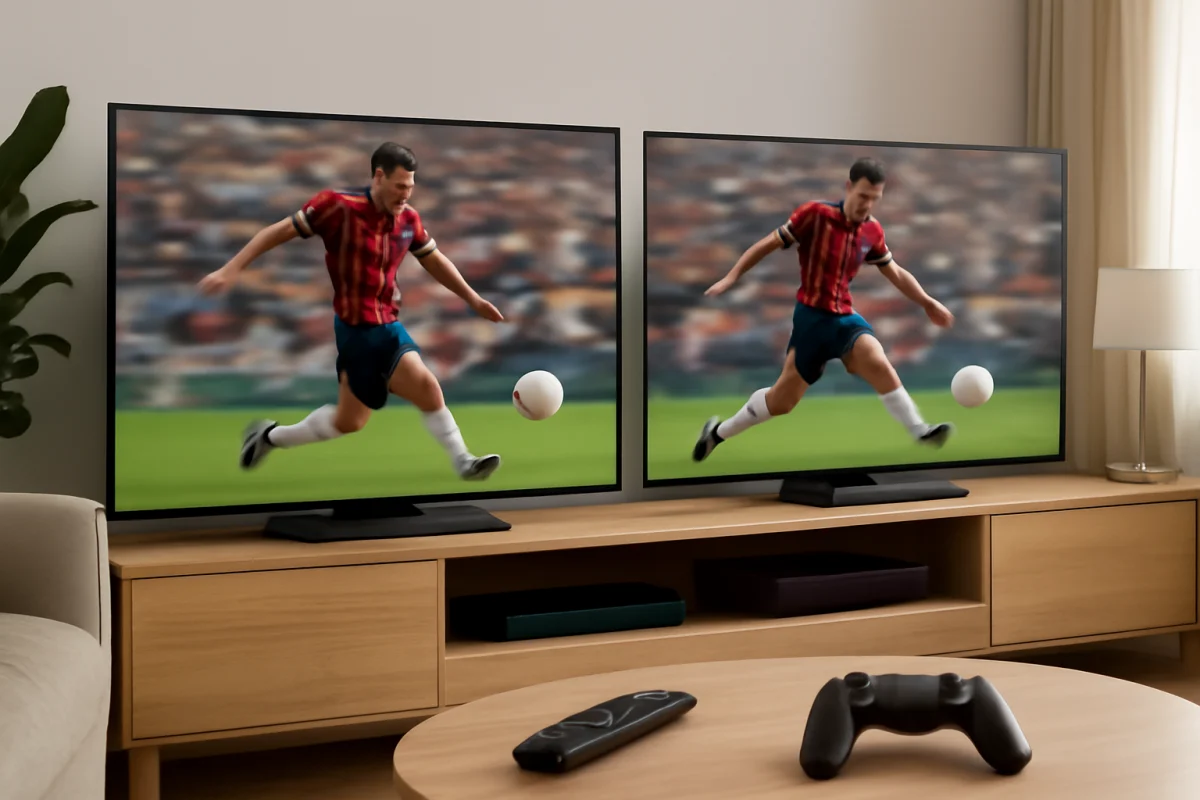
For most bright rooms, Samsung is the safer choice when direct sunlight or strong reflections are your main problem. Its TV lineup often includes models designed to produce high brightness and handle reflections well. LG can still be an excellent option, especially if you need wide viewing angles or prefer OLED contrast, but the exact model matters more than the logo on the bezel.
A bright living room can make a good TV look disappointing. Sunlight may wash out dark scenes, lamps can appear as distracting reflections, and colors may seem less impressive than they did in the store. Before comparing brands, check the room itself and the TV's placement. A small change in viewing angle, curtain position, or lamp location can improve the picture without changing any settings.
LG vs. Samsung for Bright Rooms: The Short Answer
Choose Samsung if your room has direct sunlight on the screen, large uncovered windows, or strong overhead lighting. Samsung's brighter models are often better suited to fighting ambient light, particularly when you watch sports, news, or other bright content during the day.
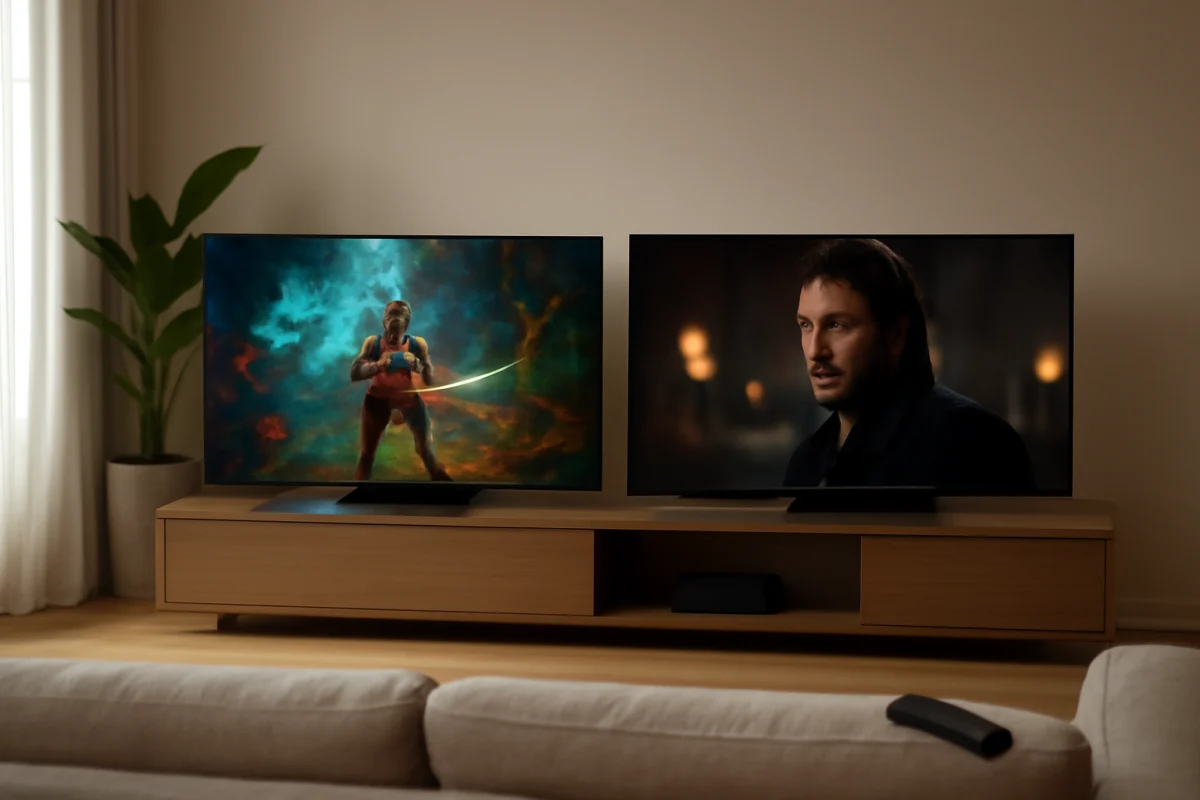
Choose LG if viewers sit far off to the side, you watch mostly at night, or you want the deep blacks and cinematic contrast associated with an OLED display. An LG OLED can look outstanding in a controlled room, but a bright window facing the screen may still be more noticeable than it would be on a very bright LED-based TV.
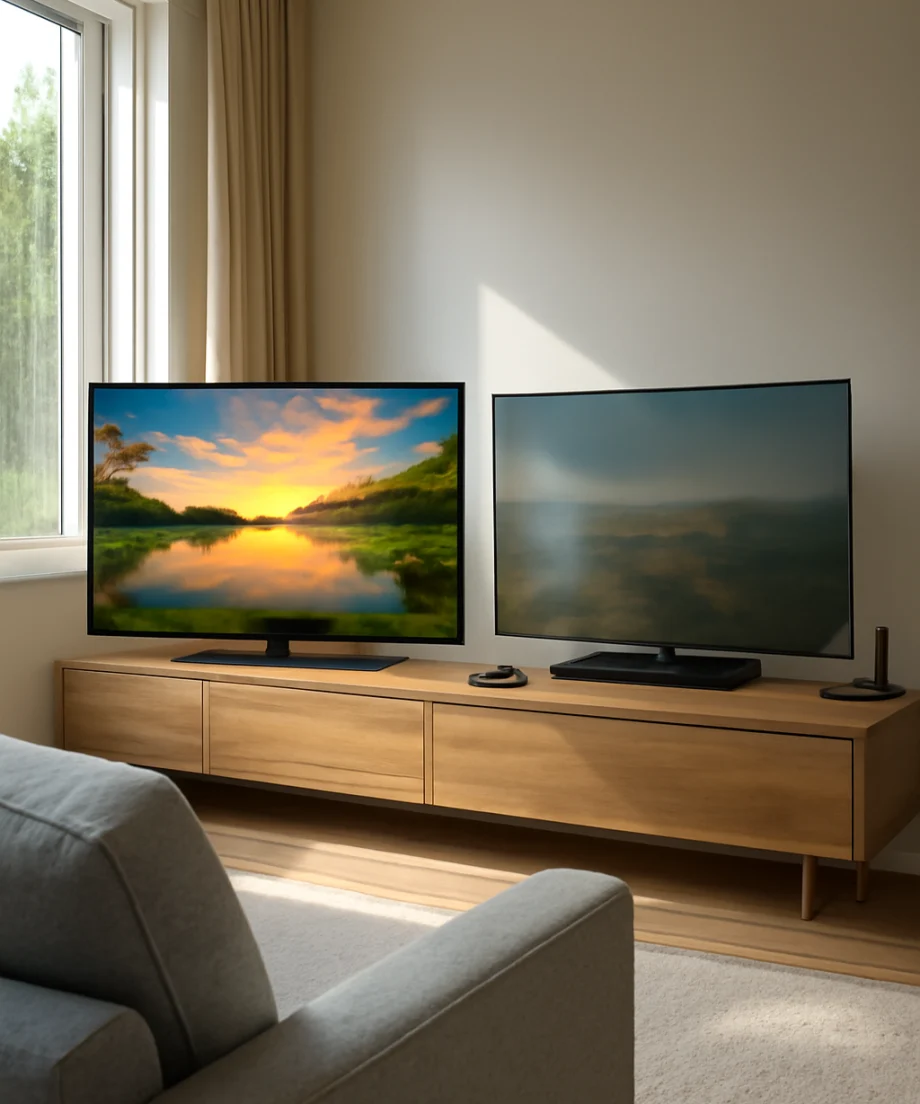
This is a general comparison, not a guarantee for every model. Both companies sell TVs with different display types, brightness levels, anti-reflection treatments, and picture processing. Compare the specific models whenever possible rather than assuming every LG or Samsung TV performs the same way.
Why Bright Rooms Are Difficult for Any TV
Ambient light affects a TV in two main ways. First, light reflects from the screen surface and creates visible glare. This can obscure parts of the image, especially dark areas. Second, the room's light raises the apparent black level. A scene that looks deep and dimensional in a dark room may look gray or flat during the day.
Screen brightness helps, but it does not eliminate reflections. Increasing the backlight or panel brightness may make the overall picture easier to see, yet a bright reflection will remain in the same place. If the problem is a window reflected directly in the screen, repositioning the TV or controlling the window is usually more effective than increasing brightness.
Samsung TVs in Bright Rooms
Where Samsung often has an advantage
Samsung is often the better fit for rooms with substantial daylight because many of its LED-based and premium models are designed around strong brightness. Bright highlights, sports fields, animated scenes, and daytime broadcasts can remain easier to see when the room is not fully dark.
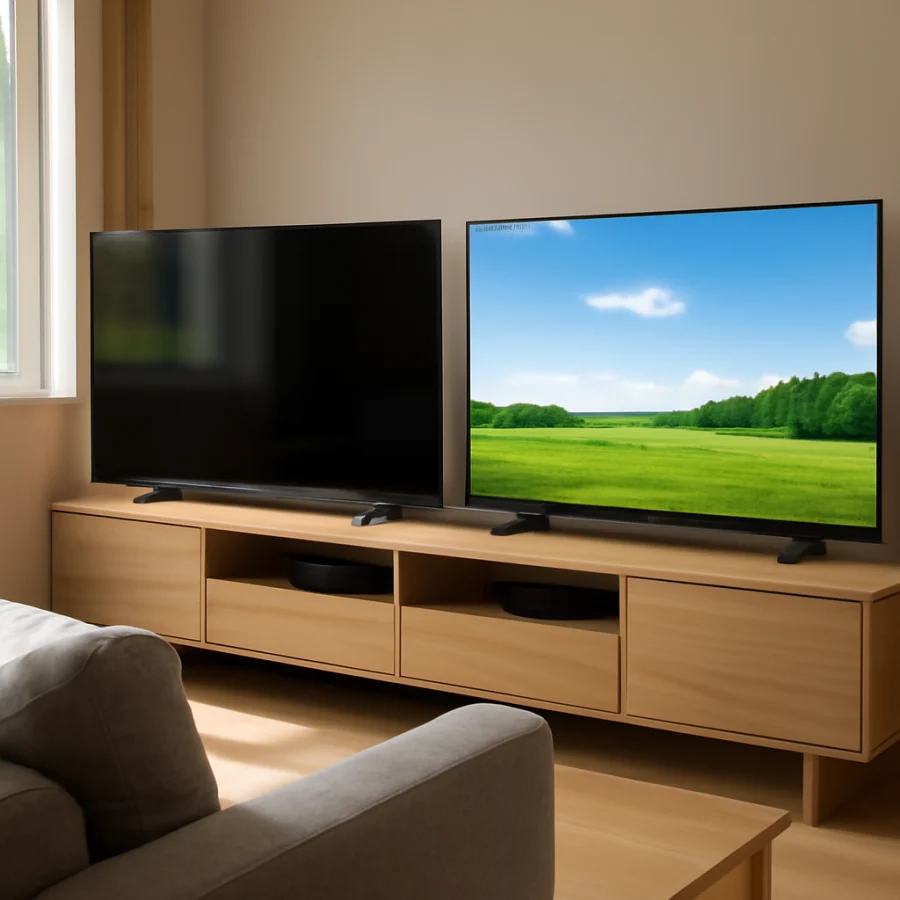
Samsung's picture processing can also help preserve visible detail in bright content. However, processing is not a substitute for a suitable panel. A lower-tier TV may not handle glare as well as a brighter model from the same brand, so the product line and display technology remain important.
Some Samsung TVs use a screen finish that can reduce certain reflections, while other models may produce a visible mirror-like reflection from a nearby window or lamp. The result depends on the screen coating, the angle of the light, and the position of the viewer. If possible, inspect the TV under lighting similar to your home.
Samsung limitations to consider
Very bright pictures can sometimes look less natural if a TV is left in an overly vivid picture mode. Brightness may also vary significantly between models. A TV that works well in a sunlit family room may not be the best value for a dim bedroom.
Viewing angle is another consideration. Some LED-based TVs look best when you sit near the center. If a sectional sofa places several viewers far to the side, the picture may lose contrast or appear less consistent from those seats. Check the individual model rather than applying this limitation to every Samsung TV.
LG TVs in Bright Rooms
Where LG can be the better choice
LG is especially attractive when wide seating positions and strong contrast are priorities. Many LG OLED models can produce exceptionally deep blacks because each pixel can control its own light. In a room where the blinds are closed or viewing happens mostly at night, that contrast can make movies and shows look rich and cinematic.
OLED TVs also tend to maintain picture quality from wider angles than many traditional LED-based displays. That can be useful in an open-plan living room where nobody sits directly in front of the screen.
LG also sells LED-based TVs, so the brand is not limited to OLED. An LG LED model may be a sensible bright-room choice if it offers enough brightness for your space and the screen does not face a major reflection. As with Samsung, the model's panel type and screen treatment matter more than the brand name alone.
LG limitations to consider
An OLED display may not be the best match for a room with direct sunlight on the screen throughout the day. Even when the TV is bright enough to produce a clear image, reflections can still reduce the perceived contrast. A dark movie scene is usually where this problem becomes most obvious.
If you choose LG for a bright room, consider placing the TV away from a window or using adjustable shades. Avoid assuming that a brighter picture setting will solve every problem. It can make a daytime image more visible, but it may also make the picture look harsh and can change the intended appearance of movies.
Glare, Reflections, and Viewing Angle
Glare is often the deciding factor in a bright-room purchase. Stand in the intended viewing position and look at the screen while the room is lit as it normally is. Check for reflections from windows, ceiling lights, floor lamps, and light-colored walls. A reflection that seems minor in a store may be distracting at home if it sits over subtitles or the center of the image.
Viewing angle creates a different problem. If the screen looks good from the center but becomes pale or washed out from the side, viewers on the ends of the sofa may complain even though the TV is working correctly. LG OLED models are often attractive for this setup, but some Samsung models may also perform well. The specific panel design is the deciding factor.
Do not confuse glare with a defective panel. If a reflection moves when you move your head, the room lighting or screen position is probably responsible. If the same line, patch, or discoloration remains in the image with different sources and picture modes, further troubleshooting may be appropriate. For general display checks, the Picture & Sound guide can help you separate settings problems from hardware symptoms.
How to Set Up Either Brand in a Bright Room
1. Fix the room before changing advanced settings
Close blinds or curtains during the brightest part of the day and move lamps that reflect directly into the screen. If possible, place the TV perpendicular to windows rather than directly opposite them. Even a modest change in angle can reduce glare.
2. Use a reasonable picture mode
Start with a standard, cinema, movie, or similar balanced mode, depending on the options shown on your TV. Names and available controls vary by model. Avoid judging the TV only in an extremely vivid mode. That mode may look bright in a showroom but can produce exaggerated colors and unnecessary eye strain at home.
3. Adjust brightness and backlight carefully
When the image is hard to see during the day, increase the control that raises the panel or backlight output if your TV provides one. Do not assume that every control labeled “brightness” works the same way. On some TVs, it changes black level rather than overall light output. Make small adjustments and check a dark scene, a bright scene, and a program with subtitles.
4. Disable unnecessary automatic changes for testing
Automatic brightness, energy-saving, ambient-light, and adaptive picture features can change the image as room lighting changes. These features may be useful, but they can make diagnosis difficult. Temporarily test with them in a consistent state, then decide whether you prefer them enabled. Menu names vary by model and software version.
5. Test several sources
Check a live broadcast, a streaming app, and a device connected through HDMI. If only one source looks dim or washed out, the TV may not be the cause. Inspect the source device's video settings, HDMI connection, and app playback quality before resetting the TV. Network-related playback problems can also be separate from display performance; the Wi-Fi and network troubleshooting section covers those checks.
Which Brand Is Better for Specific Bright-Room Situations?
Direct sunlight on the screen
Samsung is usually the stronger starting point, especially when comparing a bright Samsung LED-based model with an LG OLED in the same room. Still, controlling the sunlight is the best fix. No television can completely overcome a strong reflection directly across the picture.
Bright room with seating spread across a sofa
LG may be preferable if wide viewing angles are important, particularly with an OLED model. A Samsung model with strong off-angle performance can also work, but confirm the behavior of the exact TV before buying.
Daytime sports and live TV
Samsung often has the edge when the room stays bright and you want a punchy, easily visible image. Motion handling, broadcast quality, and the specific model's processing also affect the result.
Movies at night with occasional daytime viewing
LG OLED may be the better choice if you can control daytime light and care most about dark-scene contrast. If the TV will frequently face an uncovered window, a bright Samsung model may be less frustrating overall.
What to Check Before You Buy
Measure the wall and viewing distance, but also document the lighting. Take a photo from the normal seating position during the brightest part of the day. Note whether the screen faces a window, sits beside one, or reflects ceiling lights. This simple check can reveal a placement problem before you spend money on a new TV.
Compare the exact display type, screen finish, brightness behavior, viewing-angle performance, and available picture controls. Retail demonstrations are useful, but store lighting and demo content may not resemble your home. Look for hands-on testing performed under varied lighting rather than relying on a single brightness number.
If you already own an LG or Samsung TV and the image recently became dim, first check picture mode, energy-saving features, ambient-light settings, source devices, and whether the room lighting changed. Power-cycle the TV and connected devices before attempting a factory reset. A reset erases personal settings and should be a later step, not the first response.
Final Recommendation
Samsung is generally the safer recommendation for a consistently bright room with direct sunlight, strong reflections, or daytime viewing as the main use. LG is often the better fit for wide seating angles and dark-room movie watching, especially when an OLED display can be protected from direct light.
The most reliable decision is model-to-model, not brand-to-brand. Start by reducing reflections, then choose the display technology that matches your room. For more brand-specific troubleshooting after purchase, visit the Samsung TV help section or the LG TV help section at TV Fix Guide.
Comments
0No comments yet. Be the first to share a helpful note or question.
Leave a Comment
Your email address will not be published. Comments are reviewed before appearing on the site.