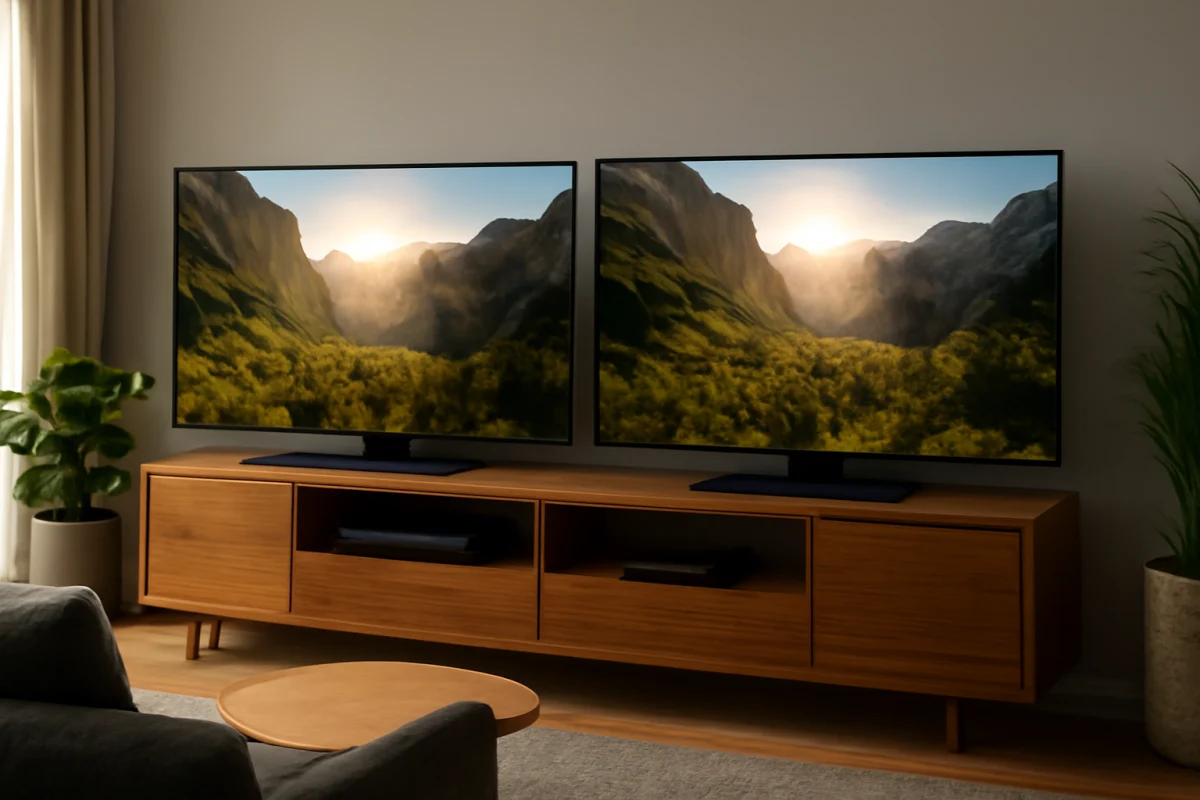
Samsung is usually the safer choice for consistent HDR performance, but Hisense can deliver a brighter and more dramatic HDR picture in some model lines. The better brand depends on the specific TV, its backlight design, room lighting, viewing angle, and the content you watch. A premium Hisense can outperform an entry-level Samsung, while a higher-end Samsung may produce a more controlled and accurate HDR image than a similarly priced Hisense.
HDR, or high dynamic range, is not determined by a single specification. Bright highlights, dark shadow detail, local dimming, color volume, tone mapping, panel uniformity, and picture processing all affect what you see. Comparing the brands by name alone can therefore lead to the wrong choice.
Quick answer: Samsung or Hisense for HDR?
Choose Samsung if you want refined HDR processing, dependable motion handling, strong upscaling, and a picture that generally looks controlled across different types of content. Samsung's higher-end models are particularly strong when you watch movies in a dark room and care about shadow detail, highlight control, and consistent calibration.
Choose Hisense if you prioritize high brightness, strong contrast for the money, and an image that looks vivid in a bright living room. Some Hisense models use advanced backlighting or display technologies that produce impressive HDR impact at their price point. However, performance can vary substantially between model families and screen sizes.
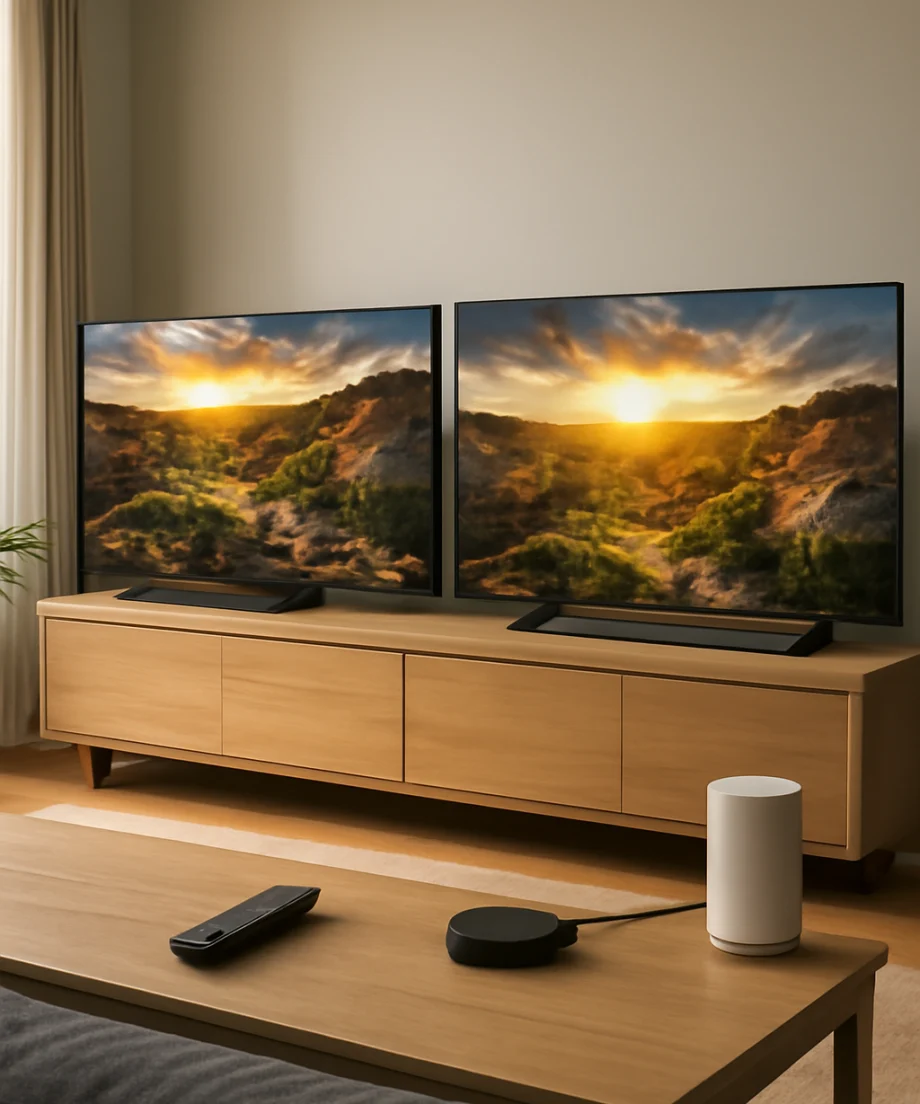
For either brand, check the exact model rather than relying on the manufacturer's lineup. A TV's display technology and backlight arrangement usually matter more than the logo on the bezel.
What makes HDR look good?
Peak brightness
HDR content contains bright highlights such as sunlight, reflections, fire, and lights in a night scene. A brighter TV can make those details look more convincing. Hisense often competes aggressively on brightness, especially in certain midrange and premium models, but brightness claims are not always directly comparable across brands or testing methods.
Brightness by itself is not enough. If a TV becomes bright but cannot control the surrounding dark areas, subtitles, stars, or small highlights may create visible halos. A less bright TV with better control can sometimes look more natural.
Contrast and local dimming
Contrast describes the difference between the darkest and brightest parts of the picture. Local dimming can improve contrast on LCD-based TVs by adjusting sections of the backlight independently. More dimming zones may help, but zone count does not guarantee better results. The processing that controls those zones is just as important.
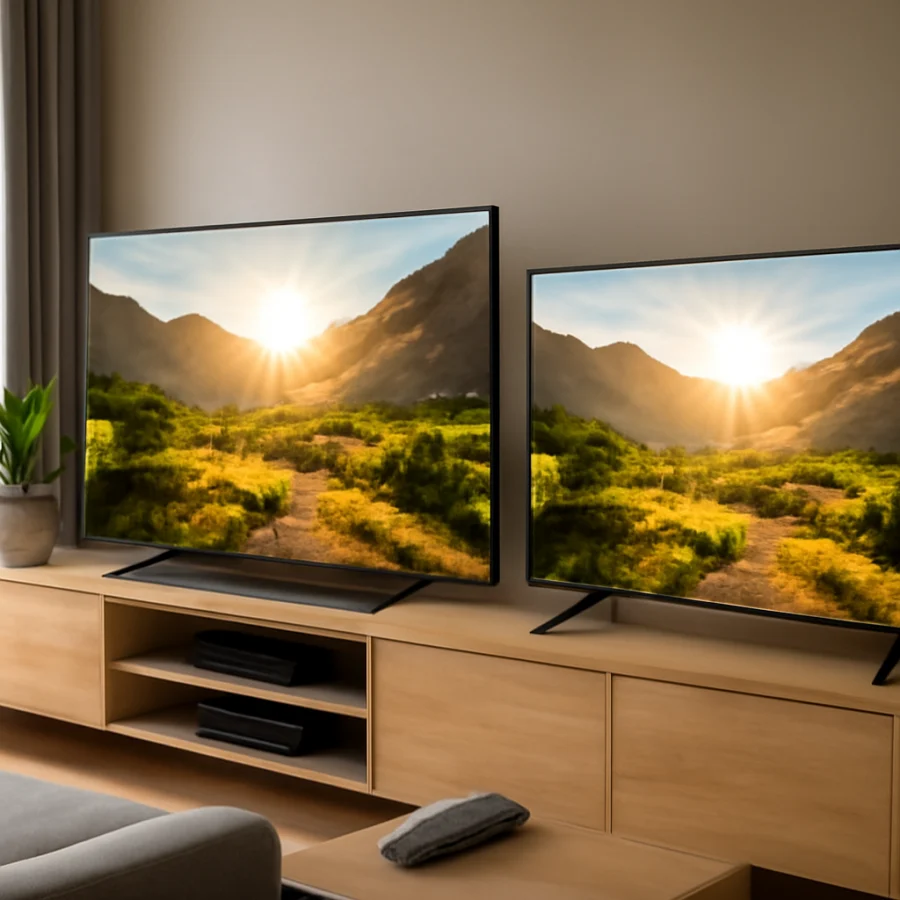
Samsung generally has an advantage in backlight control and image processing on comparable higher-end models. Hisense can also produce excellent contrast, particularly when its local-dimming system is well tuned. On lower-priced sets, however, you may see blooming around bright objects, uneven black levels, or changes in brightness during difficult scenes.
OLED versus LED and mini-LED
Do not compare a Samsung OLED directly with a Hisense LED or mini-LED TV and assume the brand is responsible for every difference. OLED panels can control individual pixels, which helps produce very deep blacks and precise contrast. LED and mini-LED televisions can become brighter in many situations, although their backlights may produce blooming.
Both companies sell TVs using different display technologies. The exact panel type, backlight, screen size, and regional model can change the result. Always verify the specifications and independent testing for the precise model you are considering.
Tone mapping
Tone mapping determines how HDR information is fitted within a TV's brightness and color limits. A TV with aggressive tone mapping may make the picture appear brighter, but it can also clip highlight detail. More restrained tone mapping may preserve detail while looking less immediately vivid.
Samsung often aims for a polished and controlled presentation, while some Hisense models emphasize a brighter, more forceful image. Neither approach is automatically correct for every viewer. If you prefer a movie-like appearance, accurate highlight detail may matter more than maximum brightness.
How Samsung and Hisense compare in real viewing
Movies in a dark room
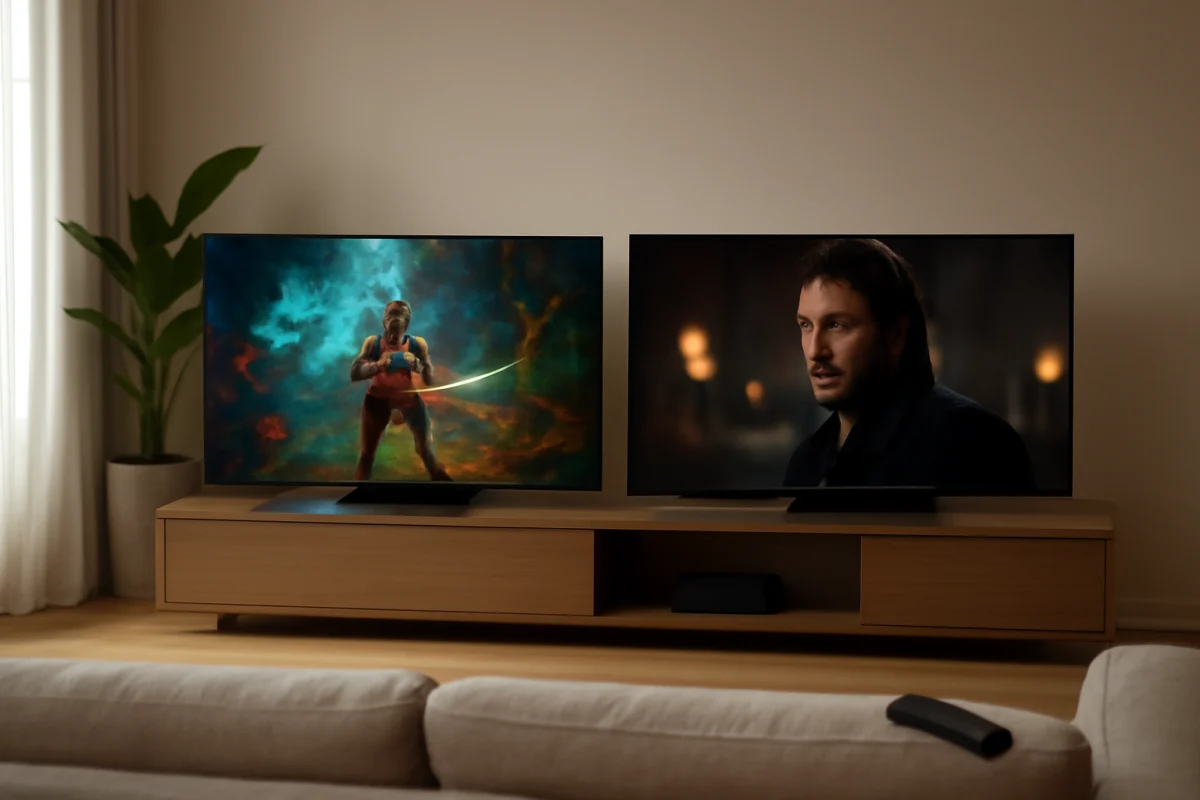
Samsung is often the stronger all-around choice for dark-room movie viewing, particularly in models with effective local dimming or OLED panels. Better processing can help preserve shadow detail and reduce distracting changes in brightness. Samsung's higher-end sets may also provide a more consistent image from scene to scene.
Hisense can still be an excellent movie TV, especially when its local dimming is tuned well. Before buying, look for reviews that discuss blooming, black-level behavior, dark-scene uniformity, and whether the set loses shadow detail in HDR. These practical observations are more useful than a brightness number alone.
Bright living rooms
Hisense may have the edge when the room receives substantial daylight and you want HDR highlights to remain visible. A bright screen can help overcome ambient light, although reflections and the screen's finish also affect daytime viewing.
Samsung models can perform well in bright rooms too. Some include effective reflection handling, but this varies by model. A television with excellent brightness can still be difficult to watch if nearby windows reflect directly into the screen.
Sports and live television
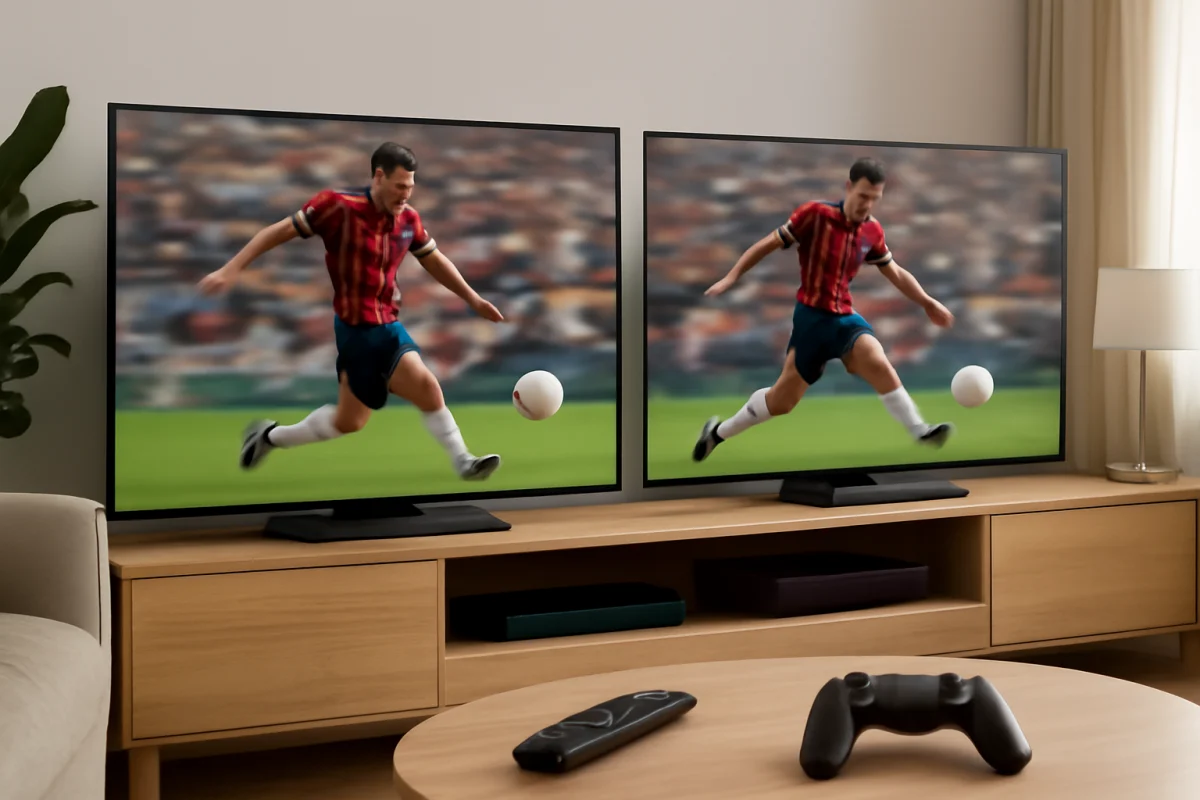
Sports viewing depends on more than HDR. Motion processing, panel response, viewing angle, and upscaling are important because much live content is not delivered as native 4K HDR. Samsung commonly provides strong processing for broadcast and streaming sources, while Hisense may offer excellent value if the particular model handles motion cleanly.
When testing a TV in a store, watch a moving camera shot, a hockey rink, or a soccer field if possible. Look for uneven motion, trails, flicker, and excessive smoothing. Store demonstrations often use specially selected HDR footage that hides weaknesses visible in regular programming.
Gaming
For gaming, compare the exact features supported by both the TV and your console or PC. Useful considerations include input lag, refresh-rate support, variable refresh rate, automatic game settings, HDR tone mapping, and the number and type of compatible inputs. These features vary by model and may also depend on the connected device.
Do not assume that a brighter gaming image is automatically better. Excessive brightness can make highlights look harsh, while poor local dimming can distract you during dark games. Check independent measurements and user reports for the specific model when gaming is a priority.
Why your Hisense or Samsung may not look like the reviews
If HDR looks dim, gray, washed out, or overly colorful, the television may not be defective. Start with simple checks before resetting the TV or changing advanced settings.
- Confirm that the content is actually HDR. Check the streaming app, disc player, console, or source information. Some titles and channels are available in multiple formats, and the source may be outputting standard dynamic range.
- Check the HDMI connection. Use a suitable high-speed HDMI cable and connect the source directly to the TV for testing. If a receiver, soundbar, switch, or capture device sits between the source and TV, temporarily bypass it.
- Try another HDR title or input. This helps determine whether the issue belongs to one app, one cable path, or the television itself.
- Review the picture mode. The available names and controls differ by model. A movie, filmmaker, cinema, game, or similar mode may look more accurate than a vivid or dynamic mode.
- Turn off unnecessary picture processing temporarily. Excessive contrast enhancement, motion smoothing, or dynamic adjustments can make HDR look unnatural. Change one setting at a time so you can identify the effect.
- Check the source device's video settings. A console or streaming box may be forcing a format that the TV or cable path does not handle correctly.
If the problem affects every source, inspect the TV's software and support information for your exact model. Menu labels and update procedures vary, so do not follow instructions written for a different Hisense or Samsung series. A power cycle and a different HDMI port are low-risk tests; a factory reset should be a later step because it removes personal settings and app information.
For more practical display troubleshooting, see the TV picture and sound guide. You can also find brand-specific help in the Hisense TV troubleshooting section and the Samsung TV troubleshooting section.
Which brand offers better value for HDR?
Hisense often provides more HDR hardware for the money, such as higher brightness or more advanced backlighting in selected price ranges. That can make it attractive if your priority is a large, impactful image without moving into a premium budget.
Samsung may justify a higher price through more consistent processing, industrial design, software integration, motion handling, and quality control, depending on the model. Those advantages are not equally visible to every viewer. If you mostly watch bright HDR shows in a well-lit room, Hisense's strengths may matter more. If you watch movies at night and notice blooming, banding, or poor upscaling, Samsung's processing may be worth prioritizing.
How to choose between a specific Hisense and Samsung TV
Compare the two exact model numbers using this checklist:
- Display type: OLED, standard LED, or mini-LED-based LCD
- Measured HDR brightness from trustworthy independent testing
- Black-level performance and blooming control
- Shadow detail and highlight preservation
- Screen uniformity, especially for dark scenes and sports
- Viewing angle and reflection handling
- Gaming features that match your console or PC
- Motion and upscaling performance for your usual content
- Whether the TV supports the HDR formats used by your sources
Also consider where the TV will be installed. A model that looks excellent in a dark bedroom may be less suitable for a sunlit family room. Conversely, the brightest set in a showroom may look overly intense at home until its picture mode is adjusted.
The bottom line for Hisense versus Samsung HDR
Samsung is the better overall pick for consistent, refined HDR performance, especially in its stronger model lines and for viewers who value movie accuracy, processing, and controlled contrast. Hisense is often the better value when you want high brightness and strong HDR impact, particularly in a bright room or on a carefully selected mini-LED model.
The final decision should come down to the exact televisions, not the brand names. Compare independent measurements, dark-scene examples, motion performance, and the return or testing options available to you. If your current TV has an HDR problem, verify the source, HDMI path, and picture settings first; replacing the TV may not be necessary.
Comments
0No comments yet. Be the first to share a helpful note or question.
Leave a Comment
Your email address will not be published. Comments are reviewed before appearing on the site.